免费 AI 图片生成 —
GPT Image、Nano Banana、FLUX、Grok 随时切换
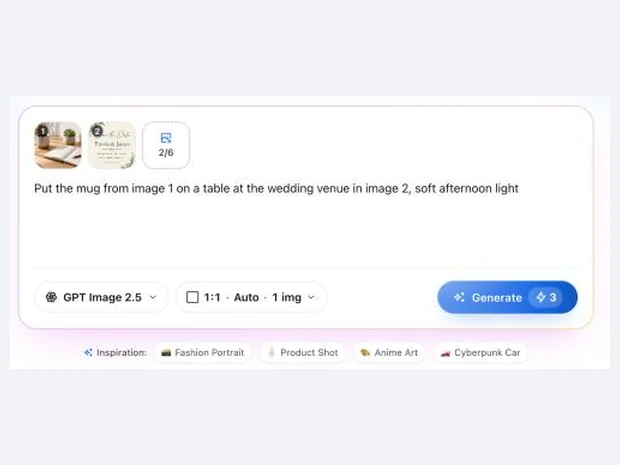
写一句描述,或者上传自己的图片做参考。每张图都可以换模型,同一句提示词对比不同模型的效果。
- 免费生成约 6 张注册送 20 积分,GPT Image 2.5 标准尺寸每张 3 积分。
- 每张图都能换模型一个输入框、五个模型、一份积分。
- 无水印生成多大就下载多大,不加水印。
AI 生图示例和提示词
每张图都是对应模型的一次真实生成。点「用这个提示词」可以直接试。
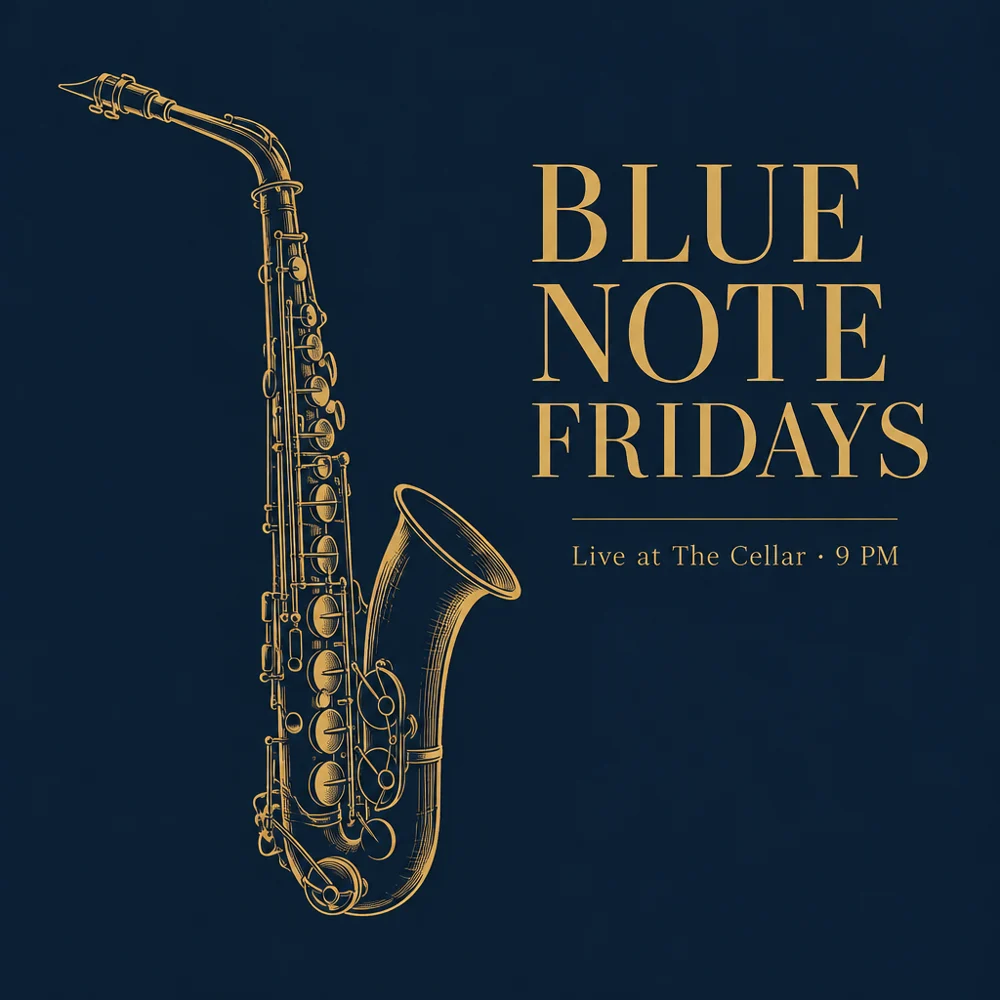
“A minimalist jazz night poster, deep navy background, a single brass saxophone drawn in thin gold lines, large serif title "BLUE NOTE FRIDAYS", small text "Live at The Cellar · 9 PM", generous negative space”
图里的文字清楚准确:要做带字的海报,优先选 GPT Image。
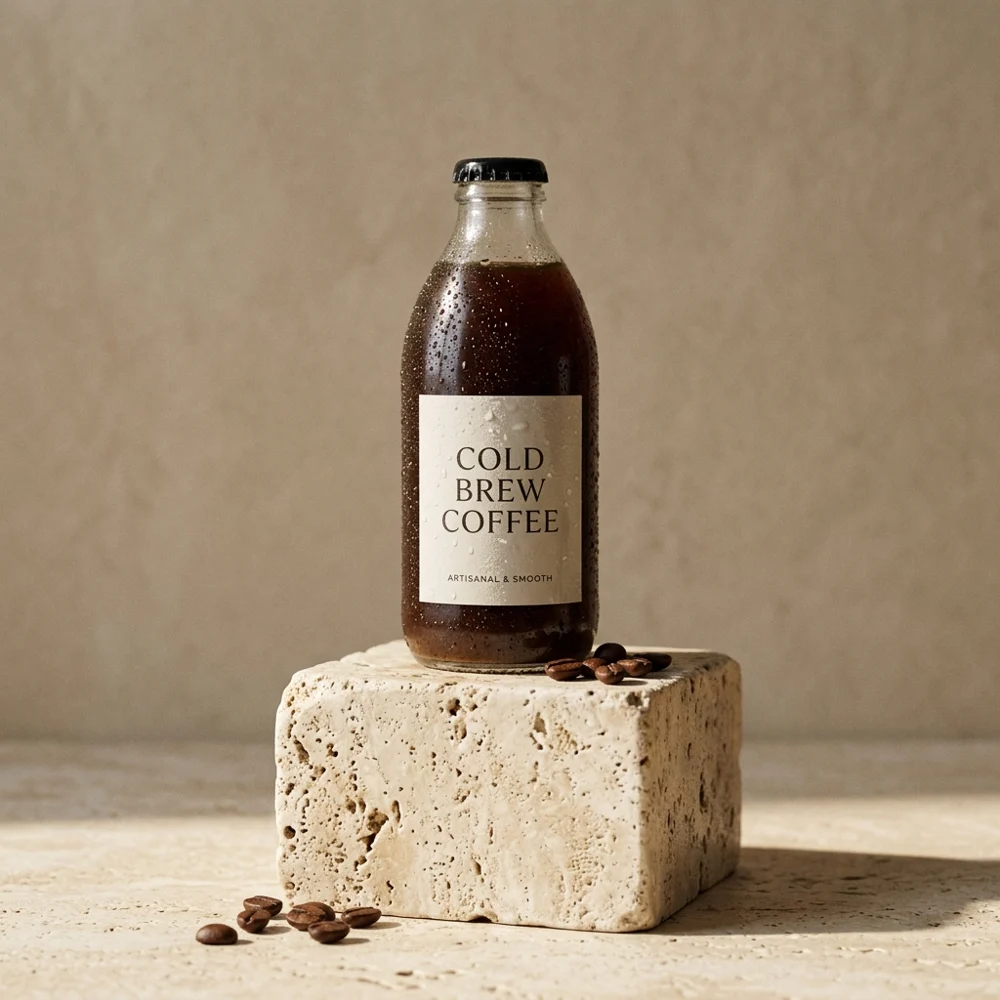
“Studio product photo of a glass bottle of cold brew coffee on a travertine pedestal, soft morning light from the left, beige backdrop, gentle shadow, ultra realistic”
光线和材质很真实,适合做产品图。
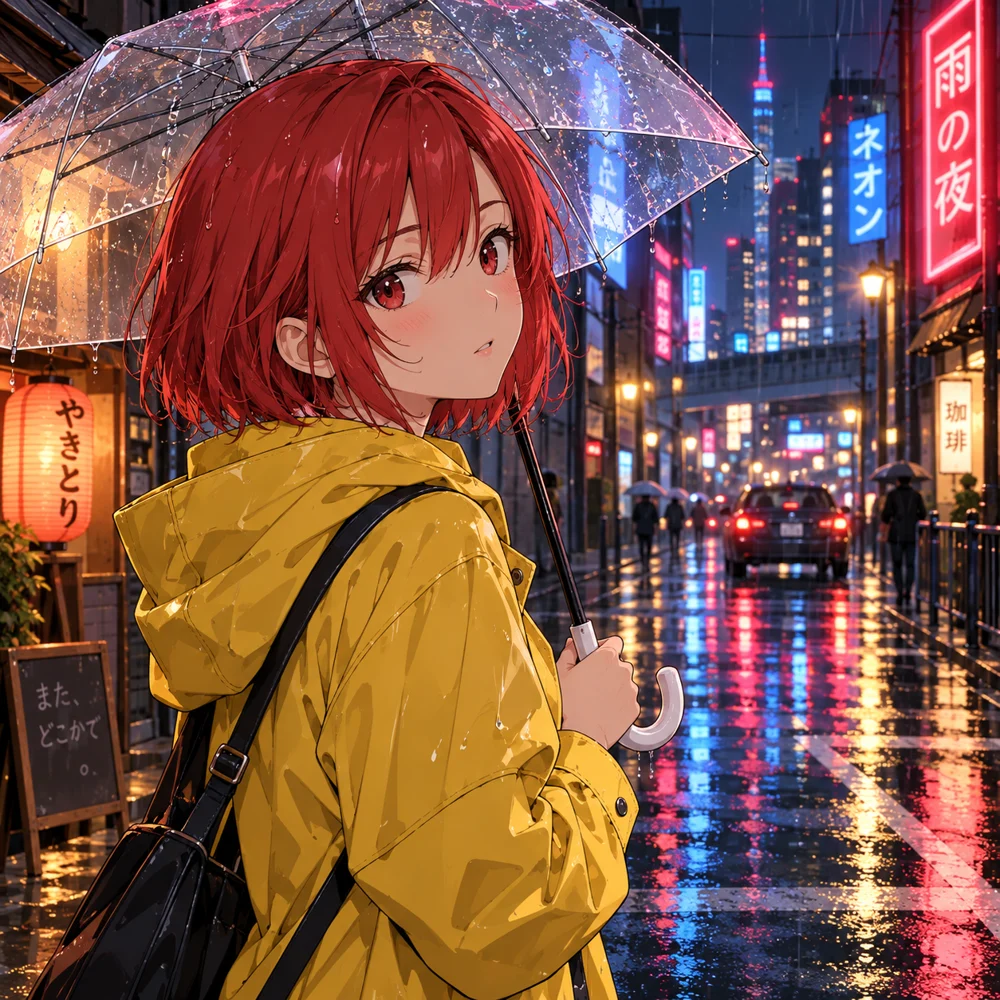
“Anime illustration of a girl with short red hair in a yellow raincoat holding a clear umbrella, rainy neon street at night, reflections on wet asphalt, clean cel shading”
列表里最便宜的模型,画插画足够用。
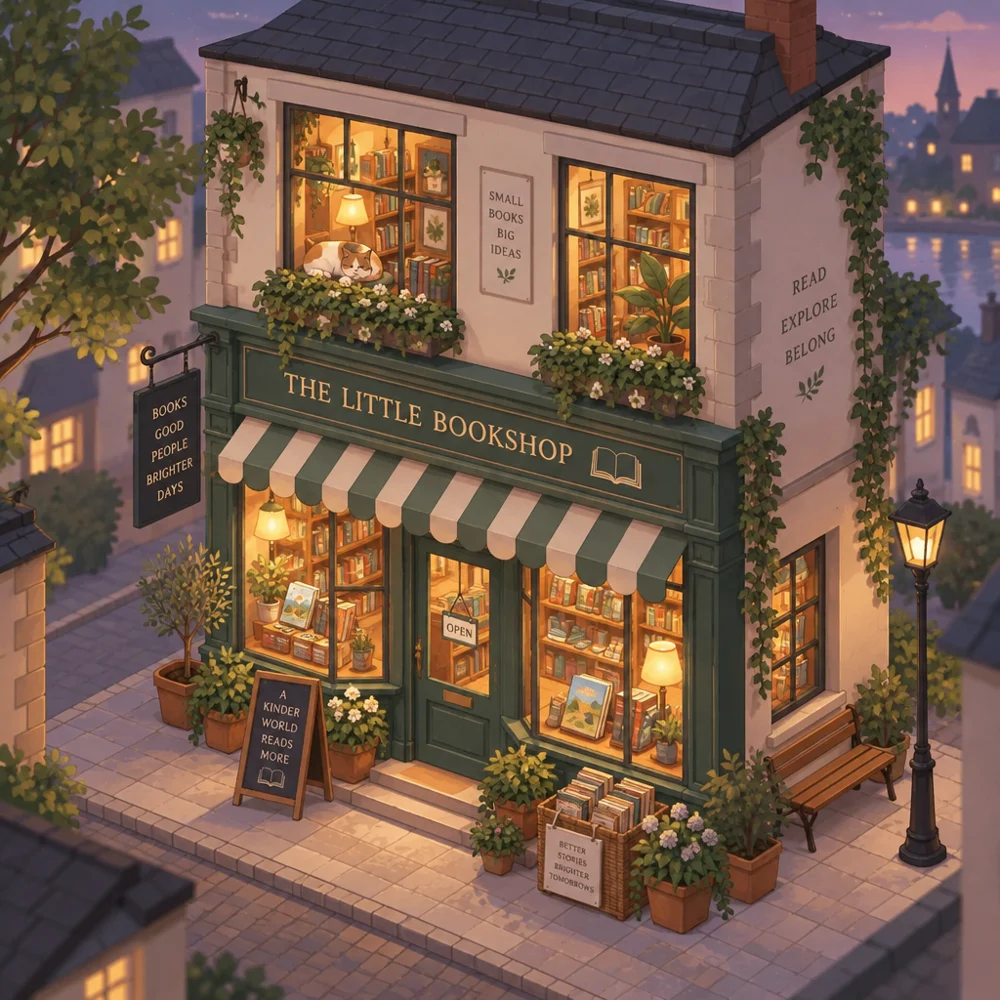
“Cozy isometric illustration of a tiny two-storey bookshop with a cat in the window, warm evening lights, potted plants on the steps, soft pastel colours, clean vector style”
提示词里没写店名,招牌和橱窗上的字也画得干净清楚。
该选哪个 AI 生图模型
价格是标准尺寸下每张图的积分,和工作台里显示的一致。
| 模型 | 开发方 | 适合 | 积分 | 套餐 |
|---|---|---|---|---|
| GPT Image 2.5 | OpenAI | 带文字的海报和设计图;局部重绘 | 3 | 免费可用 |
| GPT Image 2 | OpenAI | 日常插画,价格最低 | 2 | 免费可用 |
| Nano Banana 2.1 | 写实的产品和人像;多张参考图融合 | 6 | 免费可用 | |
| FLUX 3 | Black Forest Labs | 细节丰富的艺术风格和摄影质感 | 8 | 付费套餐 |
| Grok Imagine 2.0 | xAI | 大胆、鲜艳的概念图 | 10 | 付费套餐 |
如何用 AI 生成图片
- 1
写下描述
写清主体、场景、风格和光线;有参考图就一起上传。
- 2
选模型和尺寸
默认 GPT Image 2.5。选好比例,一次最多出 4 张。
- 3
生成后继续加工
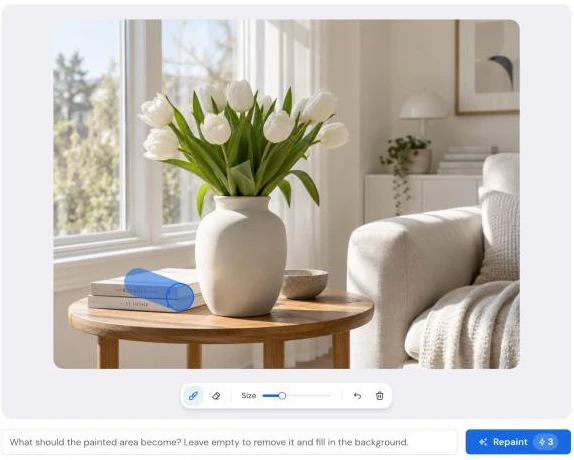
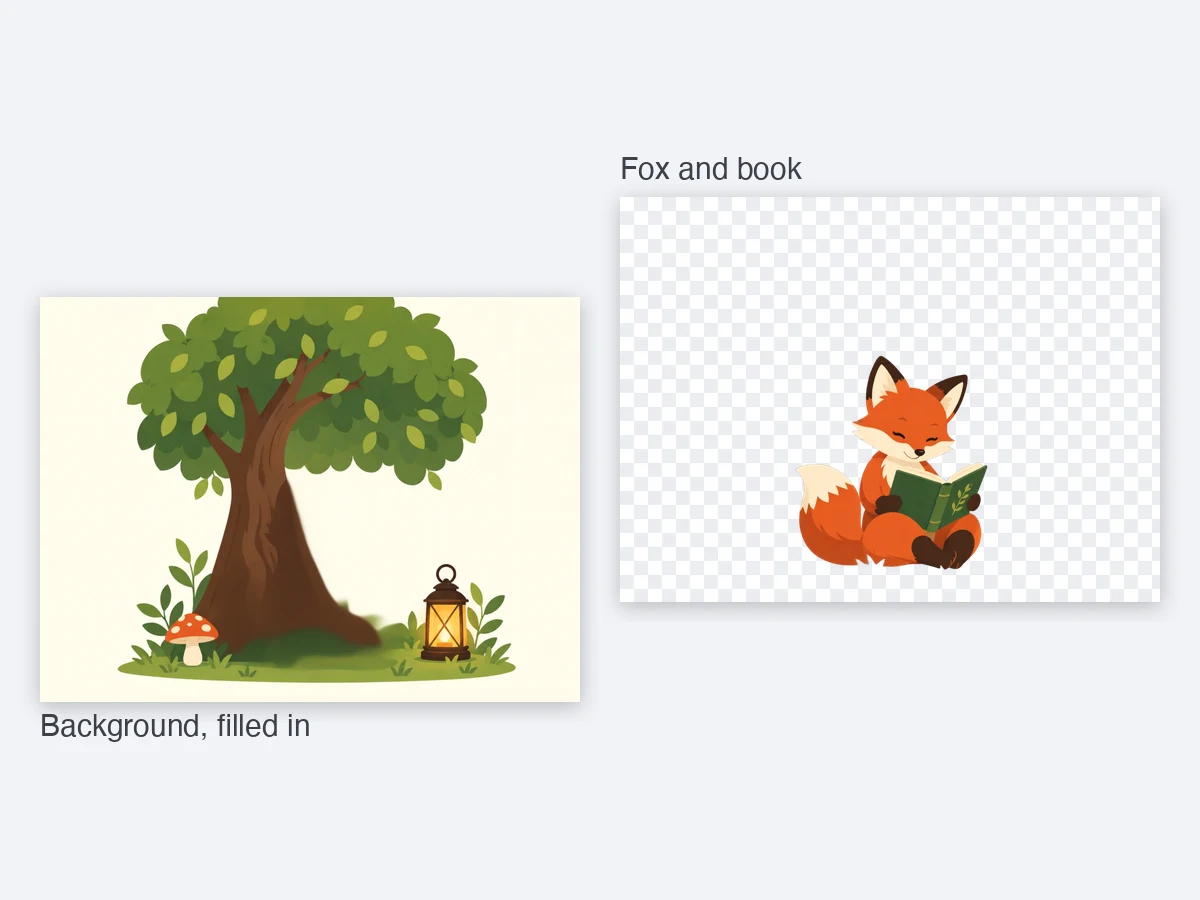
直接下载,或局部重绘、作为下一张的参考图、拆成图层。
文生图、图生图、局部重绘,一个页面搞定
生成之后