
Generative AI has produced billions of stunning images, but for professional designers, marketers, and printmakers, a flat JPEG or PNG is often just the beginning of tedious manual work: moving a foreground subject leaves an empty void, and editing promotional copy means repainting the entire background from scratch.
Over the past decade, background removers were hailed as a breakthrough. But they only solve half the problem — extracting the foreground onto transparency while discarding the background entirely.
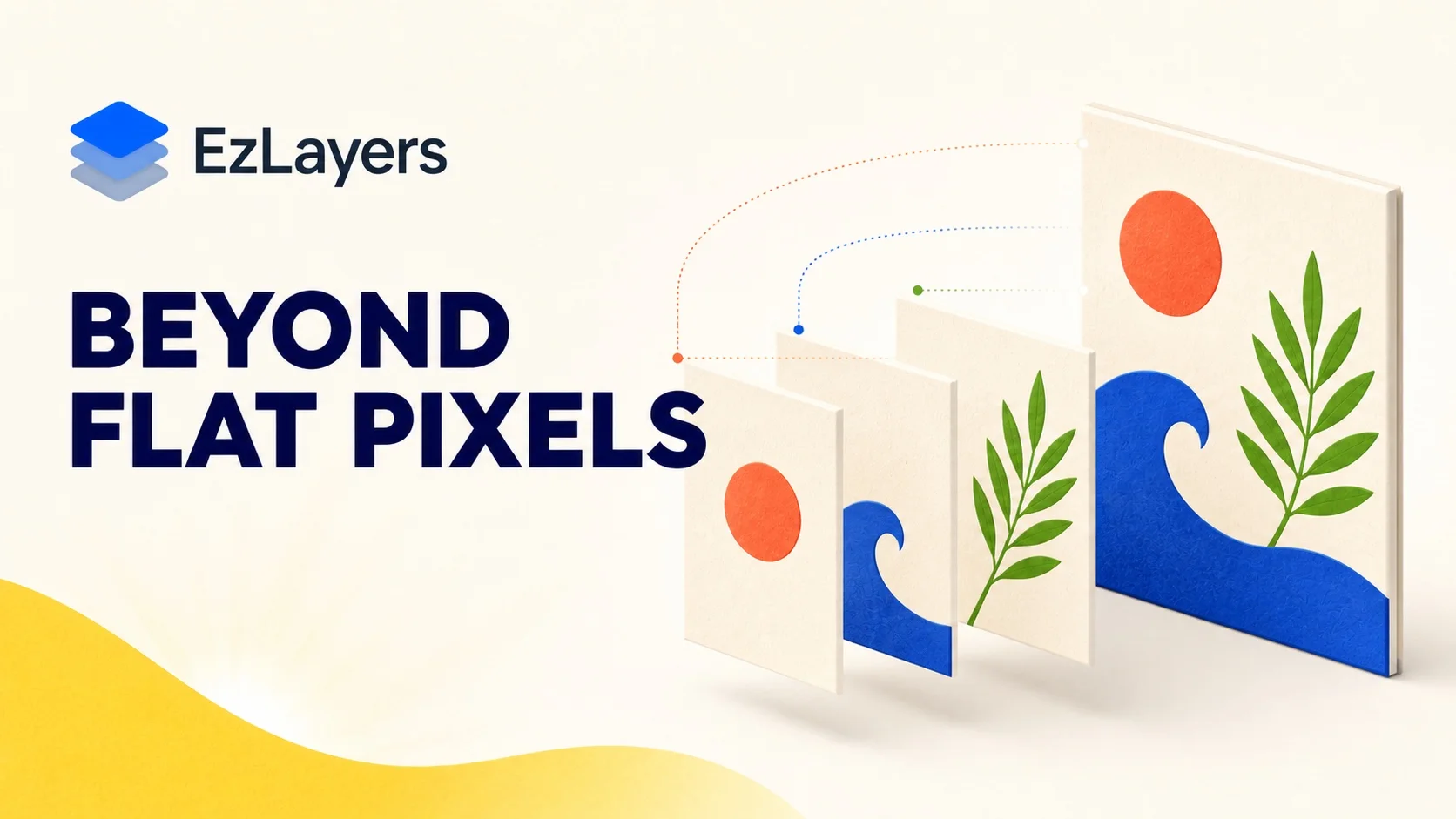
EzLayers was built to restore true layer freedom to every image.
Why Single-Layer Cutouts Fall Short
In real creative and manufacturing pipelines, a single-layer cutout rarely meets production demands:
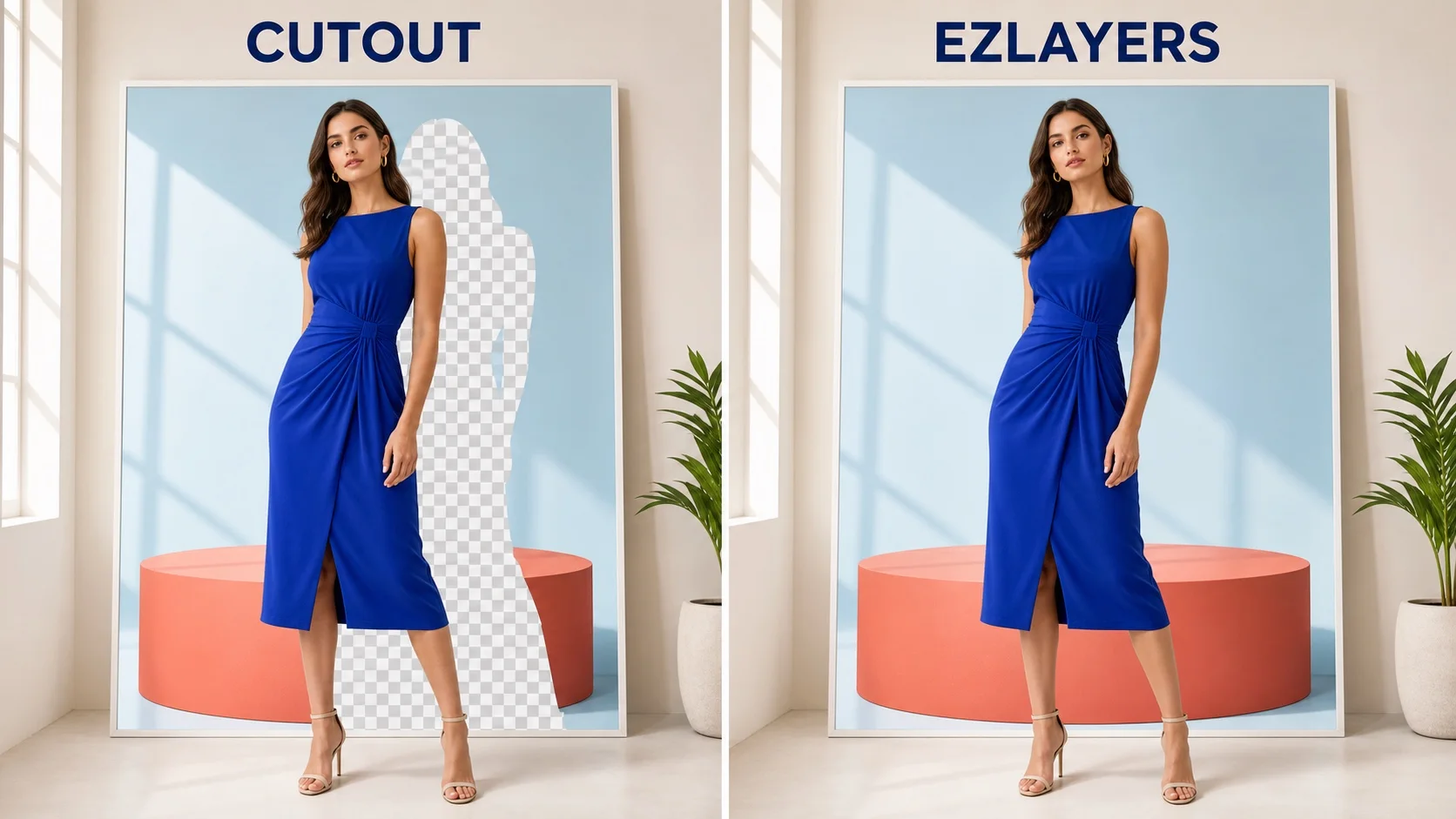
- Destructive Occlusion Voids: Removing a character or product leaves a massive jagged hole in the background, forcing designers to spend hours cloning and patching in Photoshop.
- Complete Loss of Hierarchy: Commercial graphics contain headlines, props, cast shadows, and depth tiers. Traditional tools bluntly flatten them into binary foreground and void.
- Incompatible with Downstream Tools: A lone PNG cannot serve Photoshop grading, Figma layouts, or vector cutting on Cricut and laser machines.
What EzLayers Actually Delivers
Upload any flat artwork, illustration, or photo, and EzLayers deconstructs it into a production-ready layer stack in 30 seconds to 3 minutes:
1. True Multi-Layer Independence (Up to 16 Layers)
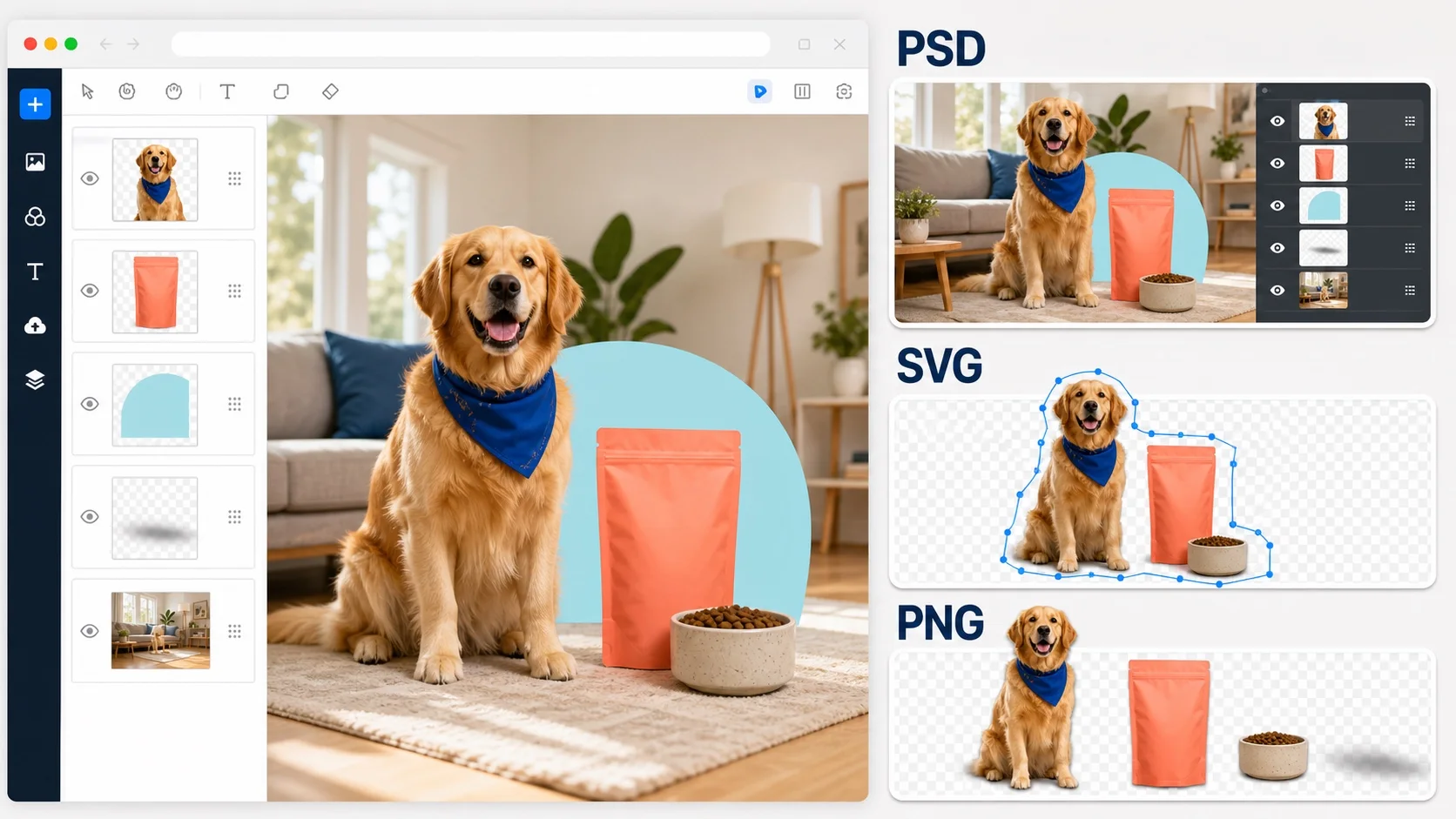
Foreground characters, headlines, cast shadows, and background textures are separated into discrete, neatly named layers with accurate alpha masks.
2. Amodal Inpainting (Reconstructed Backgrounds)
Powered by our Amodal Generative Vision Engine, the system infers and seamlessly inpaints occluded background textures and lighting. The resulting background is a 100% complete, void-free high-res asset.
3. Web Canvas & Press-Ready Multi-Format Exports
Arrange layers, adjust opacities, and crop directly in your browser, followed by one-click exports:
- Layered PSD: Preserves true layer trees and alpha masks for Photoshop & Figma;
- Closed-Path Vector SVG: Clean, smooth paths ready for Cricut, laser cutters, and Illustrator;
- Transparent PNG Stacks: Full-resolution lossless slices on demand.
Real-World Productivity Multipliers
- Cross-Border E-Commerce: Swap global promotional copy while reusing high-res model backgrounds in minutes instead of hours.
- Screen Printing & Merchandising: Convert complex raster art into cut-ready layered SVGs with clean closed contours.
- 2D Character Rigging & Animation (Live2D / AE): Automate initial asset cutting and occluded joint inpainting effortlessly.
Start Free Today
Images should never be static, irreversible pixels. They should be dynamic containers of editable layers.
Every new account receives 40 free credits monthly (10 refreshed weekly) with no credit card required.
Experience it today on EzLayers App and transform your design workflow!