Remove Image Background for Free
Remove backgrounds in seconds and export clean, high-resolution transparent PNGs. Free to use with zero quality loss.

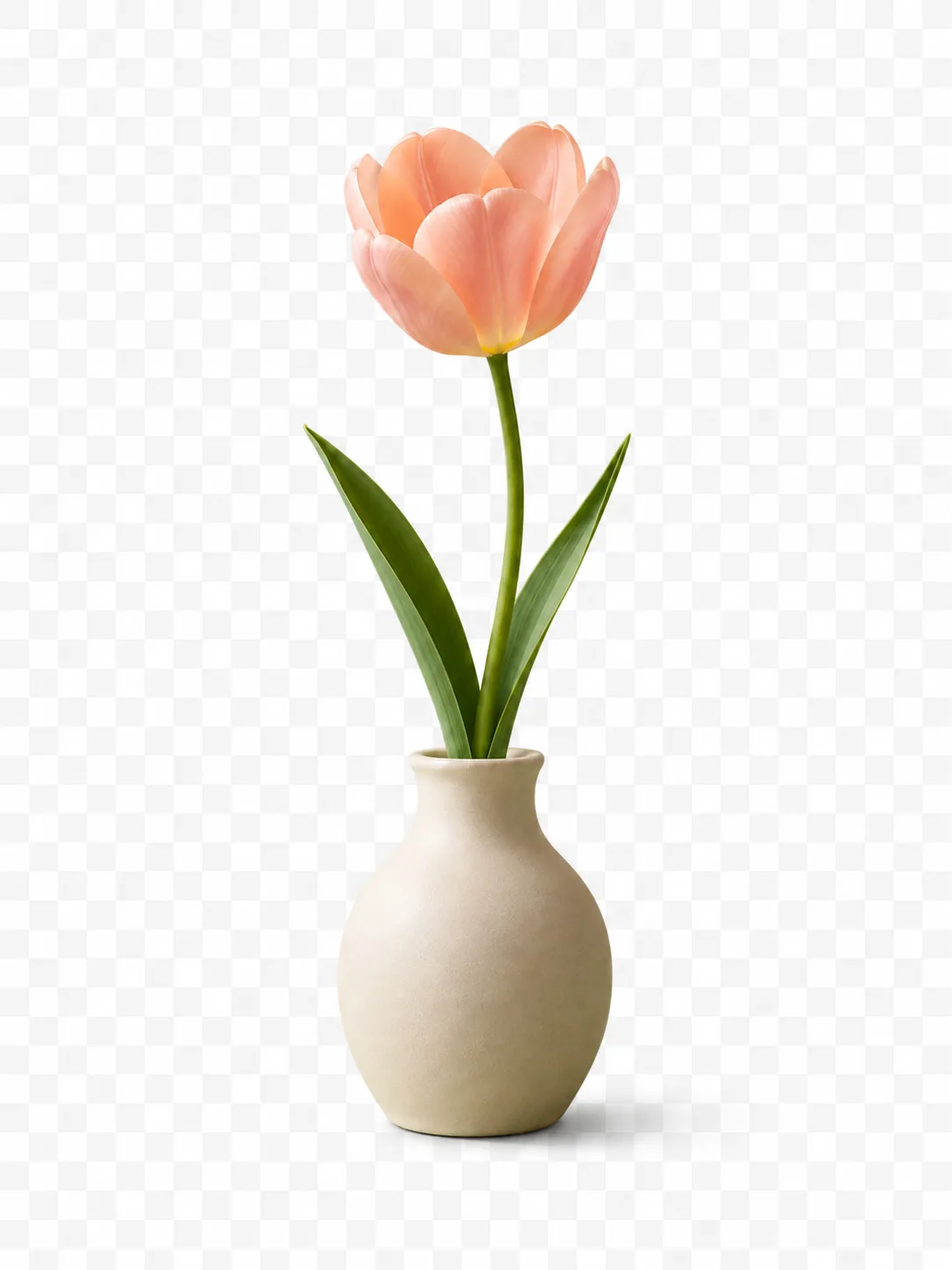
How to Make Background Transparent
Upload Your Image
Select or drag and drop any JPG, PNG, or WebP photo to get started. No complex setup required.
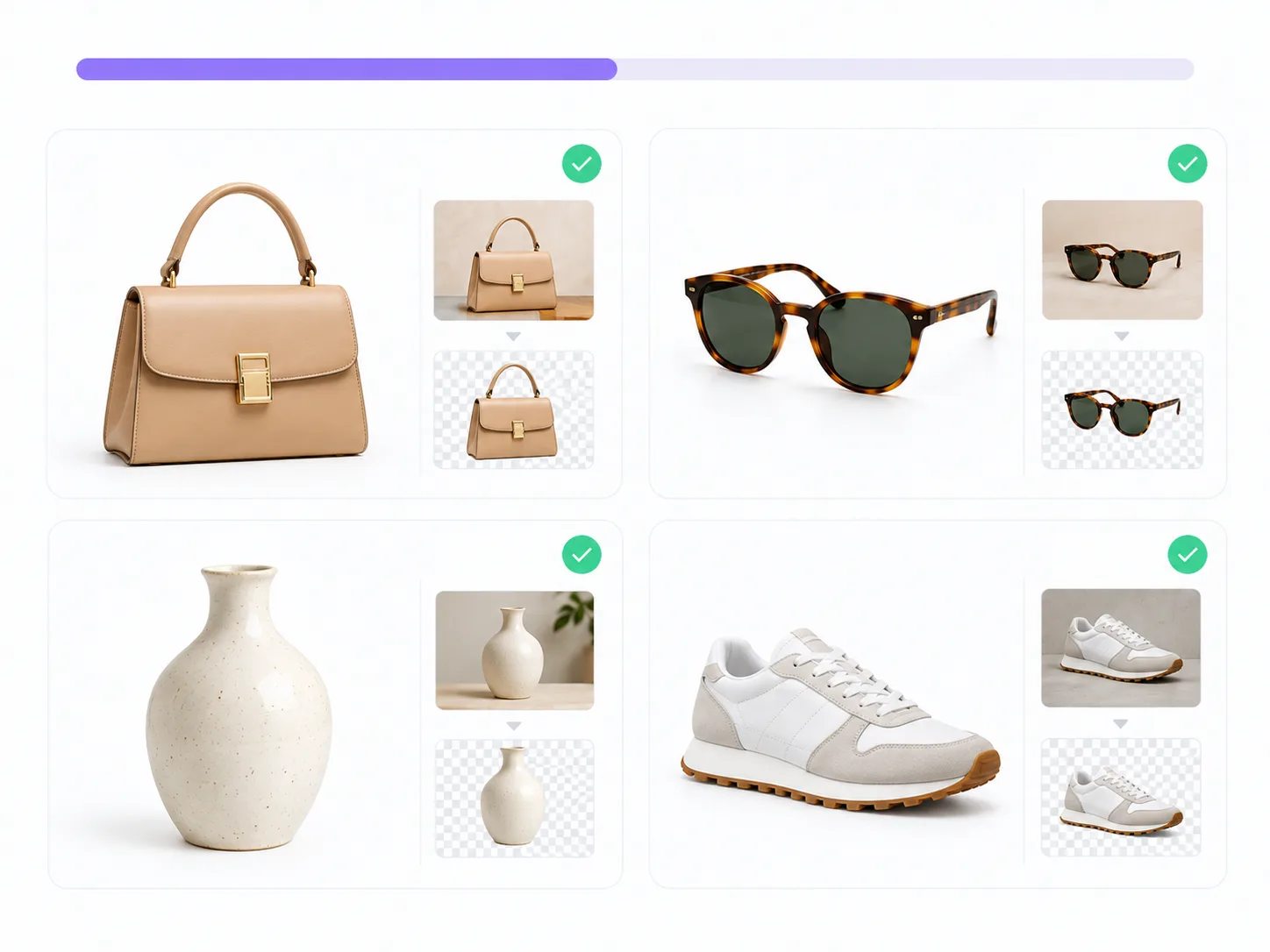
Automatically Erase Background
Our tool detects the main subject in seconds and cleanly cuts it out, keeping fine edges and hair strands intact.
Download or Edit Layers
Save your clean transparent PNG in full resolution, or jump straight into the canvas to swap backgrounds, add text, and edit individual layers.
Powerful AI Background Remover for Any Photo
Extract clean cutouts, preserve original photo resolution, and edit layers in seconds — without complex software.
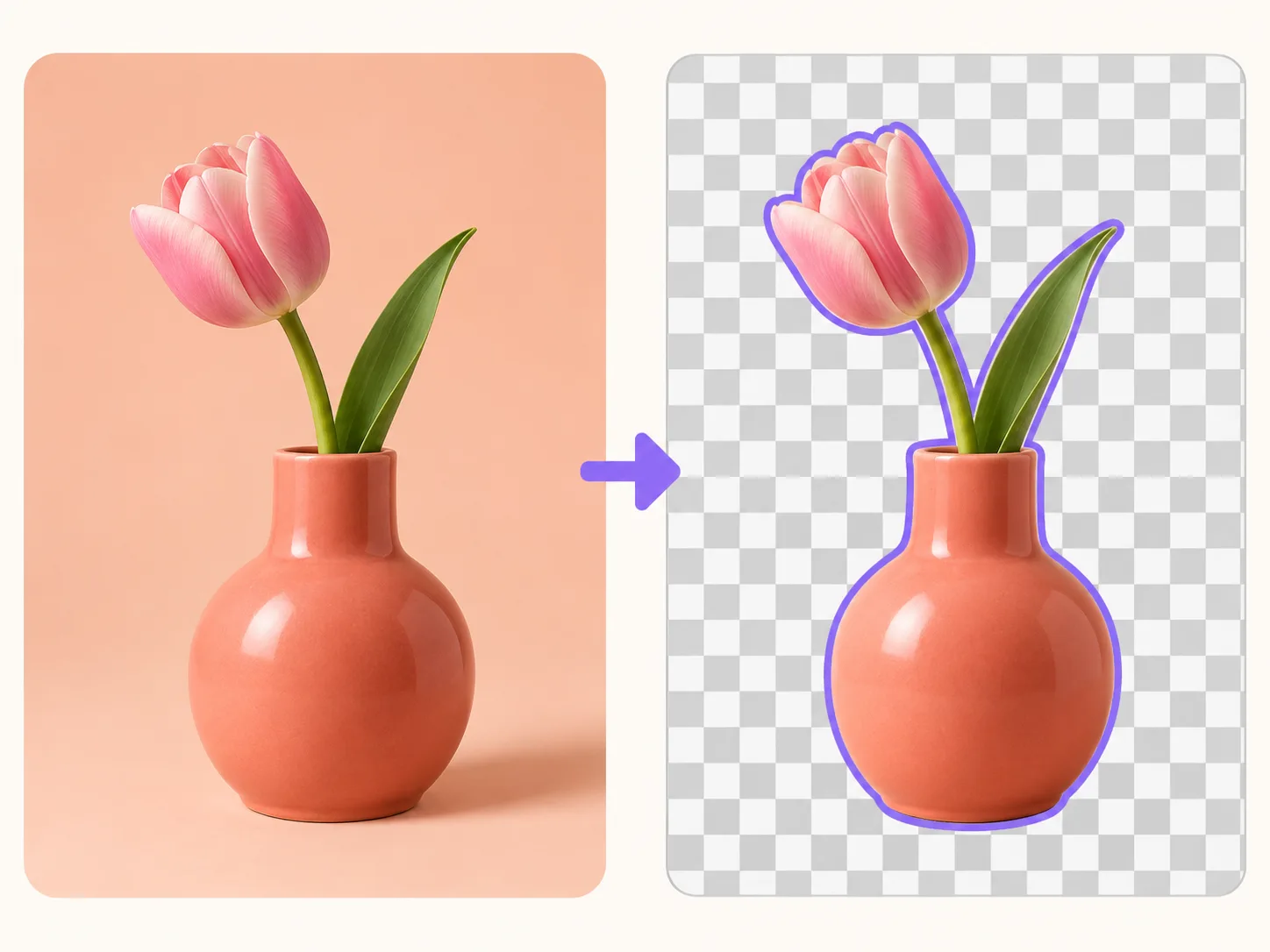
Export in Full HD with Zero Quality Loss
Keep 100% of your original camera resolution. Export crisp, watermark-free transparent PNGs ready for commercial printing and design.
- 100% original megapixel retention
- Zero compression blur or watermarks
- Sharp edges for packaging and logos
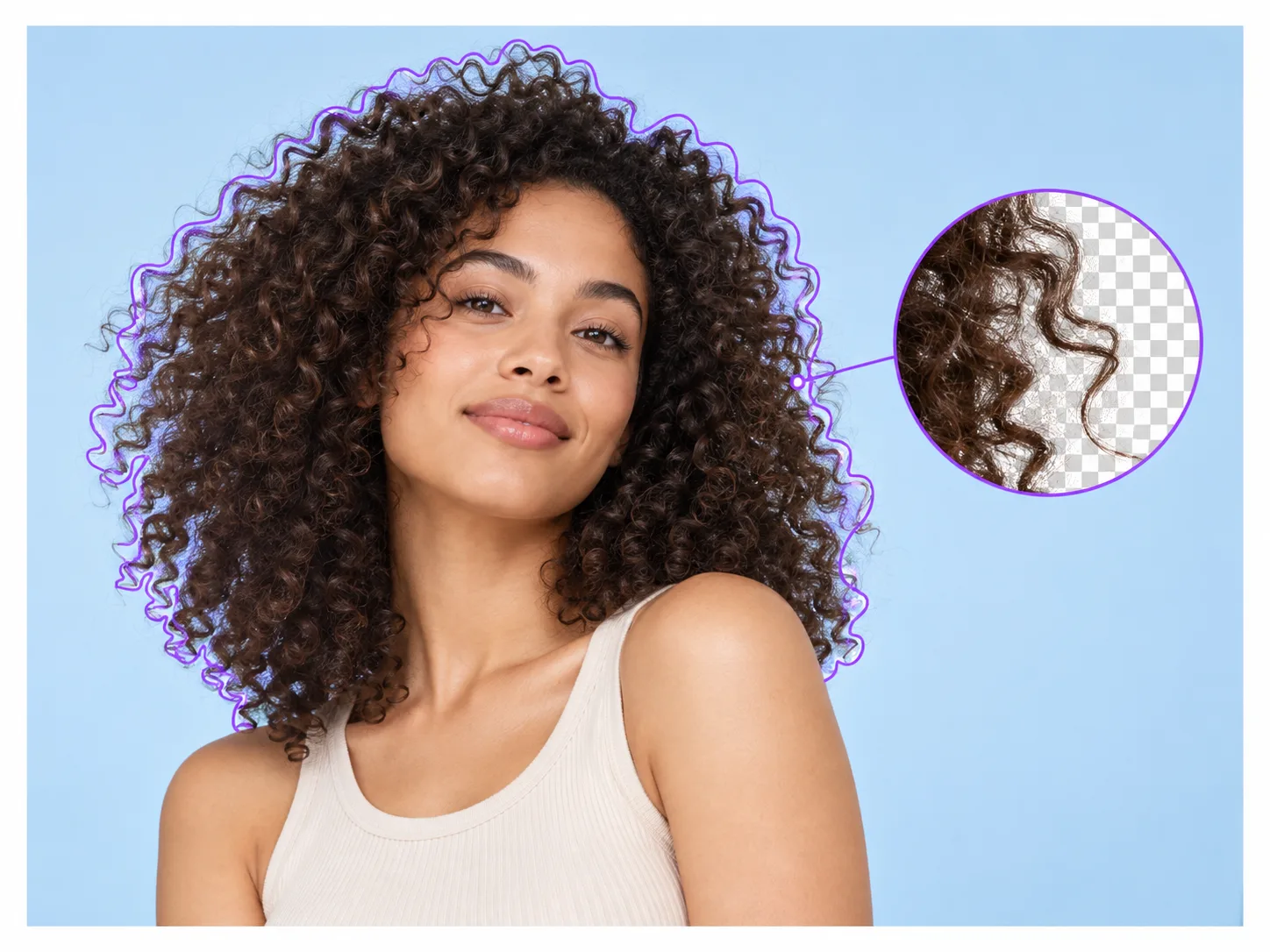
Precision Cutouts for Fine Hair, Fur & Glass
Automatically capture intricate edges like flowing hair, animal fur, and translucent glass with smooth, natural transitions.
- Individual hair and fur strands preserved
- Realistic transparency for glass & bottles
- Auto de-fringing cleans background reflections
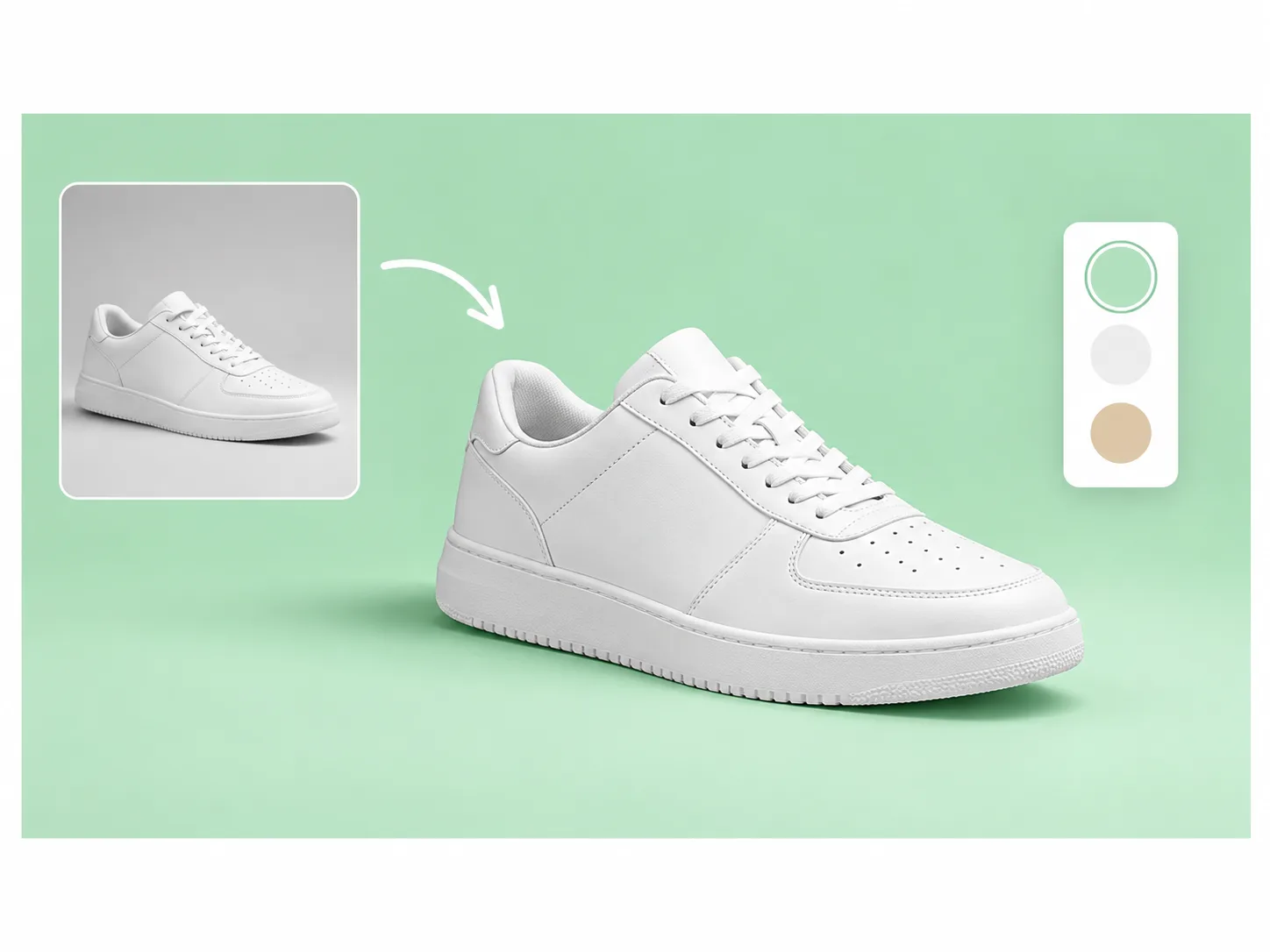
Switch to Pure White or Custom Studio Backdrops
Immediately place your product on an Amazon-ready pure white background, choose custom brand colors, or continue editing in our canvas.
- 1-click Amazon & Shopify compliant white background
- Custom solid colors and gradient scenes
- Seamless jump to EzLayers editor
Full Secondary Editing & Layered PSD Export
Take full creative control beyond a flat cutout. Jump straight into our in-browser canvas to adjust layers, add typography, apply drop shadows, or export editable layered PSD files.
- In-browser canvas with full multi-layer controls
- Add typography, badges, and brand assets
- Export layered PSD or standalone alpha masks
Who Uses EzLayers Background Remover
E-commerce & Marketplace Sellers
Batch create marketplace-compliant pure white background product photos for Amazon, Shopify, and Etsy without hiring a photographer.Graphic Designers & Art Directors
Extract cutouts for marketing posters, mockups, and presentations with print-ready edge fidelity and standalone alpha masks.Photographers & Retouchers
Bypass hours of manual pen-tool masking on fine hair, fur, and translucent fabrics with realistic sub-pixel edge transitions.Content Creators & Social Marketers
Quickly generate transparent character stickers, YouTube thumbnail cutouts, and ad creatives across diverse campaigns in seconds.Pick your use case
More ways to use Background Remover
Frequently Asked Questions
EzLayers automatically exports cutouts at your original camera resolution without downscaling, watermarks, or lossy compression. Simply upload your image, and the AI will extract the subject in full HD clarity.
Ready to Remove Backgrounds in Seconds?
Remove Background Free ↗View PricingFull-Resolution Transparent CutoutFree Credits on Sign-upNo Credit Card Required