Free AI Image Generator —
GPT Image, Nano Banana, FLUX and Grok in one studio
Describe the picture, or start from your own photos. Switch models for each image and compare what each one does with the same prompt.
- About 6 images free20 credits on sign-up; a standard GPT Image 2.5 picture is 3.
- Pick the model per imageOne prompt box, five models, one credit balance.
- No watermarkDownload every picture at the size it was made.
AI Image Generator Examples, with Their Prompts
Each picture is one run on the model named under it. Press “Use this prompt” to try it yourself.
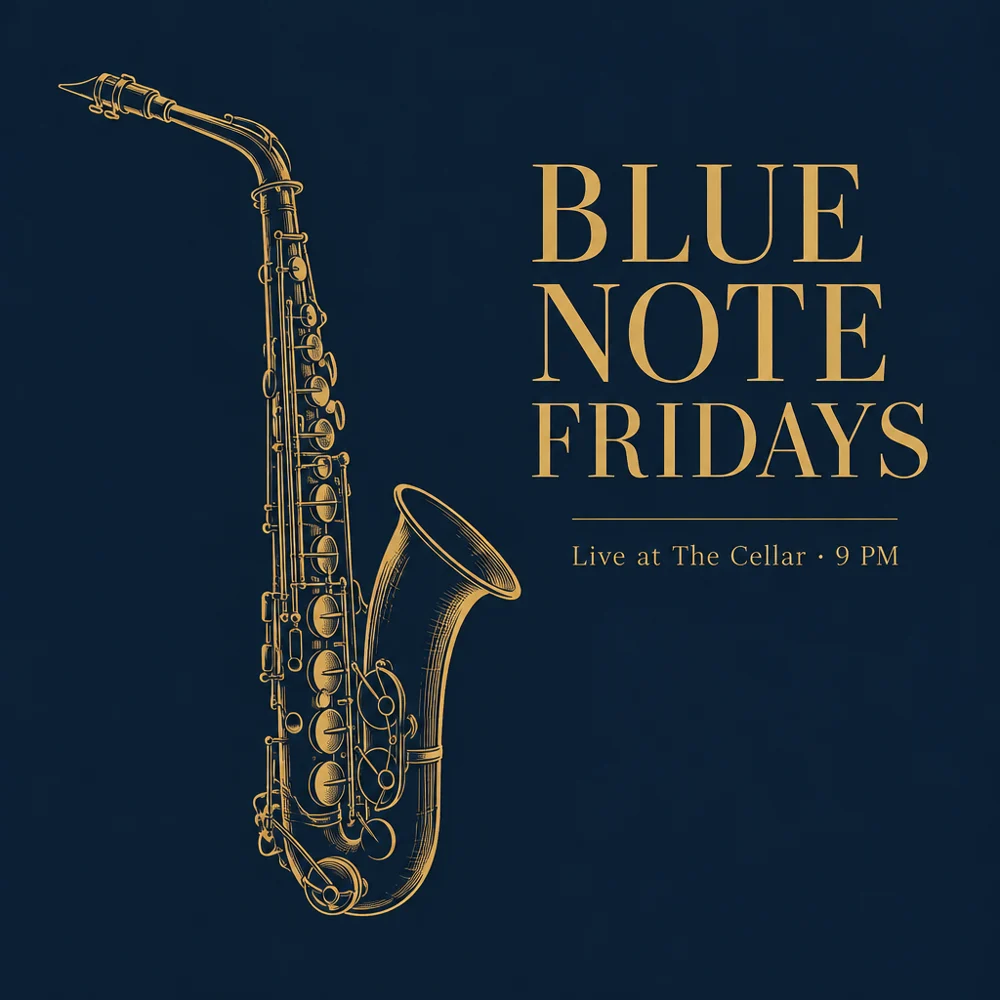
“A minimalist jazz night poster, deep navy background, a single brass saxophone drawn in thin gold lines, large serif title "BLUE NOTE FRIDAYS", small text "Live at The Cellar · 9 PM", generous negative space”
Clean lettering in the picture: GPT Image is the one to pick for posters with words.
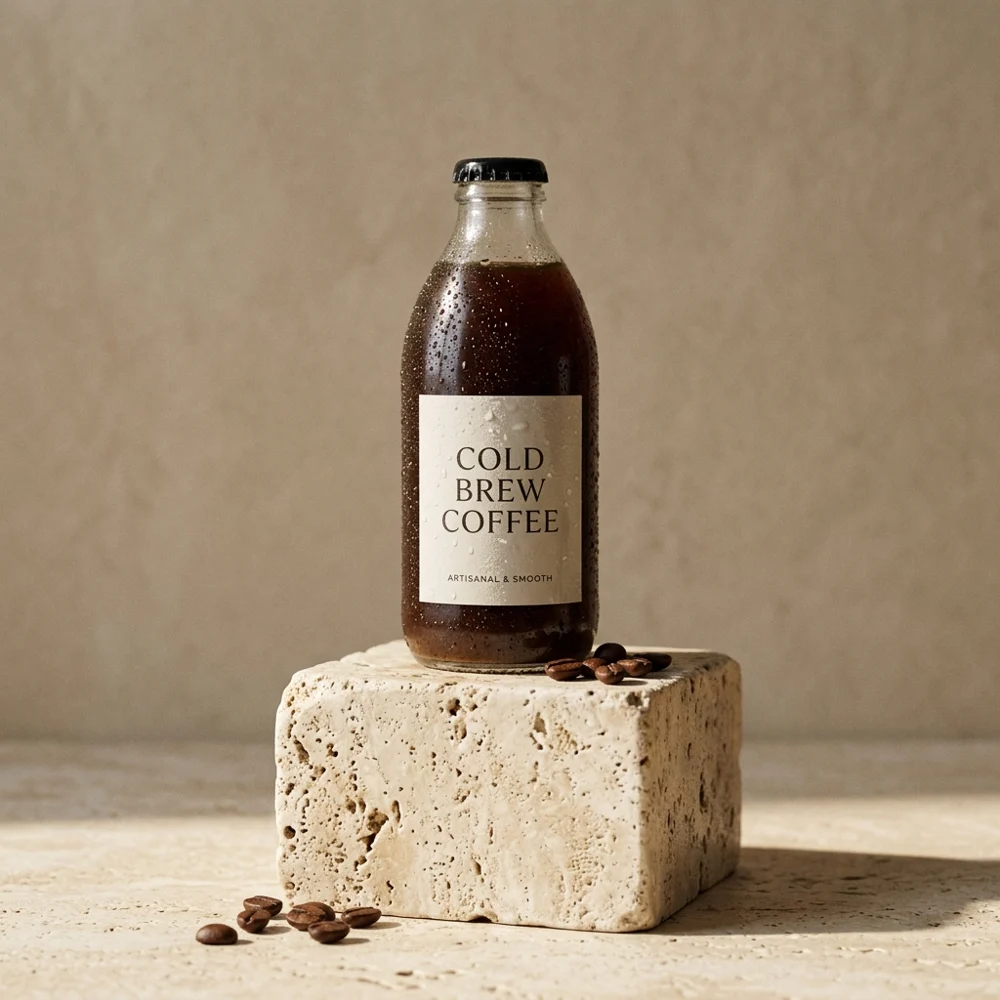
“Studio product photo of a glass bottle of cold brew coffee on a travertine pedestal, soft morning light from the left, beige backdrop, gentle shadow, ultra realistic”
Photo-real light and materials for product shots.
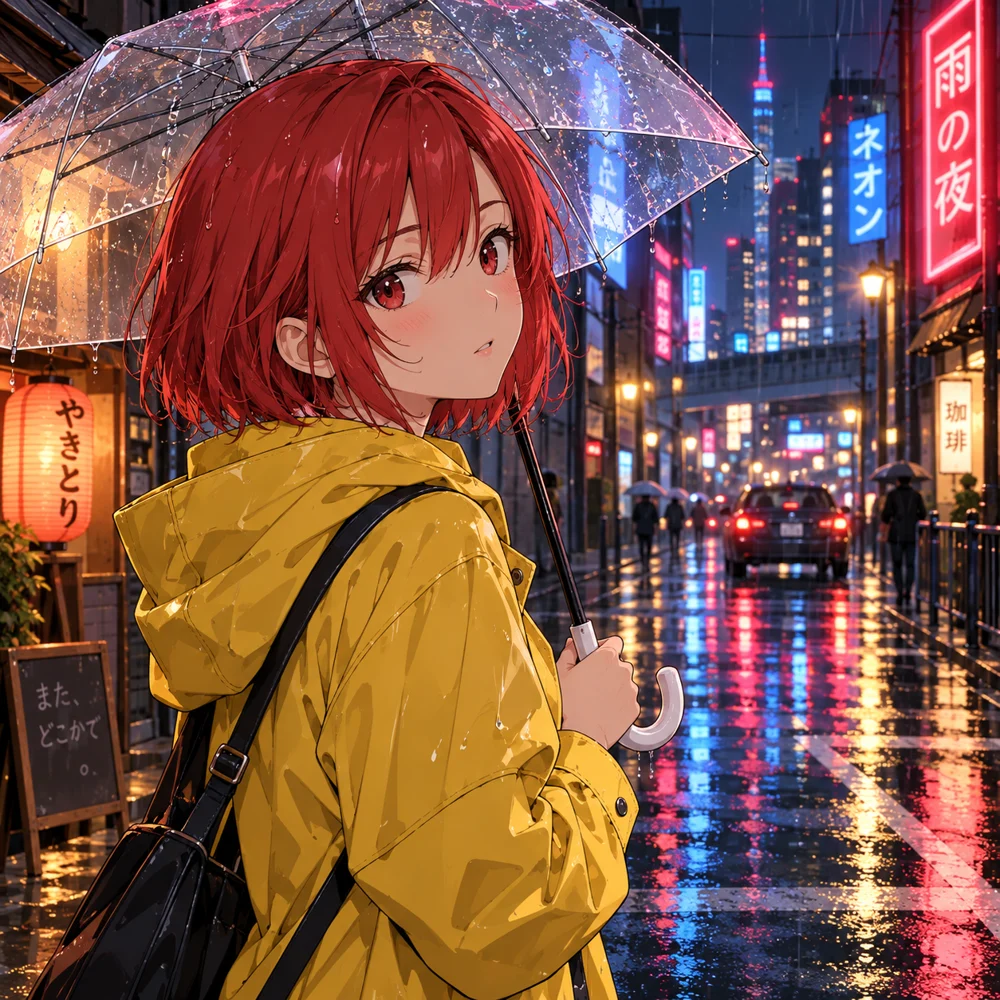
“Anime illustration of a girl with short red hair in a yellow raincoat holding a clear umbrella, rainy neon street at night, reflections on wet asphalt, clean cel shading”
The cheapest model in the list, and plenty for illustration.
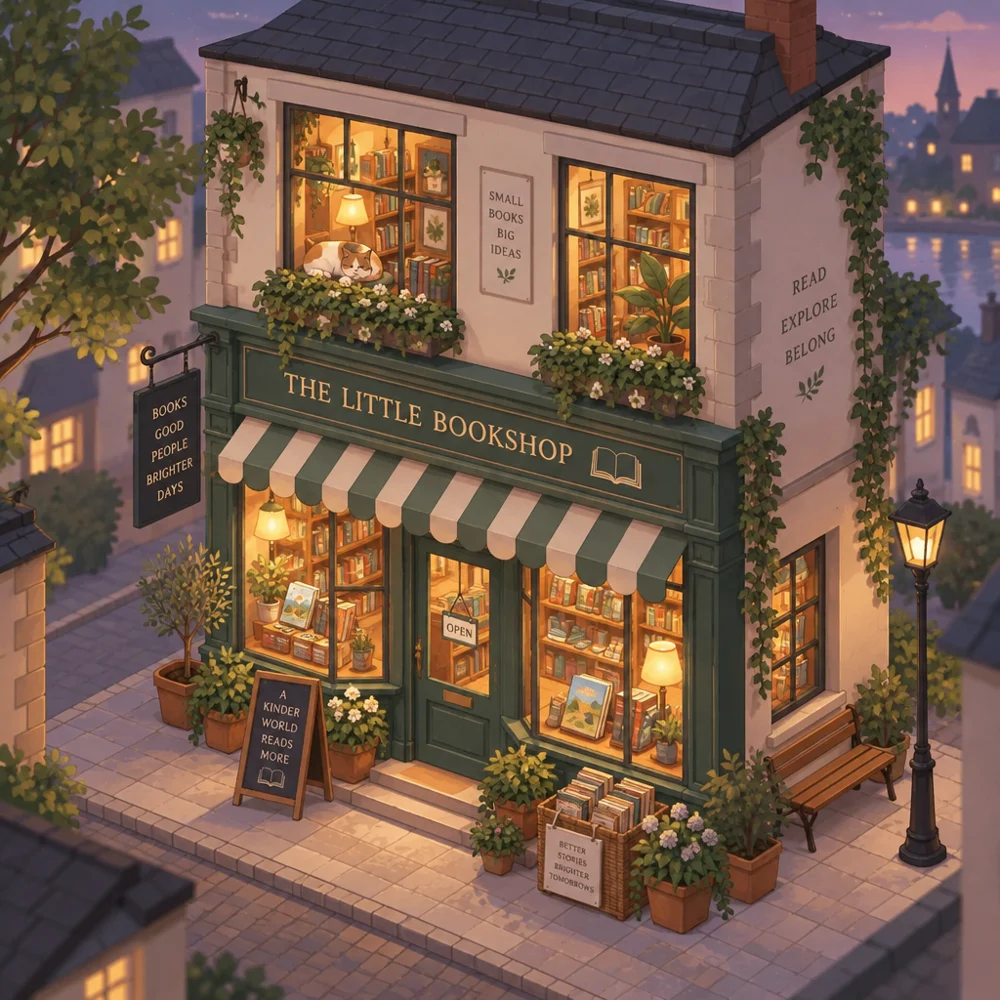
“Cozy isometric illustration of a tiny two-storey bookshop with a cat in the window, warm evening lights, potted plants on the steps, soft pastel colours, clean vector style”
Clean, readable shop sign and window lettering, though the prompt never named the shop.
Which AI Image Model to Choose
Prices are credits per picture at the standard size, read from the studio itself.
| Model | Made by | Pick it for | Credits | Plan |
|---|---|---|---|---|
| GPT Image 2.5 | OpenAI | Posters and graphics with readable text; repainting part of an image | 3 | Free |
| GPT Image 2 | OpenAI | Everyday illustration at the lowest price | 2 | Free |
| Nano Banana 2.1 | Photo-real products and people; combining several reference photos | 6 | Free | |
| FLUX 3 | Black Forest Labs | Detailed, stylised art and photography looks | 8 | Paid plans |
| Grok Imagine 2.0 | xAI | Bold, vivid concept images | 10 | Paid plans |
How to Generate an Image with AI
- 1
Describe the picture
Subject, setting, style and light. Add reference photos if you have them.
- 2
Pick a model and size
GPT Image 2.5 is the default. Set the aspect ratio and up to 4 pictures at a time.
- 3
Generate, then keep going
Download, repaint a part, use it as the next reference, or split it into layers.
Text to Image, Image to Image and Repaint in One AI Image Generator
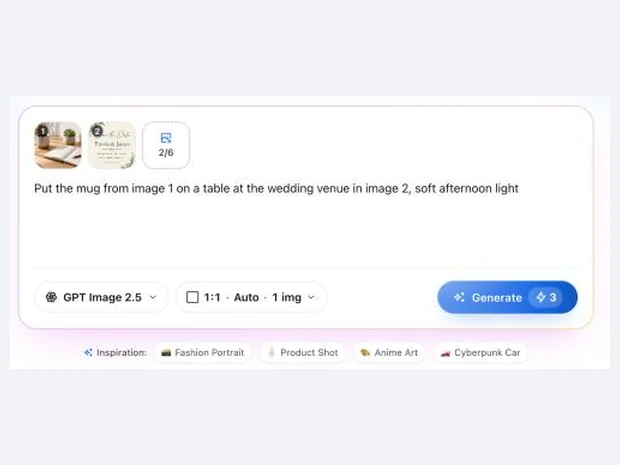
Generate from Your Own Photos with Reference Images
- Add up to 6 reference pictures (4 on FLUX 3 and Grok) and say what to do with them
- Put a product into a new scene, or combine a person and an outfit
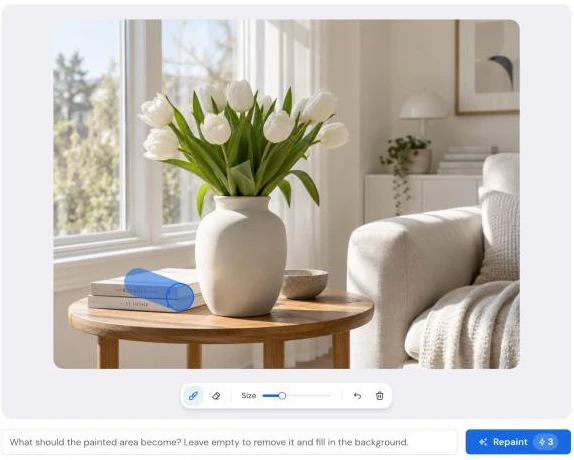
Repaint One Part of an Image, Keep the Rest
- Brush over the area and say what it should become, or leave it empty to remove it
- Runs on GPT Image 2.5, on your generated pictures
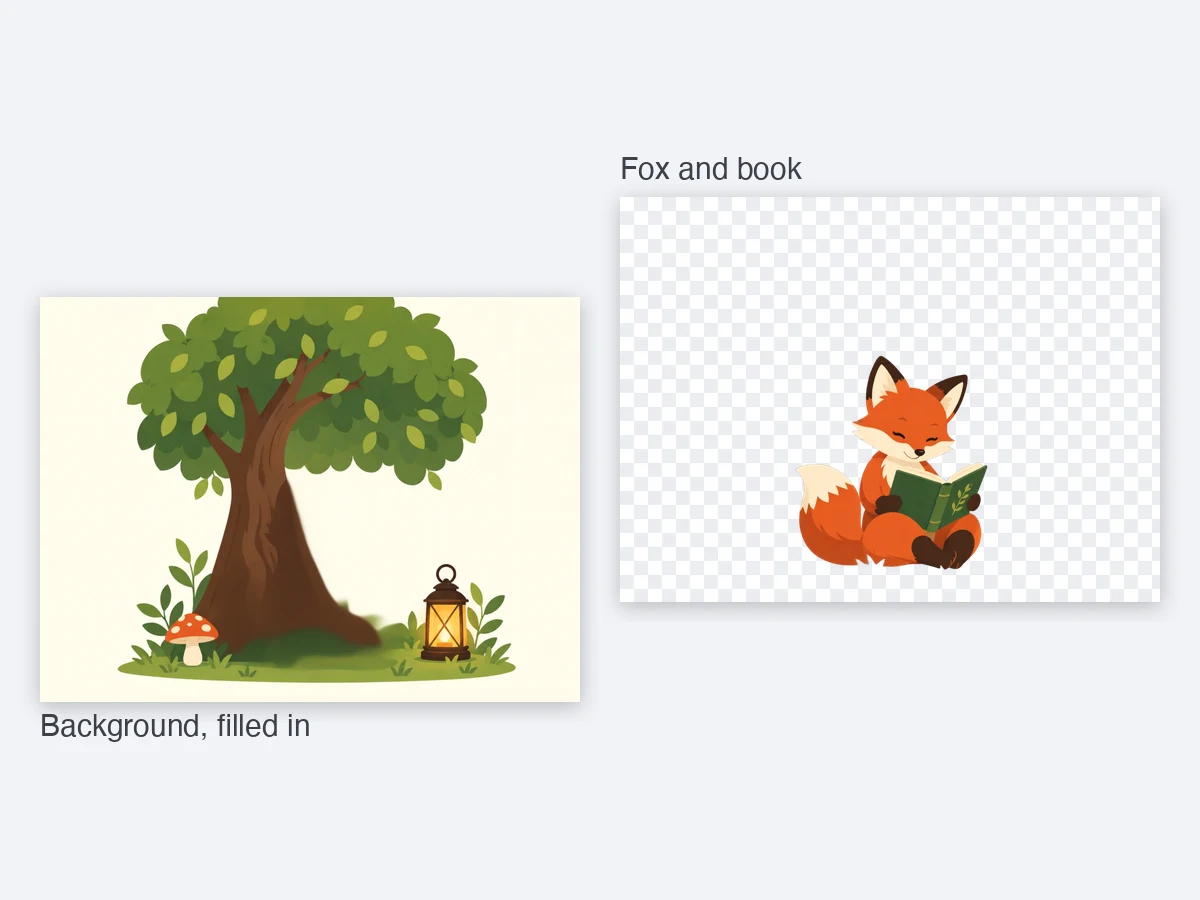
Turn a Generated Image into Editable Layers
- Split it into a layered PSD, fix a misspelled word, or remove the background
- Every picture opens straight in the other EzLayers tools
After you generate