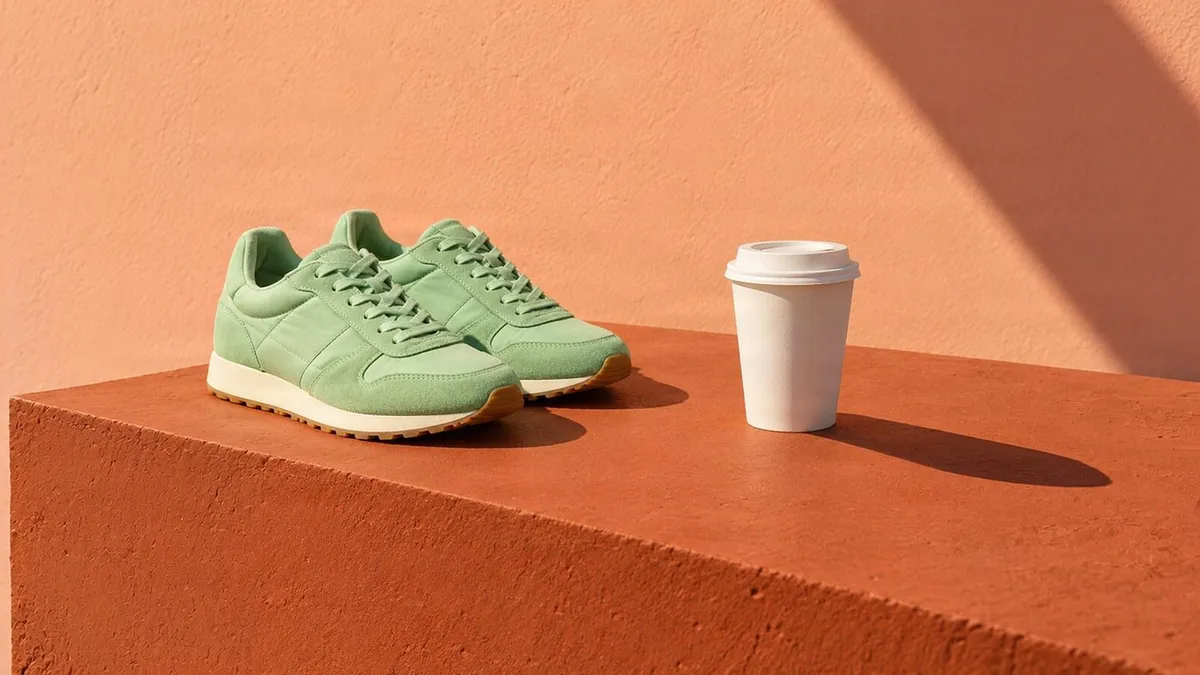
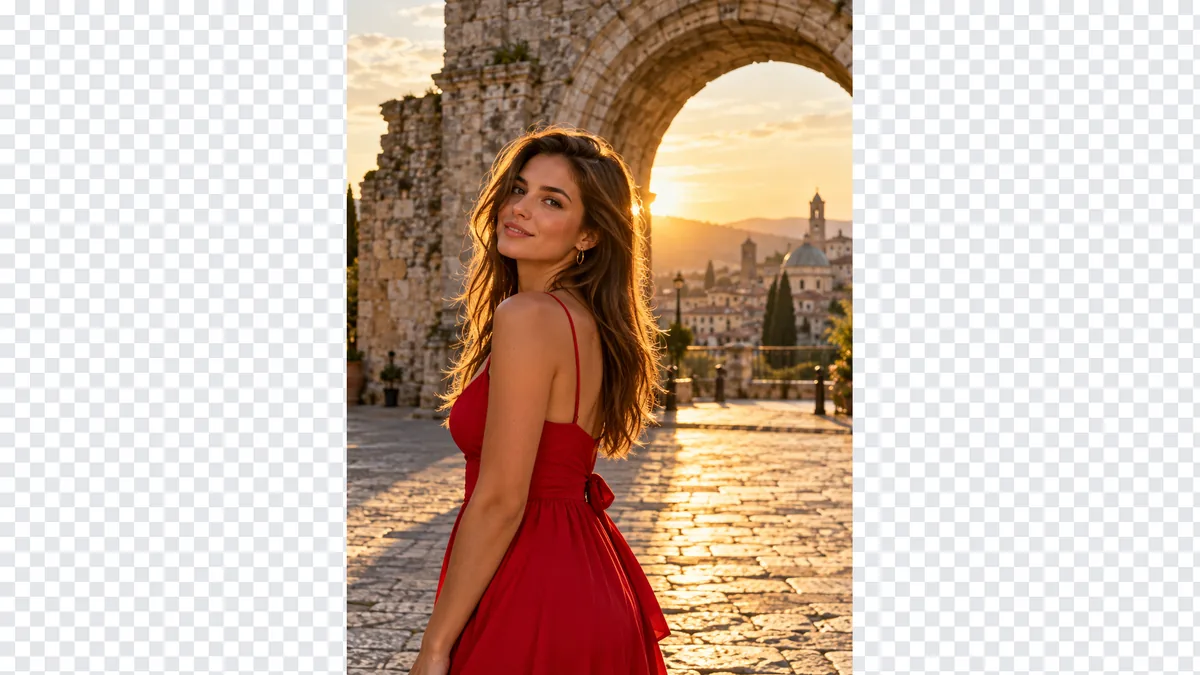
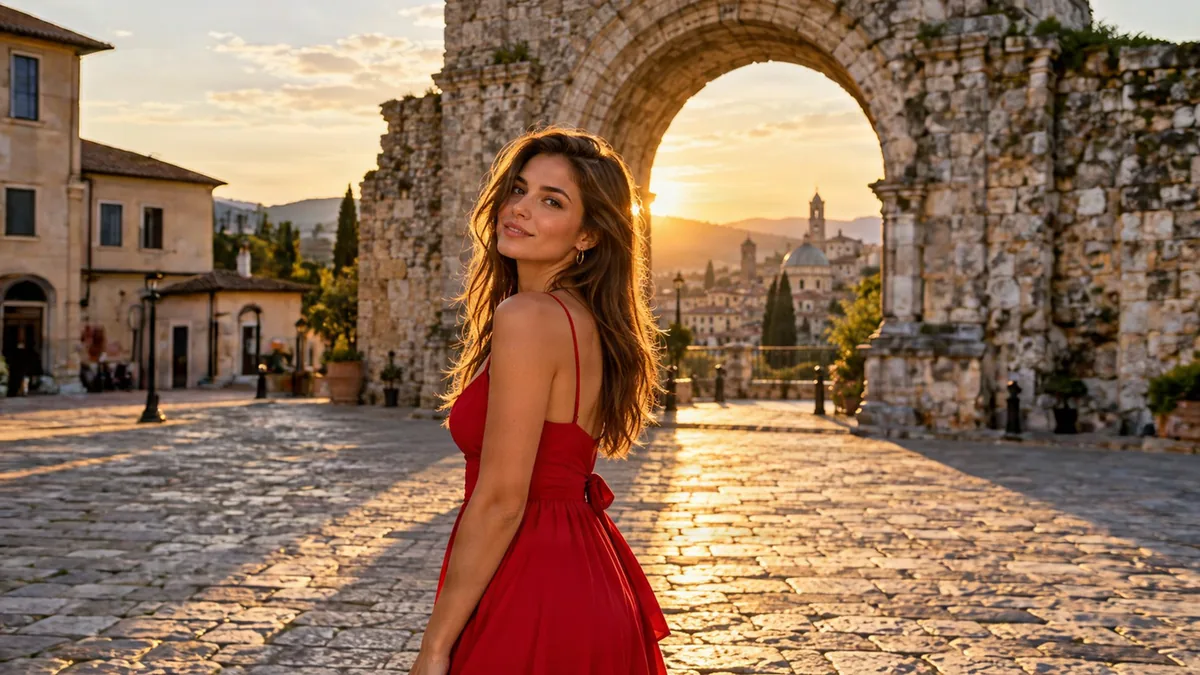
Portrait → 16:9
Vertical photo, widescreen frame
The plaza and old houses continue on both sides, so the shot works as a cover or slide.
Choose a new shape and where your photo sits on it. The AI image extender paints the rest of the scene to match the light and texture, while your original stays pixel for pixel.
Left: the original on the new canvas. Right: what the AI filled in.
Portrait → 16:9
The plaza and old houses continue on both sides, so the shot works as a cover or slide.
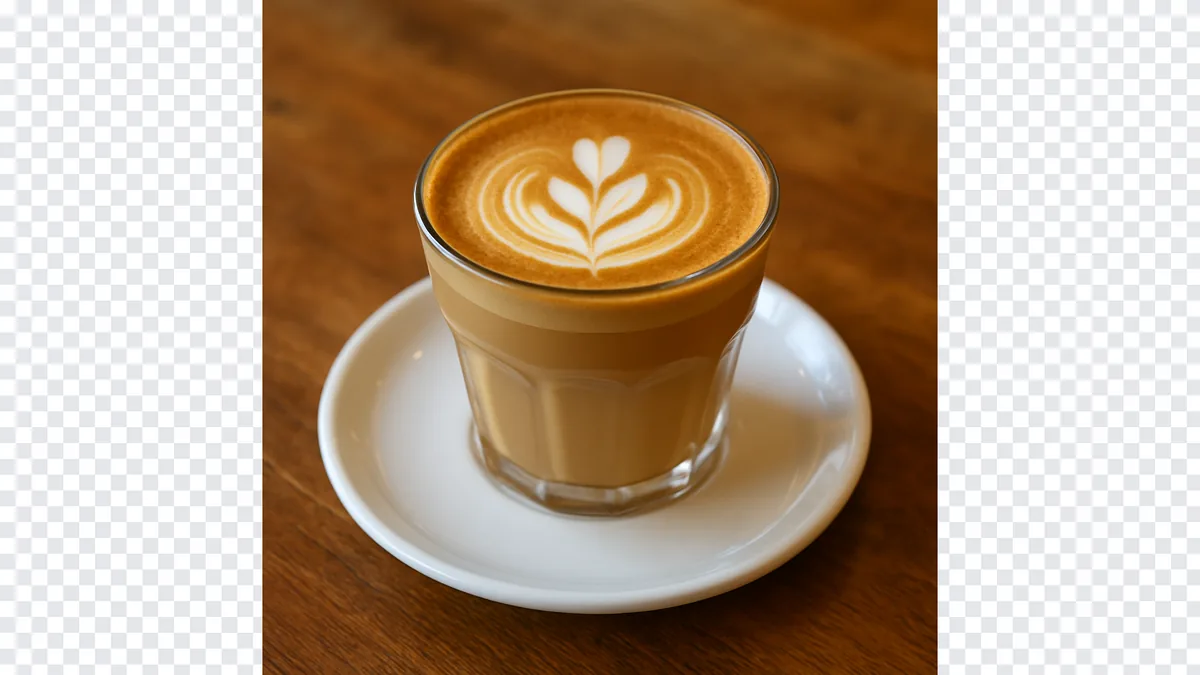
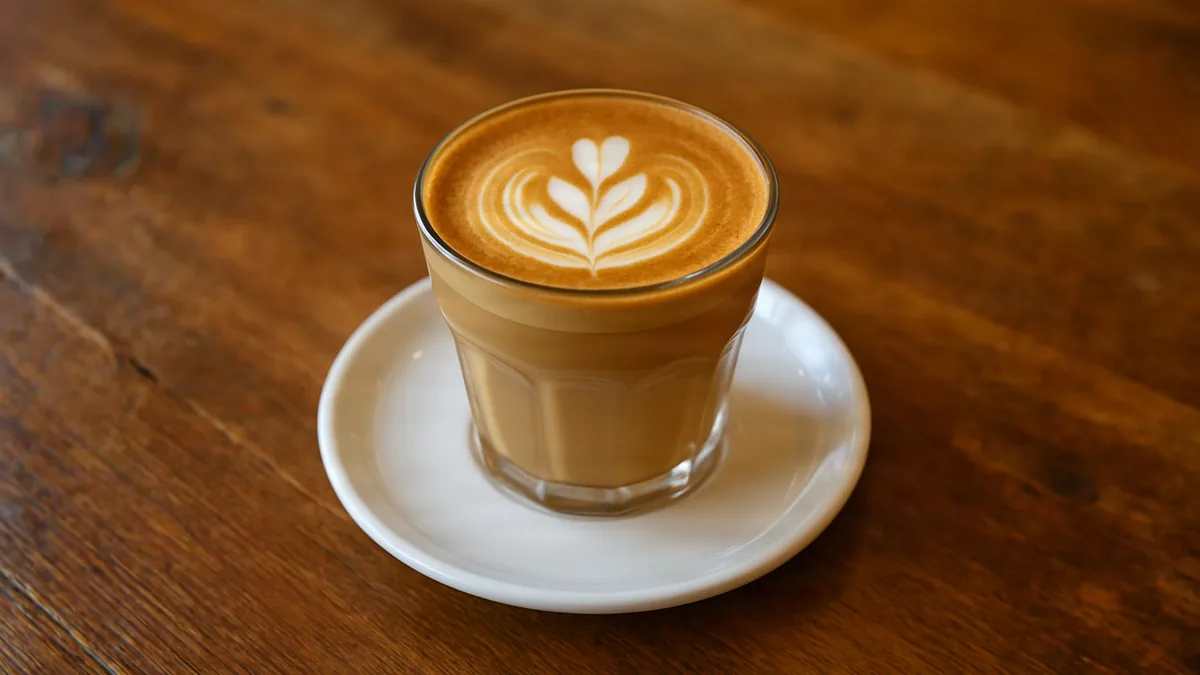
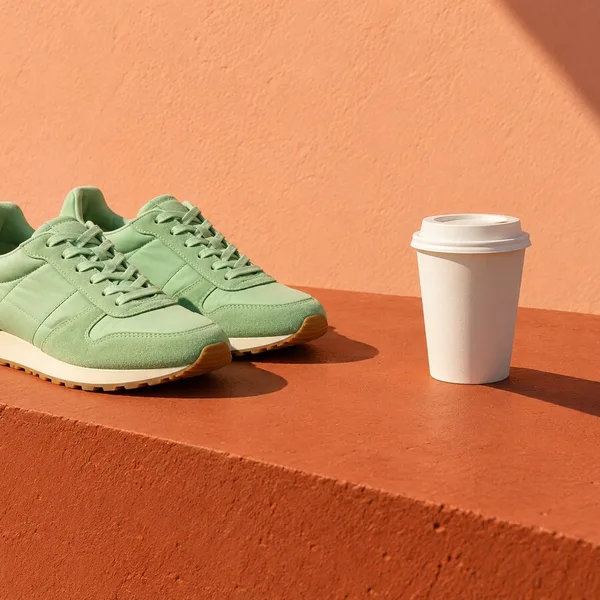
Square → 16:9
More wood grain and warm light around the cup, which is exactly as photographed.
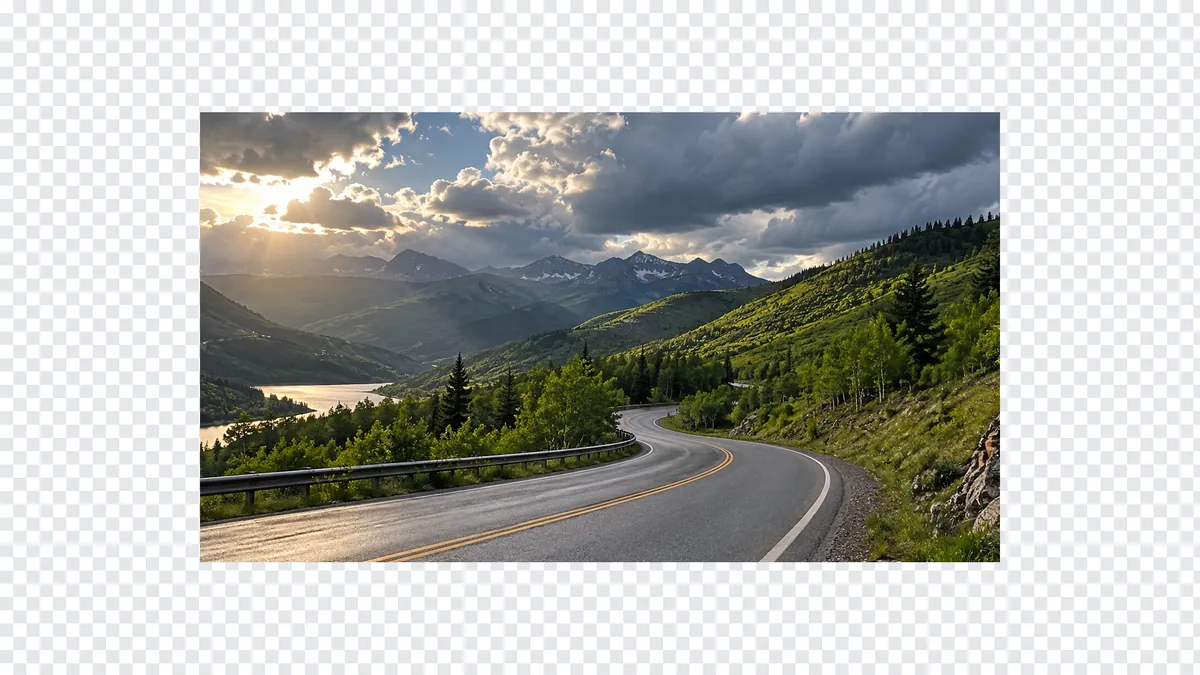
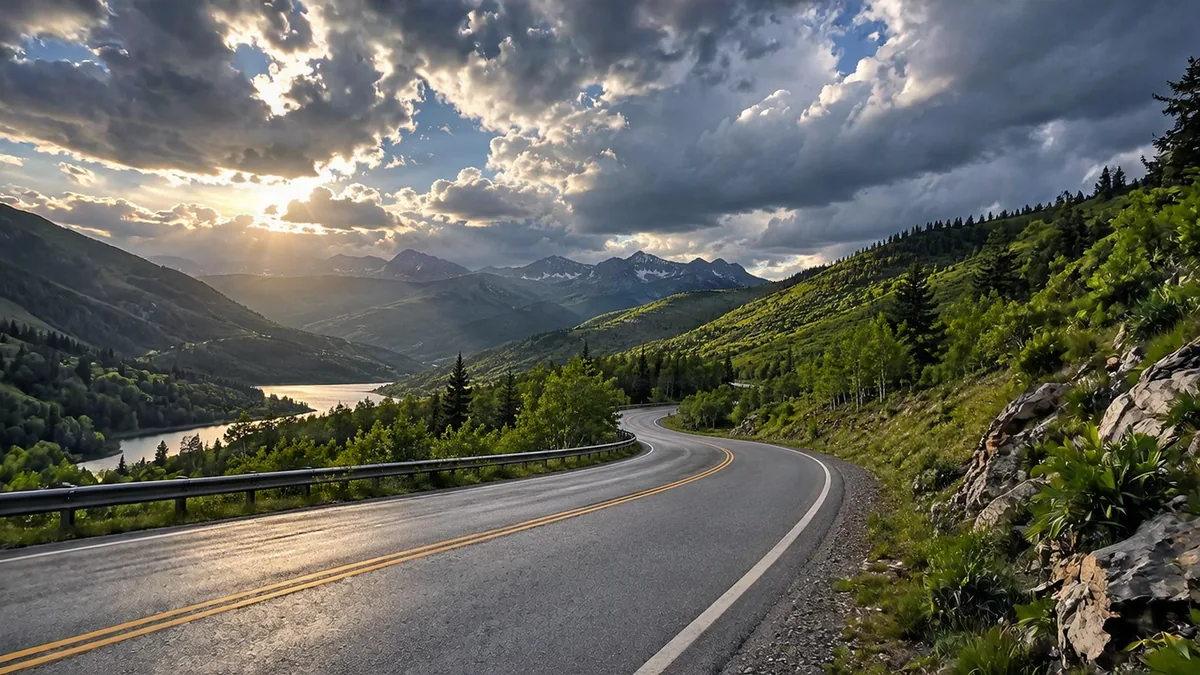
Zoom out
Zoom out keeps the shape and adds scene on all four sides.
JPG, PNG or WebP up to 12 MP.
Zoom out, 1:1, 4:3, 3:4, 16:9, 9:16, 3:2 or 2:3; centre, left, right, top or bottom.
About 20 seconds. Save PNG or JPG.
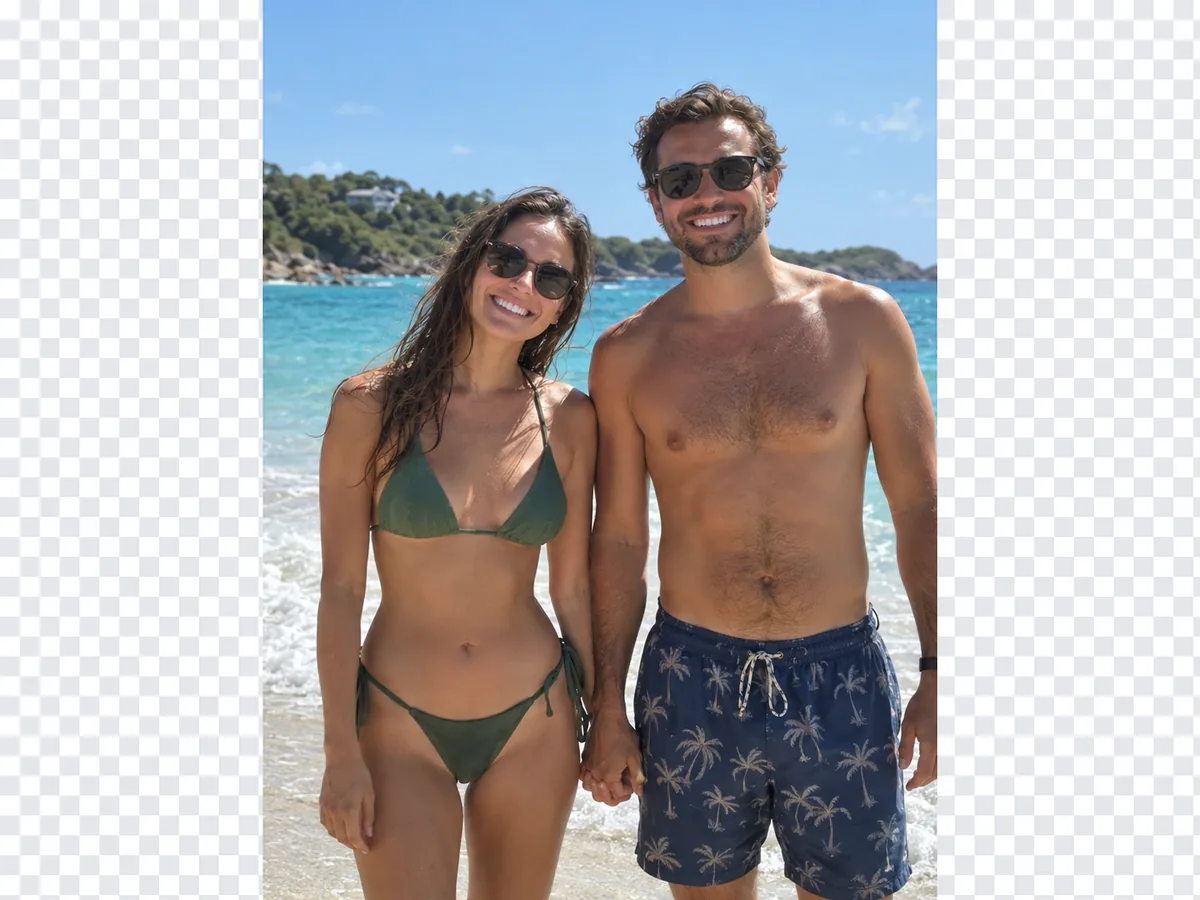
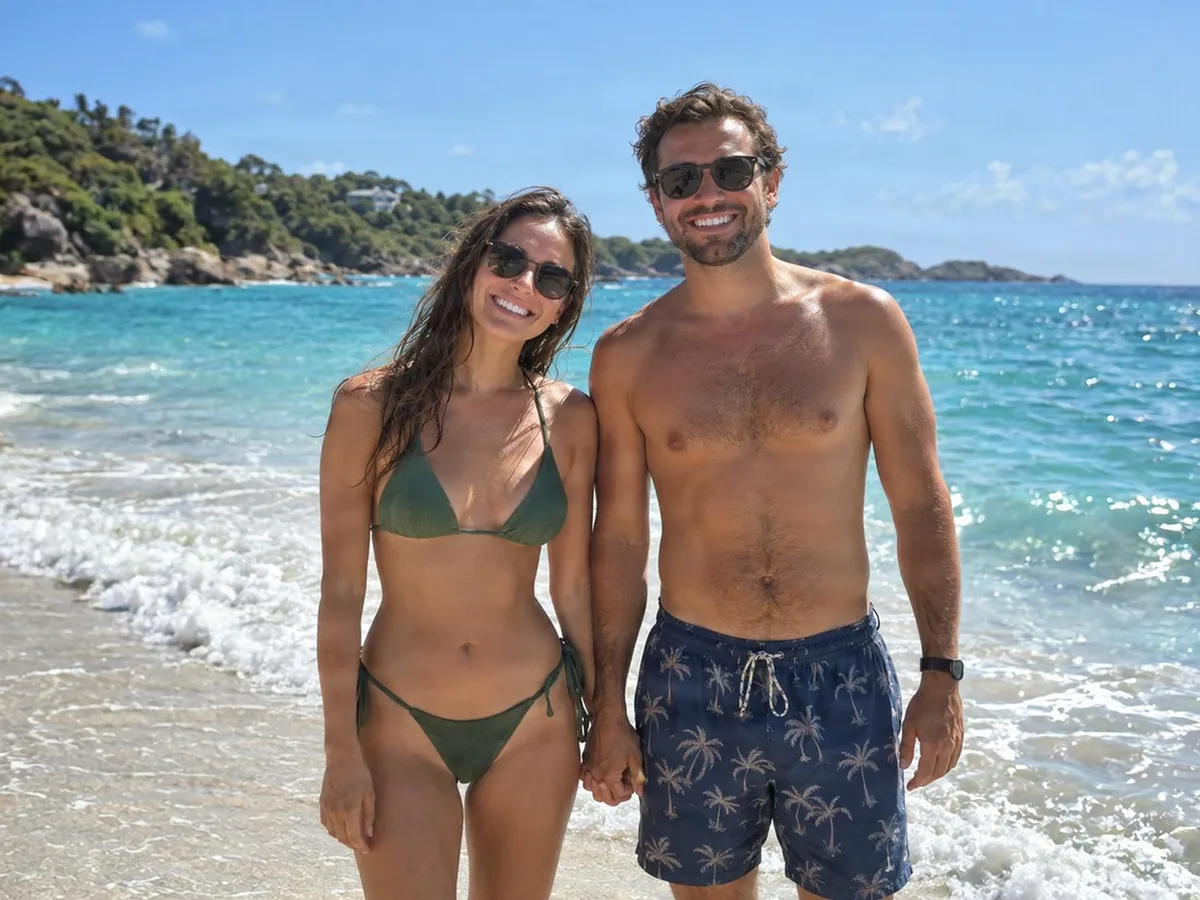
Centred coupleWider turquoise beach
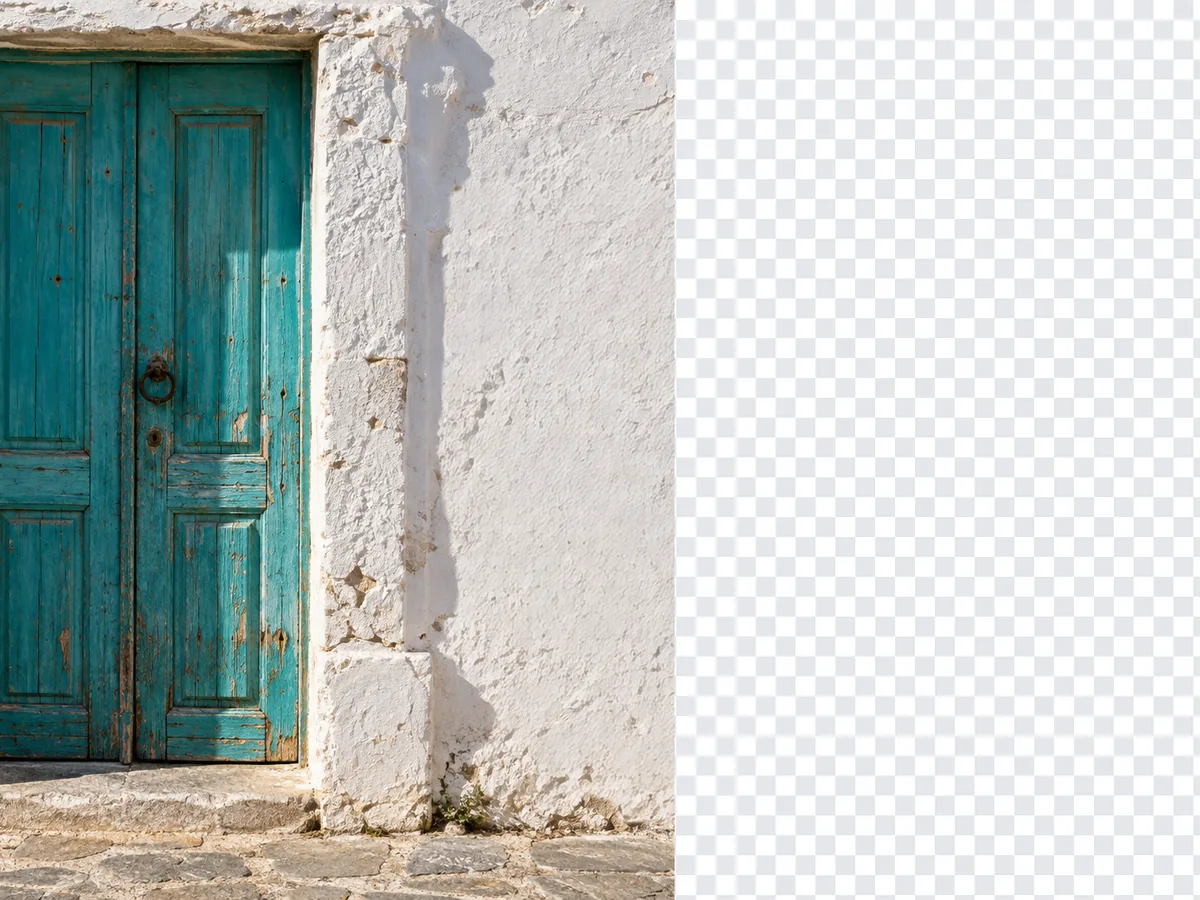
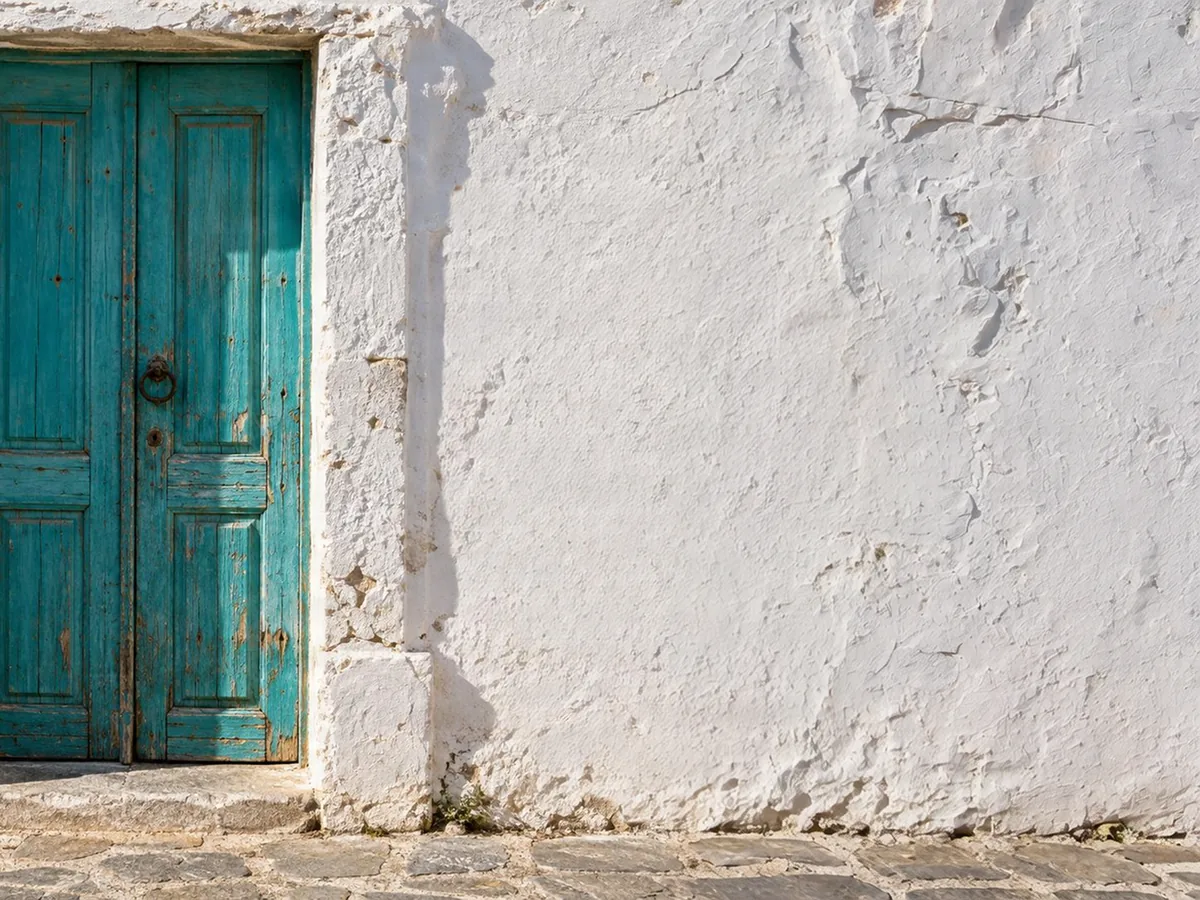
Narrow door shotDoor left, wall right
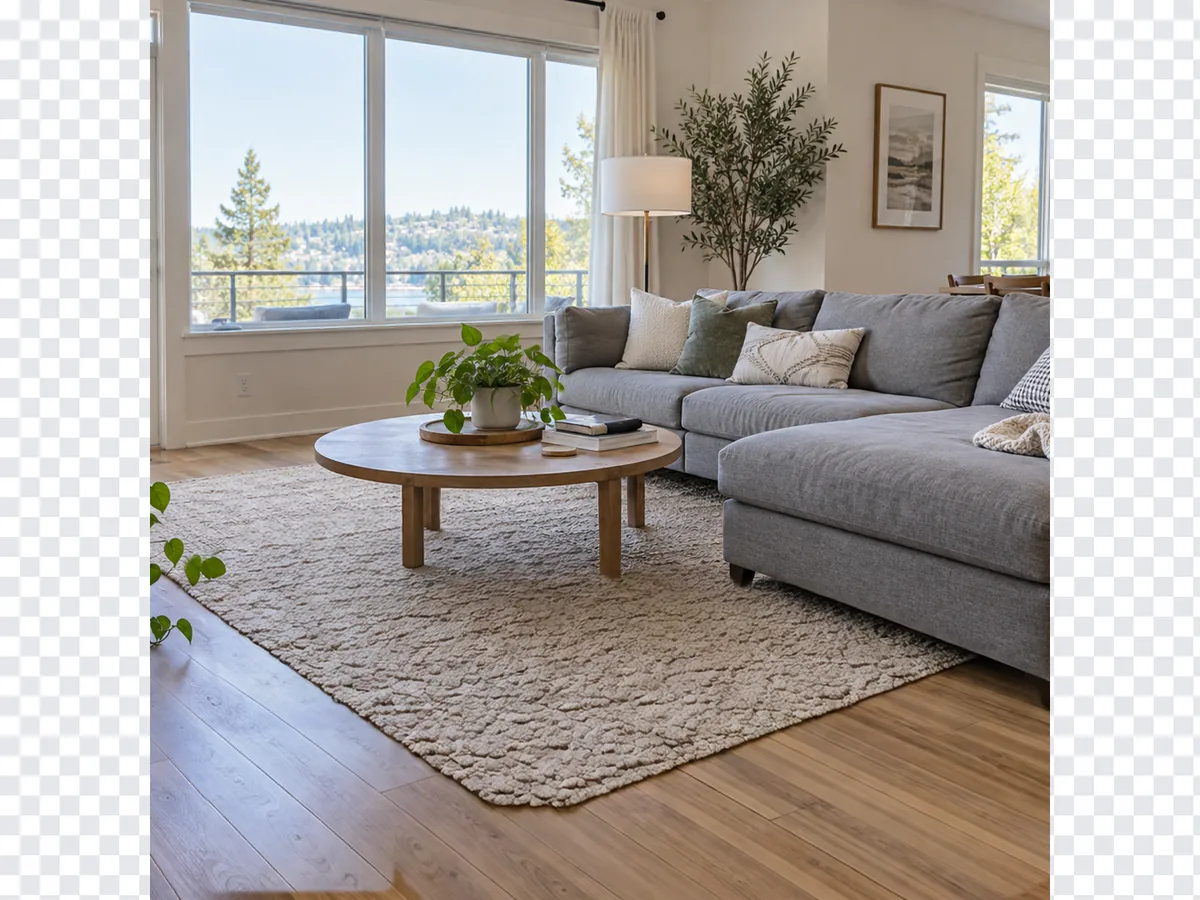
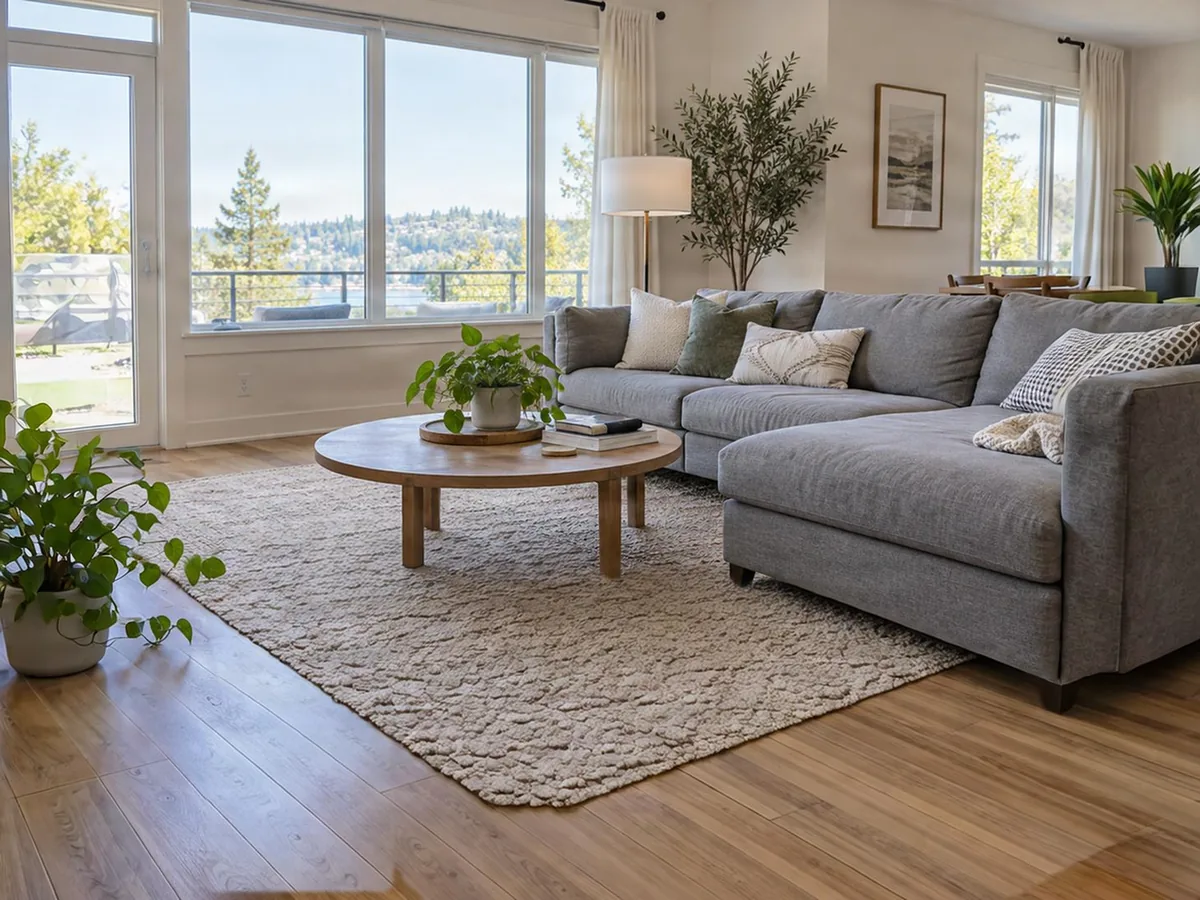
Checkered previewFilled living room
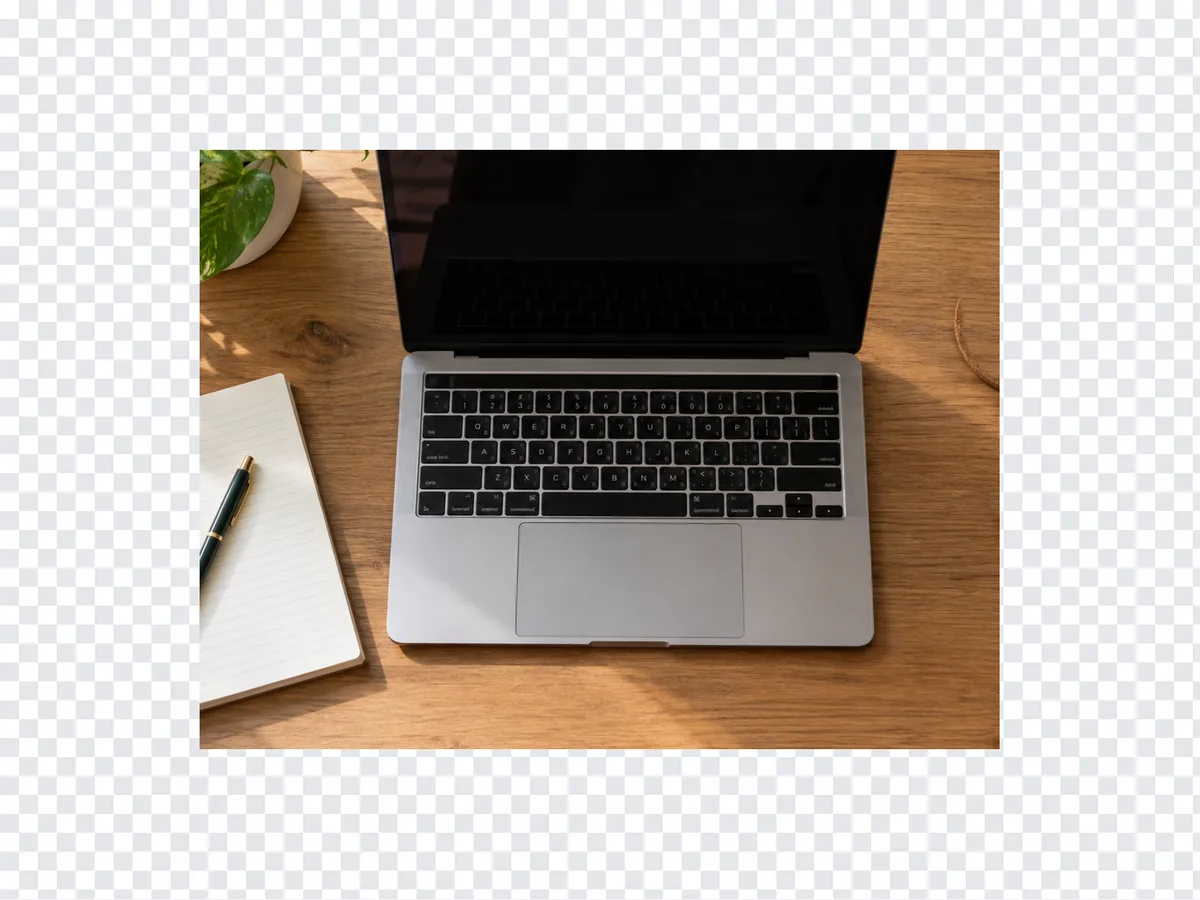
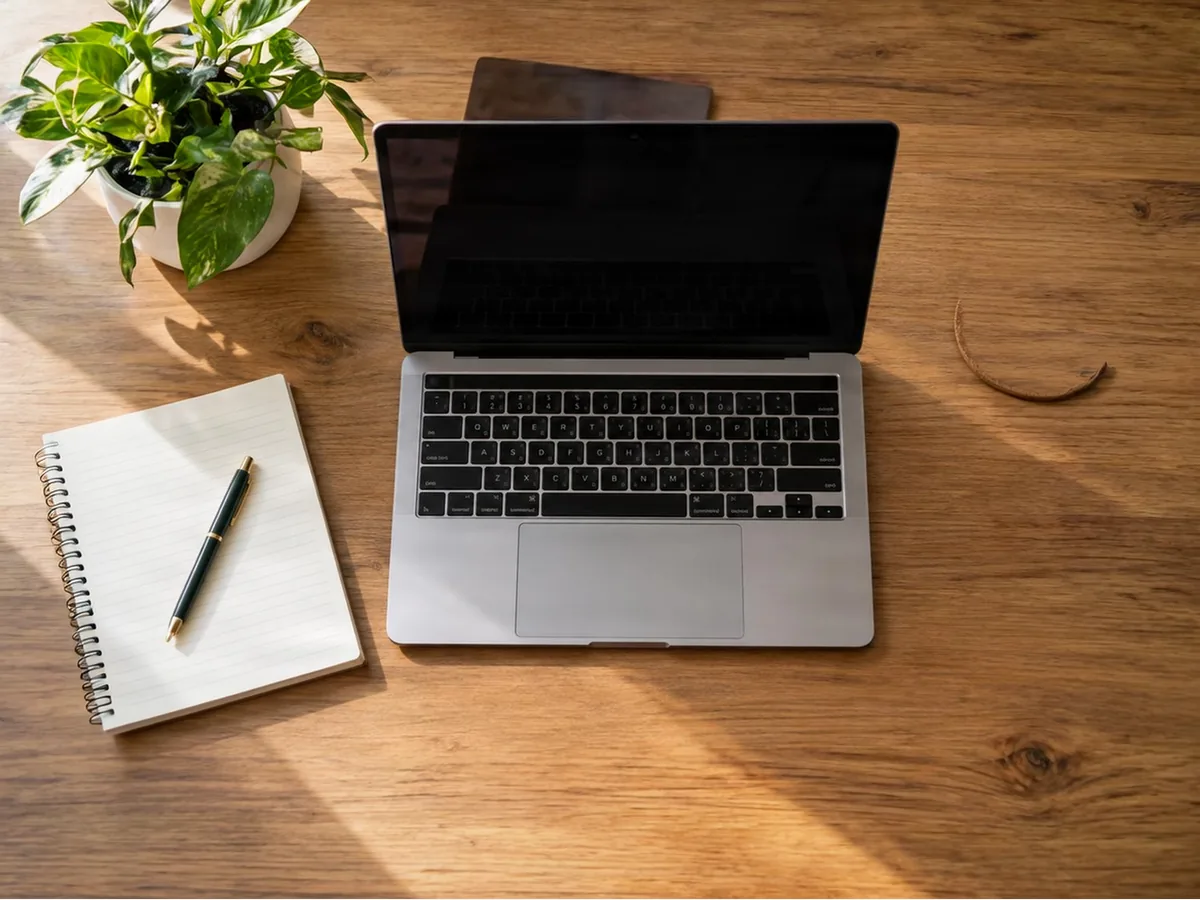
Top-down deskWhole desktop
Pick your use case
Yes, to start. A free account gets 20 credits and each expand is 5, so your first 4 are free, with no watermark.