


Free Image Vectorizer —
Convert JPG and PNG to SVG in your browser

Drop in a picture, say what is in it, and download an SVG that stays sharp at any size. No account, no upload: the tracing runs on your own computer.

Before
After
Drop an image to turn it into SVGPNG, JPG or WebP · up to 30 MB
No photo? Try one:

Runs in your browser — your image never leaves your device.

  • Free, no sign-upNo credits, no watermark, no daily limit.
  • Stays on your deviceThe image is traced in your browser and never uploaded.
  • Nothing to installWorks in any modern browser, on Mac, Windows or Linux.

Image to SVG, Zoomed In: Bitmap vs Vector

Left: the original bitmap enlarged. Right: the SVG traced from it, at the same size.

Cartoon octopus mascot illustration as a small bitmap
Before
Cartoon octopus mascot illustration as a small bitmap — After
After

Mascot

JPG to SVG for print and merch

Bold outlines, tentacles and suction cups become clean filled shapes, sharp enough for stickers, shirts or banners.


Vintage camping badge with tent, pines and crescent moon as a small bitmap
Before
Vintage camping badge with tent, pines and crescent moon as a small bitmap — After
After

Emblem badge

Pine trees and rings stay crisp

Concentric rings, pine silhouettes and the orange tent trace into distinct colour layers with zero pixel blur.
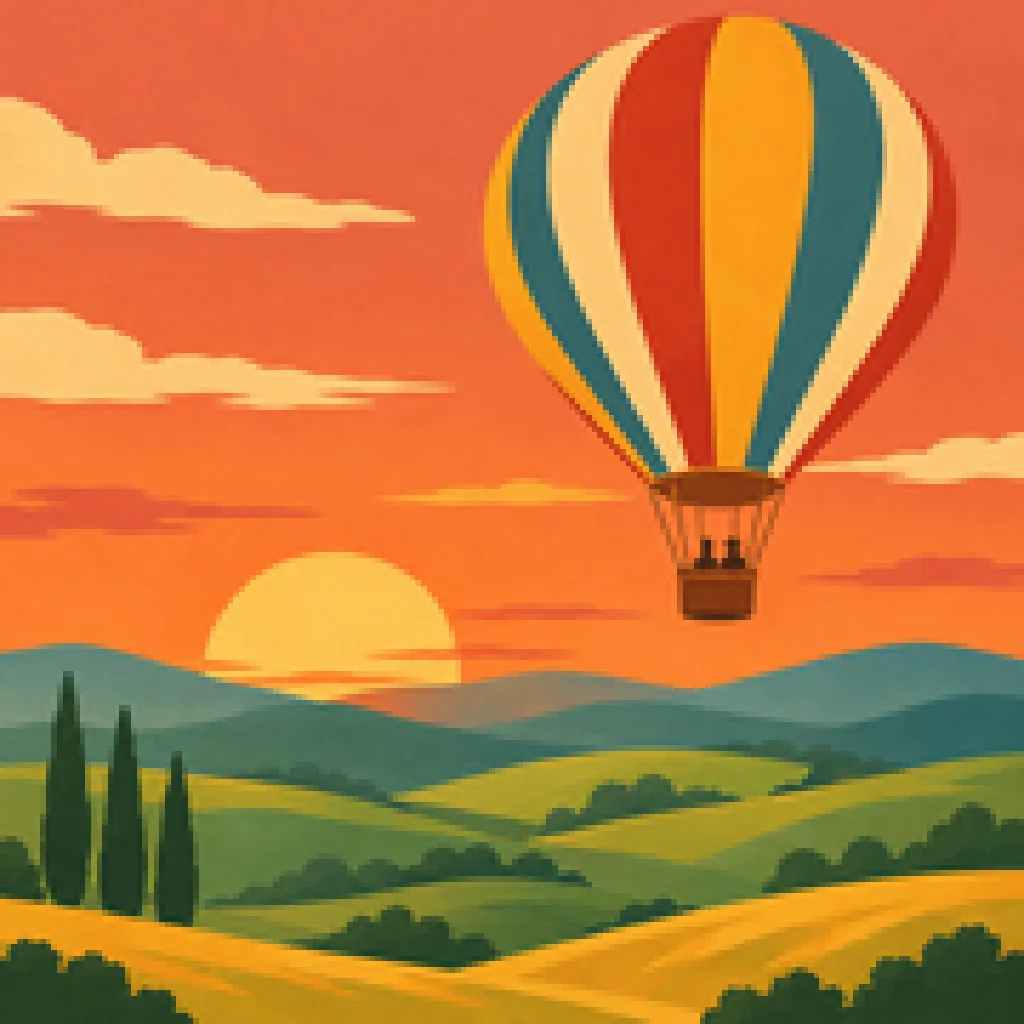
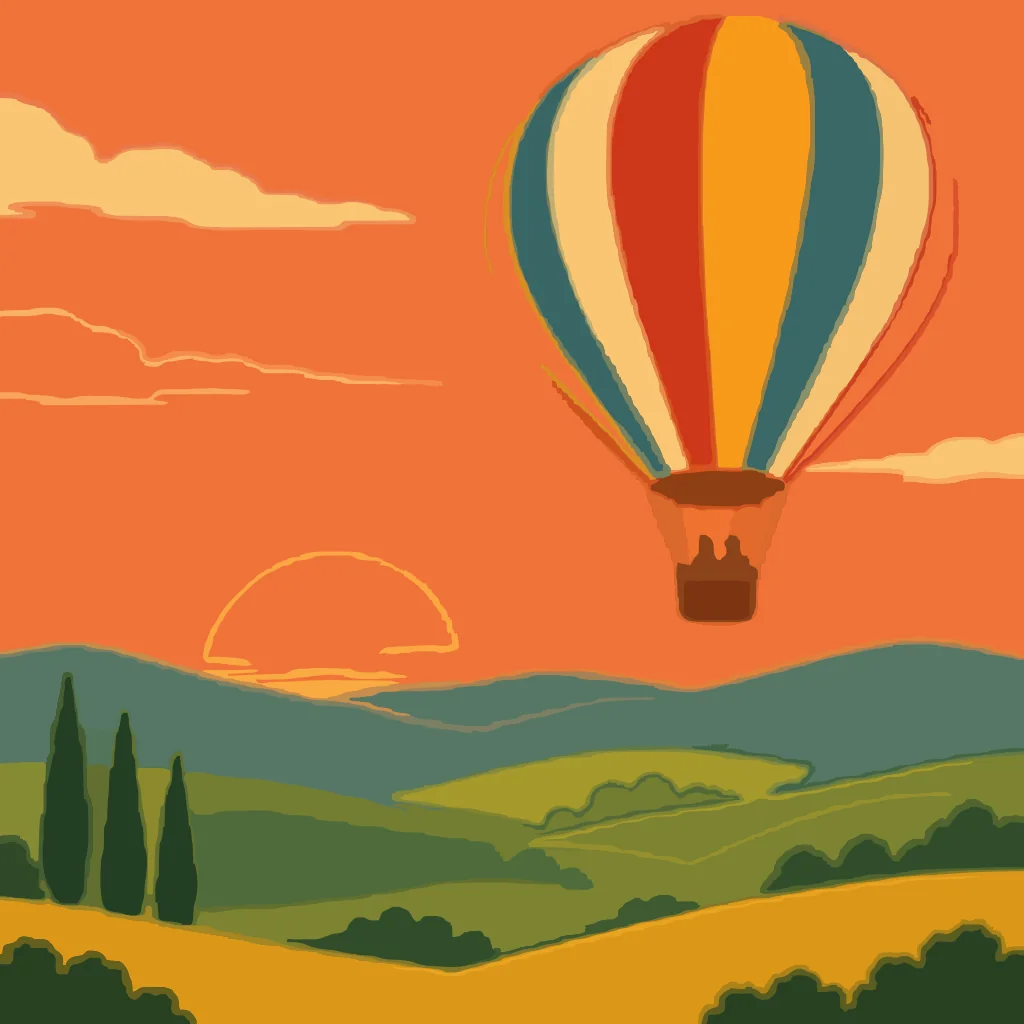
Retro travel poster illustration of a hot air balloon over hills at sunset
Before
Retro travel poster illustration of a hot air balloon over hills at sunset — After
After

Illustration

Flat art, smooth curves

Balloon stripes, sunset bands and rolling hills each become their own vector path; staircase pixels are gone.

How to Convert an Image to SVG

  1. 1

    Drop in your image

    PNG, JPG or WebP, up to 30 MB. It is read in your browser, not uploaded.

  2. 2

    Say what is in it

    Logo, illustration, line art or photo. Each preset traces a different way; switch and compare.

  3. 3

    Download the SVG

    Open it in Illustrator, Inkscape, Figma, Canva or Cricut Design Space.

JPG to SVG Converter Made for Flat Art

Close-up of a red and white launching rocket illustration: pixelated bitmap versus sharp SVG
Before
After
Any size

Convert Image to SVG and Scale It Without Blur

  • Edges are curves, not pixels, so a sticker-sized file prints as a banner.
  • The SVG opens at the size of your original and scales from there.

Bitmap, zoomedSVG, zoomed

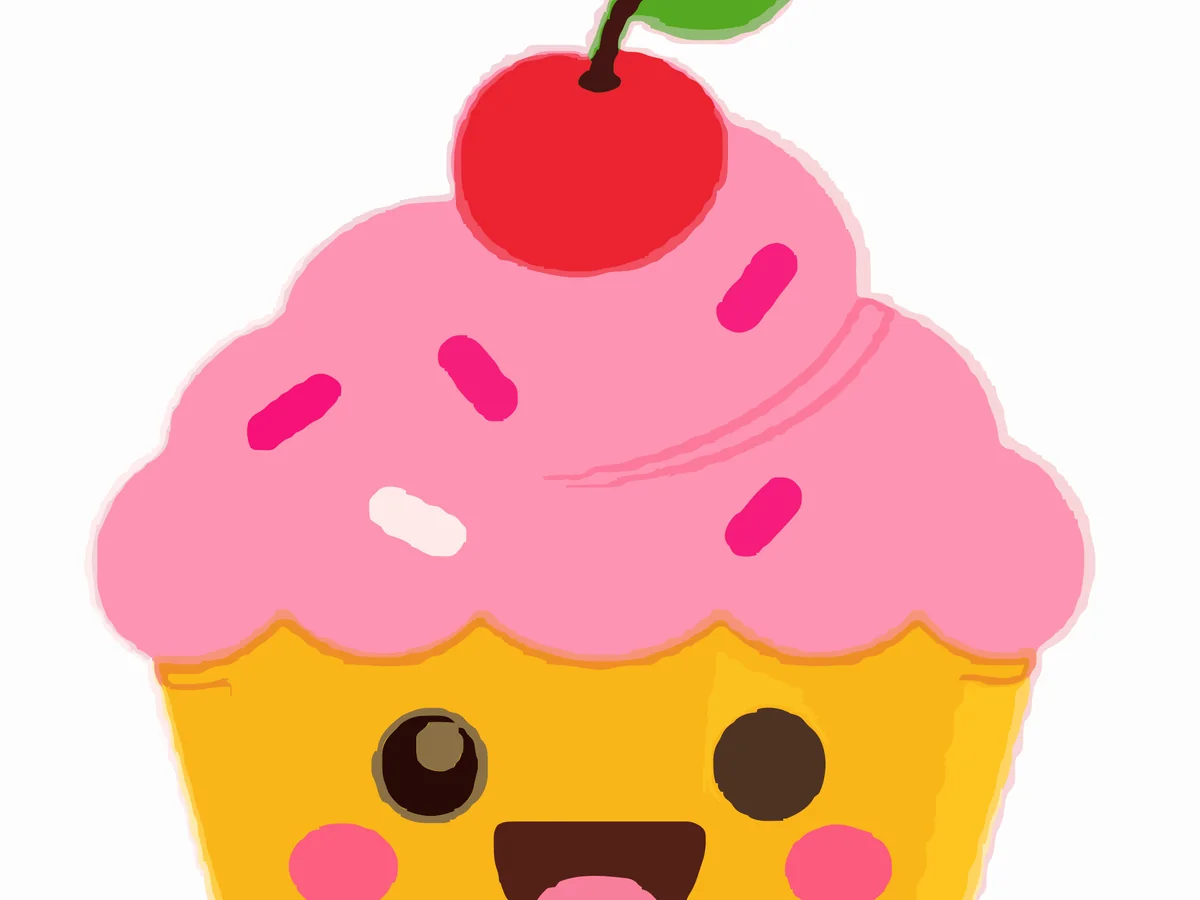
Cute cupcake character illustration zoomed in as a bitmap and as flat SVG shapes
Before
After
Editable colours

Image to Vector With Each Colour as Its Own Shape

  • Select a colour in Illustrator or Figma and change it everywhere at once.
  • Frosting swirls, sprinkles and wrapper stripes stay grouped by colour so the file stays editable.

Bitmap, zoomedFlat SVG shapes

Pick your use case

More ways to use Image Vectorizer

Image to SVG questions

Yes. It needs no account and has no limit or watermark. The tracing runs in your browser, so it costs us nothing to give away.

Convert Your Image to SVG

Vectorize an image

Free, no sign-upRuns in your browserNo watermark