Free AI Image Upscaler —
Upscale images 2× or 4×, sharper not blurrier

Upload a small or soft picture and get it back twice or four times the size. The AI draws in the detail a plain resize cannot, so edges, text and texture hold up.
Before
After
Drop a photo to upscale
No photo? Try one:
  • 6 free upscales20 credits on sign-up; 3 per upscale.
  • No watermarkDownload PNG or JPG at full size.
  • Up to ~6000 pxResults up to about 36 megapixels.

AI Image Upscaler Before and After

Same crop, same size: the original stretched, and the upscaled result.

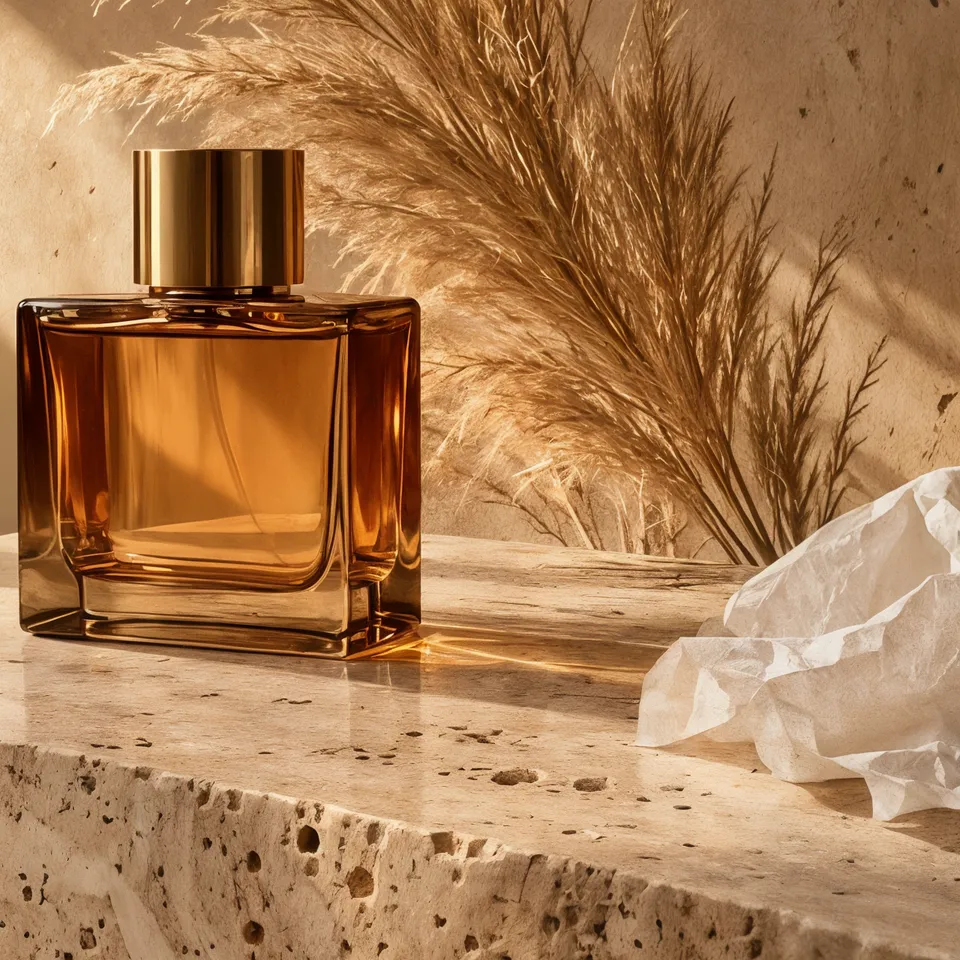
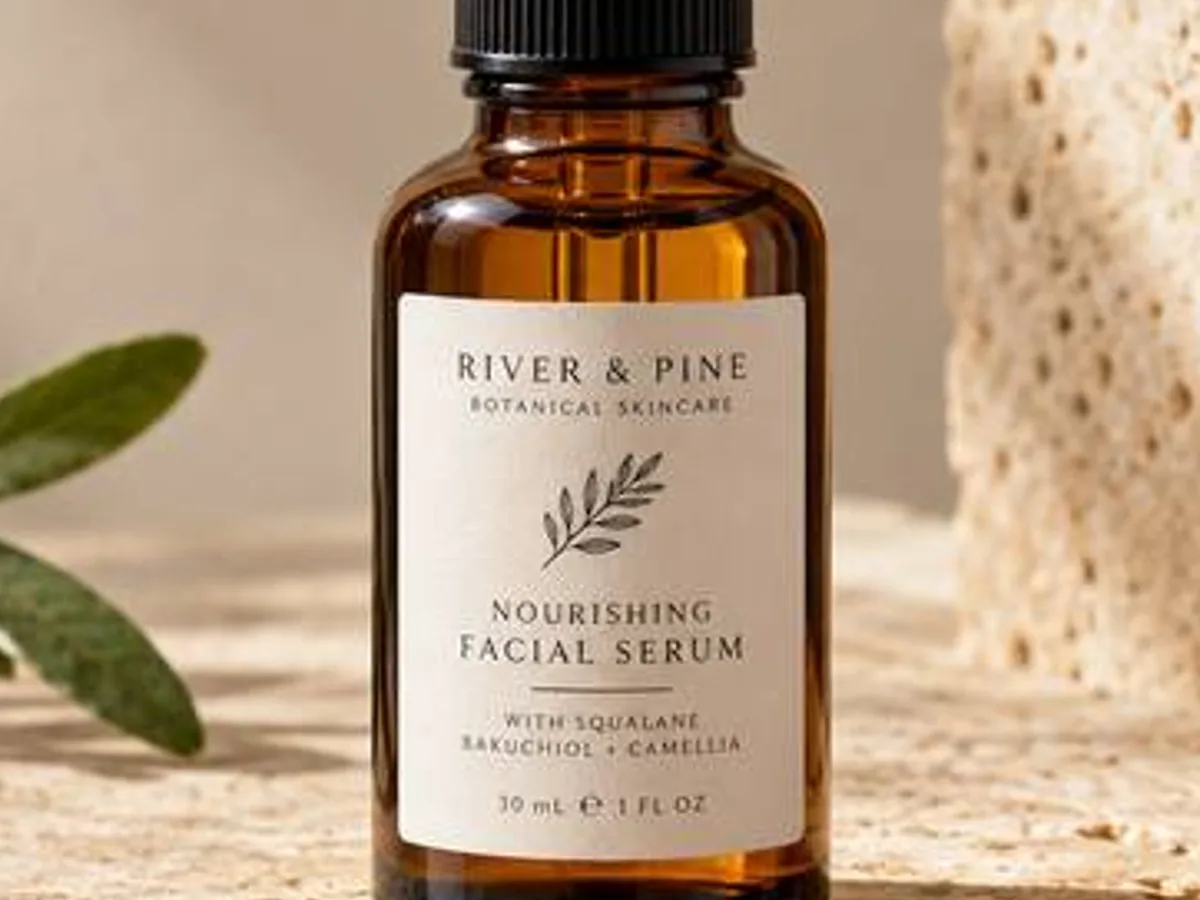
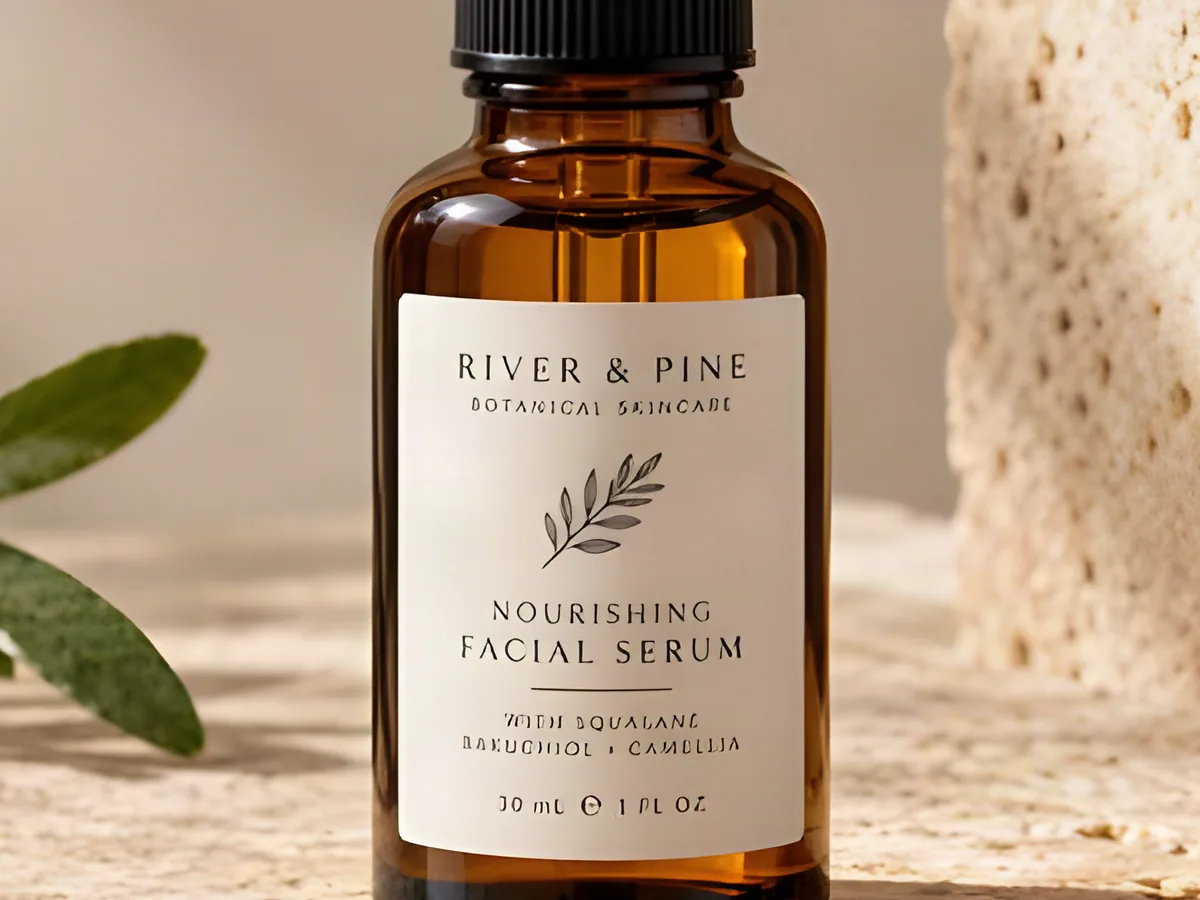
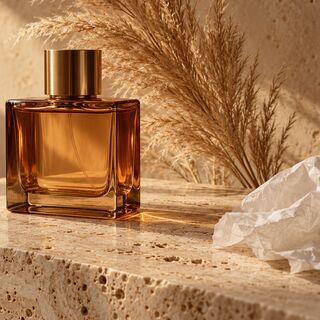
Amber serum bottle on travertine, low resolution versus upscaled
Before
Amber serum bottle on travertine, low resolution versus upscaled — After
After

Product photos

Crisp label, no JPEG blocks

A small, compressed supplier photo upscaled 4×: the big lettering, leaf print and glass edge come back crisp. Check the tiniest print, which AI can redraw wrong.
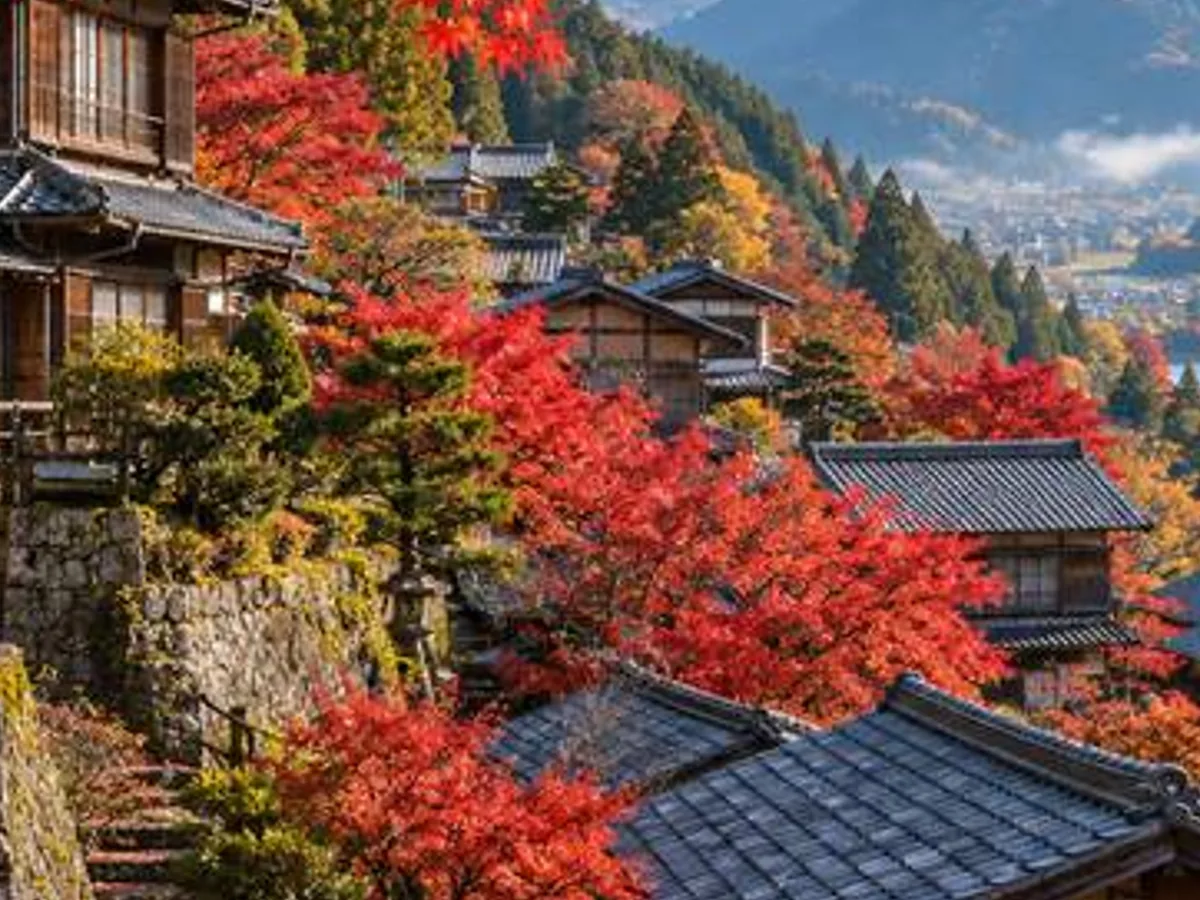
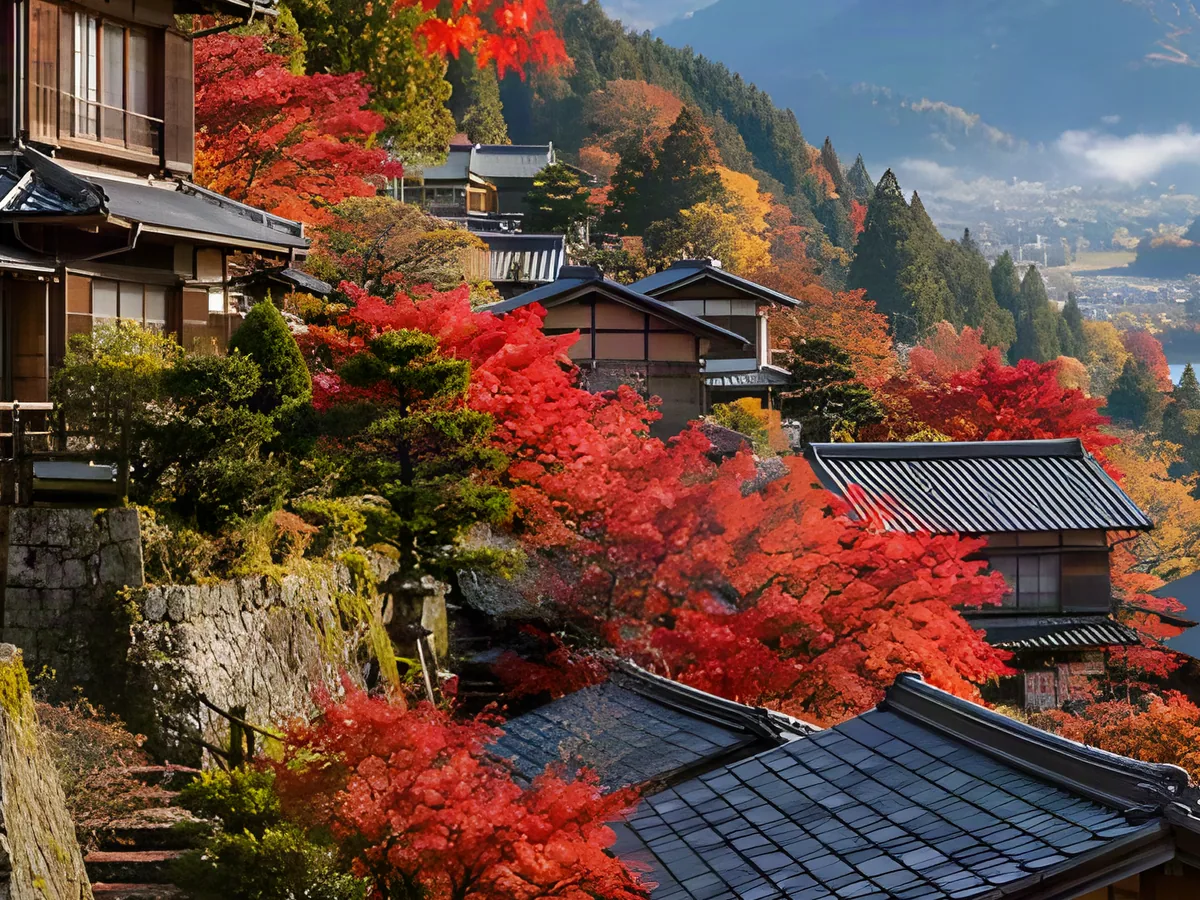
Japanese village with maple trees, low resolution versus upscaled
Before
Japanese village with maple trees, low resolution versus upscaled — After
After

Landscapes

Roofs and leaves, separated

Each roof tile and maple leaf turns back into its own shape instead of a coloured smear.
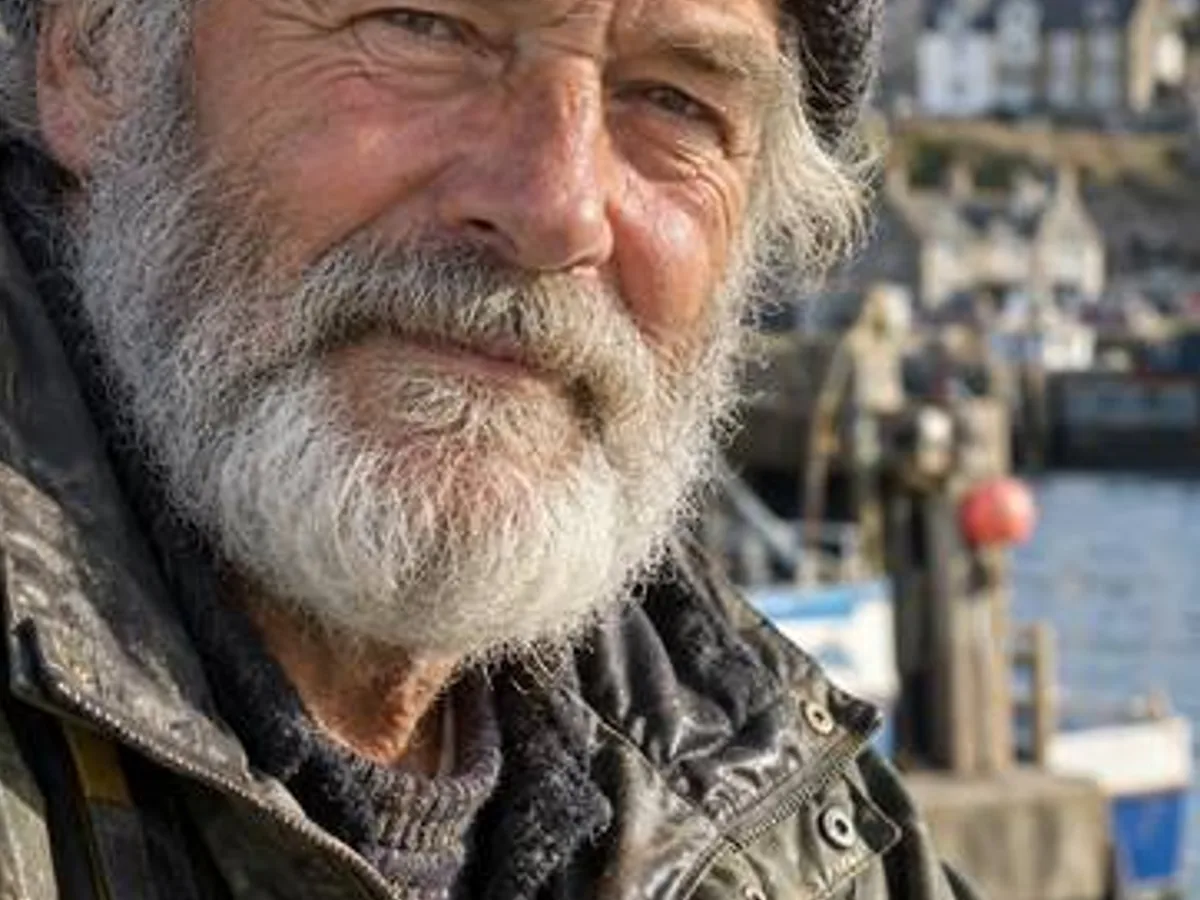
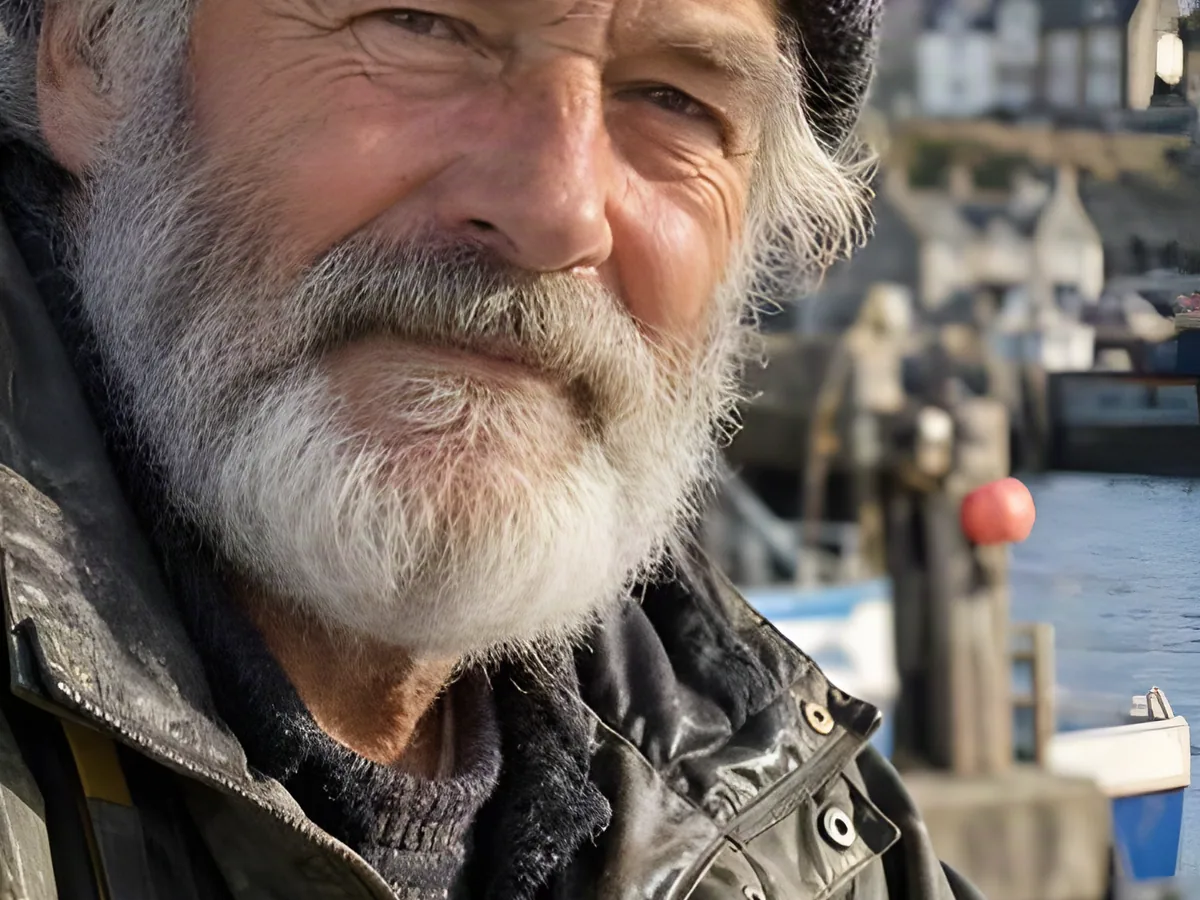
Portrait of an elderly fisherman, low resolution versus upscaled
Before
Portrait of an elderly fisherman, low resolution versus upscaled — After
After

Portraits

Beard, wool and skin texture

Wrinkles and knitted wool are drawn in without the waxy look of an over-smoothed upscale.

How to Upscale an Image

  1. 1

    Upload the image

    JPG, PNG or WebP. Pictures over 9 MP are scaled to fit first.

  2. 2

    Pick a mode and 2× or 4×

    Photo, Anime & art or Fix blur. A scale too big to fit is greyed out.

  3. 3

    Upscale and download

    Drag the divider to compare, then save PNG or JPG.
Three Ways to Upscale: Photo, Anime and Blurry Images

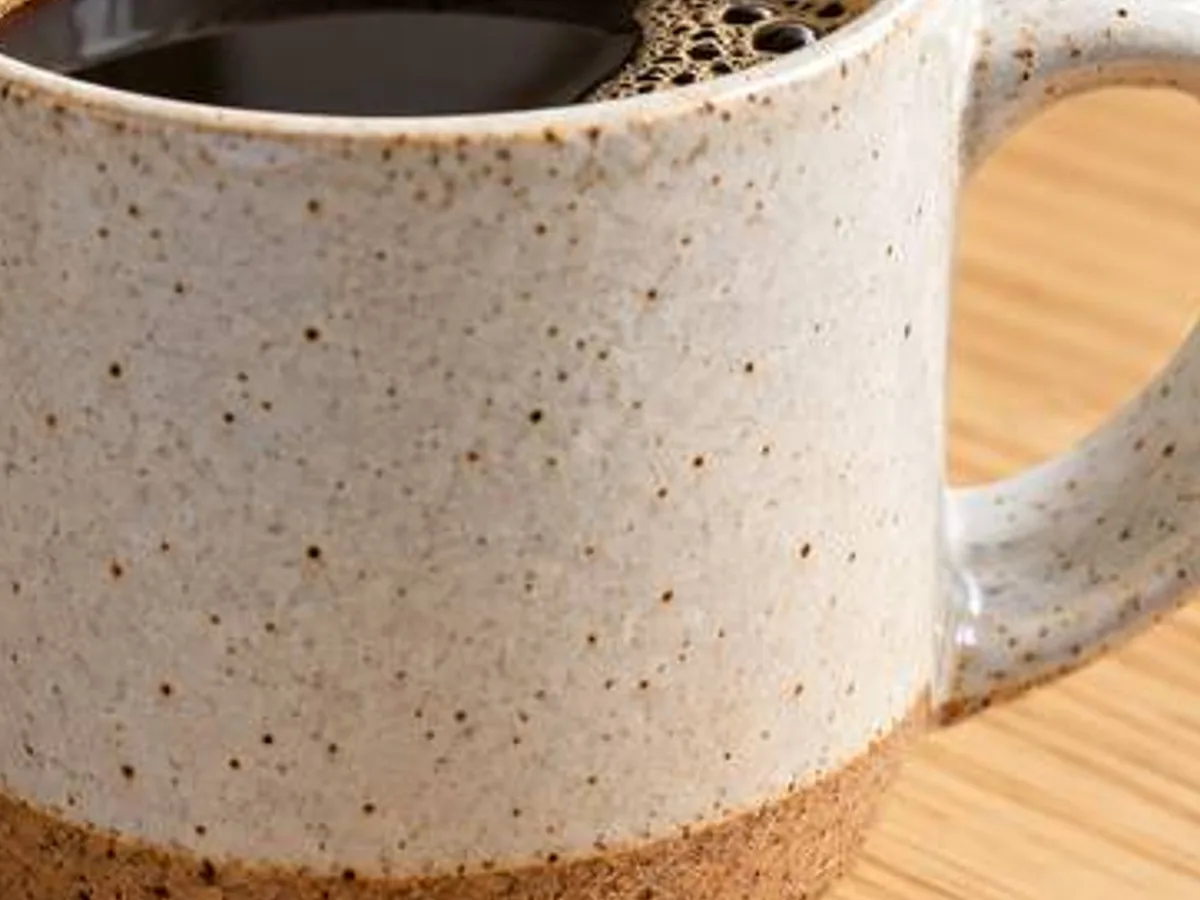
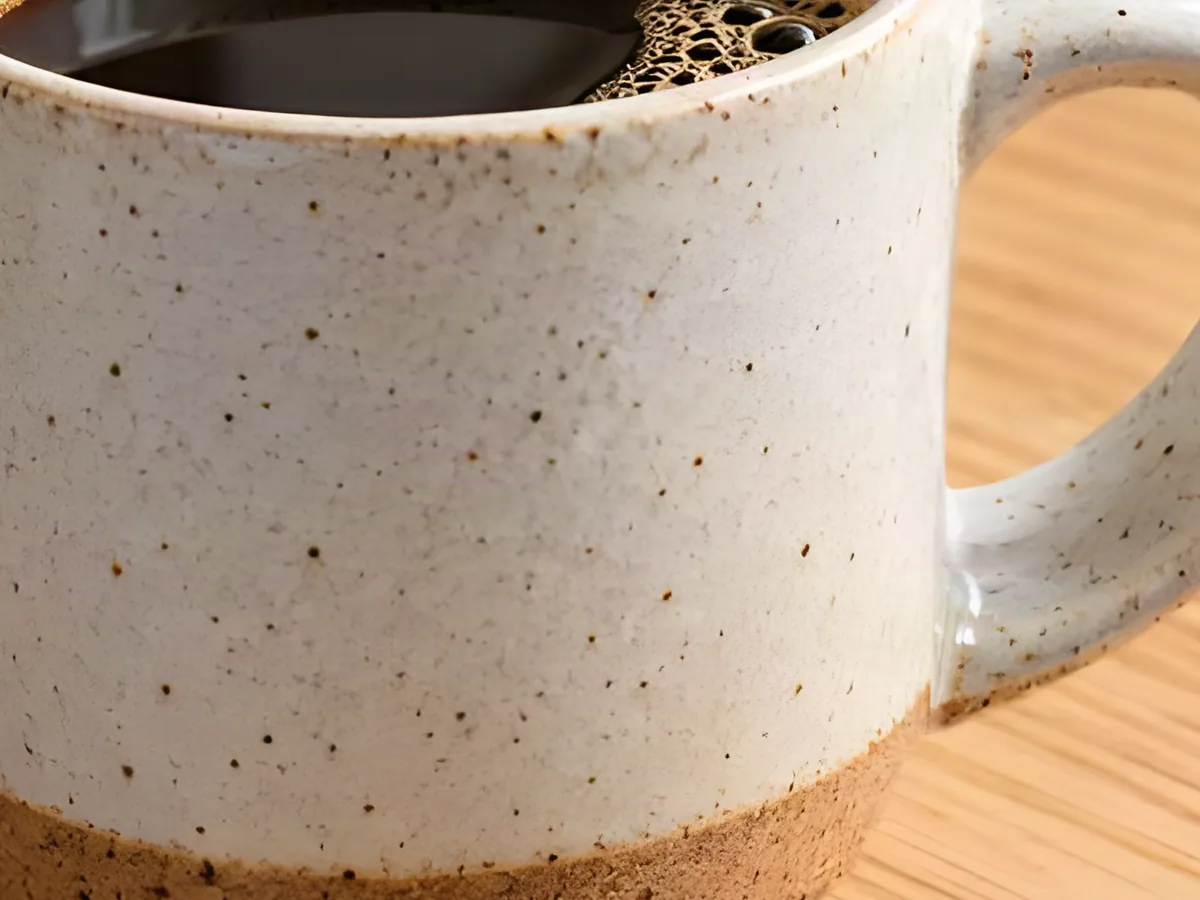
Ceramic mug on an oak table, small photo versus 4× upscale
Before
After
Photo

Photo Upscaler: Texture Instead of Blur

  • Glaze speckles, wood grain and steam keep their texture at 2× and 4×
  • 3 credits a run

Small product photoSpeckled glaze at 4×
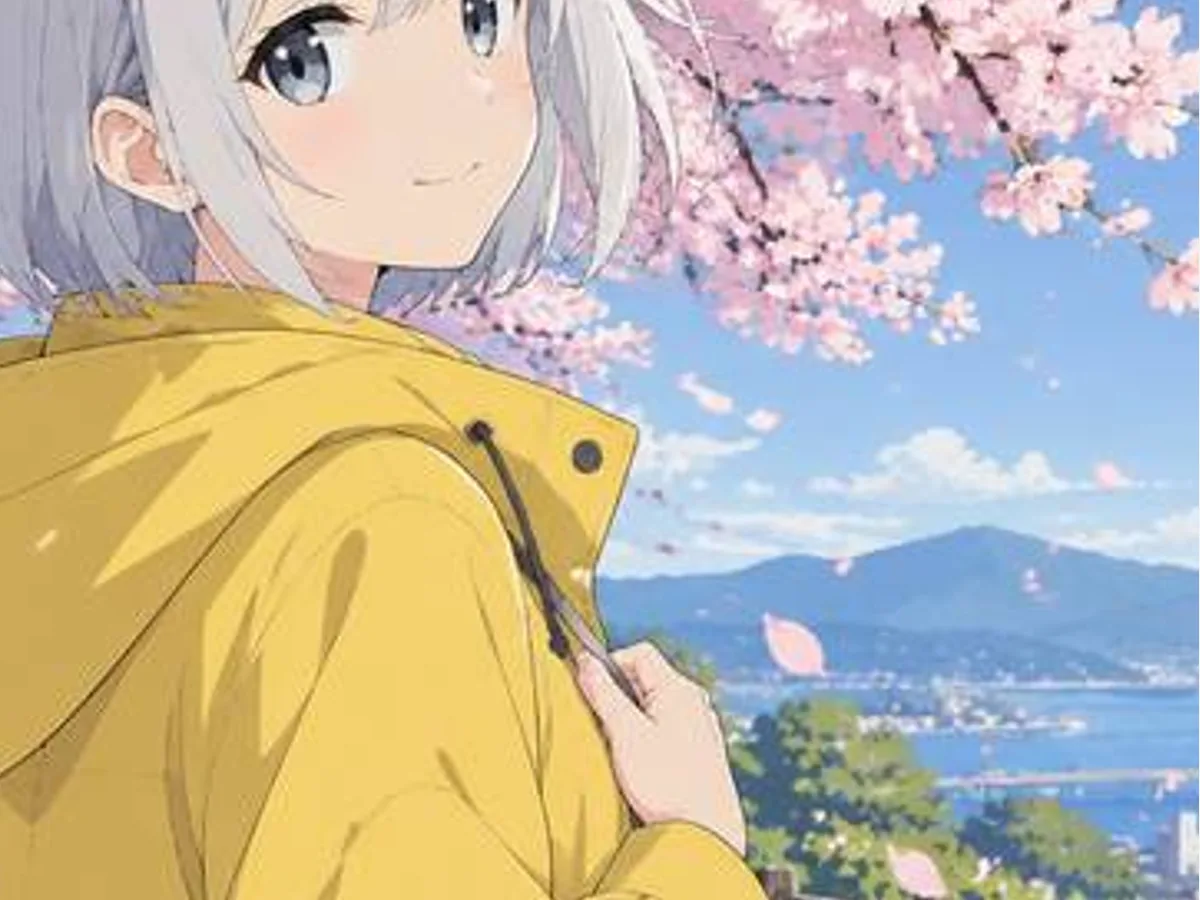
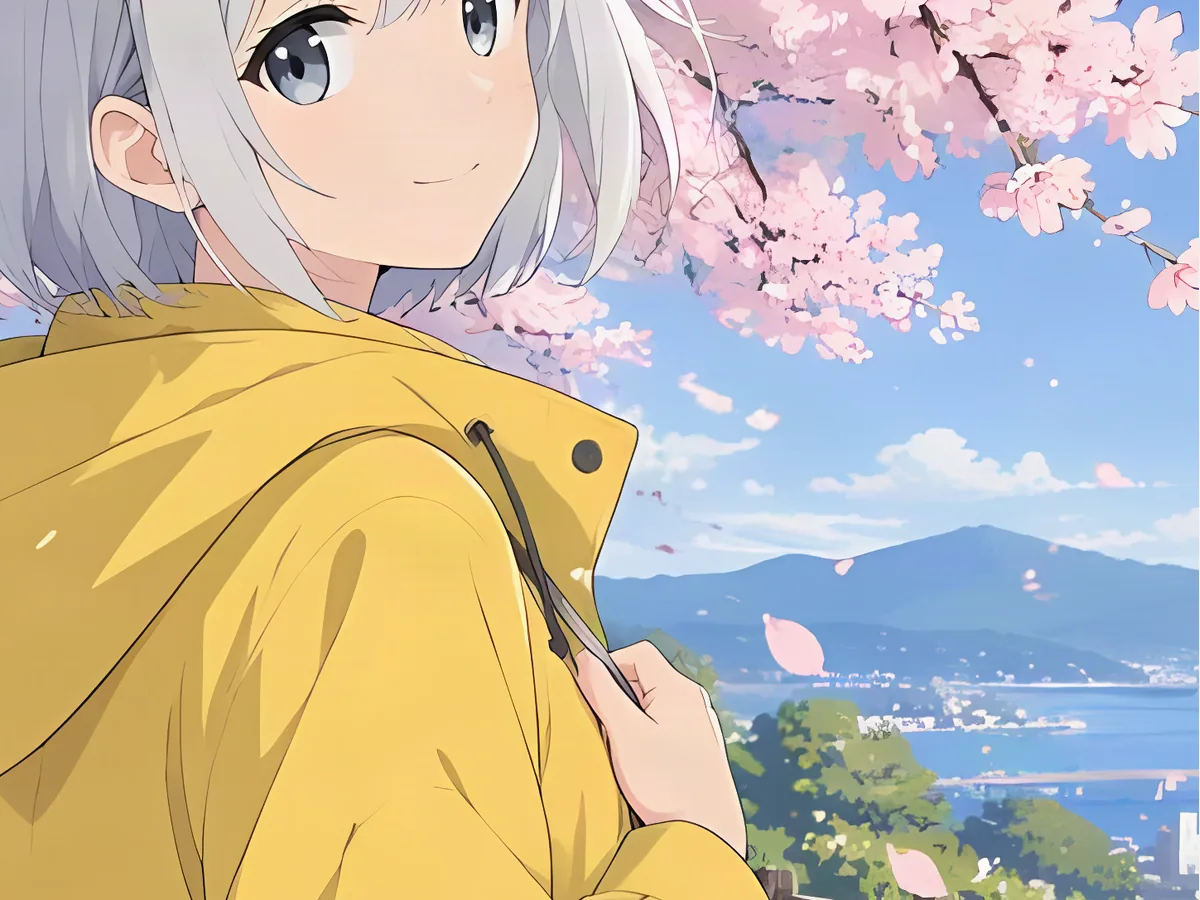
Anime girl in a yellow raincoat, small versus 4× upscale
Before
After
Anime & art

Anime and Illustration Upscaling with Clean Lines

  • Line art stays thin and dark; flat colour stays flat
  • For anime, manga, comics and fan art

Small fan artCrisp 4× illustration

Golden retriever on a lawn, soft photo versus Fix blur upscale
Before
After
Fix blur

Upscale and Unblur in One Step

  • Fix blur redraws soft fur, eyes and edges as it enlarges
  • 5 credits a run; best on mild blur

Soft dog photoFur and eyes back

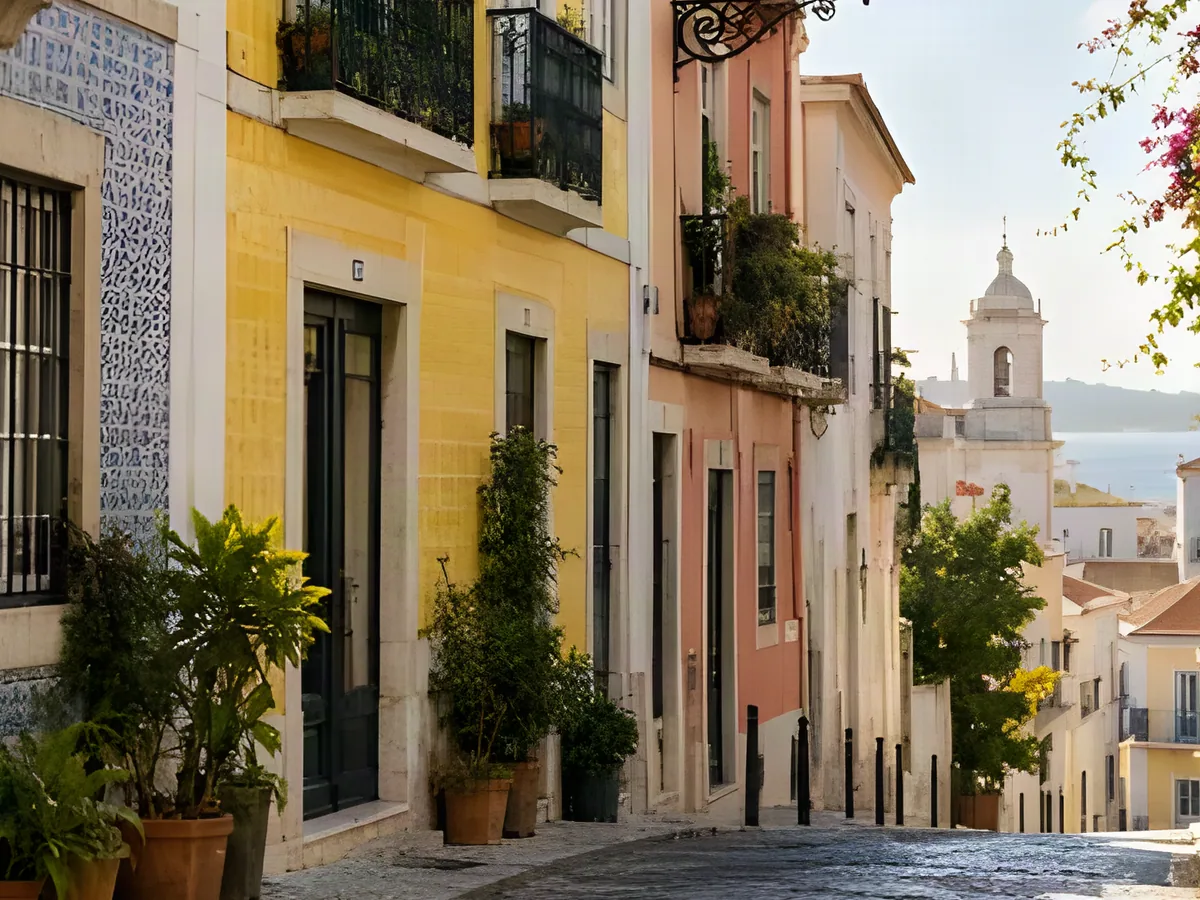
Old-town street with tiled houses, small versus 4× upscale
Before
After
Big output

Increase Image Resolution Up to About 6000 Pixels

  • Enough for 4K screens and prints around 20 inches at 300 DPI
  • Results stop at ~36 MP, so 8K is not offered

Small street photoTiles and balconies at 4×

Image Upscaler FAQ

Yes, to start. A free account comes with 20 credits; Photo and Anime & art cost 3 per upscale and Fix blur 5, so you get 6 free upscales. No watermark.
Upscale Your Image for Free

Get free credits

20 free creditsNo card needed