
Canva to PSD —
Your Canva design as Photoshop layers

Canva downloads PNG, JPG and PDF, never PSD. Upload the PNG here and get a PSD with the photo, shapes and text split onto separate layers, and the background filled in behind them.
BeforeAfter
No image?Try one of these:
  • First design free20 free credits cover one split of up to 4 layers (18 credits).
  • Real layersSeparate layers in the PSD, not one flat picture in a .psd.
  • No Canva Pro neededA free Canva PNG download is all it takes.

Canva to Photoshop: a Design Split into Layers

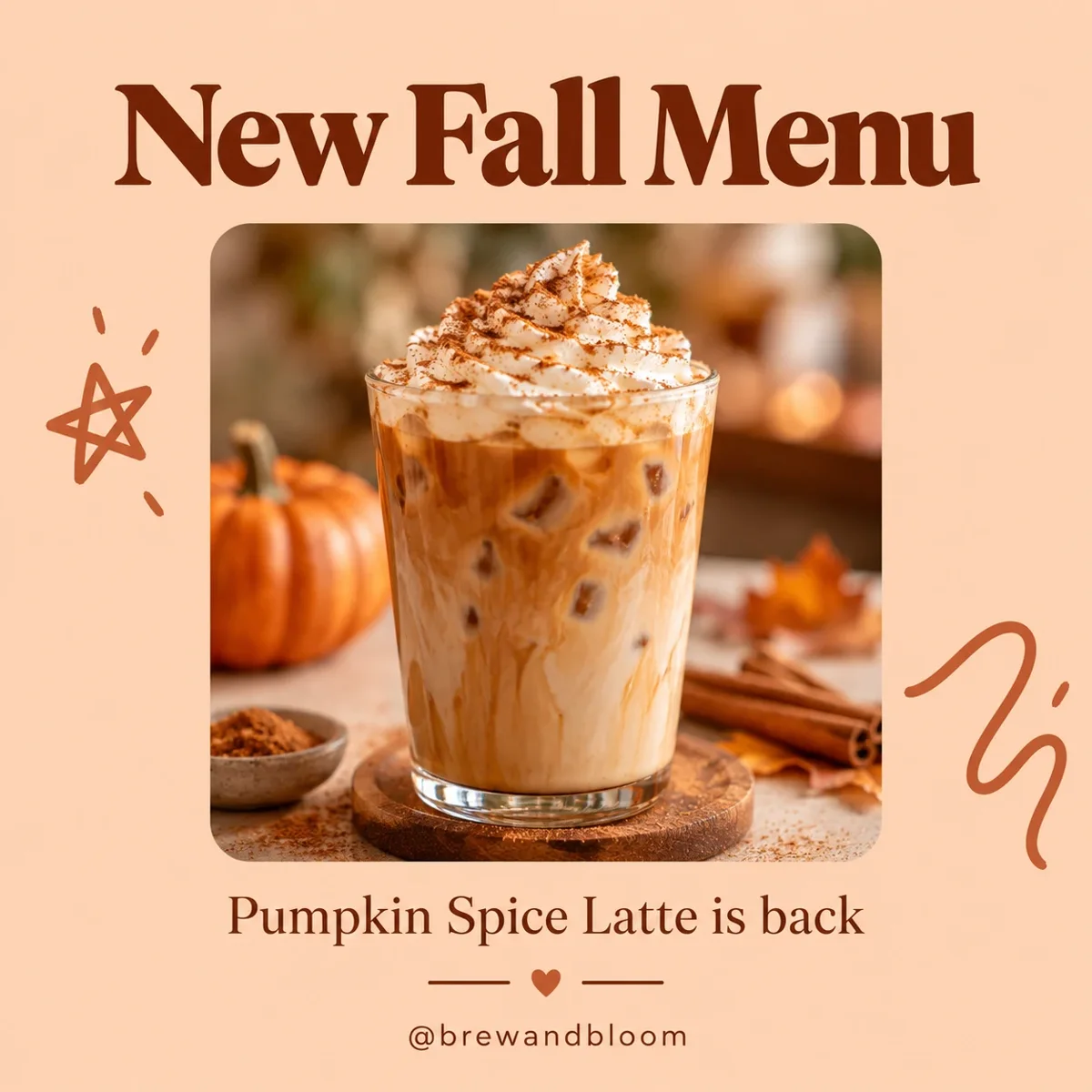
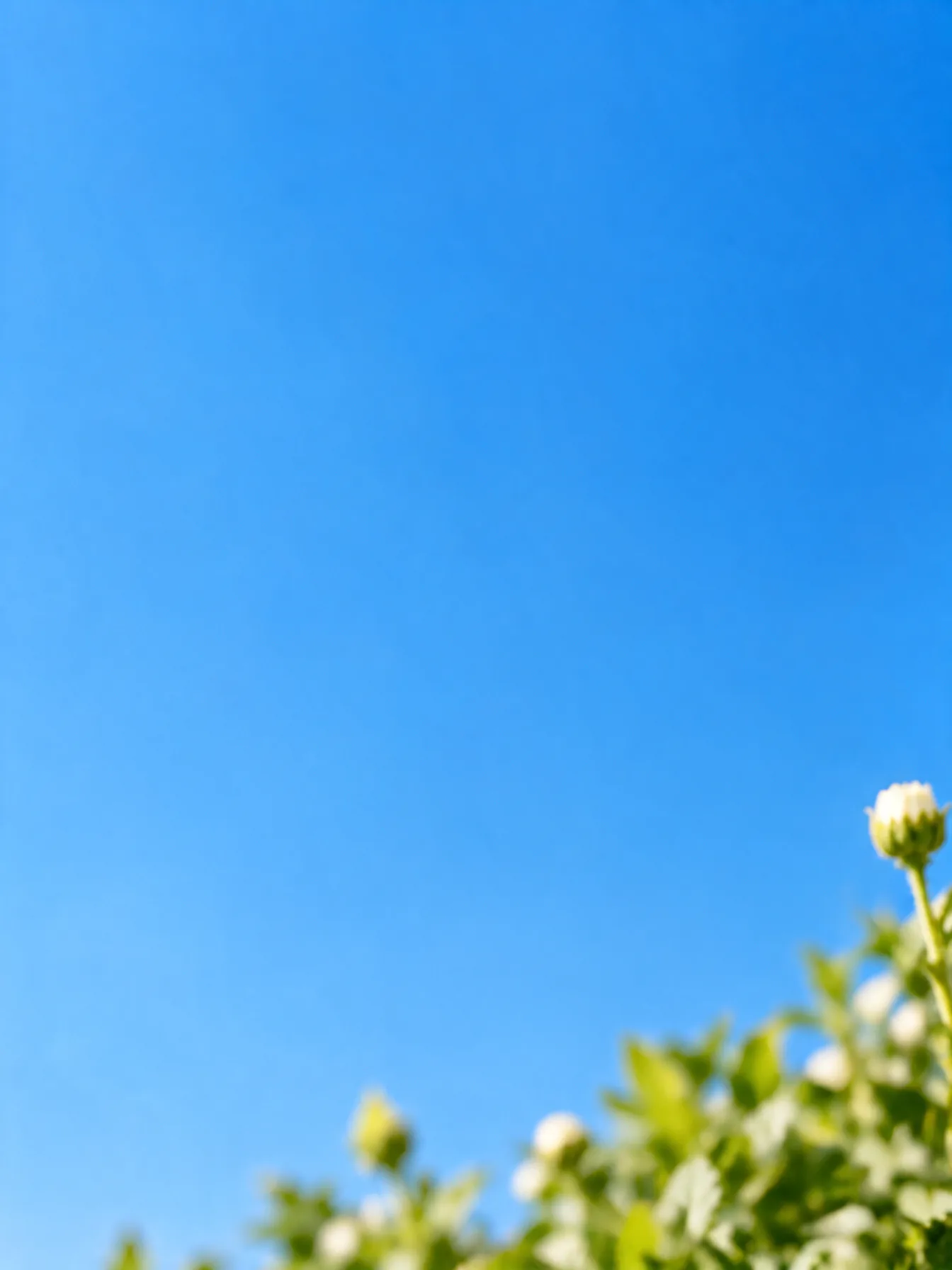
A Canva-style post exported as PNG and split into 2 layers. The after is the background layer on its own.

Peach Instagram post with an iced latte photo, doodles and the headline New Fall Menu
Before
Peach Instagram post with an iced latte photo, doodles and the headline New Fall Menu — After
After

Instagram posts

Everything lifted off, background filled

The headline, latte photo, doodles and handle came out together on one layer; the peach background underneath was filled in, ready for a new design.

How to Convert a Canva Design to PSD

  1. 1

    Download from Canva as PNG

    Share → Download → PNG. The largest size gives the cleanest layers.

  2. 2

    Upload and separate

    Drop the PNG here and press Separate layers. A free run splits into up to 4 layers.

  3. 3

    Download the PSD

    Check the layers in the browser, then download a PSD for Photoshop or Photopea.
Convert Canva to Photoshop Without Rebuilding the Design

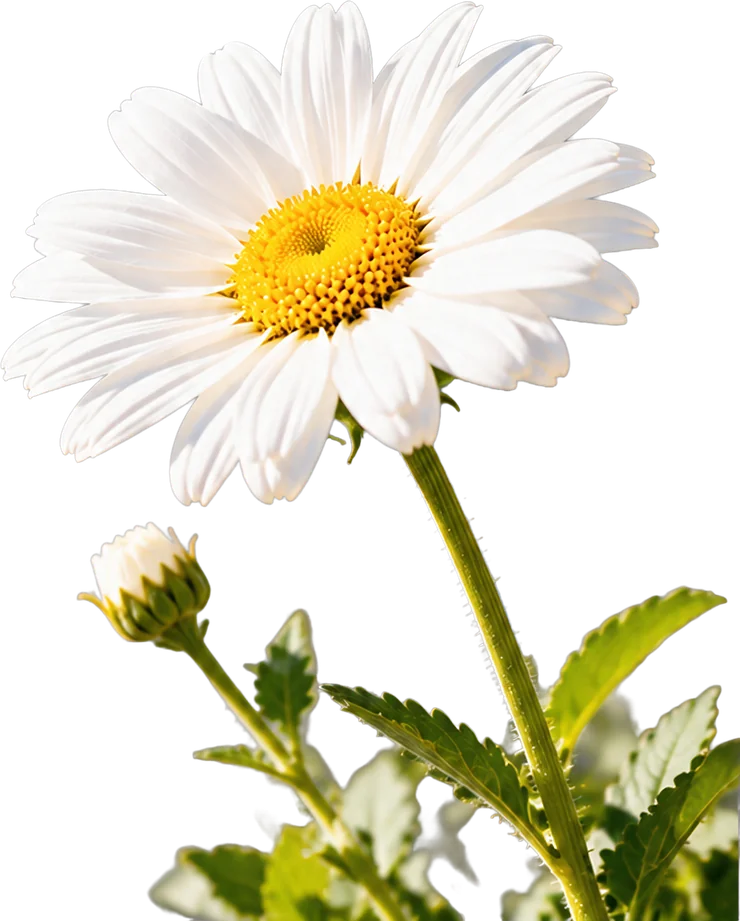
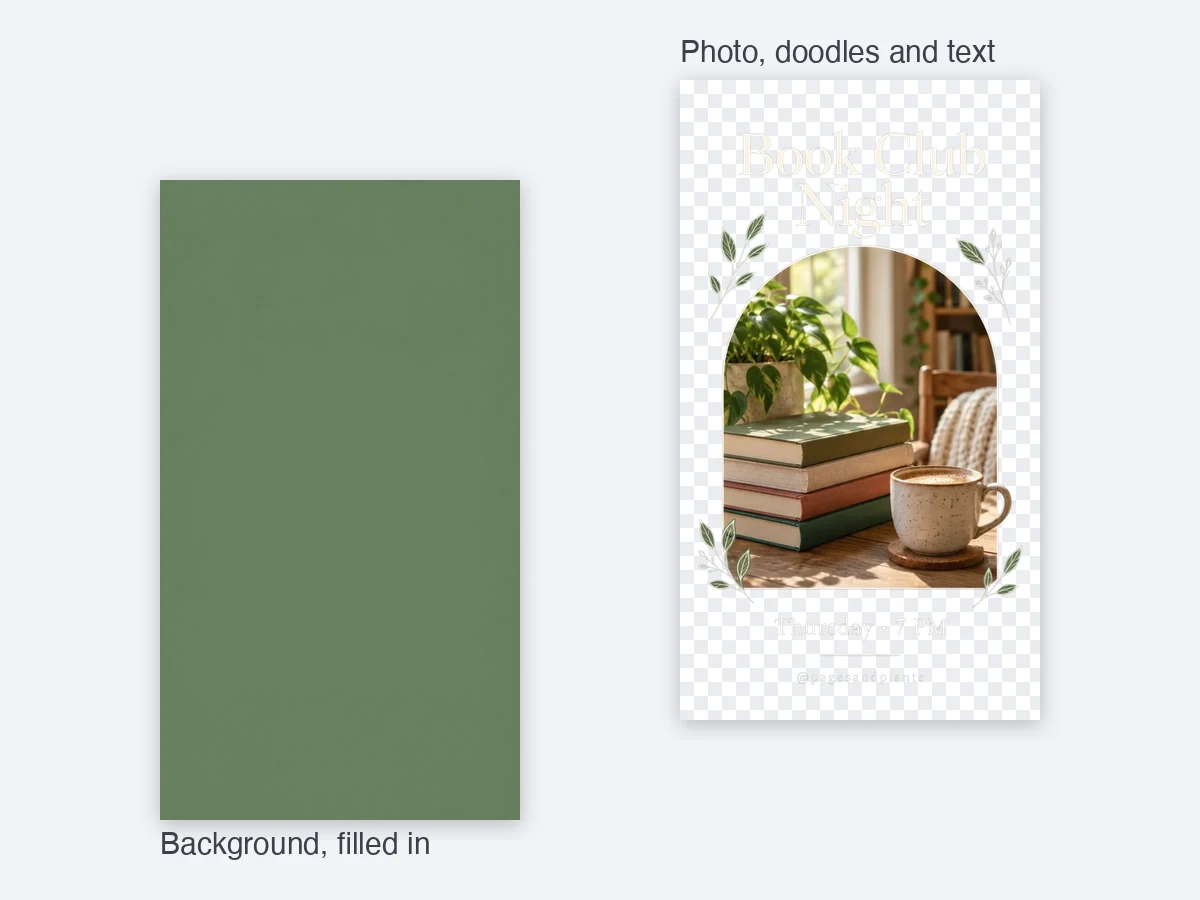
Book club Instagram story split into a transparent design layer and a filled-in green background
Layer stack

Canva File to PSD: Design and Background on Separate Layers

  • A Canva story template split into 2 layers: the photo, doodles and text on one, the green background on the other
  • Free runs go up to 4 layers, so the photo and the type can come apart too
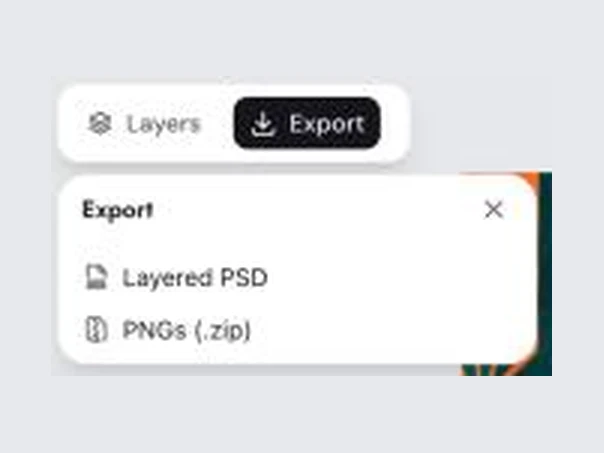
Download options: Layered PSD and PNGs (.zip)
Downloads

Open the PSD in Photoshop, Photopea or Affinity

  • Download one layered PSD, or every layer as a transparent PNG in a zip
  • Untick a layer to leave it out, view any layer on its own, or save a single layer as PNG

Keep going

More ways to use Image to PSD

Canva to PSD: FAQ

Turn Your Canva Design into a PSD

Get free credits

20 free creditsNo card needed