

Travel photos
Golden-hour plaza, ready for a 4K screen
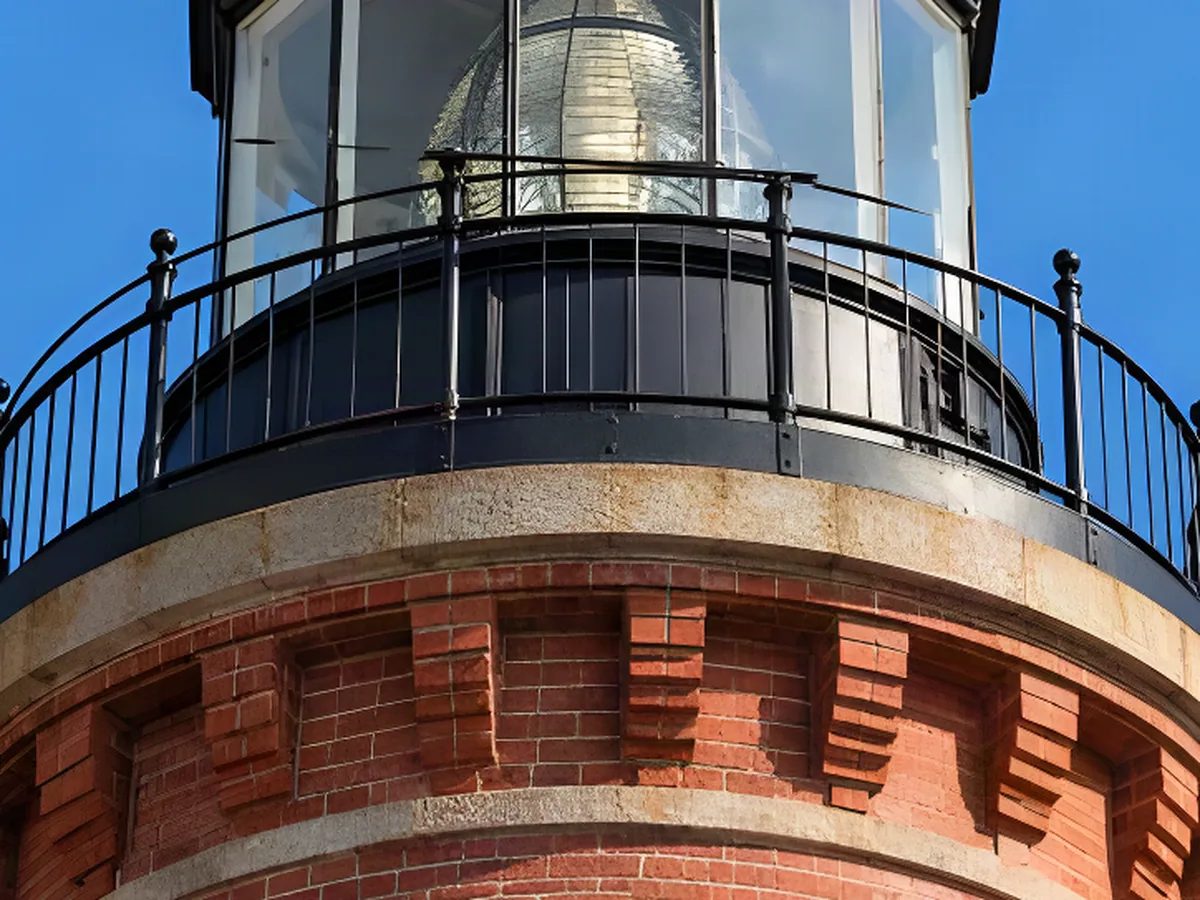
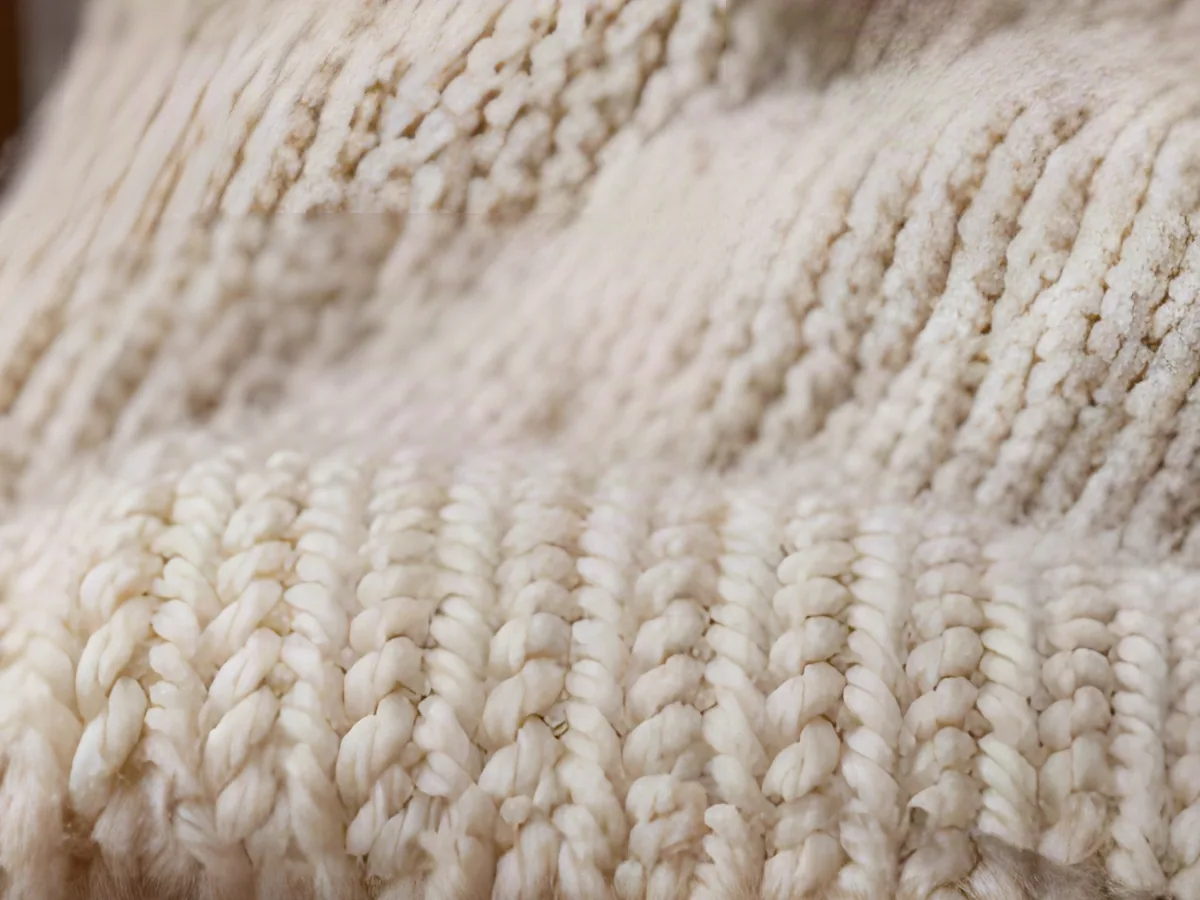
The arch stonework and cobbles were soft blocks at the original size. Upscaled 4×, stone, hair and light hold up full screen.
Turn a 1080p screenshot, wallpaper or photo into a 3840-pixel-wide 4K image. The AI adds real detail as it enlarges, so edges stay crisp instead of soft.

Same crop, shown at the same size: the original stretched, and the 4K result.
Travel photos
The arch stonework and cobbles were soft blocks at the original size. Upscaled 4×, stone, hair and light hold up full screen.
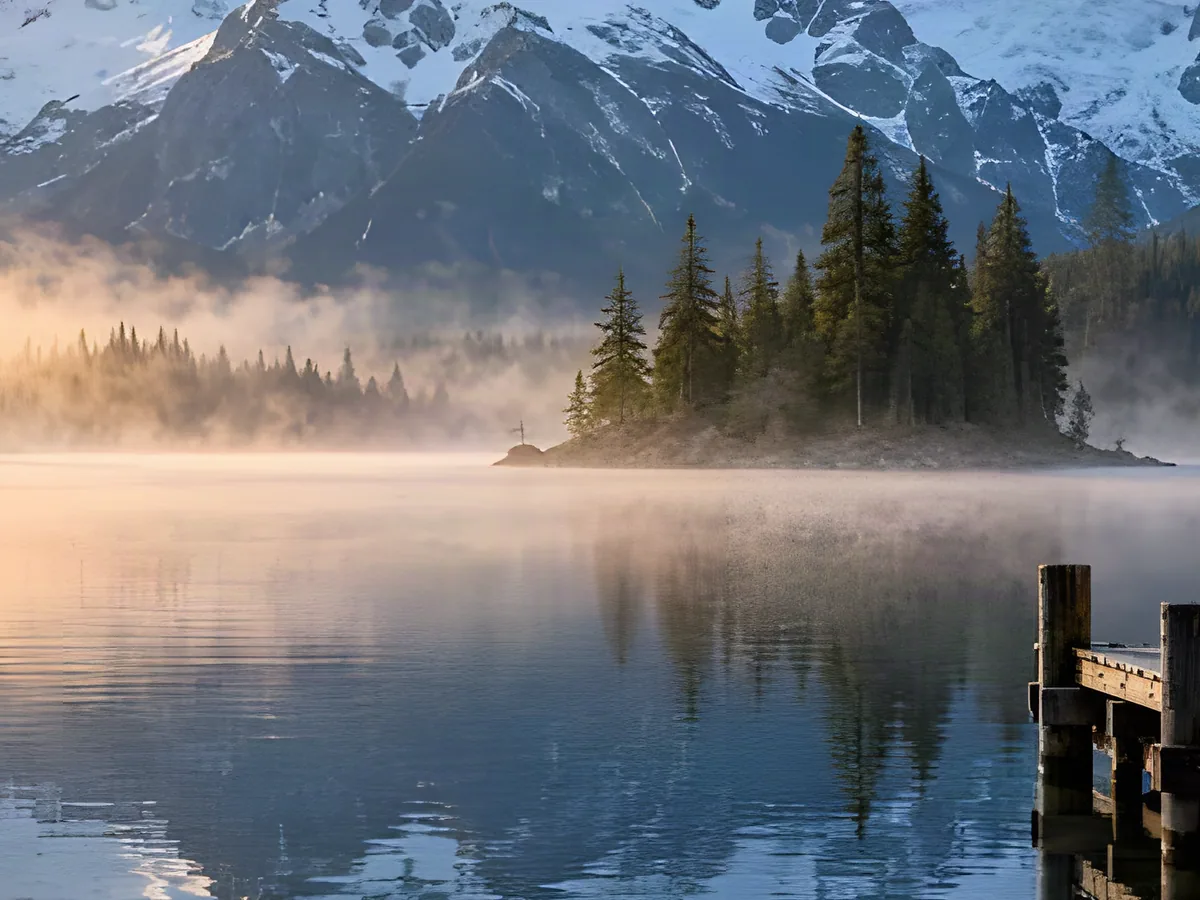
Landscapes
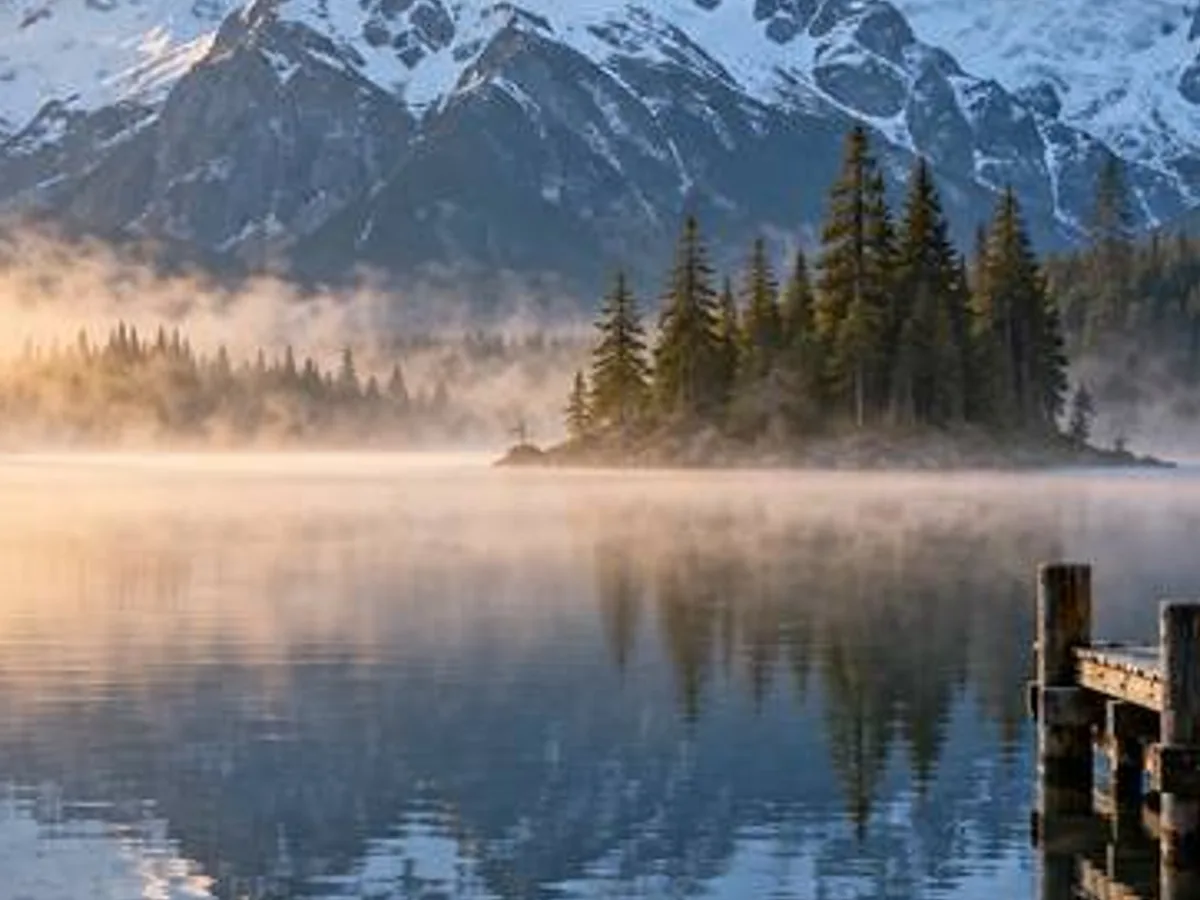
Snow ridges, pine silhouettes and the reflection stay separate instead of melting together.
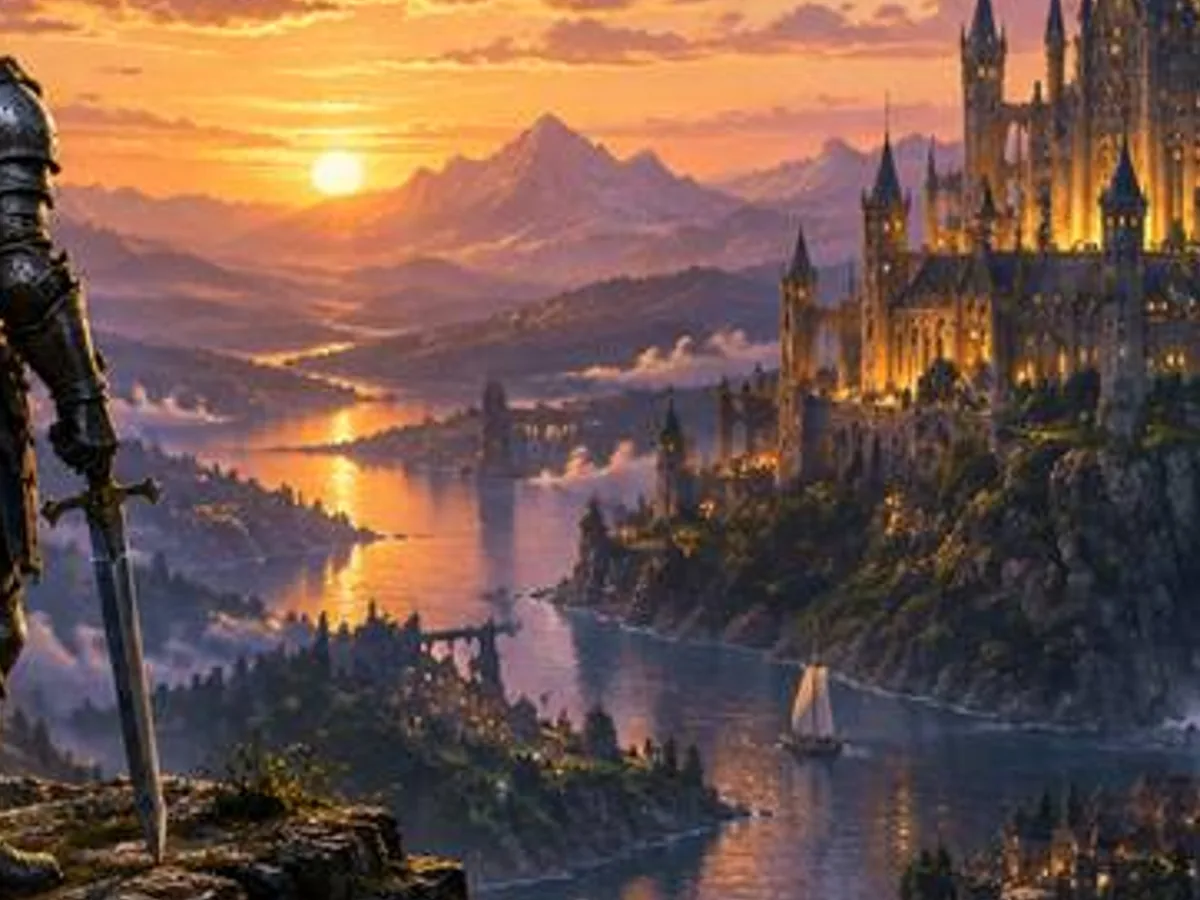
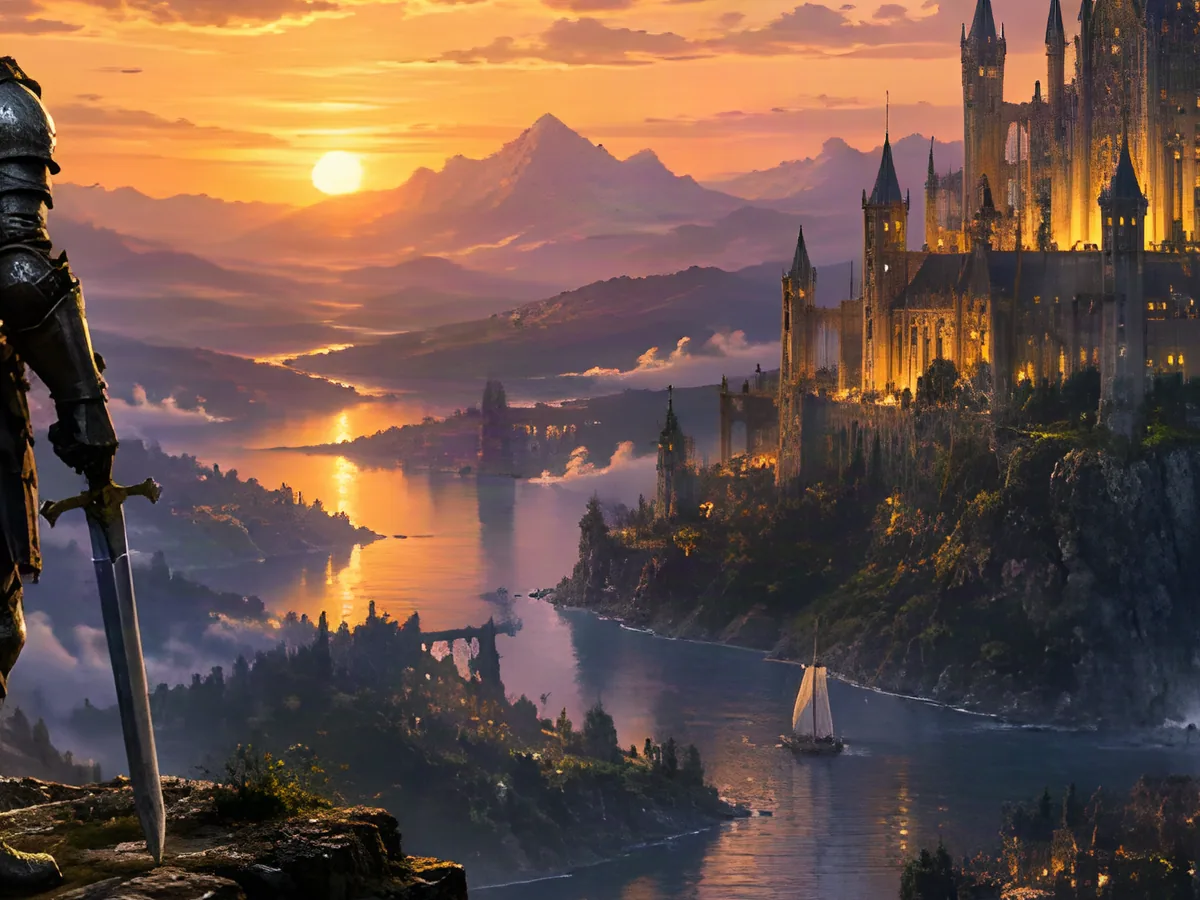
Game art
Armor edges and castle stonework sharpen up for a 3840-pixel desktop.
JPG, PNG or WebP. A 1080p image needs 2×; under 1000 px wide, pick 4×.
The scale picker greys out a size the result would not fit in.
Drag the divider to compare, then save PNG or JPG.
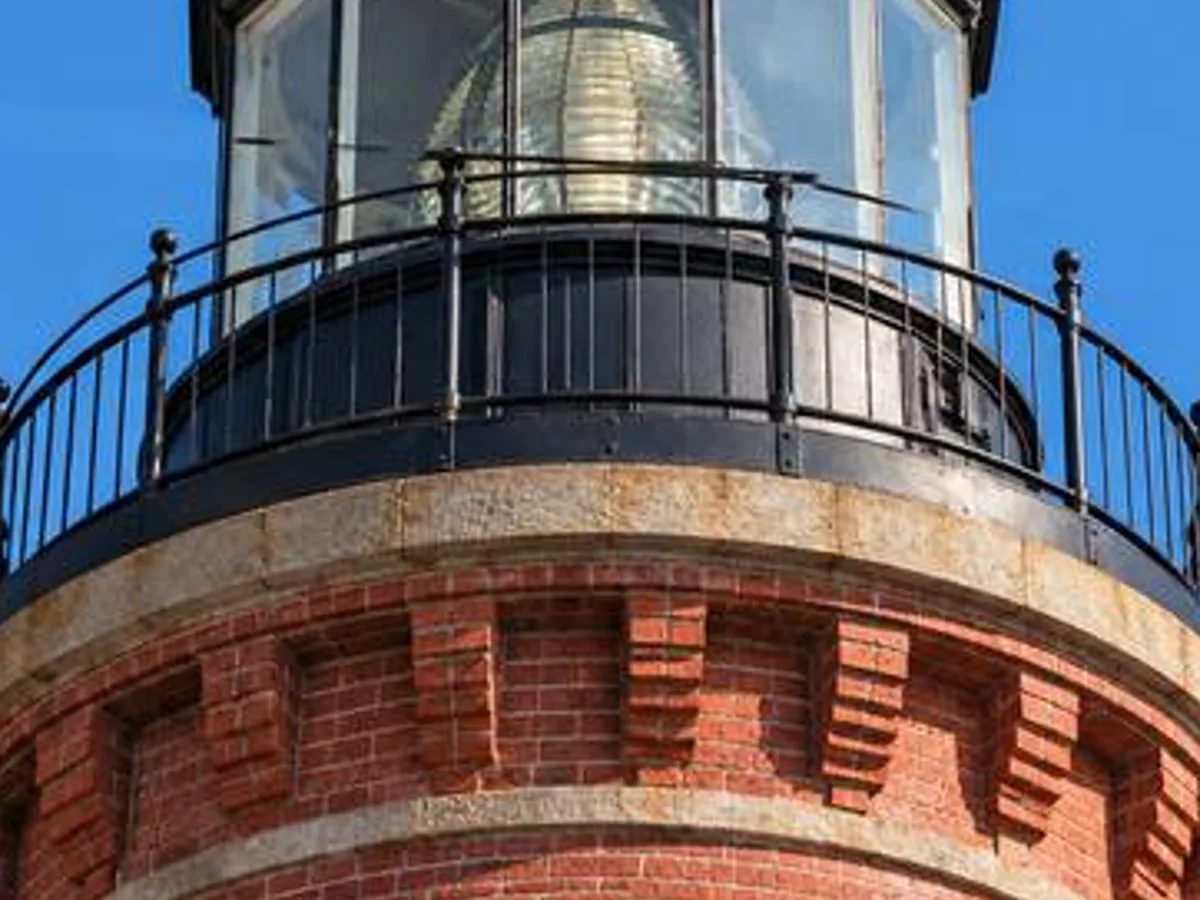
1080p source4K at 2×
960 × 7203840 × 2880
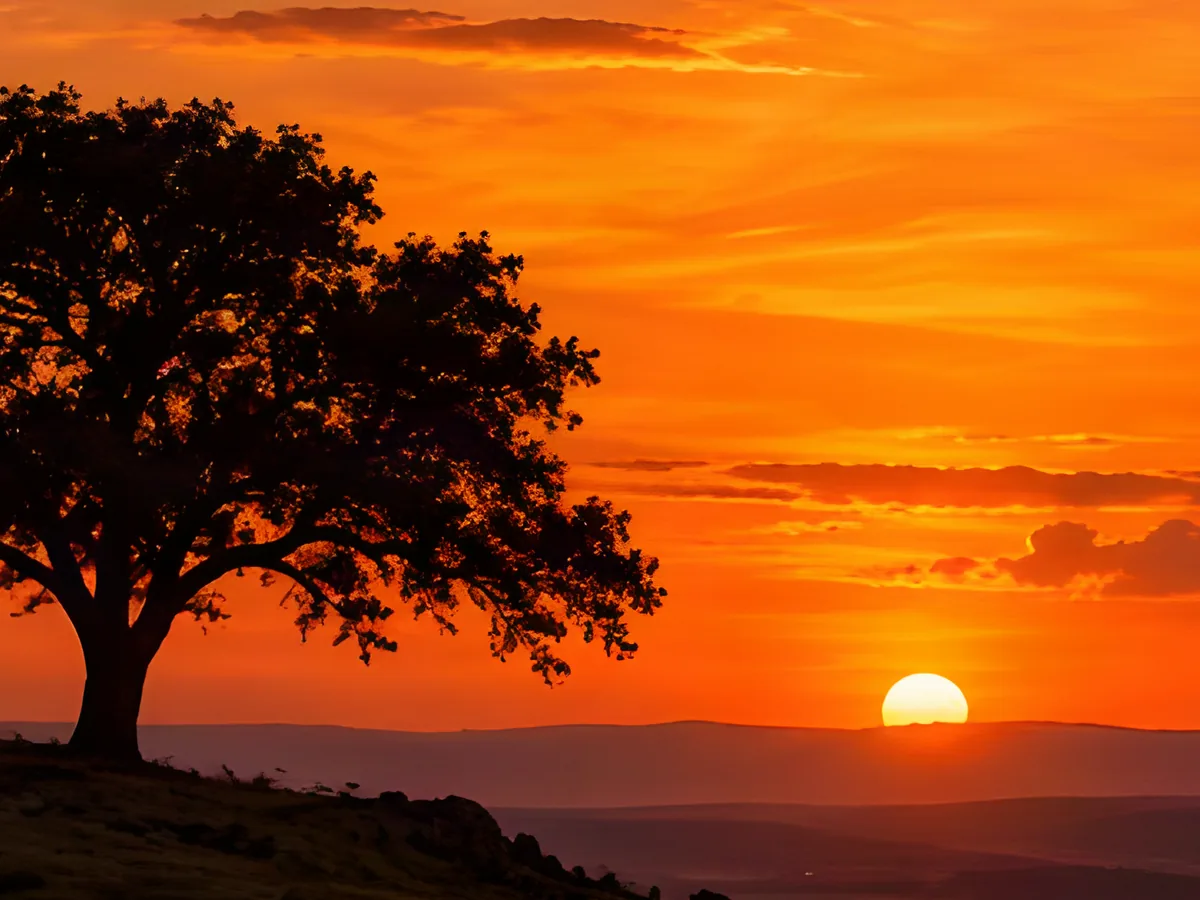
Low-res sunsetCrisp 4K silhouette
Keep going
More in Image Upscaler
All →Next step
Split the 4K image into layers