
Remove People from Photo —
Erase strangers, keep the moment

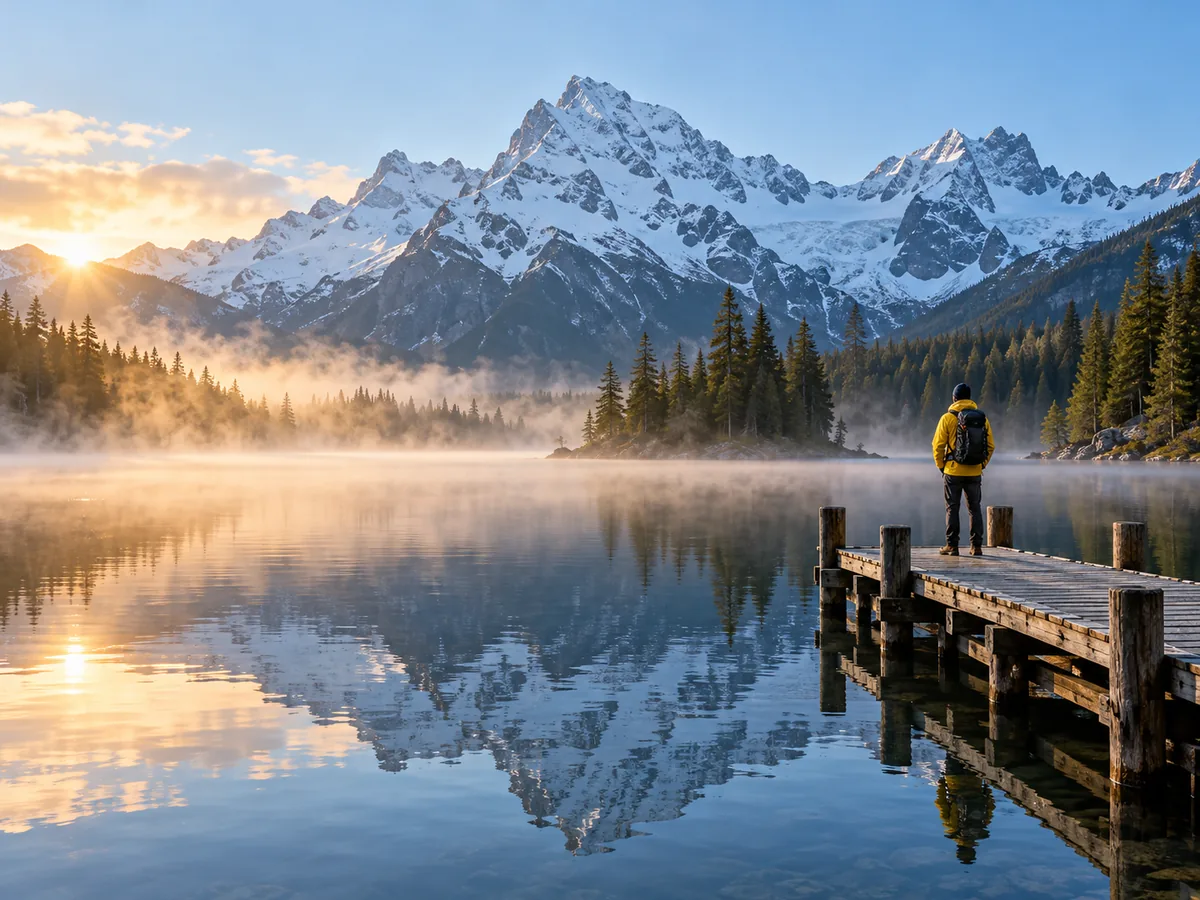
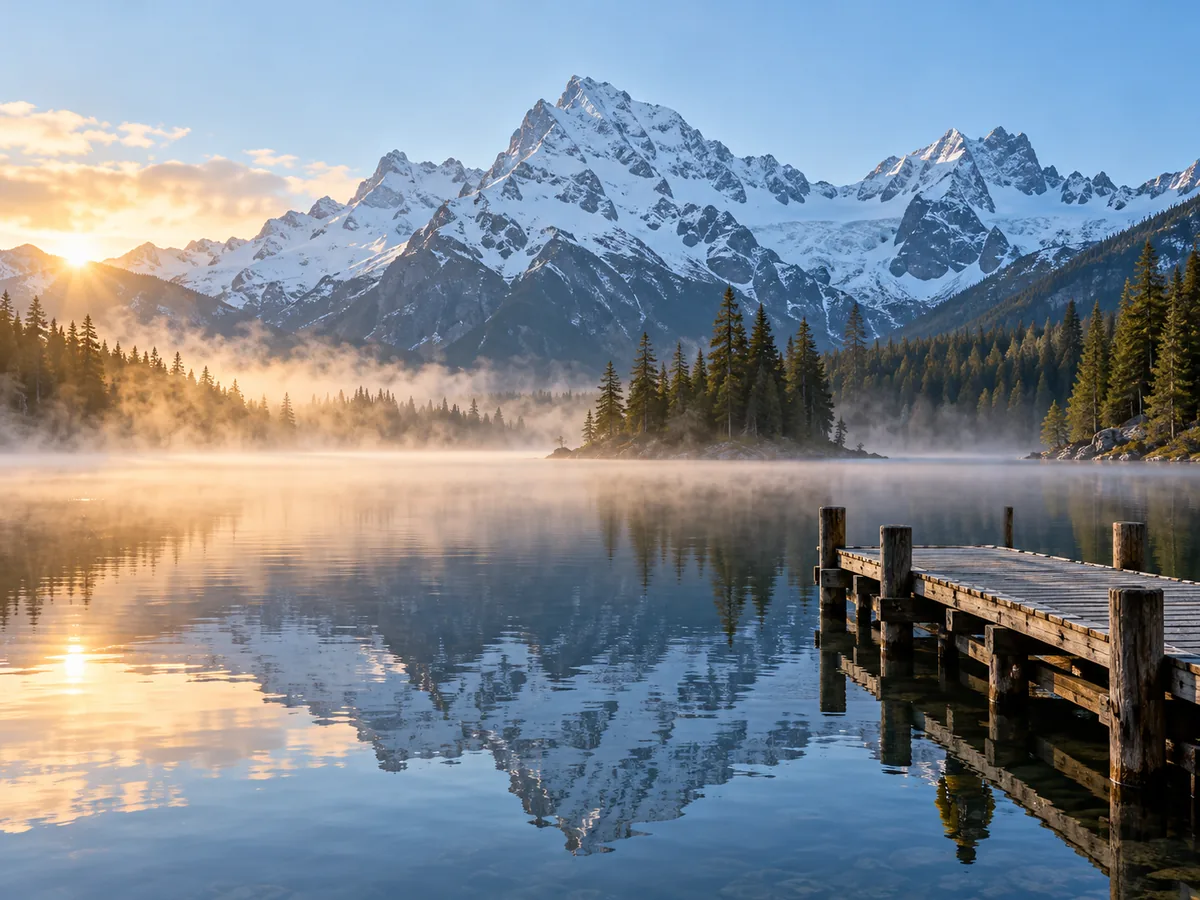
Brush over the person who walked into your shot and press Remove. The AI fills the space with the street, sand or wall that was behind them, shadow included.


Beach photo with tourists behind a womanThe same beach photo with the tourists removedRemove
Drop a photo, then brush what should go
No photo? Try one:
  • 4 removals freeA free account gets 20 credits; each Remove is 5.
  • No watermarkDownload the cleaned photo at full size, free credits too.
  • Works in the browserPhone or laptop, no app and no Photoshop to learn.

Remove a Person from a Photo: Real Results

One brush, one Remove per photo. Nothing painted by hand.

Woman in a red dress at a stone arch with two tourists walking behind her
Before
Woman in a red dress at a stone arch with two tourists walking behind her — After
After

Travel photos

Two tourists gone from the plaza

The couple with backpacks walked through a golden-hour shot. One stroke over both, and the cobbles and wall came back behind them.


Couple holding hands at the waterline with a stranger walking behind them
Before
Couple holding hands at the waterline with a stranger walking behind them — After
After

Holiday photos

Photobomber off the beach

A swimmer crossed right behind the couple. The sea and sand were filled in, and the two of them were not touched.


Bride and groom under an oak tree with a guest on his phone at the edge
Before
Bride and groom under an oak tree with a guest on his phone at the edge — After
After

Events

Guest on his phone, removed

The portrait you could not re-shoot, minus the guest at the edge of the frame. The garden behind him was rebuilt.

How to Remove People from Photos

  1. 1

    Upload the photo

    JPG, PNG or WebP up to 30 MP, straight from your phone or camera.

  2. 2

    Brush over each person

    Cover the whole person and their shadow, with a little margin.

  3. 3

    Remove and download

    About ten seconds later the background is back. Save as PNG or JPG.

AI Person Remover That Rebuilds What Was Behind Them

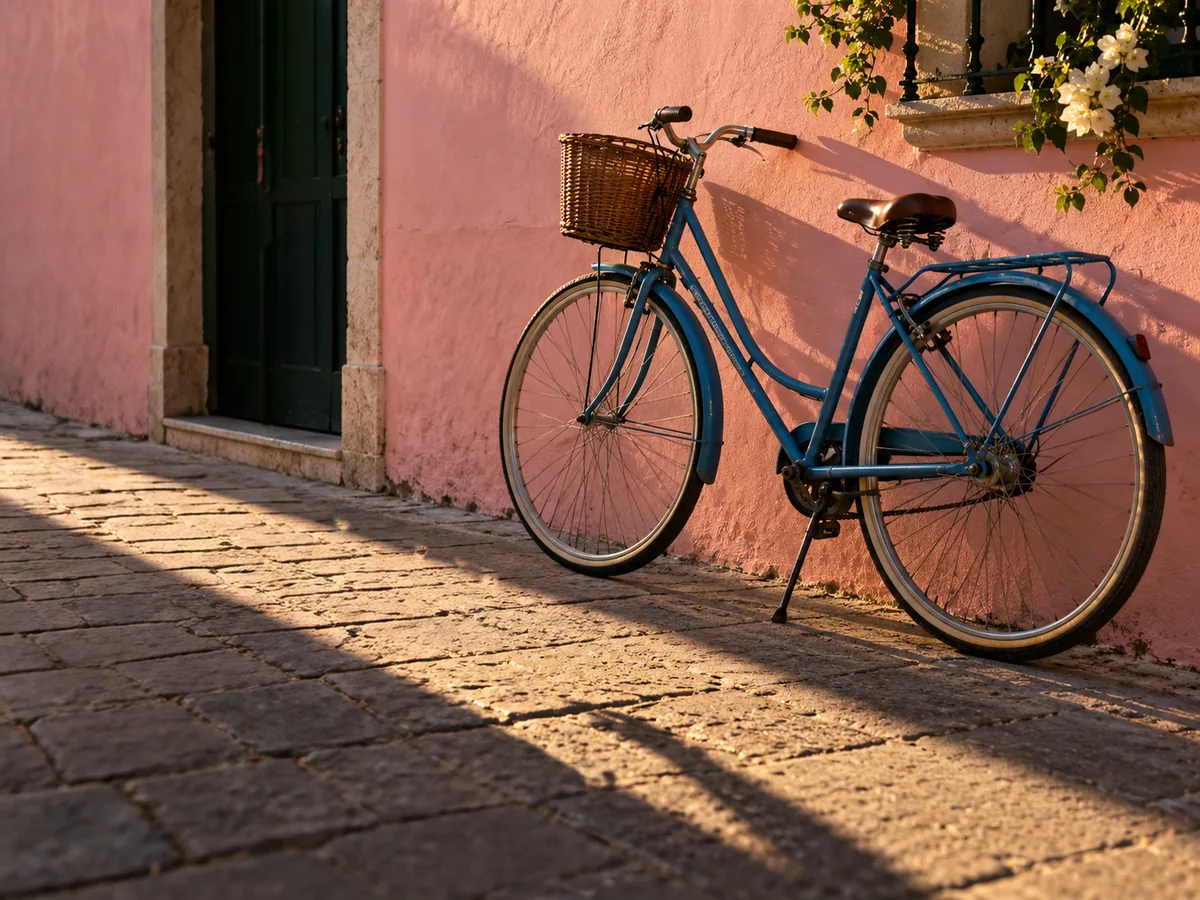
Blue bicycle against a pink wall with a pedestrian shadow, before and after removal
Before
After
Shadows

Remove a Person and Their Shadow Together

  • Brush the person and the shadow they cast; both go in the same Remove
  • No dark smear left on the pavement for a second pass

Passer-by and shadowEmpty sunlit street
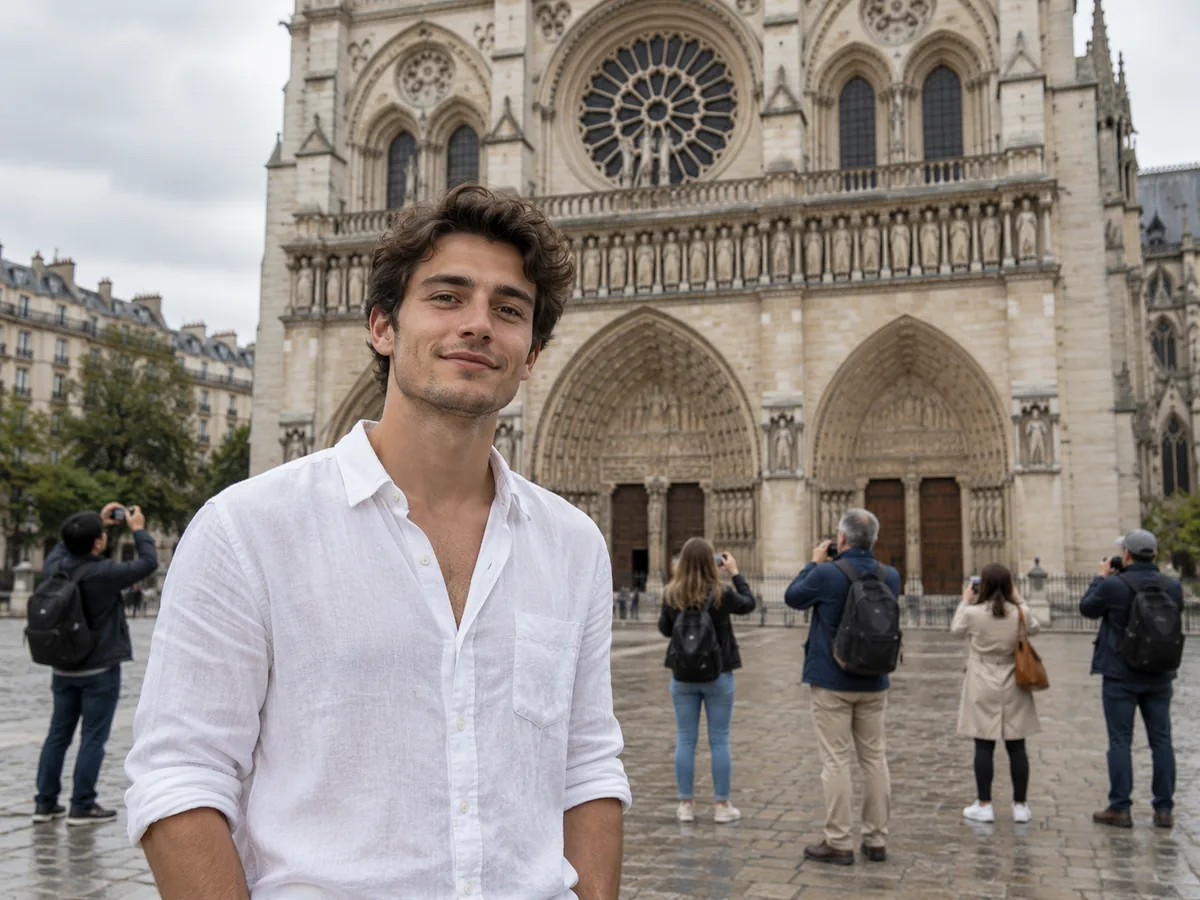
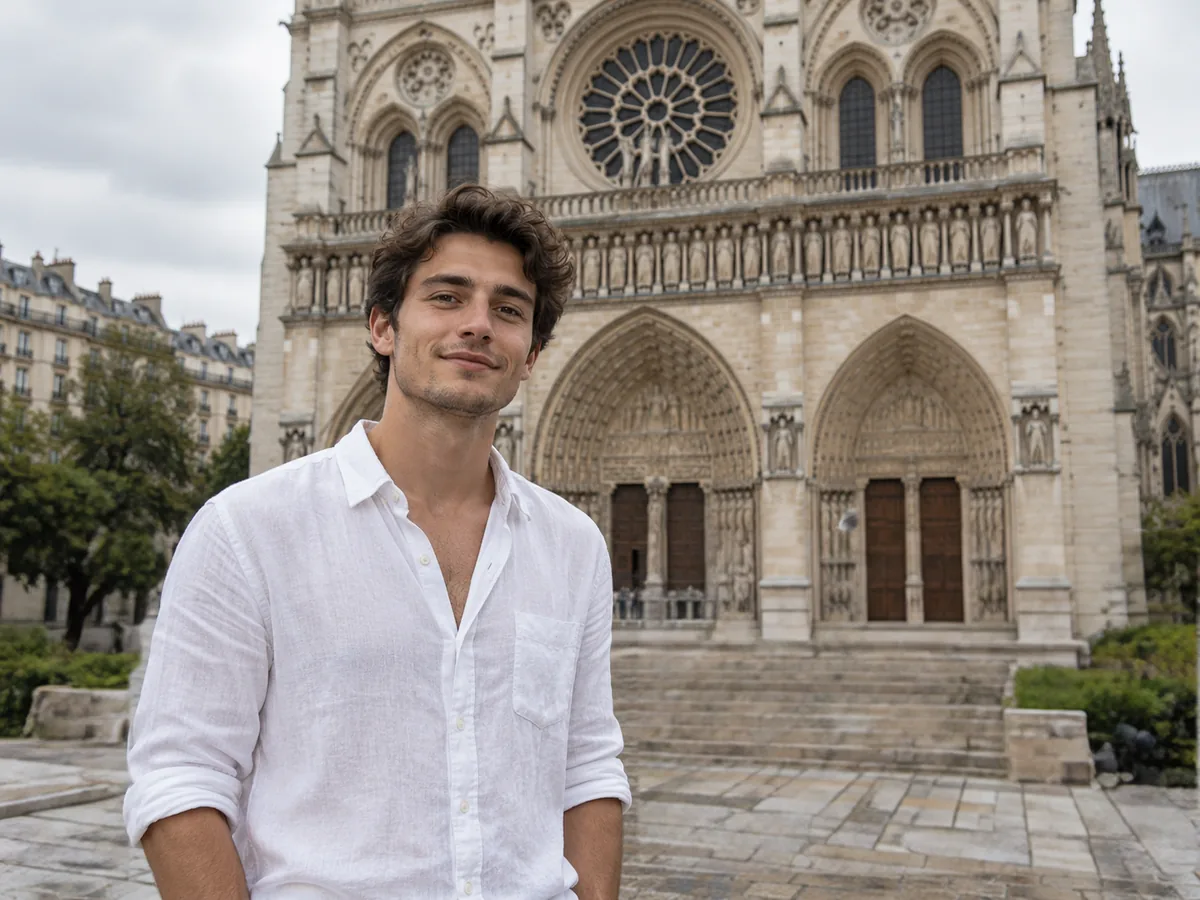
Man in front of a cathedral with tourists behind him, before and after
Before
After
Crowds

Remove People from the Background of a Photo

  • Brush every tourist behind your subject and remove them in one go
  • One Remove is 5 credits however many people you brushed

Five tourists behind himClear cathedral facade

Three friends on a park bench, one removed from the right side
Before
After
Group photos

Remove Someone from a Group Photo

  • Take one person out of a group shot and keep everyone else as they were
  • Works best when they stand at the edge rather than in the middle

Three friends on a benchTwo friends, bench rebuilt

Keep going

More ways to use Object Remover

Remove People from Photos: FAQ

Remove People from Your Photo Now

Get free credits

20 free creditsNo card needed