Change Aspect Ratio of Image —
Without cropping, stretching or black bars

An aspect ratio changer that adds instead of cuts. Turn a vertical photo into 16:9, a landscape into a 9:16 story or anything into a square, and the AI paints the space in between.
Before
After
Drop a photo to expand
No photo? Try one:
  • Nothing croppedEvery pixel of the original stays in.
  • 7 ratios + zoom out1:1, 4:3, 3:4, 16:9, 9:16, 3:2, 2:3.
  • 4 free changes20 credits on sign-up, 5 per run.

AI Aspect Ratio Changer: Before and After

Each original placed on a 16:9 canvas, then filled by AI. No crop, no stretch.

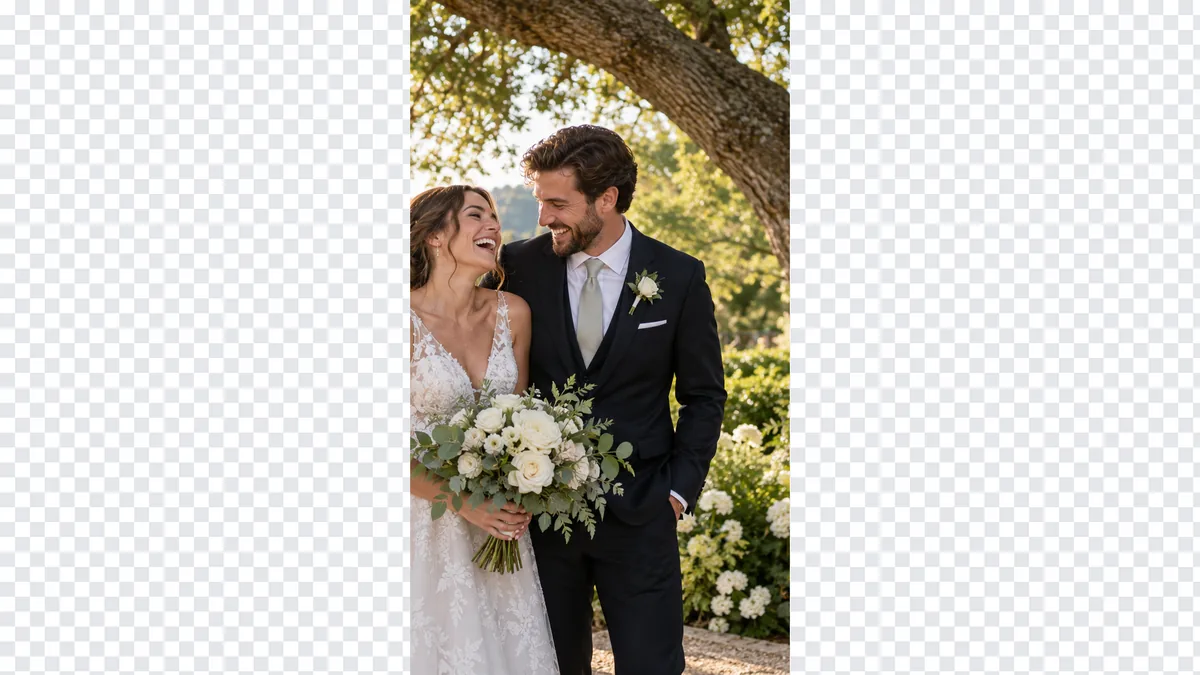
Vertical wedding photo changed from 9:16 to 16:9
Before
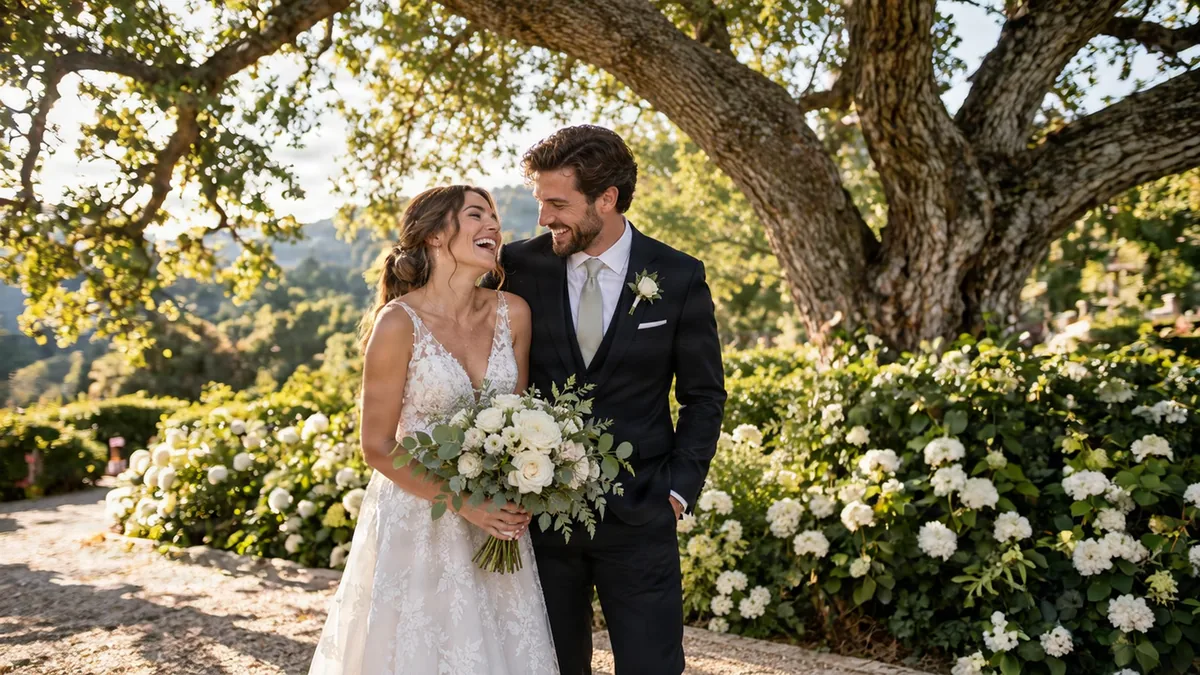
Vertical wedding photo changed from 9:16 to 16:9 — After
After

9:16 → 16:9

Phone photo to a widescreen frame

A vertical shot of the couple fills a 16:9 frame: the oak tree and garden are added either side.
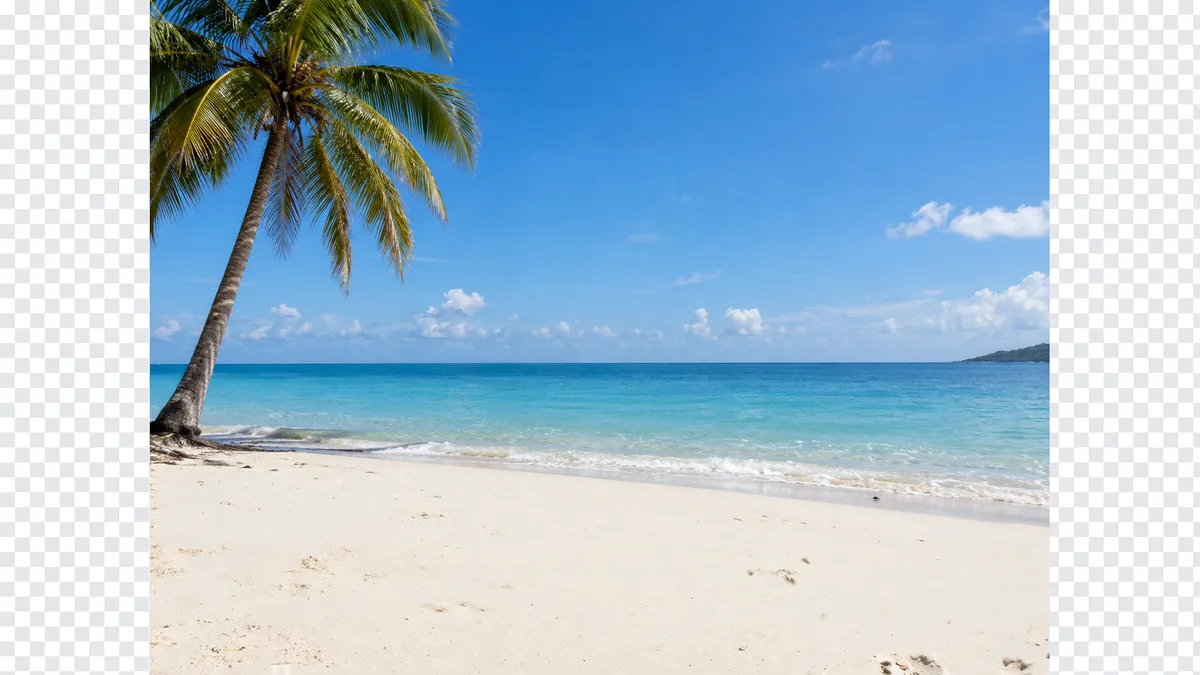
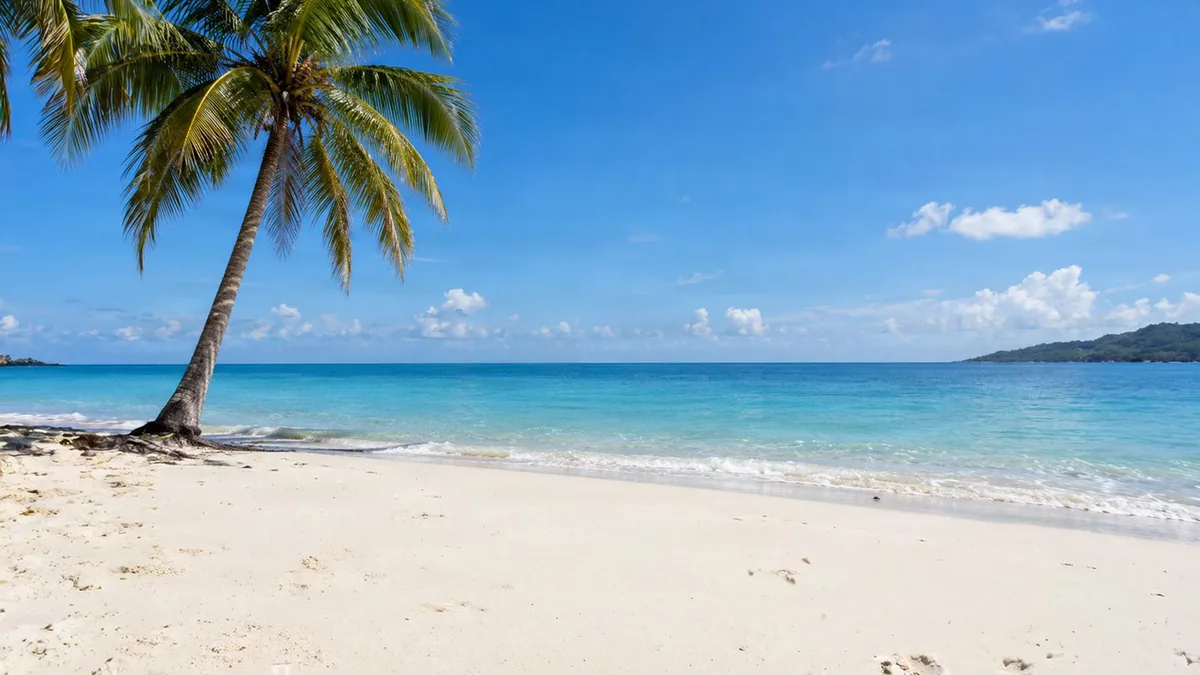
Palm beach photo changed from 4:3 to 16:9
Before
Palm beach photo changed from 4:3 to 16:9 — After
After

4:3 → 16:9

Camera shot to a YouTube thumbnail shape

More sand and sea on both sides; the palm is untouched.
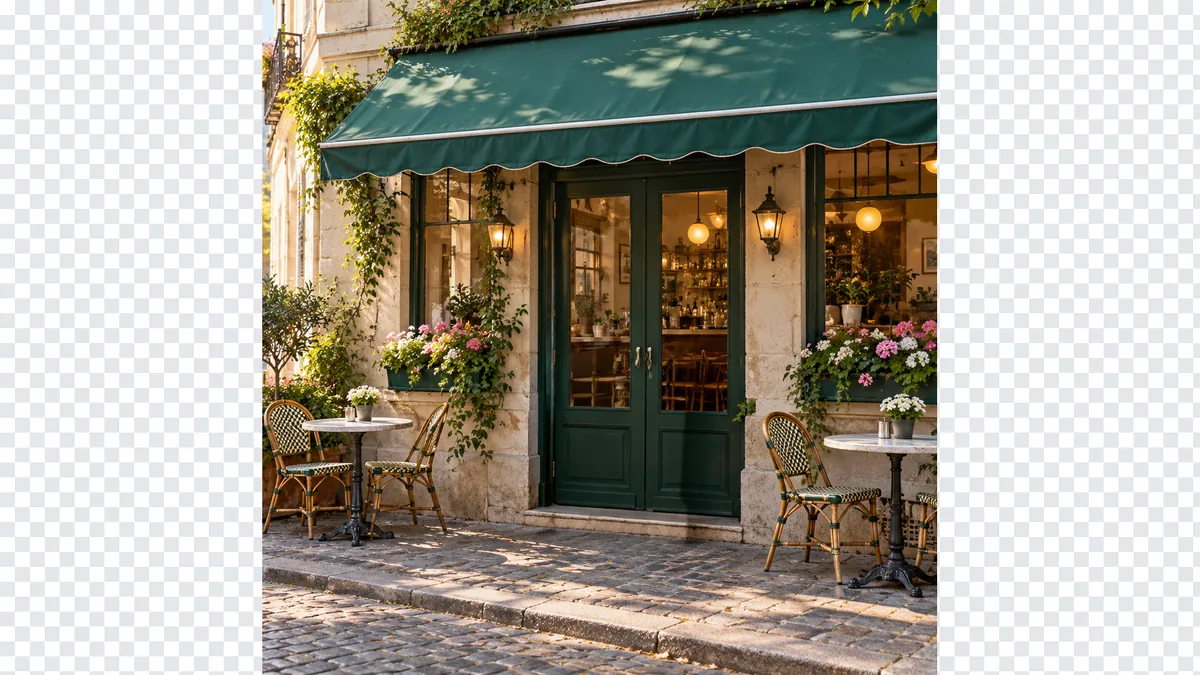
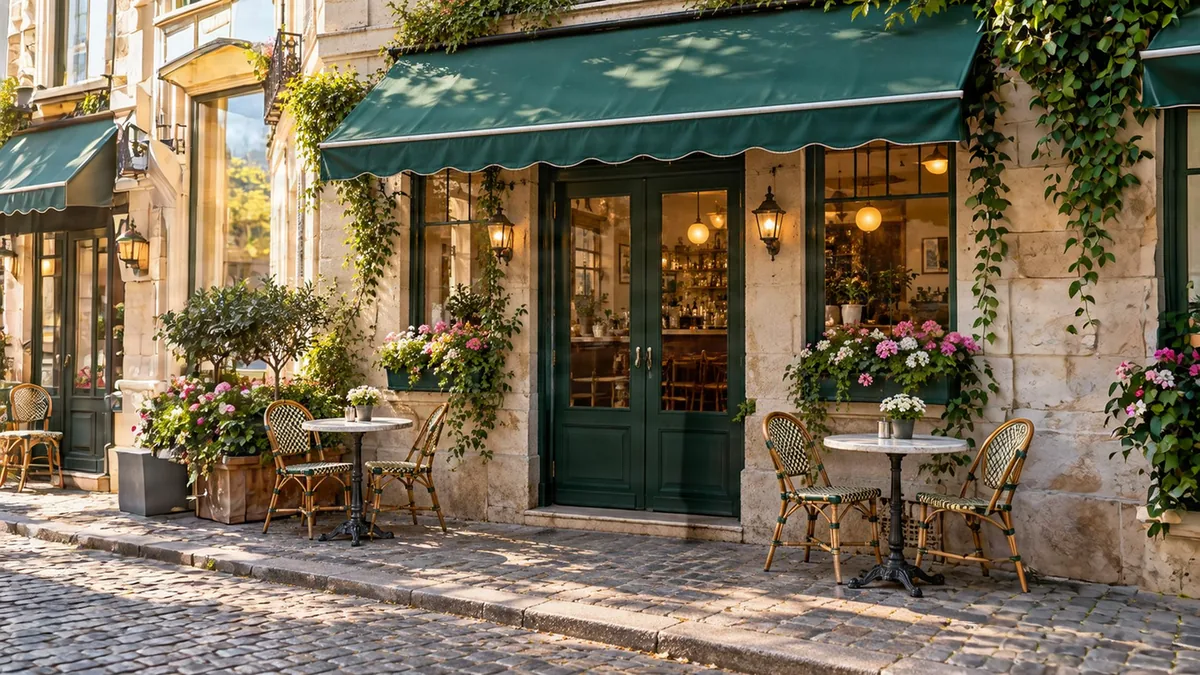
Square cafe storefront photo changed from 1:1 to 16:9
Before
Square cafe storefront photo changed from 1:1 to 16:9 — After
After

1:1 → 16:9

Instagram square to a website banner

The street and neighbouring facades continue, so the cafe sits in a wide scene.

How to Change the Aspect Ratio of an Image

  1. 1

    Upload the image

    JPG, PNG or WebP up to 12 MP.

  2. 2

    Choose the new ratio

    Then centre the photo or push it to one side.

  3. 3

    Expand and download

    The checkered area is filled in about 20 seconds.
Change Image Aspect Ratio for Every Platform

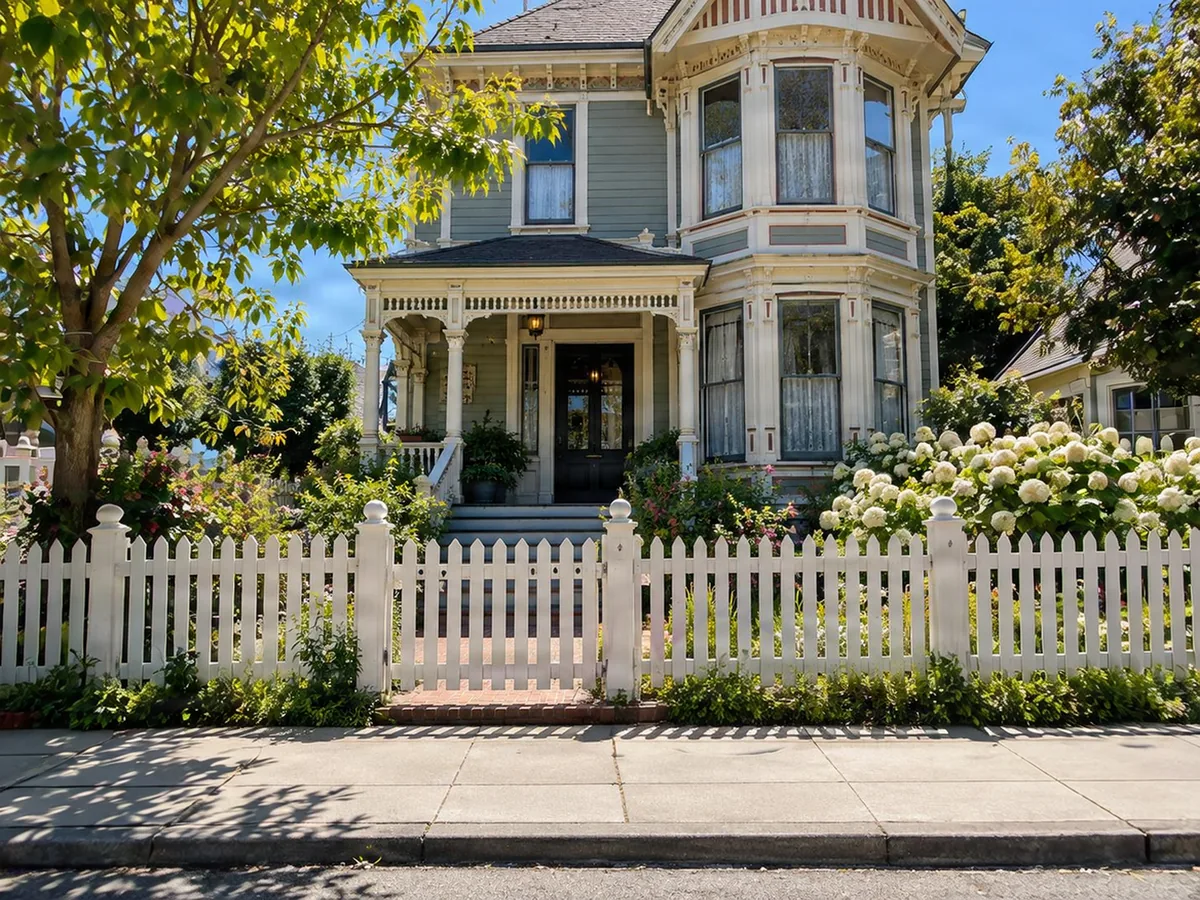
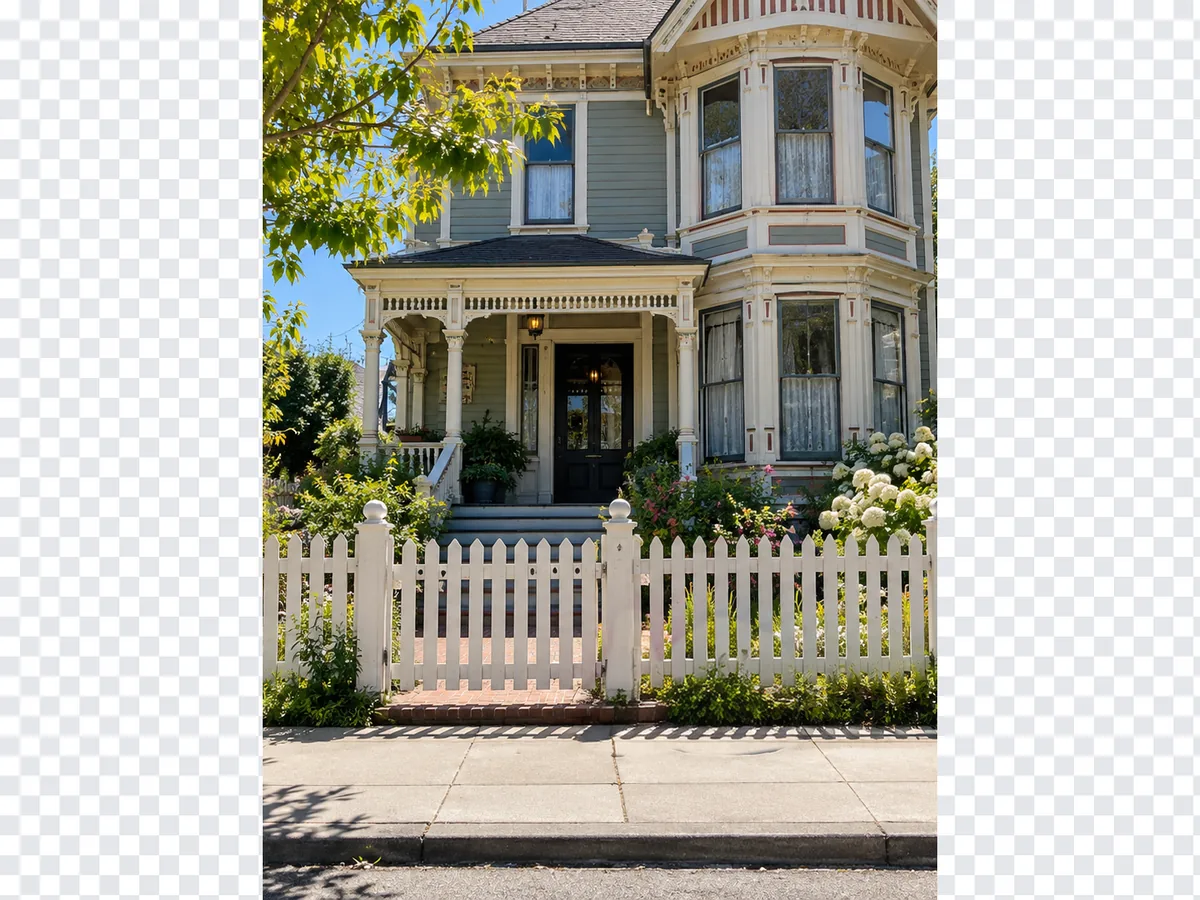
Vertical photo of a Victorian house widened with AI instead of black bars
Before
After
No black bars

Vertical to Horizontal Without Black Bars

  • Real scene where letterbox bars or a blurred copy would go
  • Push the photo left or right to leave room for a title

Tall house shotWide street frame

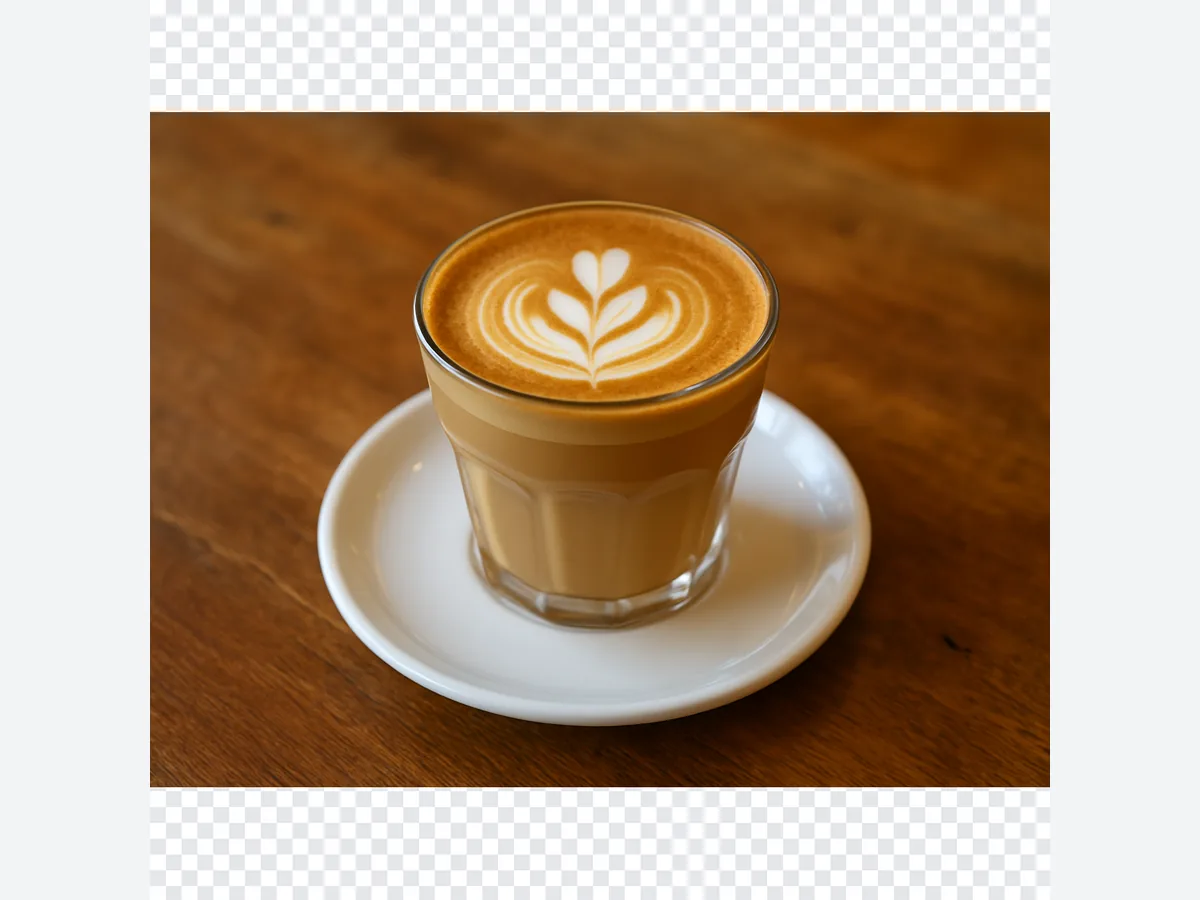
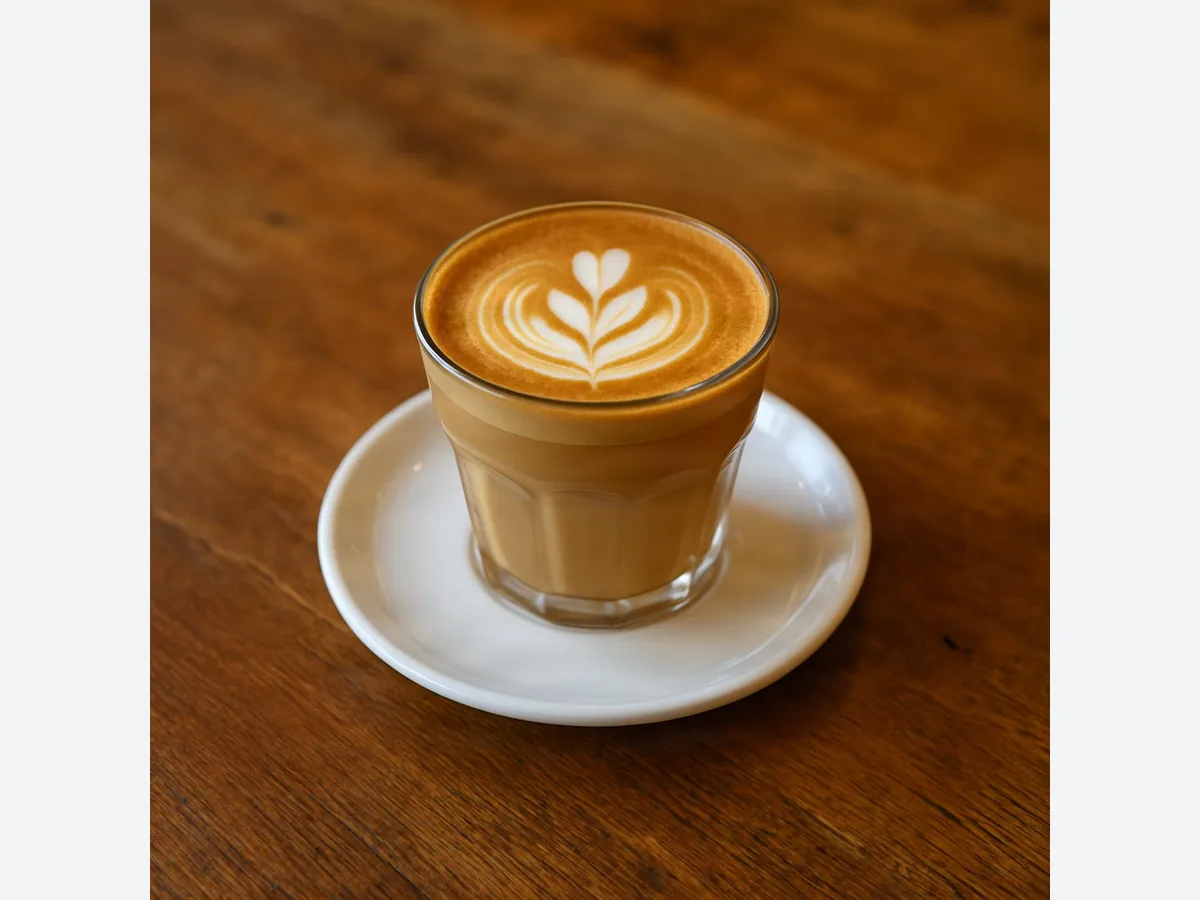
Latte art photo changed to a square 1:1 image
Before
After
1:1

Make Any Photo Square for Instagram

  • Landscape photos become 1:1 by adding above and below
  • No need to crop out the edges of the shot

Wide latte photo1:1 post

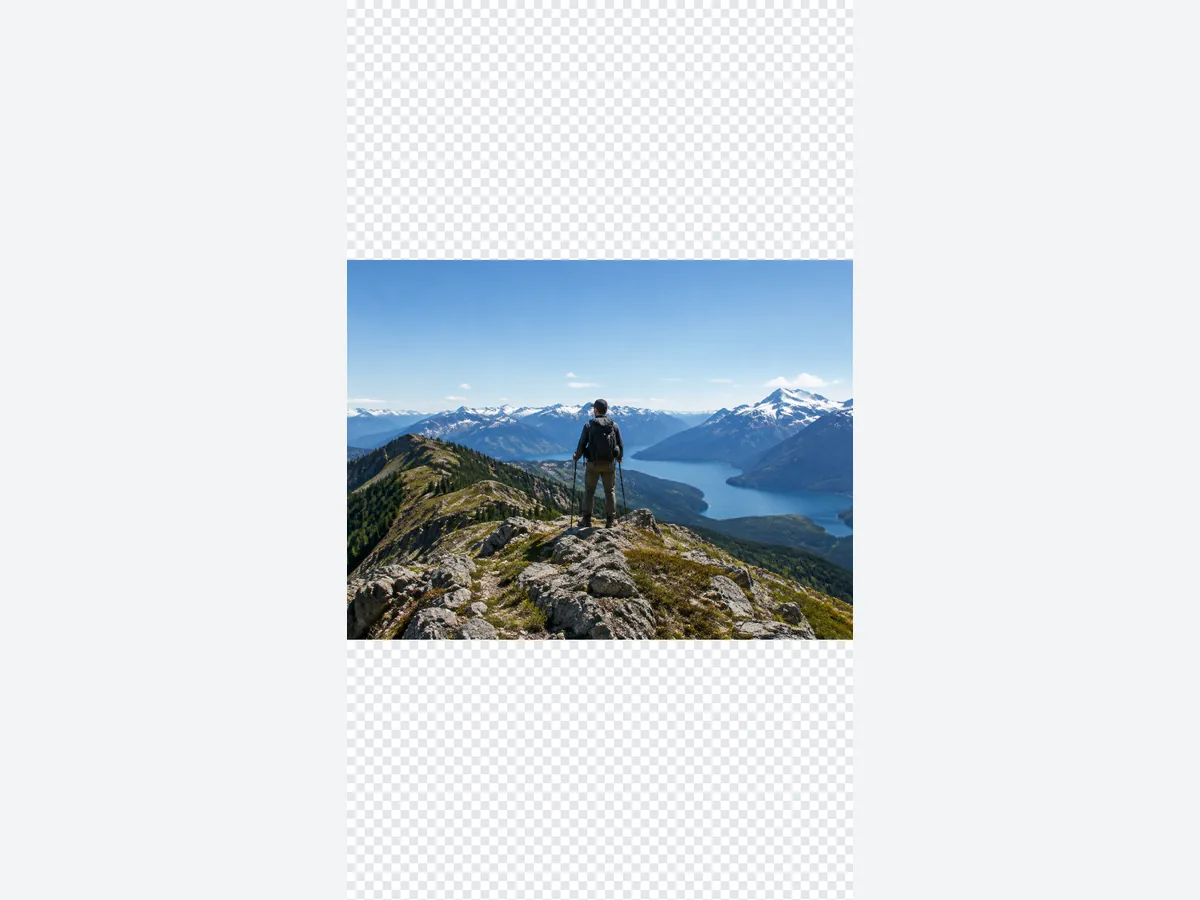
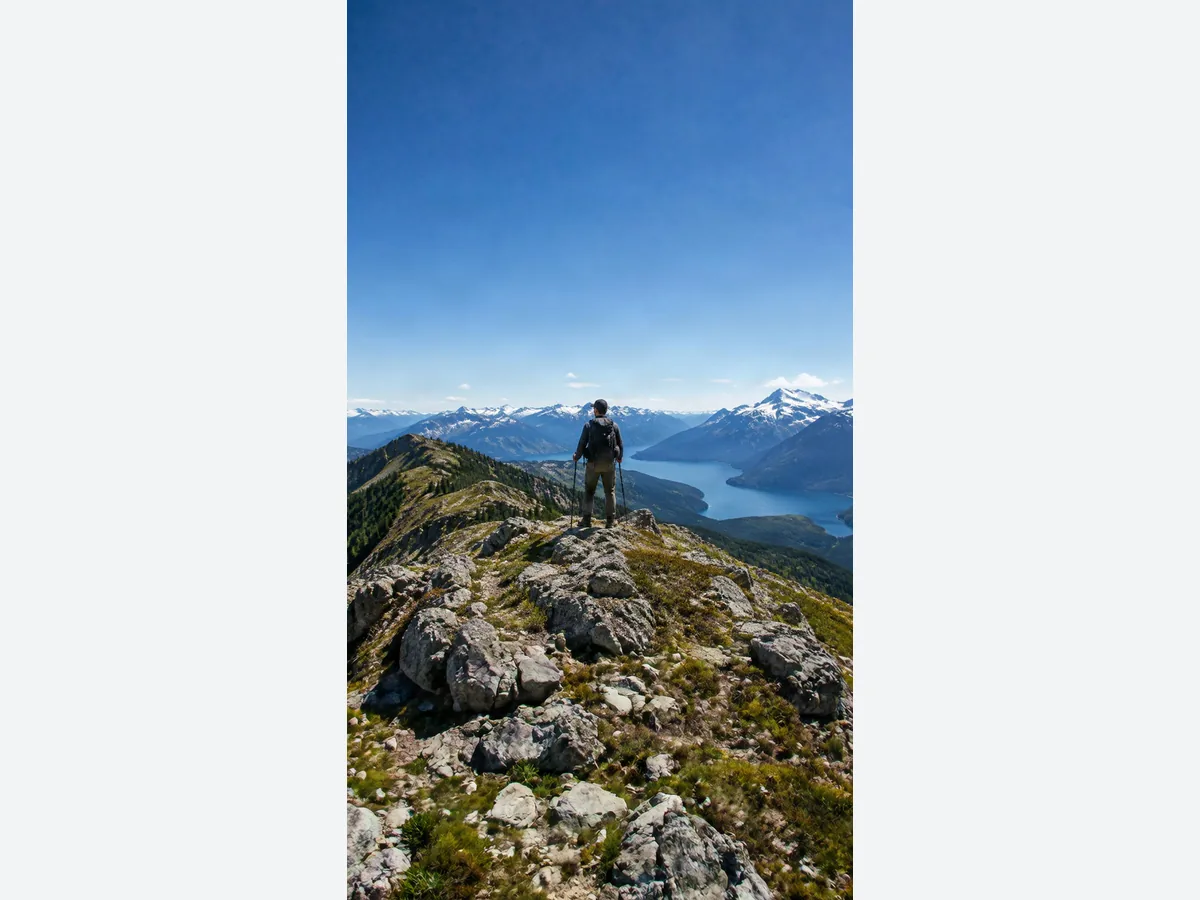
Hiker on a ridge, landscape photo turned into a 9:16 story
Before
After
9:16

Turn a Landscape Photo into a 9:16 Story

  • Sky and ground are added above and below for Stories and Reels
  • The hiker and ridge stay exactly as shot

Landscape hike photo9:16 story

Keep going

More ways to use AI Image Expander

Change Aspect Ratio: FAQ

Change Your Image’s Aspect Ratio

Get free credits

20 free creditsNo cropping