Extend Image Background —
More backdrop, same subject

Your product or portrait is framed too tight. Pick a wider shape, and the AI background extender continues the wall, table or studio sweep around it.
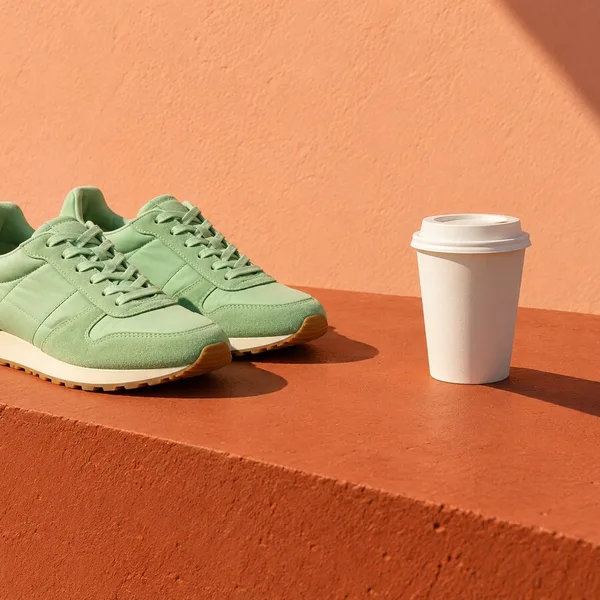
Before
After
Drop a photo to expand
No photo? Try one:
  • Subject untouchedOnly the new margin is generated.
  • Preview firstThe checkered area shows what will be filled.
  • 4 free extends20 credits on sign-up, 5 per run.

AI Background Extender: Real Results

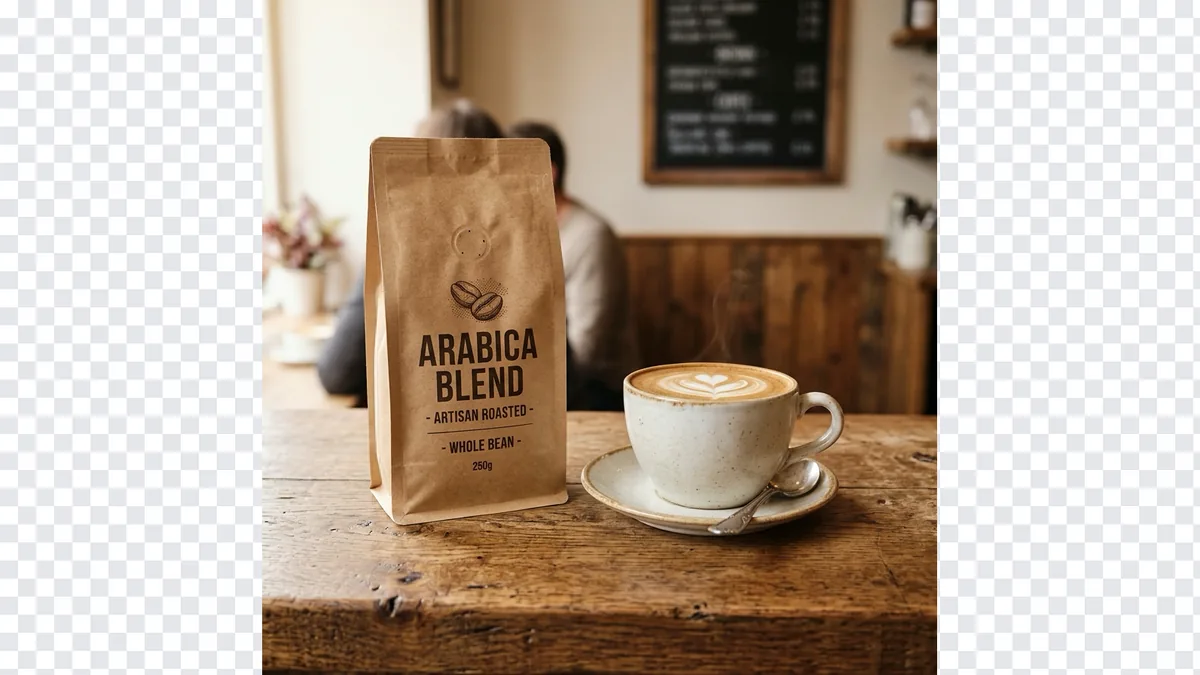
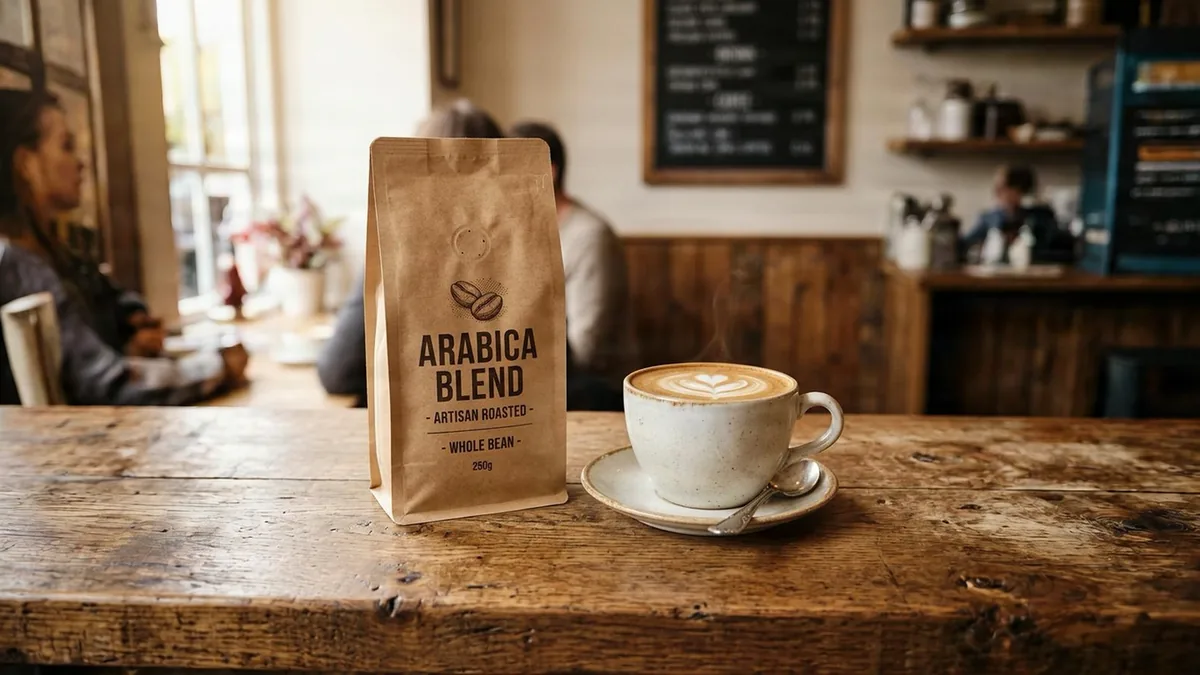
Left: the original on the new canvas. Right: the background the AI added.

Coffee bag and cup on a cafe counter, background extended to 16:9
Before
Coffee bag and cup on a cafe counter, background extended to 16:9 — After
After

Product photos

Cafe counter, extended both sides

A square product shot turned into a wide banner. The wooden counter and cafe behind it carry on to the edges.
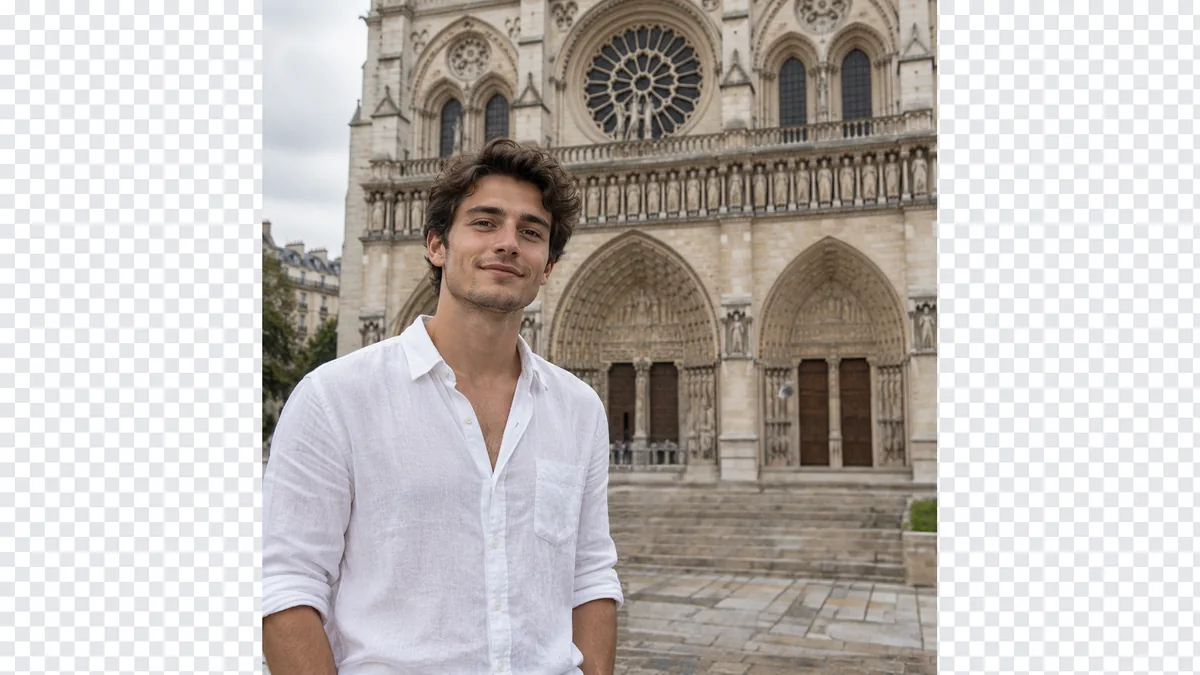
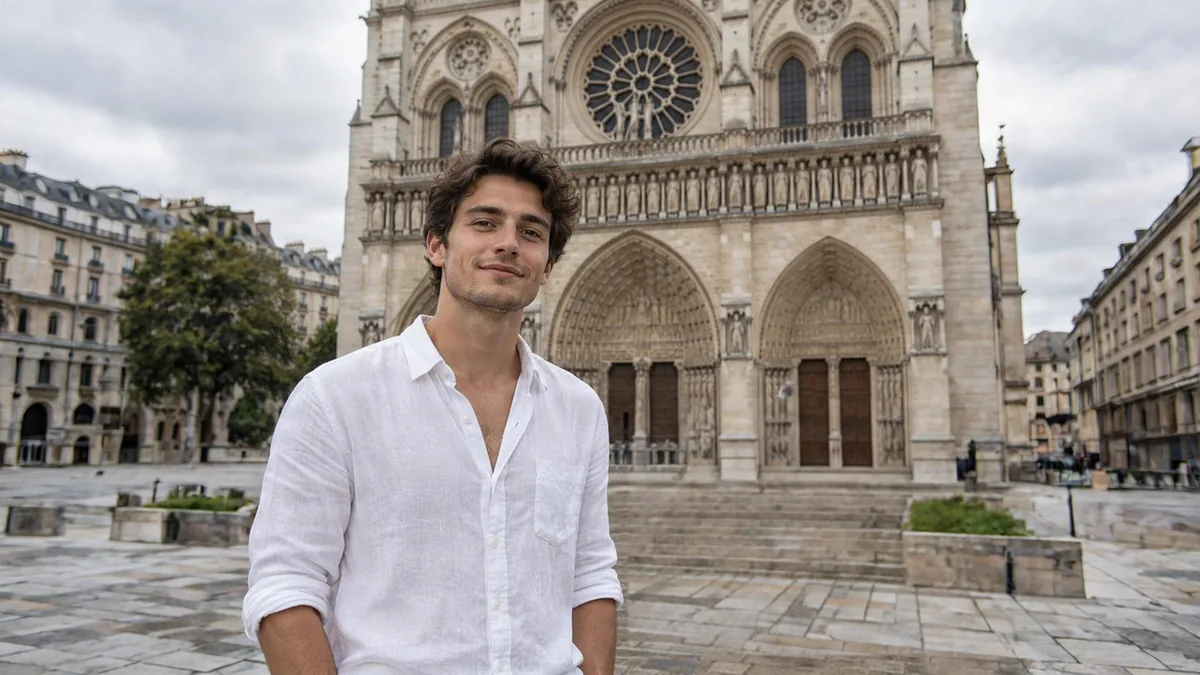
Man in a white shirt in front of a cathedral, extended to 16:9
Before
Man in a white shirt in front of a cathedral, extended to 16:9 — After
After

Portraits

More of the square behind him

A tight portrait gets the cathedral square on either side, room for a caption or a speaker slide.
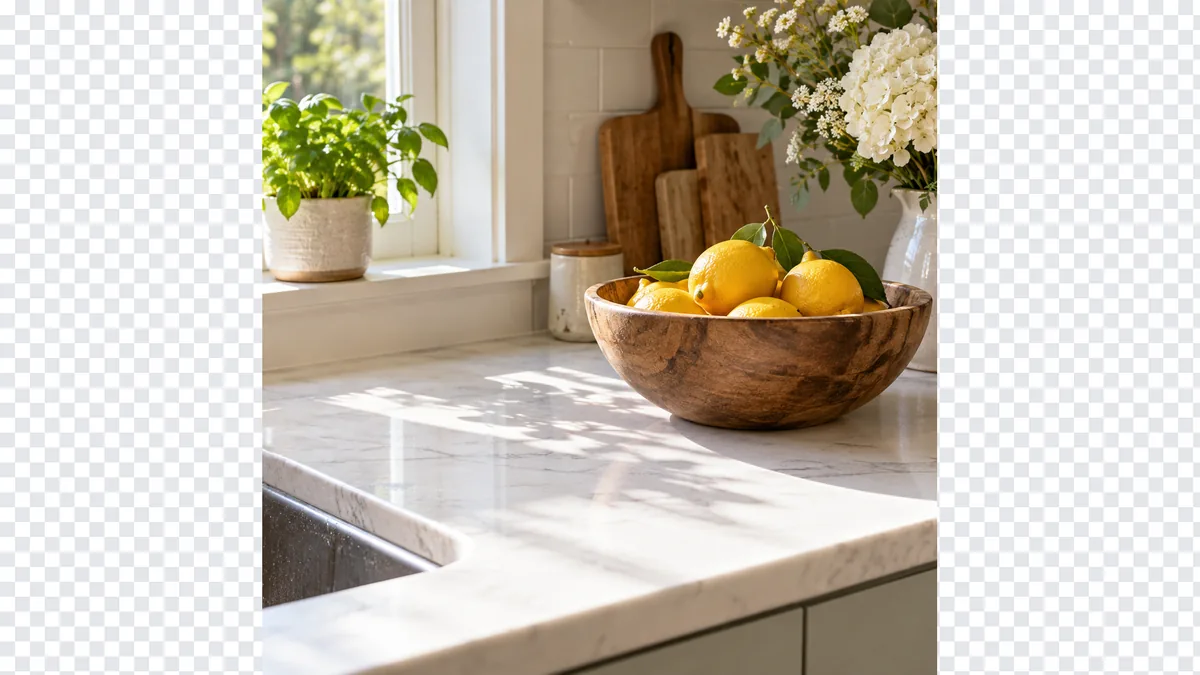
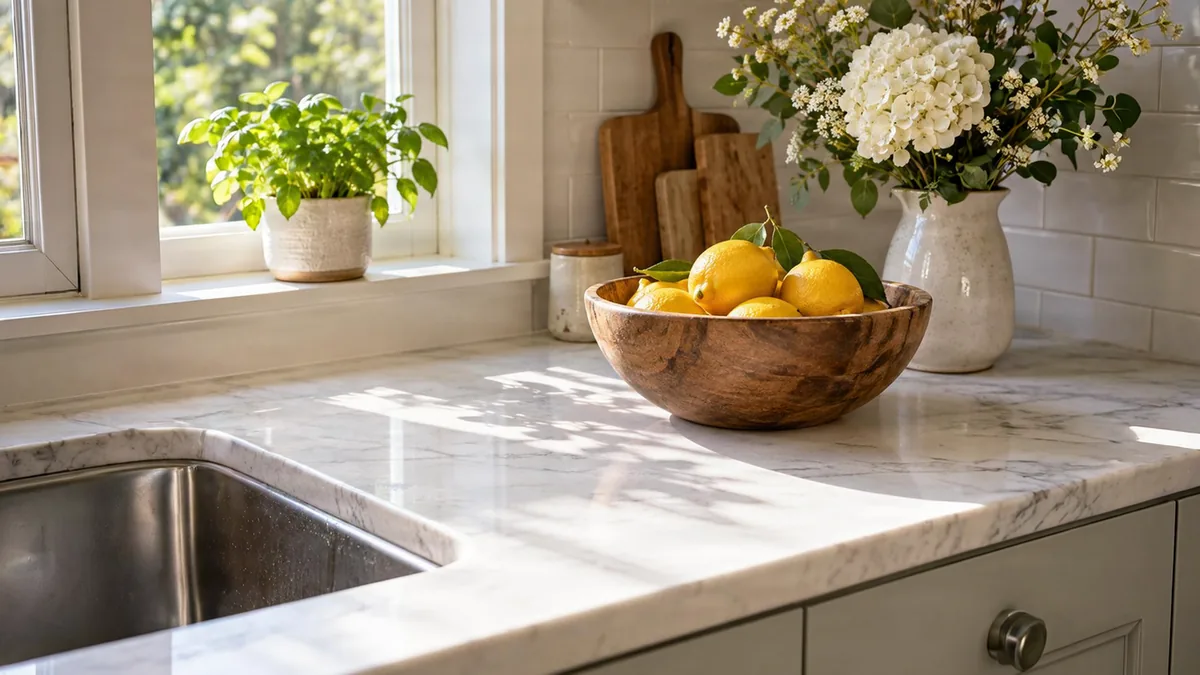
Bowl of lemons and flowers on a marble counter, background extended
Before
Bowl of lemons and flowers on a marble counter, background extended — After
After

Food

Kitchen counter, wider

The marble and the window light continue past the old edge; the bowl stays exactly as shot.

How to Extend an Image Background

  1. 1

    Upload the photo

    JPG, PNG or WebP up to 12 MP.

  2. 2

    Pick a ratio and position

    Zoom out, 16:9, 4:3 and more; place the photo left, right or centre.

  3. 3

    Expand and download

    About 20 seconds; save PNG or JPG.

Extend Background of Image Without Visible Seams

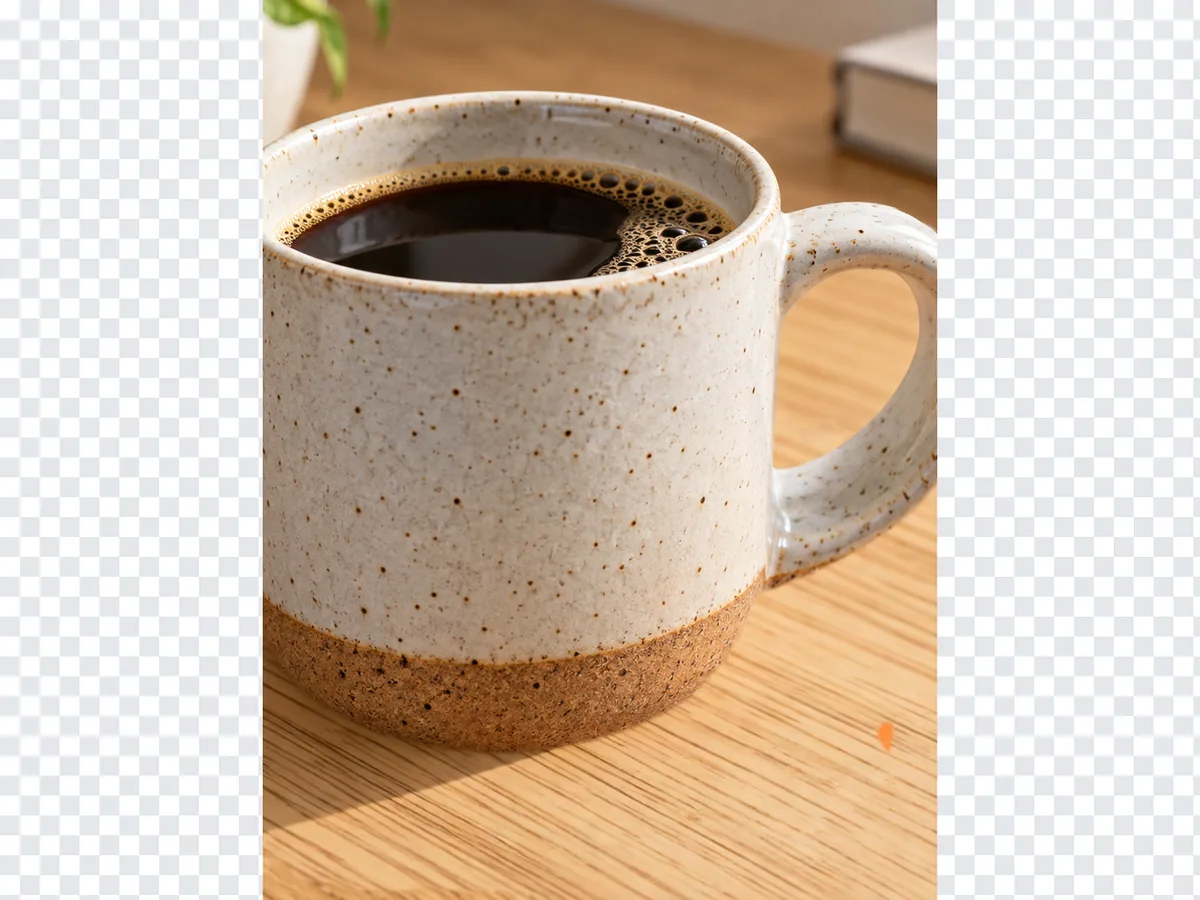
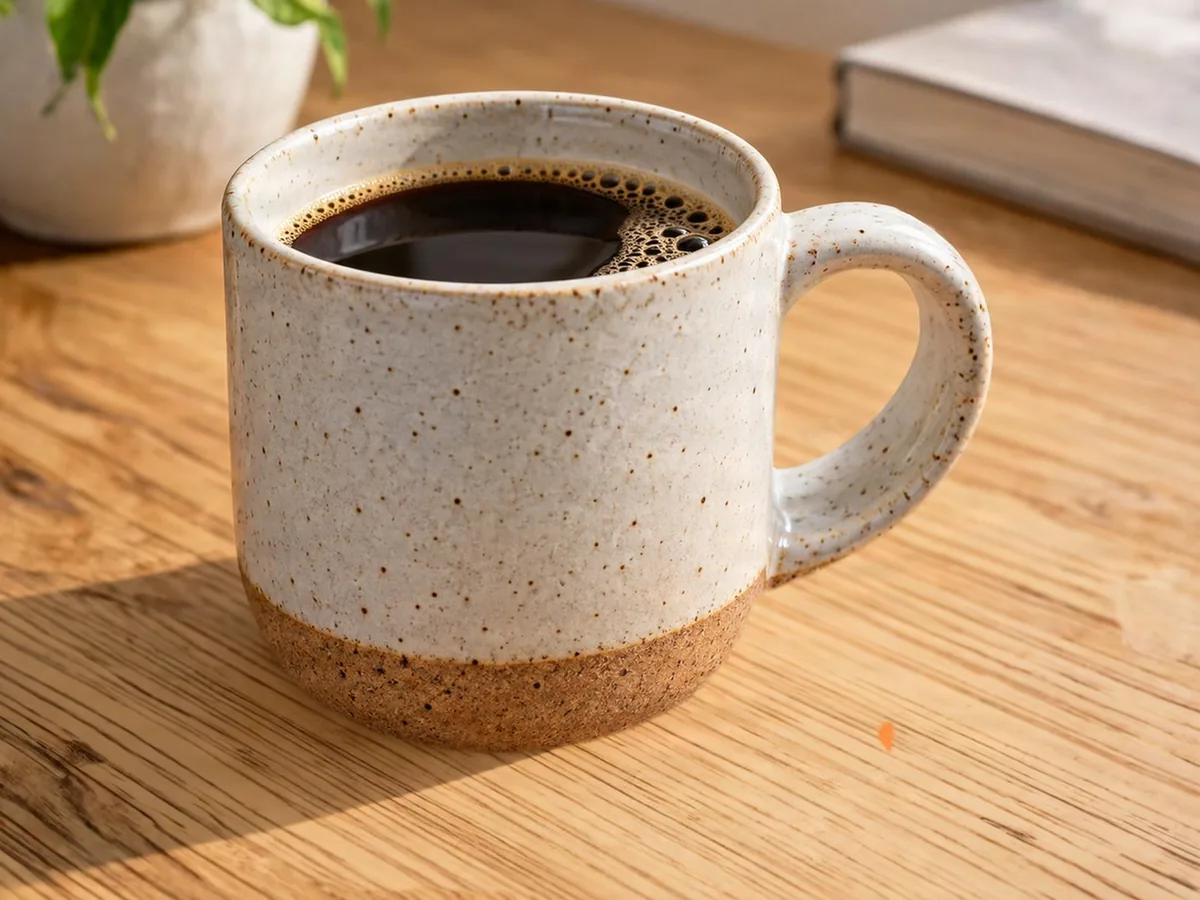
Ceramic mug on an oak table, background extended
Before
After
Tabletop

Extend a Tabletop Product Shot

  • Wood grain and soft shadows continue evenly
  • No band where the original photo ended

Tight cropWider tabletop

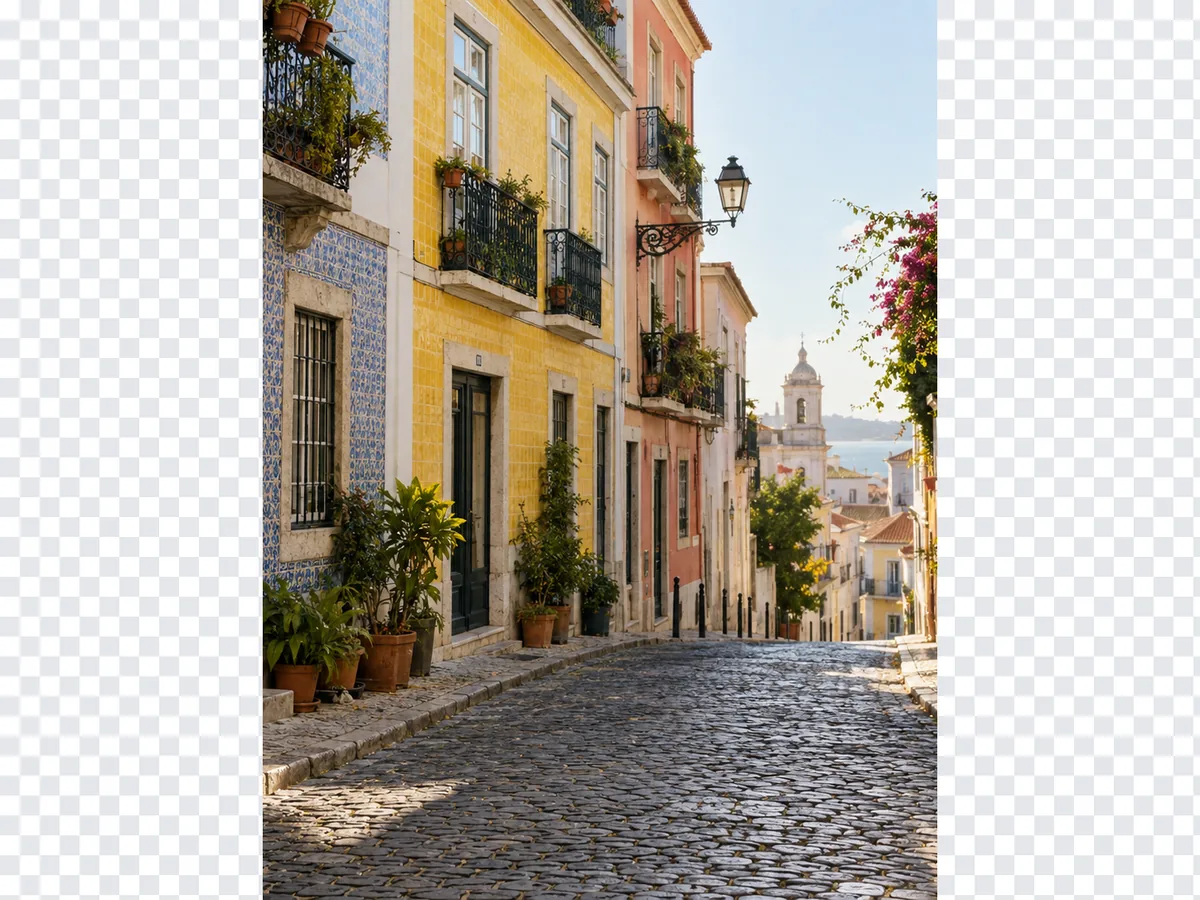
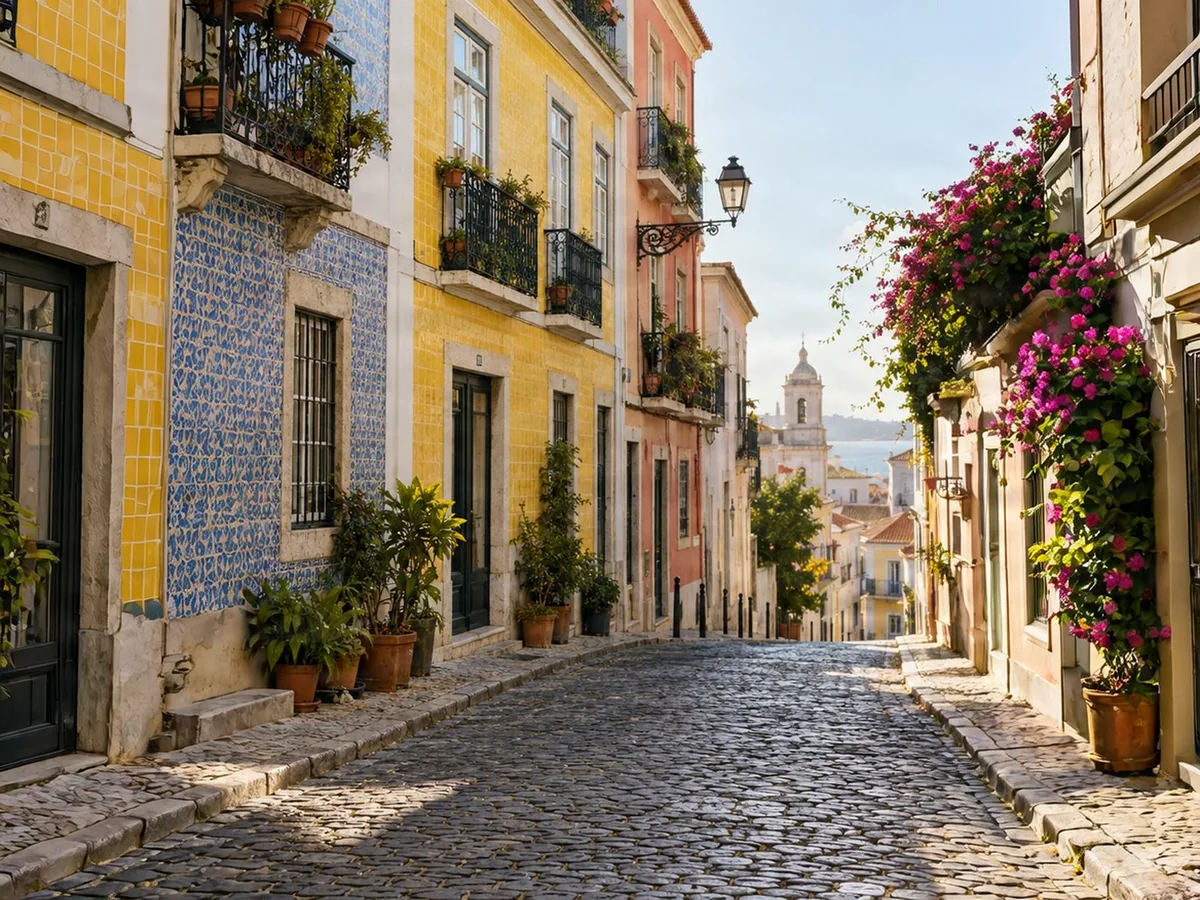
Old-town street with tiled houses, background extended
Before
After
Textures

Extend Tiled Walls and Street Backdrops

  • Tile patterns and window rows keep their spacing
  • Lines up across the old edge

Narrow street shotWider old-town street
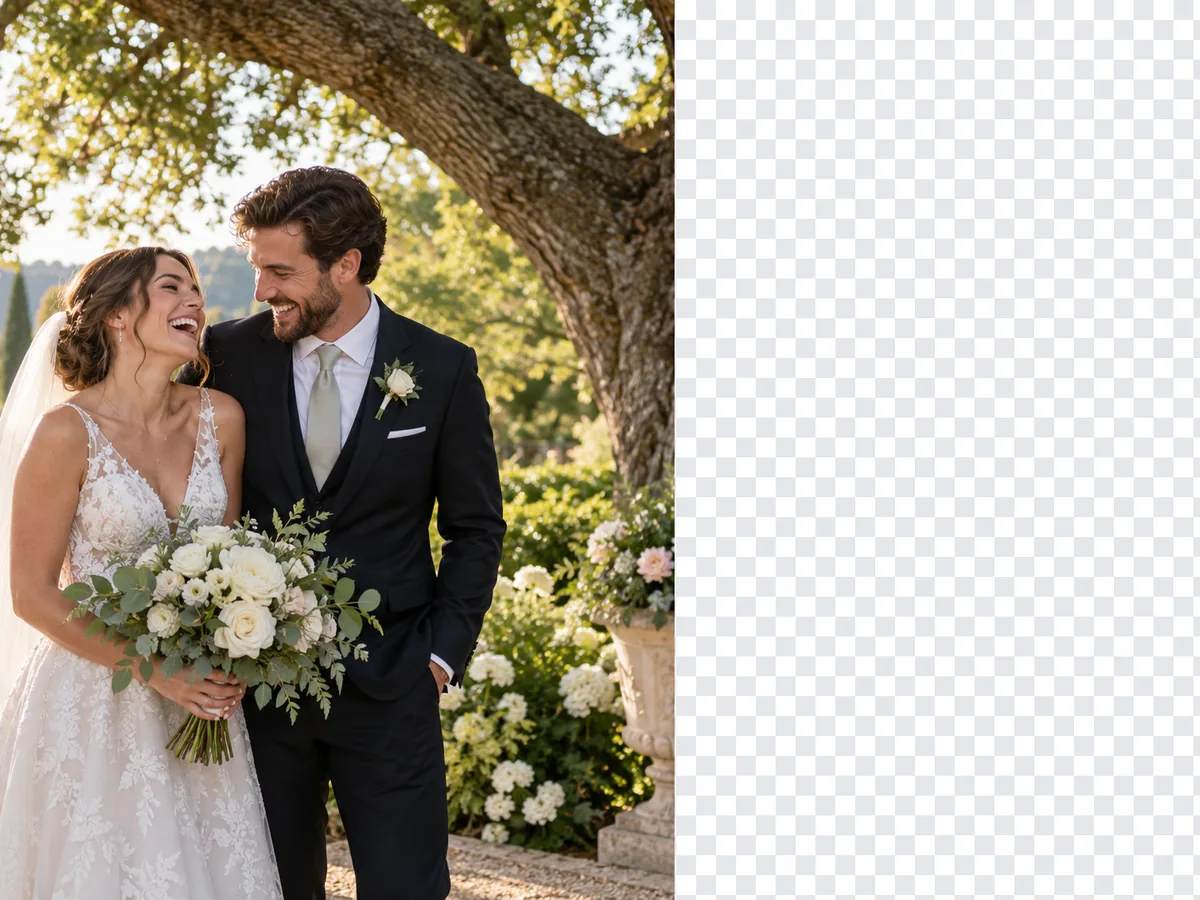
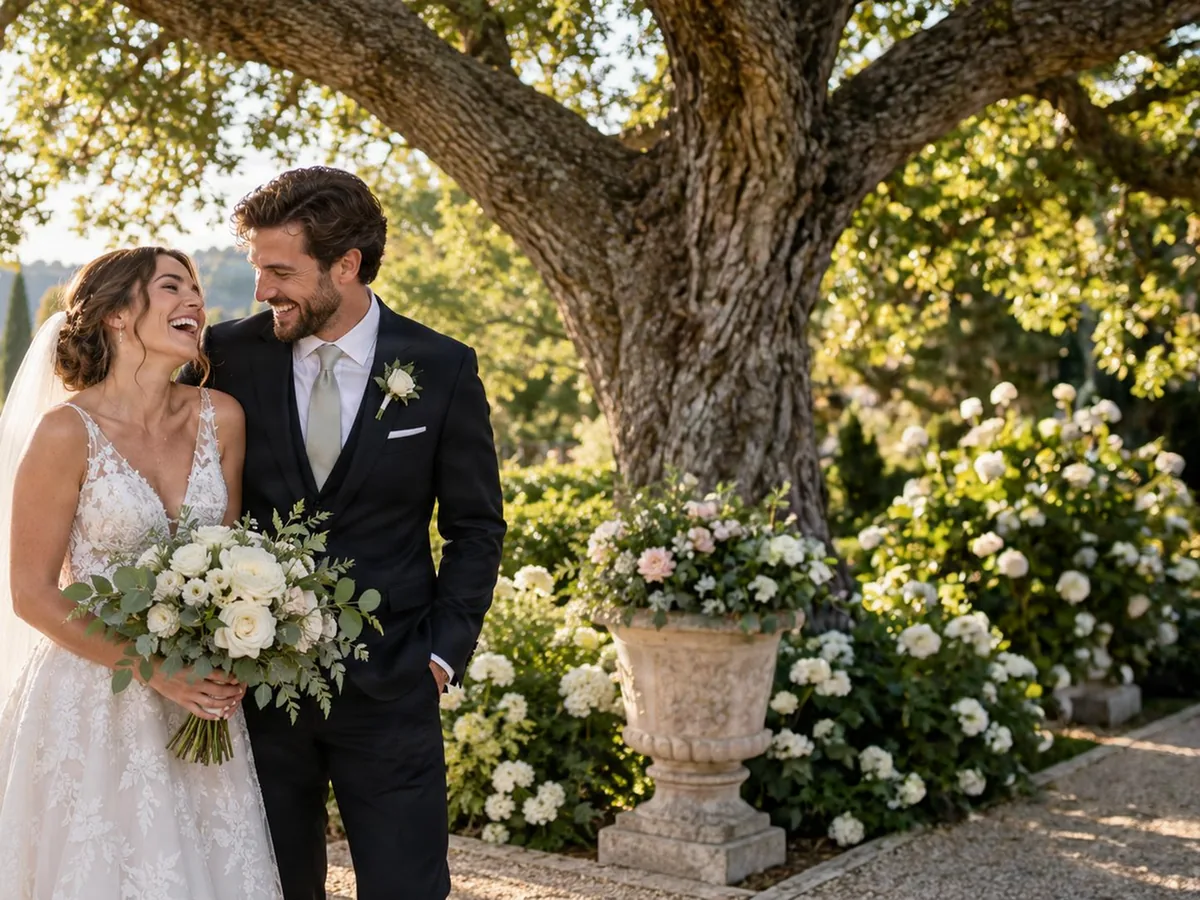
Bride and groom in a garden, background extended to one side
Before
After
Portraits

Extend Portrait Backgrounds

  • Gardens and soft backgrounds continue in the same light
  • Place the people left or right to leave room for text

Centred coupleGarden on one side

Keep going

More ways to use AI Image Expander

Extend Image Background: FAQ

Extend Your Image Background

Get free credits

20 free creditsNo card needed