Chinese to English Image Translator —
Translate the Chinese in any picture, in place

Upload a Taobao or 1688 listing, a package label or a poster. The Chinese comes off, the background behind it is repaired, and English is set back in the same spot.

Before
Before
After
Drop an image to translate textOne image at a timePNG, JPG or WebP, up to 30 MB
  • 4 images freeA free account gets 20 credits; each translated image is 5.
  • Numbers left alonePrices, model numbers and units are kept as written.
  • Nothing to installWorks in the browser on a laptop or a phone.

Chinese Image Translator Results on Real Listings

One upload each, translated to English with nothing retouched by hand.

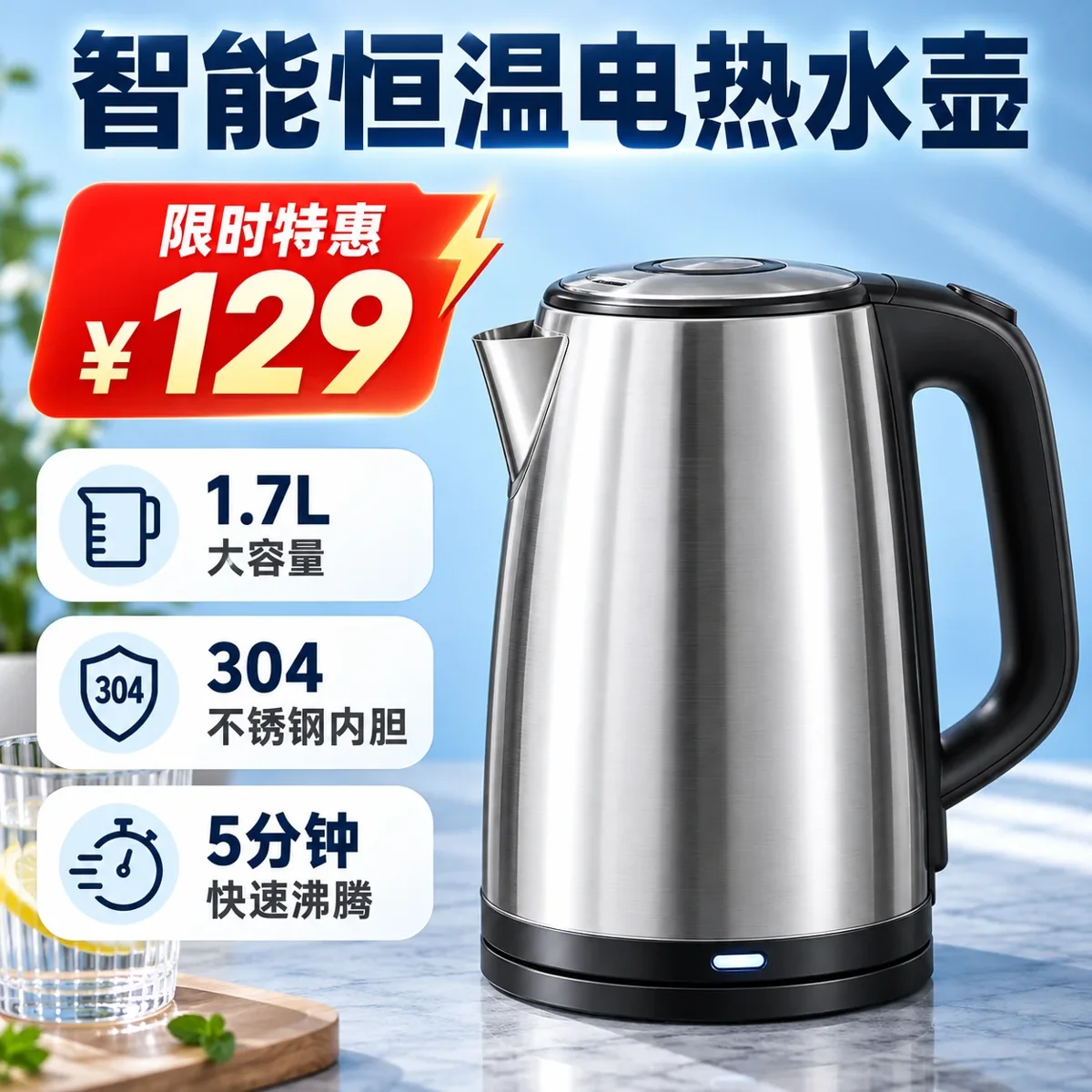
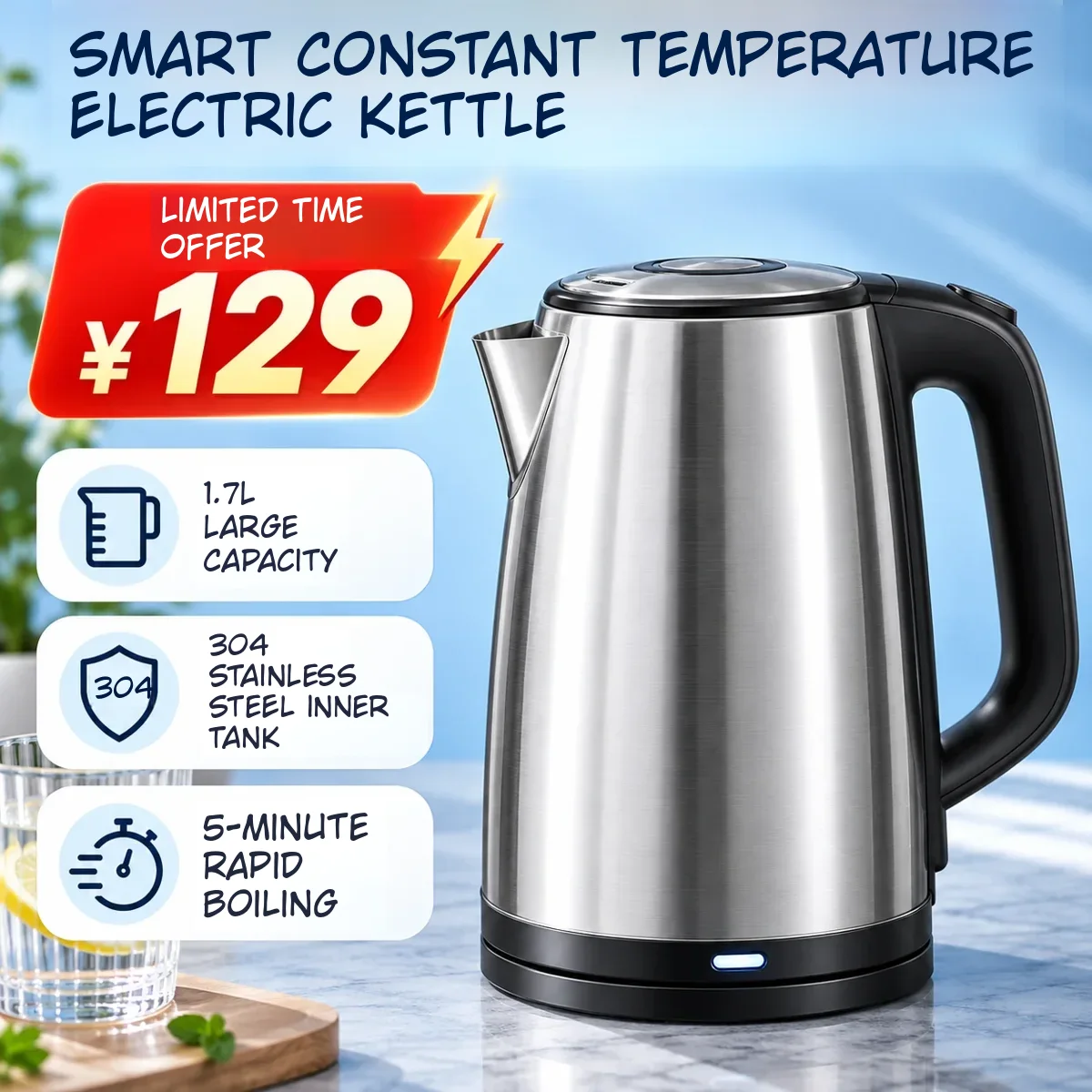
Chinese Tmall listing for an electric kettle with a red price badge and three feature callouts
Before
Chinese Tmall listing for an electric kettle with a red price badge and three feature callouts — After
After

Store listings

A Tmall main image, ready for an English store

Headline, the offer badge and all three callouts came back in English in the same boxes. The ¥129 price was left exactly as it was.
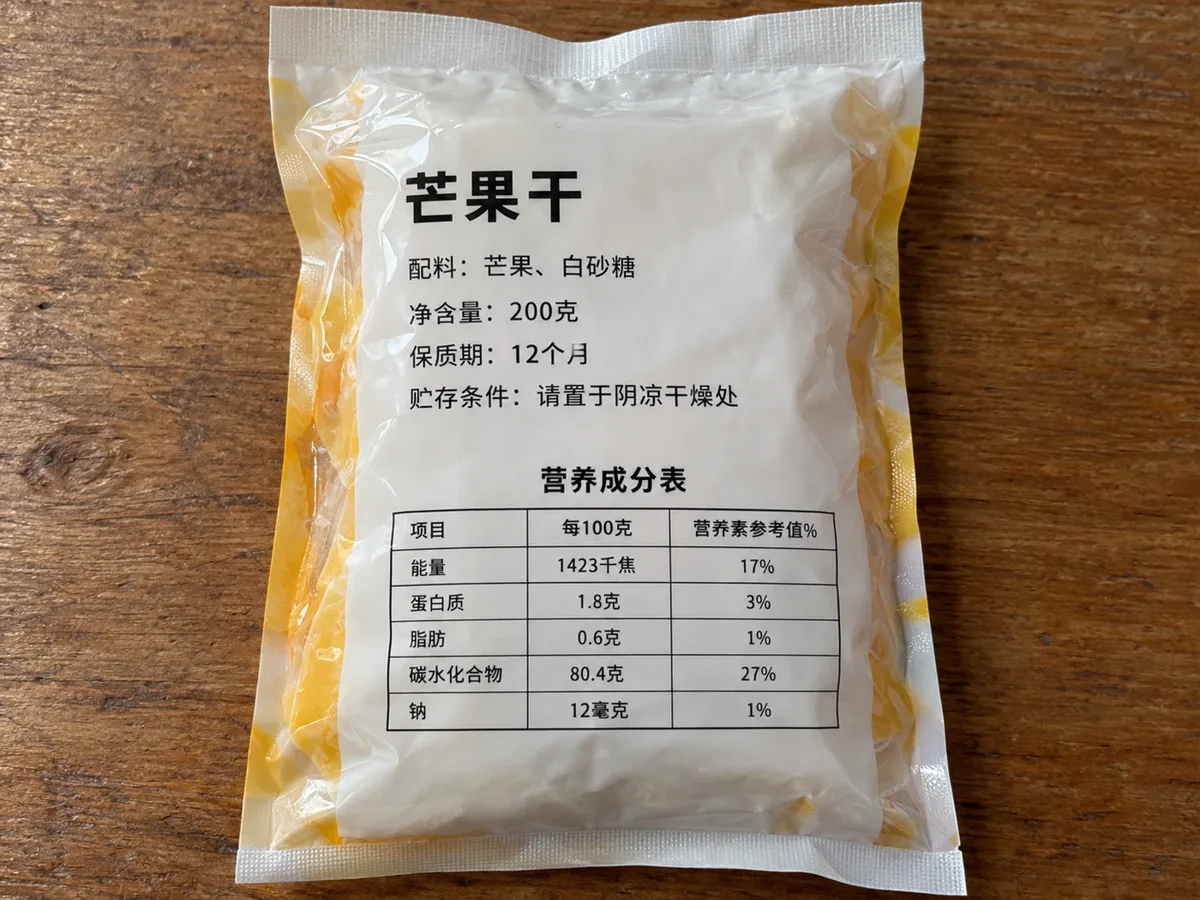
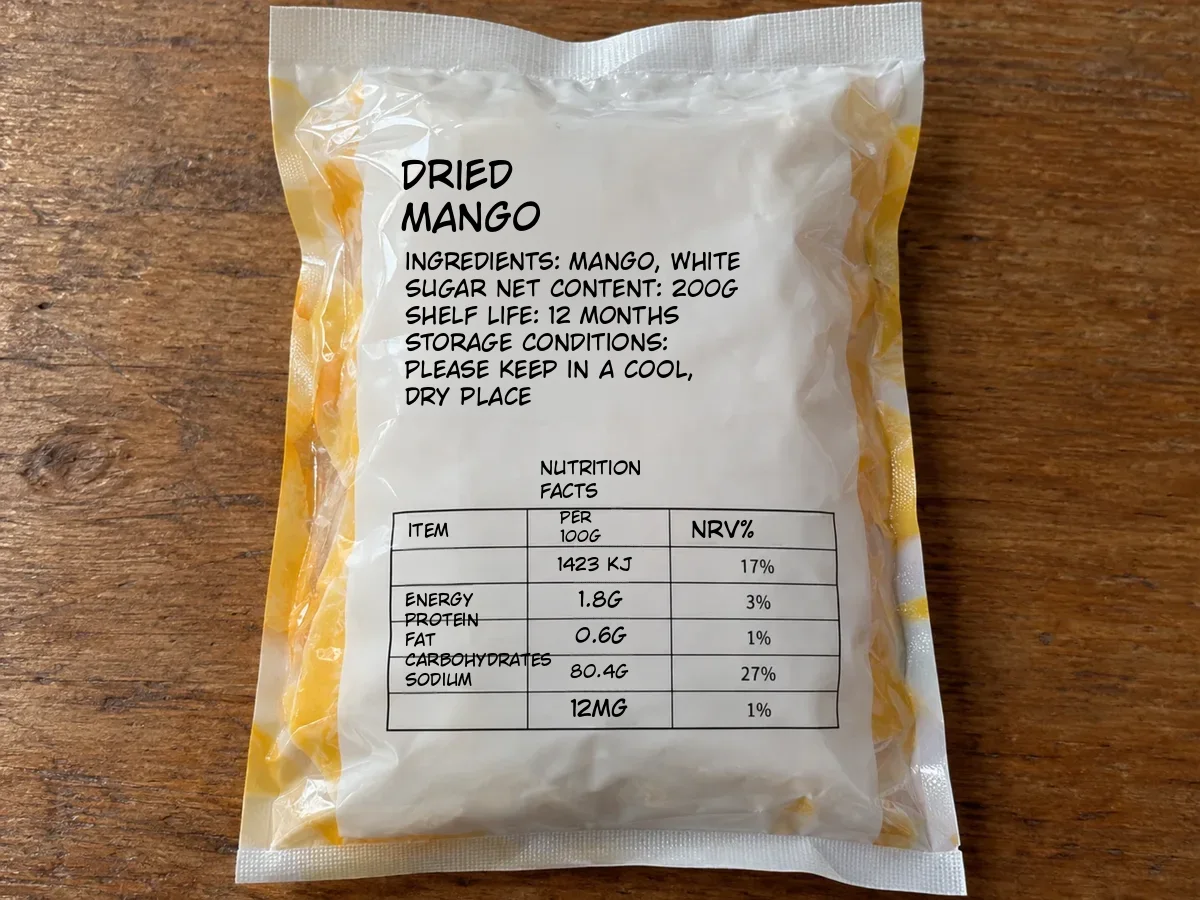
Back label of a Chinese dried-mango bag listing ingredients, weight and shelf life
Before
Back label of a Chinese dried-mango bag listing ingredients, weight and shelf life — After
After

Packaging

Read a Chinese food label

Ingredients, net weight, shelf life and storage, translated on the bag itself so you can see which line says what.

How to Translate a Chinese Image to English

  1. 1

    Upload the image

    A PNG, JPG or WebP: a screenshot of a listing, a photo of a box, a saved poster.

  2. 2

    Check the languages

    The Chinese is detected for you and English is already the target. Press Translate image.

  3. 3

    Review and download

    Compare with the original, fix any line in the editor, then save the PNG.
Translate Chinese Product Images Without Rebuilding Them

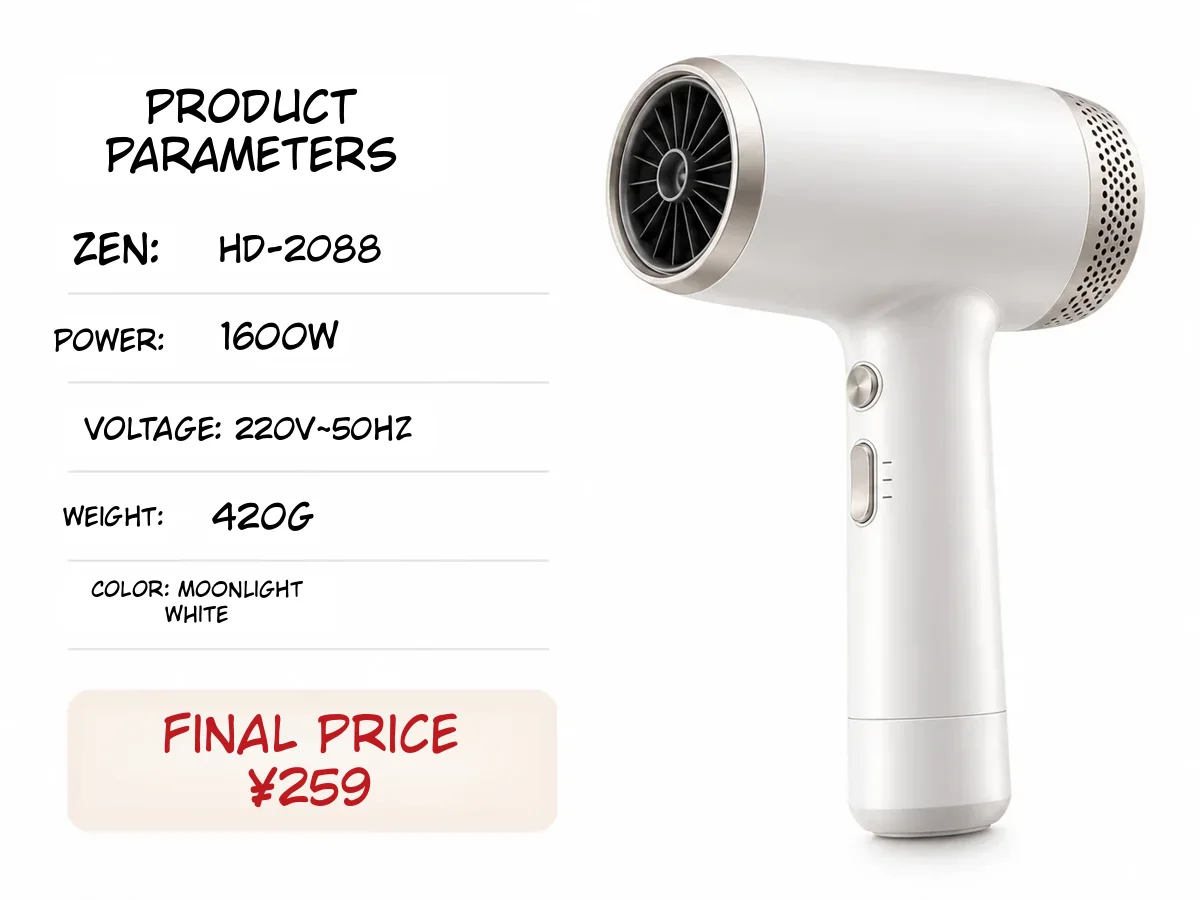
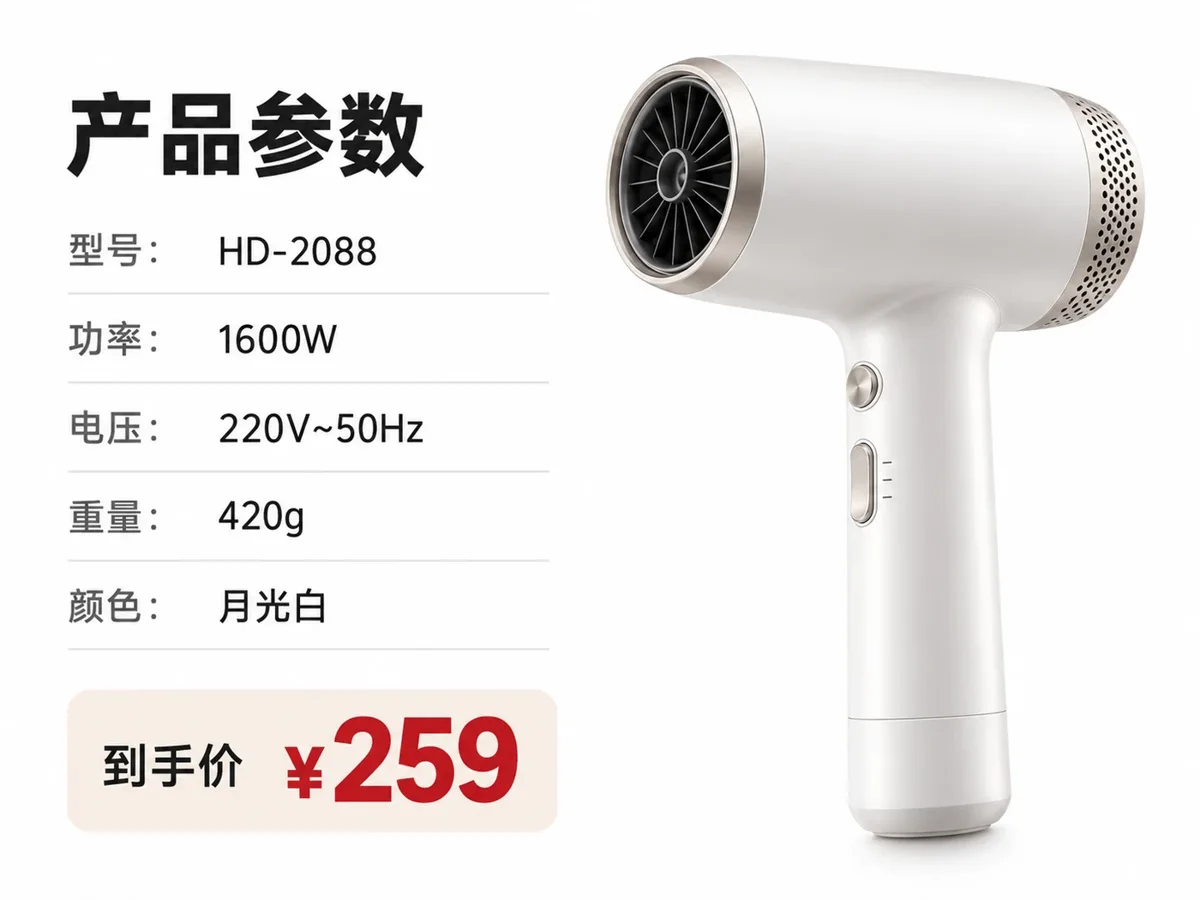
Hair dryer specification panel translated from Chinese to English with the model number and wattage unchanged
Before
After
Spec sheets

Chinese Spec Tables: Model Numbers and Prices Stay Exact

  • Product images run with the e-commerce preset: HD-2088, 1600W, 220V, 420g and ¥259 came through as written
  • One label was misread here (型号, “model”, came back as “Zen”); fixing it is one line in the editor

Chinese spec panelEnglish spec panel
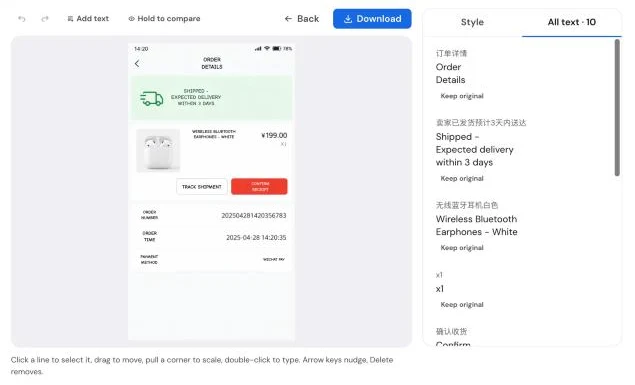
Translation editor with a translated shopping-app screenshot and its lines listed beside it
Line editor

Change Any English Line Before You Download

  • Every translated line opens in an editor: reword it, resize it, pick another font or colour
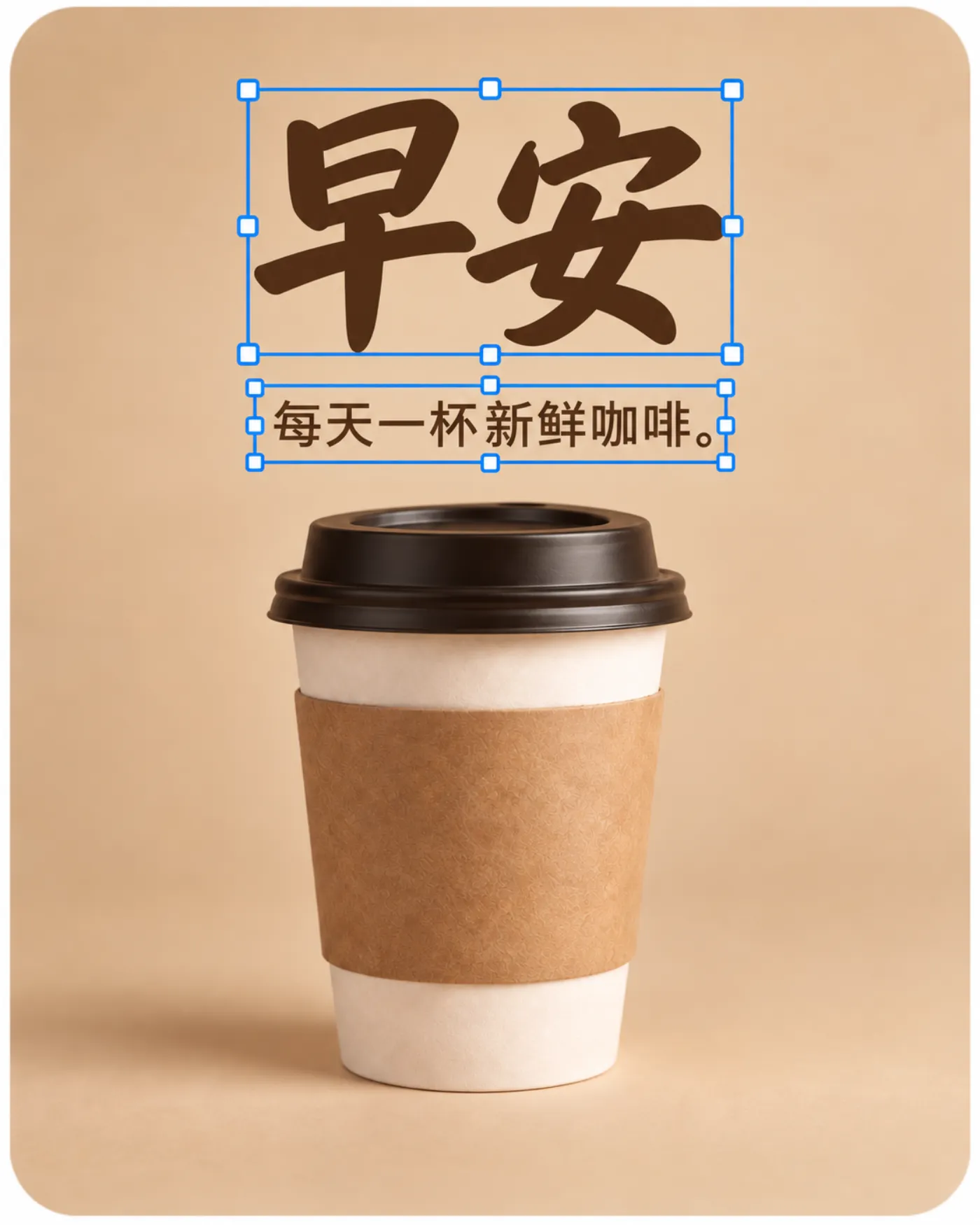
  • Keep a line in Chinese when the brand name should stay as it is
  • Edits are free; only the translation itself uses credits
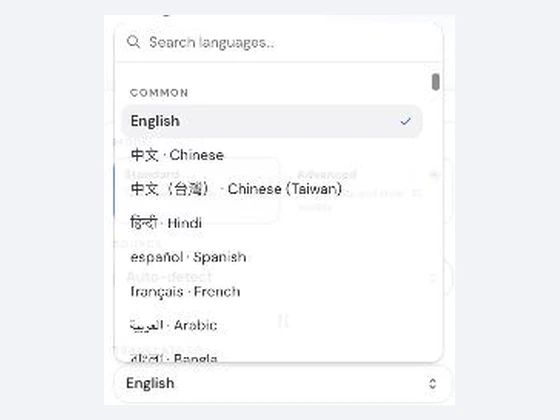
Target language list open in the image translator
Other languages

Chinese to English, or to 130+ Other Languages

  • English is the default target; switch to Spanish, Japanese, German or any of the others
  • Works the other way too: English images into Simplified or Traditional Chinese

Keep going

More ways to use Image Translator

Chinese Image Translator FAQ

Translate Your Chinese Image to English

Get free credits

20 free creditsNo card needed