Translate Screenshot —
Get the screenshot back, translated

Upload a screenshot from your phone or computer. Buttons, menus and messages are translated where they sit, so you get a screenshot you can save, share or drop into a doc.

Before
Before
After
Drop an image to translate textOne image at a timePNG, JPG or WebP, up to 30 MB
  • 4 screenshots freeA free account gets 20 credits; each screenshot is 5.
  • Ready to shareA finished PNG, not an overlay that vanishes.
  • Nothing to installWorks in the browser on a laptop or a phone.

Screenshot Translator Results

Real screenshots, one upload each, nothing retouched by hand.

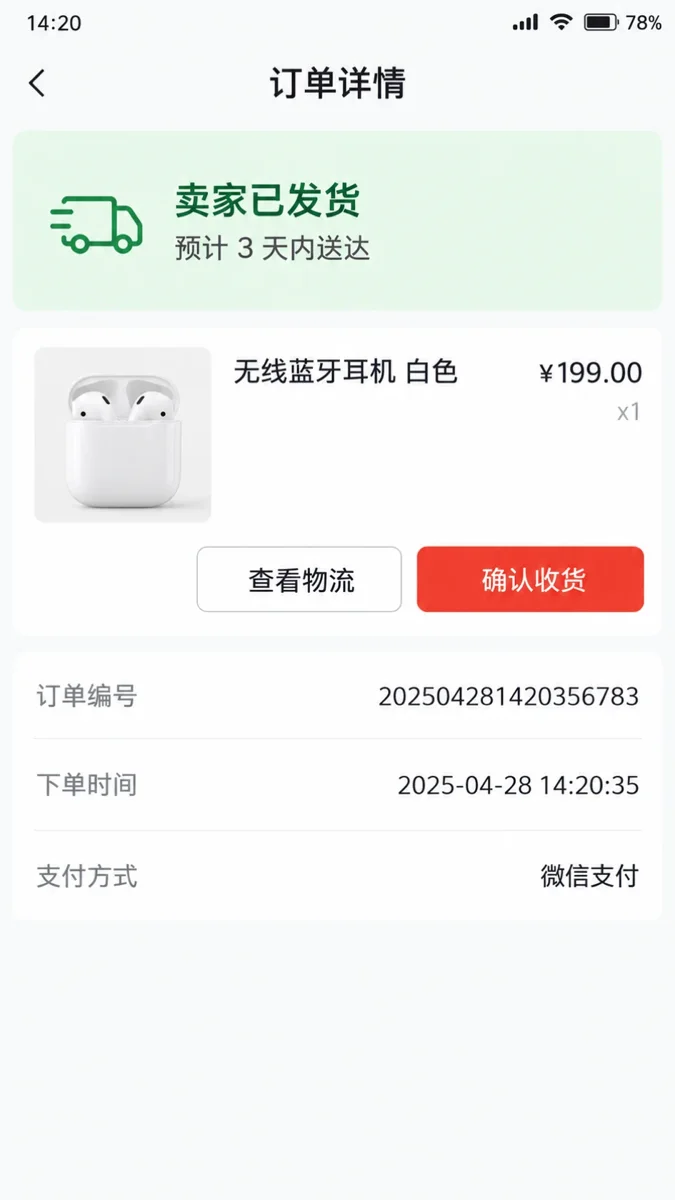
Order details screen of a Chinese shopping app
Before
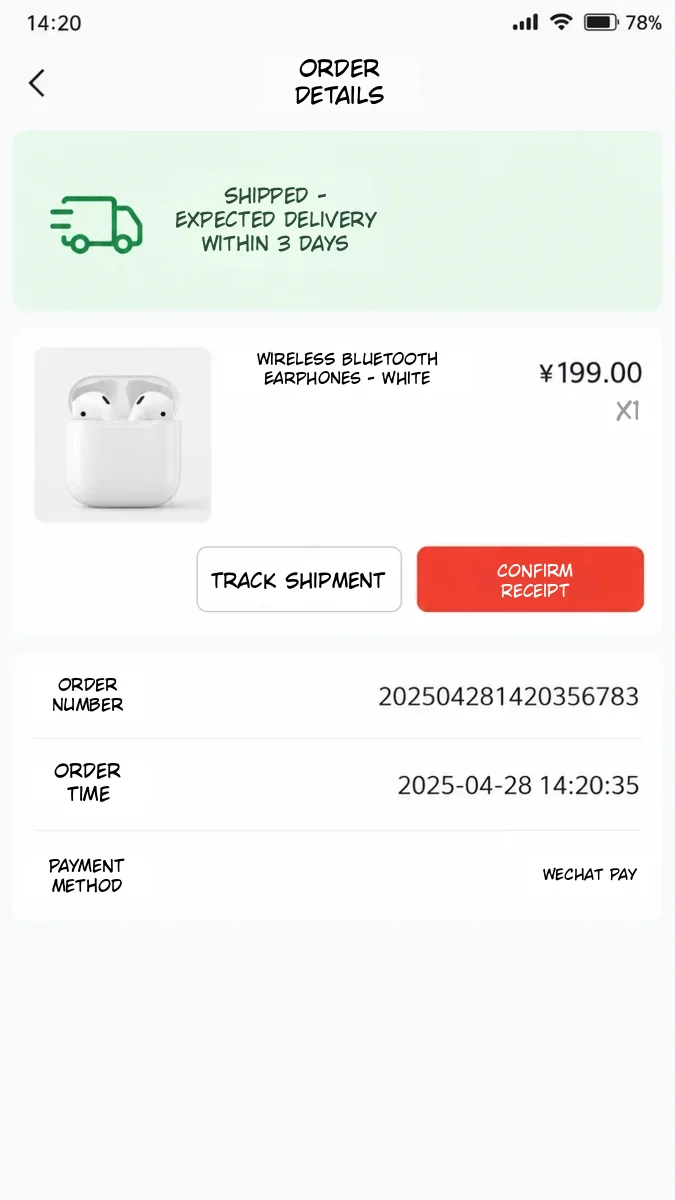
Order details screen of a Chinese shopping app — After
After

Phone apps

A Chinese shopping app, in English

Order status, delivery estimate, product name, buttons and payment rows, translated in the app’s own layout.
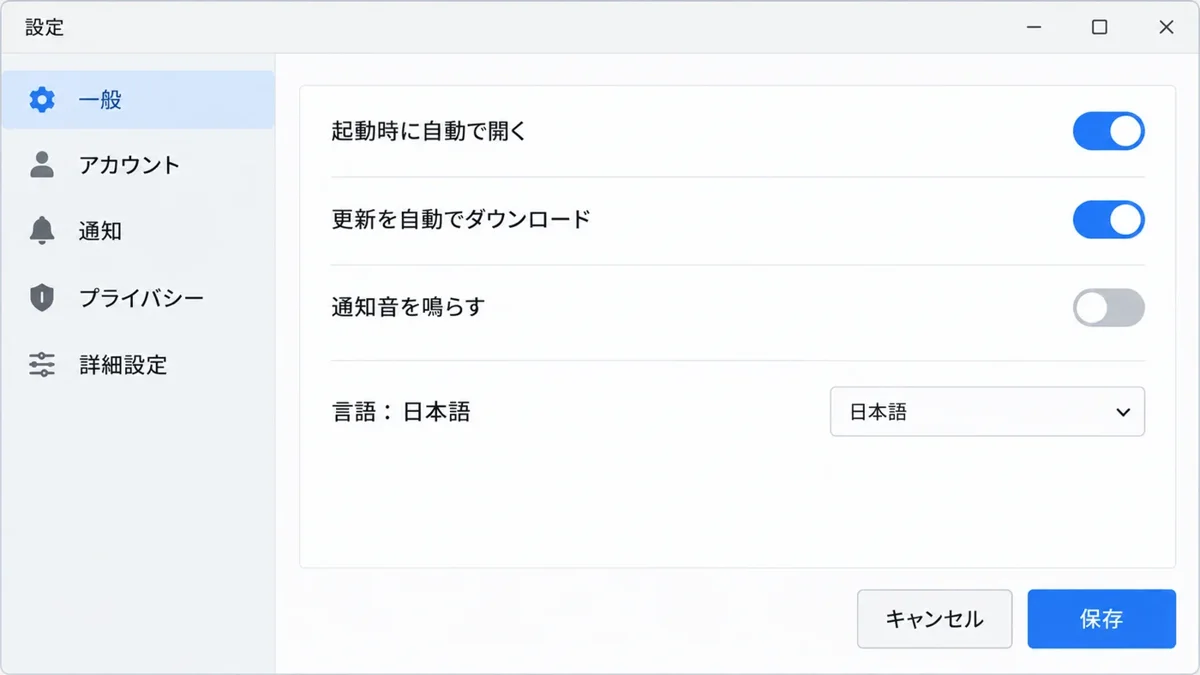
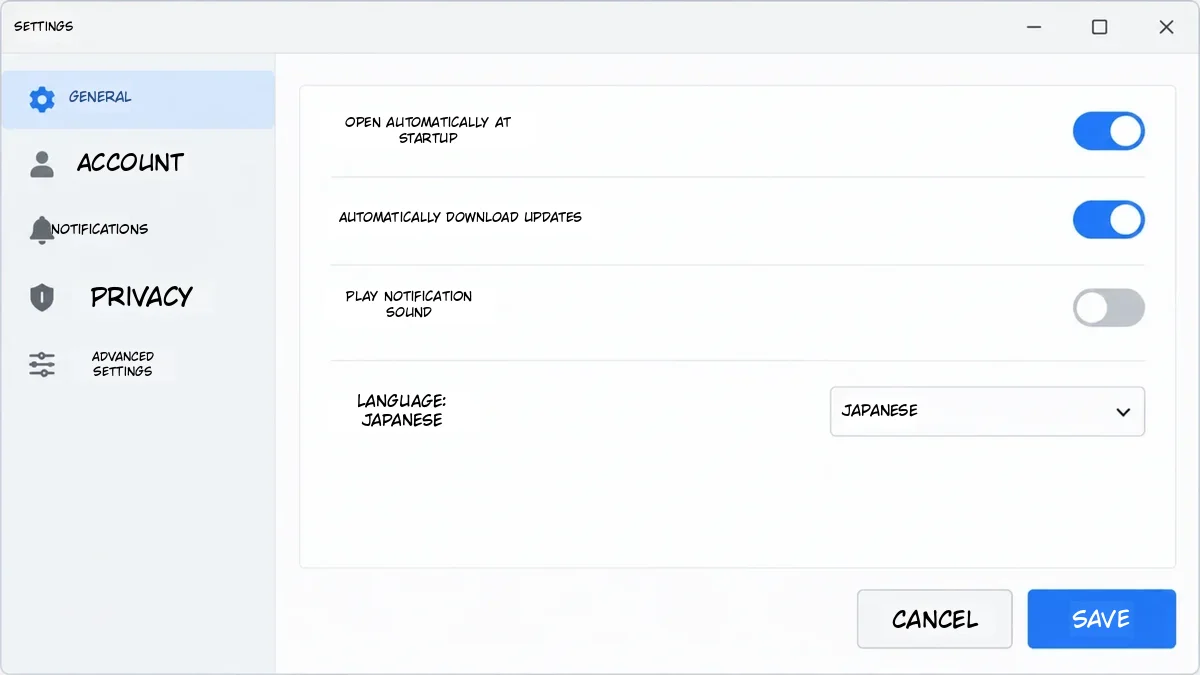
Japanese desktop settings window with toggles and a language menu
Before
Japanese desktop settings window with toggles and a language menu — After
After

Desktop software

A Japanese settings window

Sidebar, toggles, the language menu and both buttons: know what you are switching on before you click.

How to Translate a Screenshot

  1. 1

    Take and upload the screenshot

    A PNG, JPG or WebP from your phone or computer; crop it to the part you need.

  2. 2

    Pick the language

    The screenshot’s language is detected; choose what to translate it into.

  3. 3

    Save or share

    Check the result against the original, fix a line if needed, download the PNG.
A Screenshot Translator That Keeps the Interface

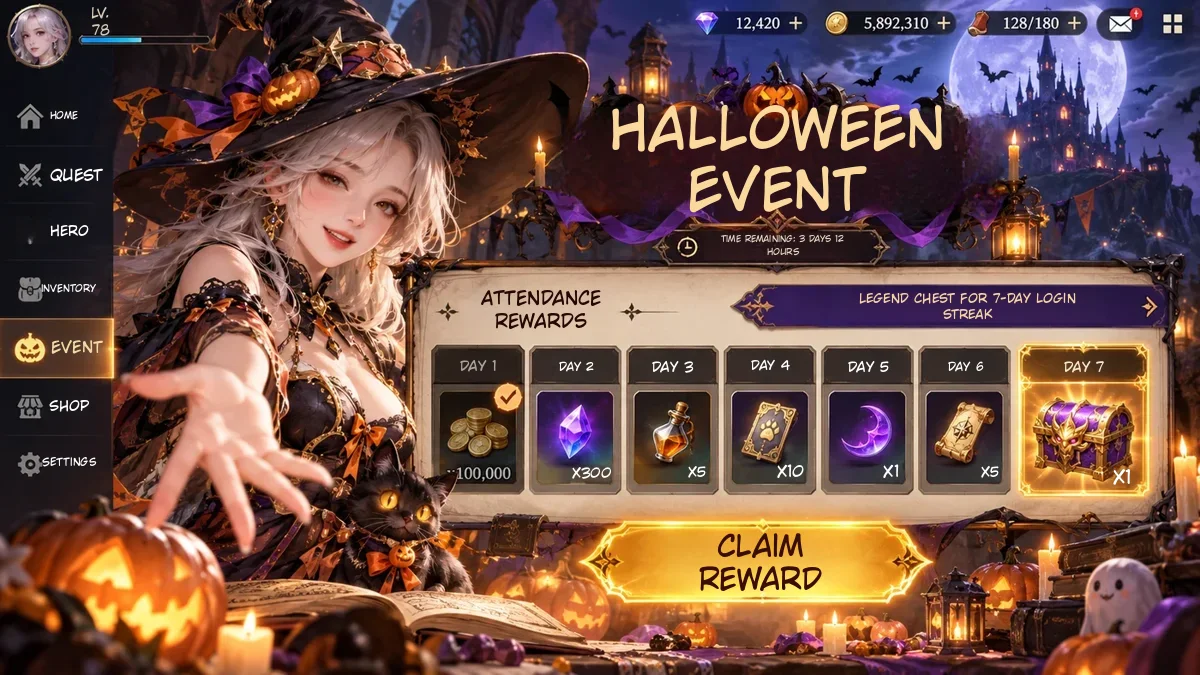
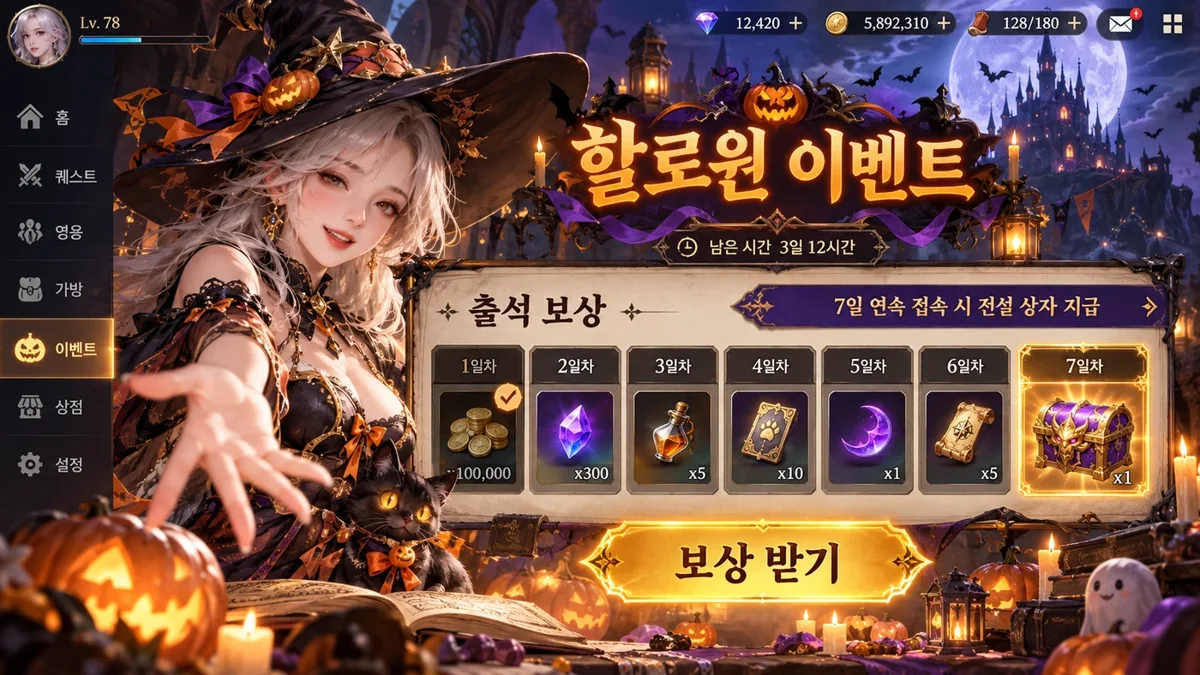
Korean mobile game event screen translated to English
Before
After
Games

Translate Game Screenshots: Events, Rewards, Menus

  • Banners, reward cards, timers and buttons are translated where they sit
  • Numbers like days and hours carry over unchanged

Korean game screenEnglish game screen
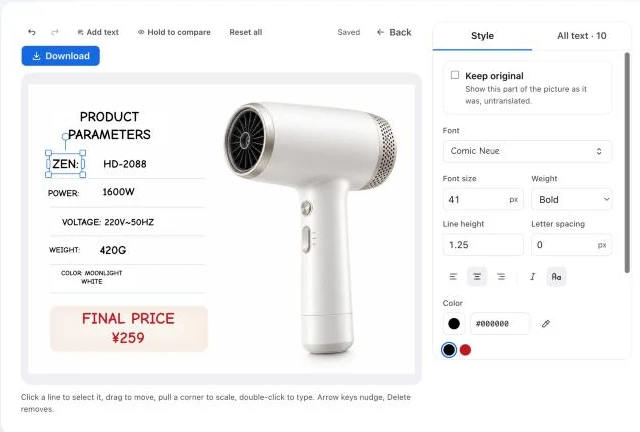
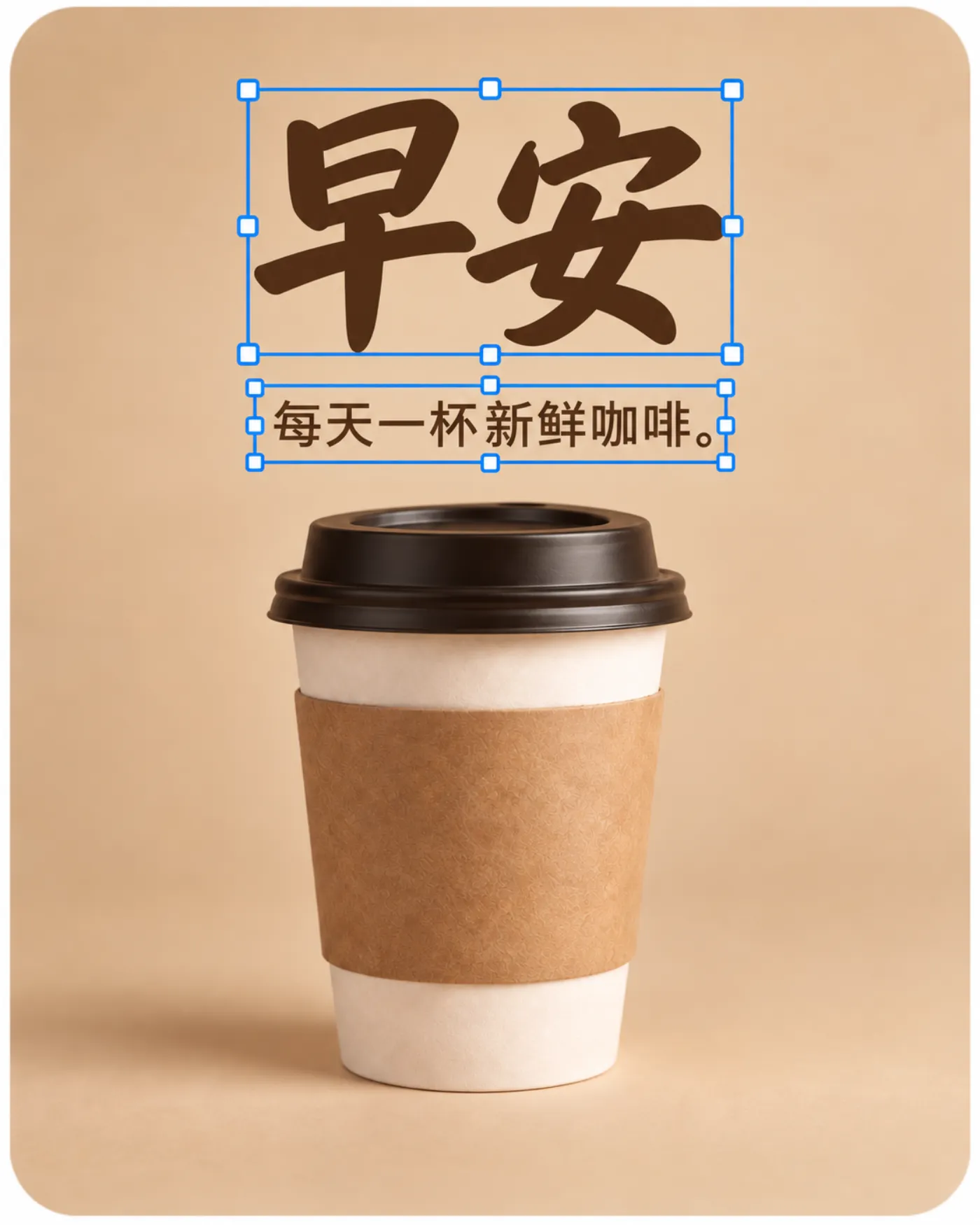
Translation editor with a translated spec image, one line selected and its font, size and colour controls open
Line editor

Tidy a Long Label So It Fits the Button

  • Shorten a line, shrink it or change its font in the editor
  • Keep product names and usernames in the original language
  • Edits are free; only the translation uses credits

Keep going

More ways to use Image Translator

Translate Screenshot: FAQ

Translate Your Screenshot Now

Get free credits

20 free creditsNo card needed