
Change Background of Image —
A new backdrop in a few clicks

Upload a photo, the subject is cut out for you, and you try backdrops until one fits: a solid colour, a studio or outdoor scene, a soft blur, or a picture of your own.
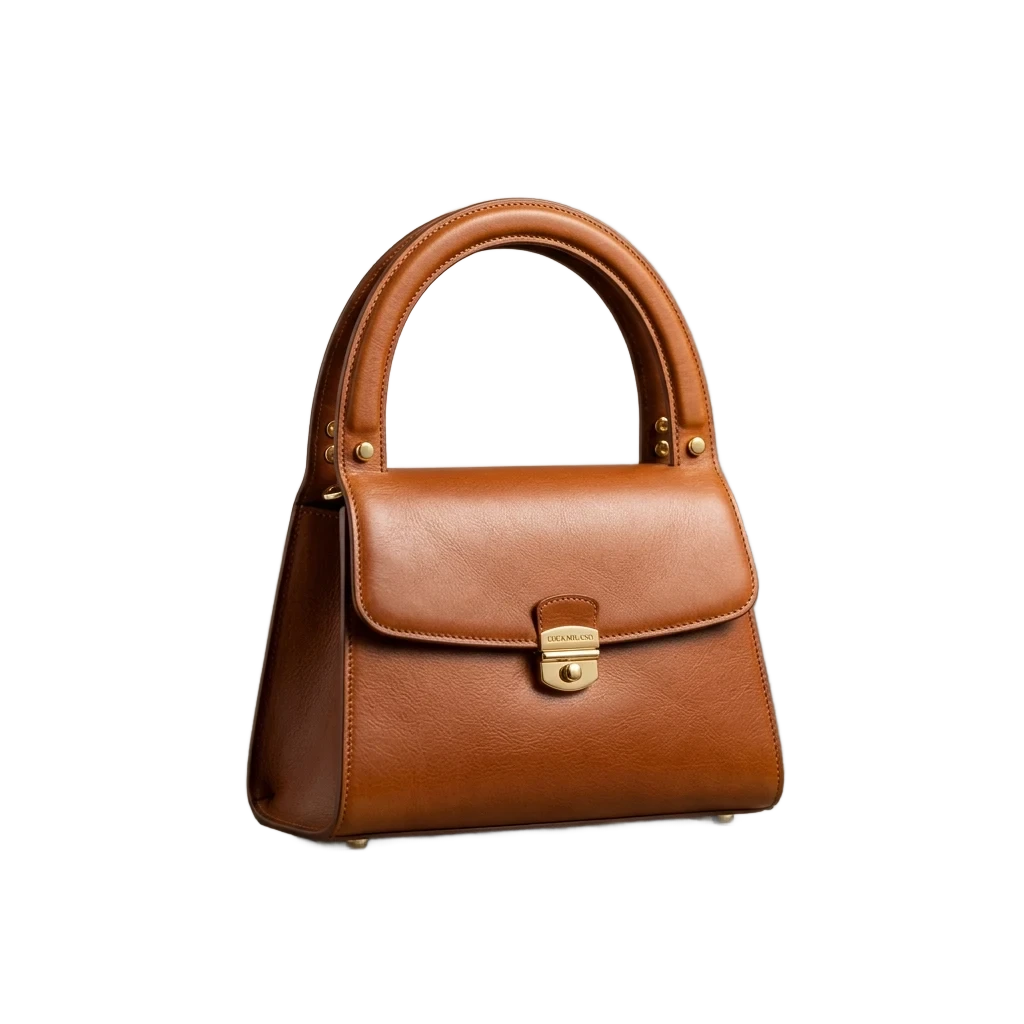
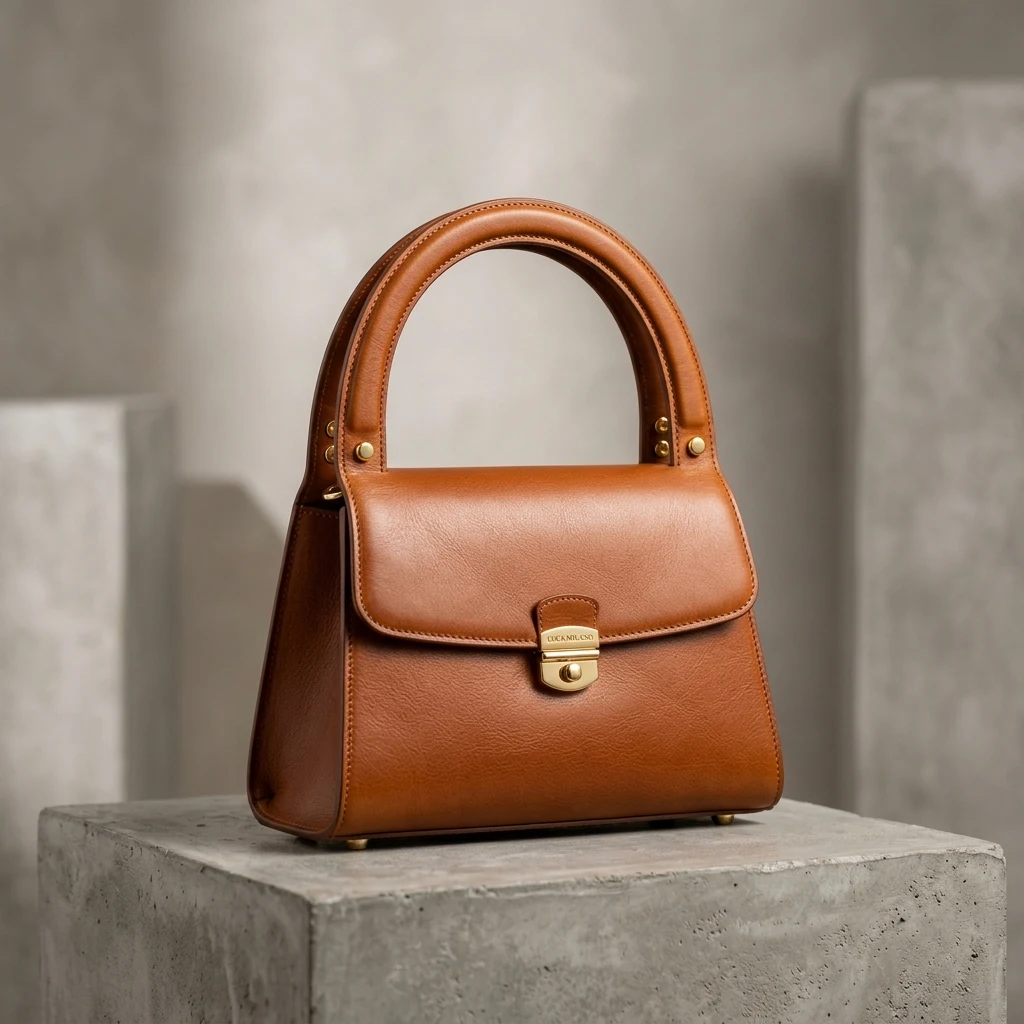
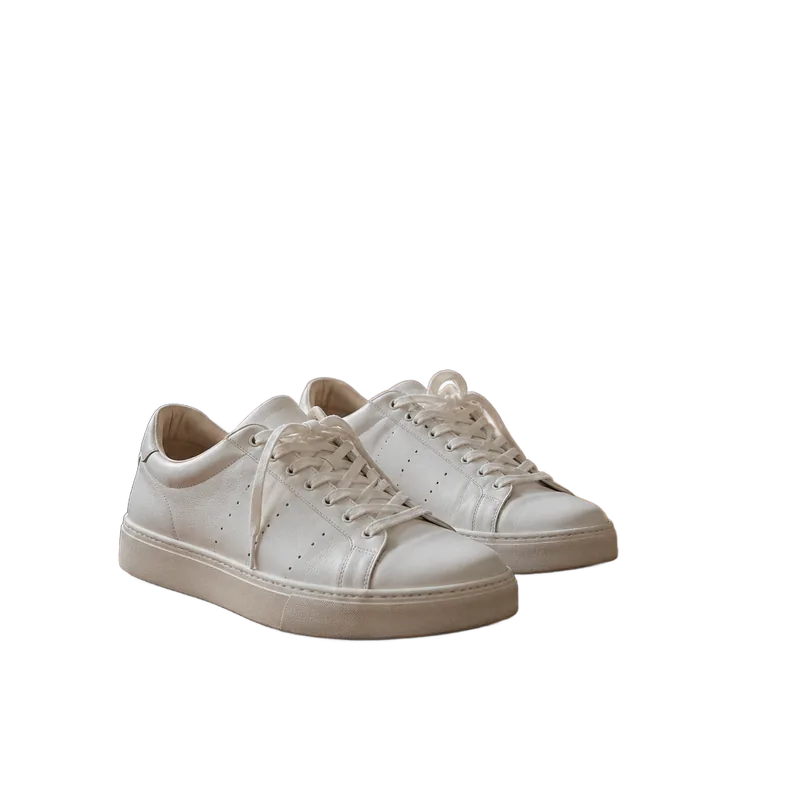
Product cutout with background removed by AI, high-resolution transparent background PNG (After)E-commerce product photo with complex background, ready to remove background (Before)
BeforeAfter
Drop photos here — one or a whole batch
No image?Try one of these:
  • Free to start20 credits on sign-up cover 6 photos.
  • Try as many backdrops as you likeSwitching backgrounds after the cut-out costs nothing.
  • Full size, no watermarkDownload a PNG or a JPG at your photo’s own resolution.

Photo Background Changer Results

Each photo was cut out once and placed on one of the editor’s own backdrops.

Woman with curly hair photographed in an office hallway
Before
Woman with curly hair photographed in an office hallway — After
After

Portrait

Office hallway to city street

Curls stay soft at the edge, so the new street scene looks like it was always there.
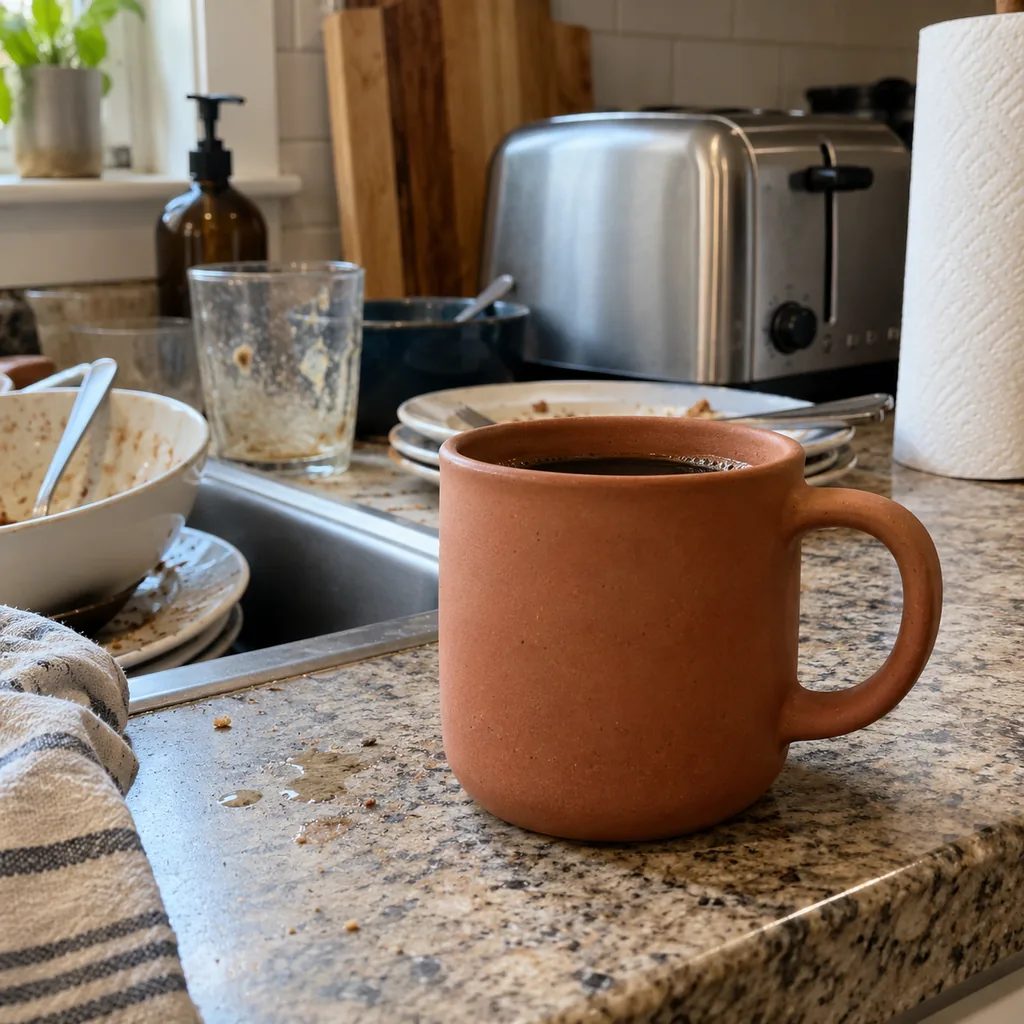
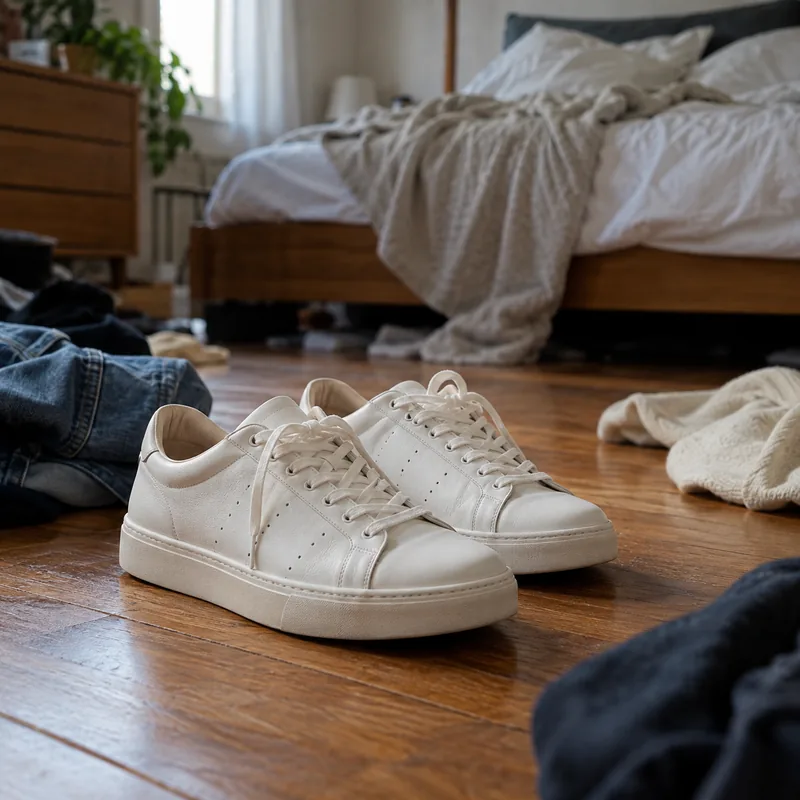
Terracotta mug on a messy kitchen counter
Before
Terracotta mug on a messy kitchen counter — After
After

Product

Kitchen clutter to a wooden tabletop

Dishes and the toaster are gone; the mug now stands on warm wood, ready for a shop listing.

Golden retriever sitting on a living-room carpet
Before
Golden retriever sitting on a living-room carpet — After
After

Pet

Living room to a forest walk

Fur around the ears and chest is kept strand by strand against the new background.

How to Change the Background of a Photo

  1. 1

    Upload your photo

    JPG, PNG or WebP. The subject is cut out as soon as it lands.

  2. 2

    Pick a new background

    Open the Background tab and try colours, photo scenes, a blur, or upload a picture of your own.

  3. 3

    Download the new photo

    Save a JPG to share, or a PNG if you want to keep editing it elsewhere.

Change Photo Background Your Way: Colour, Scene or Blur

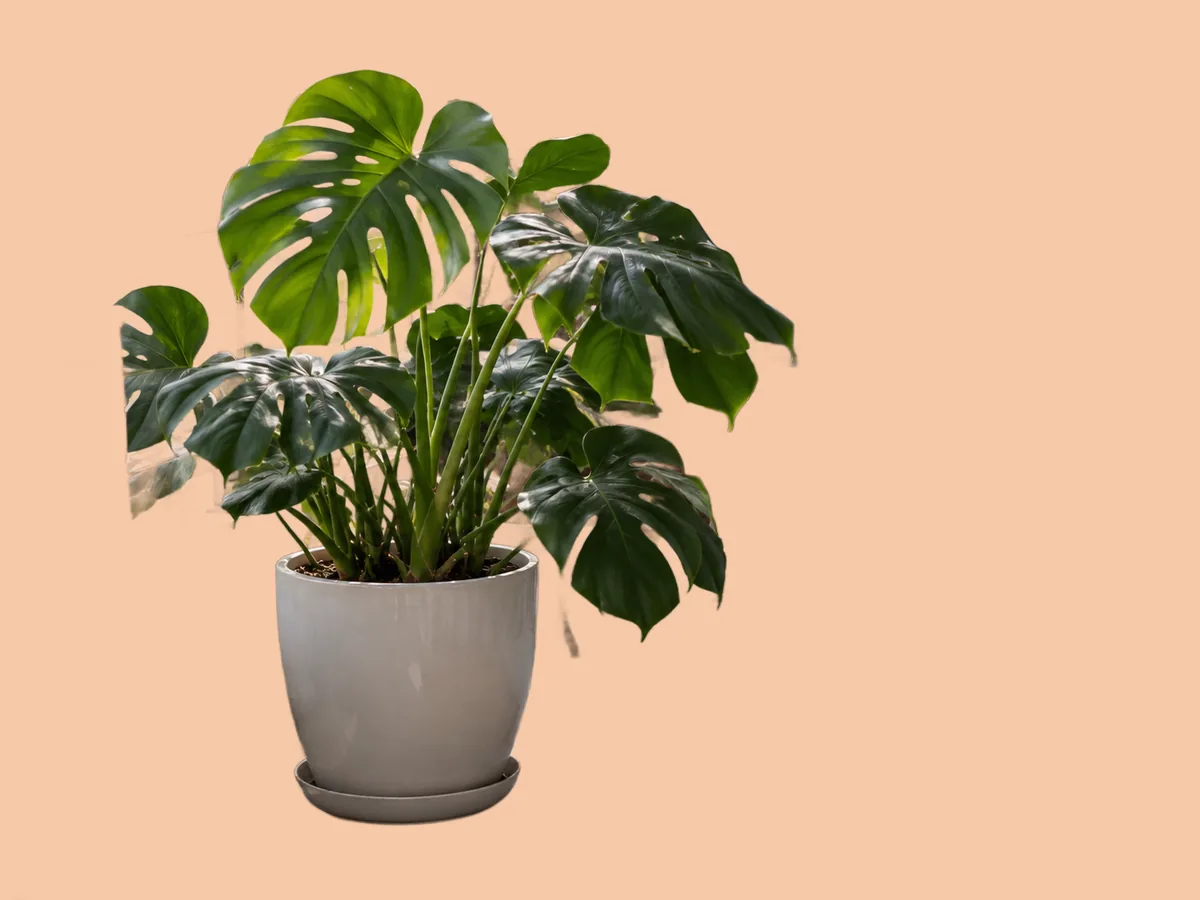
Monstera plant moved from a cluttered balcony onto a peach background
Before
After
Solid colour

Change Background Color to Any Shade

  • Pick a swatch, or open the colour picker to match your brand.
  • Good for profile pictures, catalogues and slides.

Cluttered balconyPeach

Portrait in a busy market with the background blurred behind him
Before
After
Background blur

Blur the Background Instead of Replacing It

  • Keeps the real place but softens it, like a portrait lens.
  • One slider sets how strong the blur is.

Busy marketSoft blur

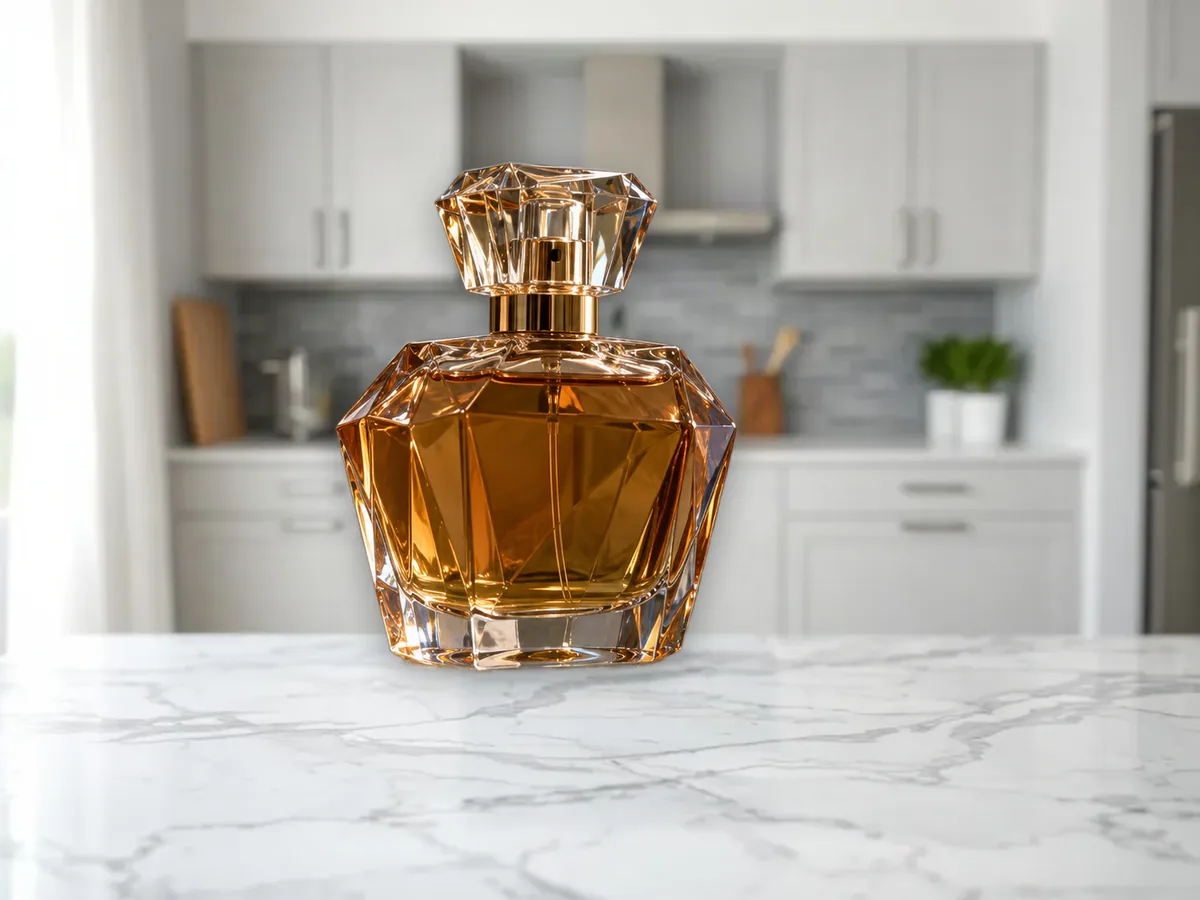
Perfume bottle moved from a bathroom shelf onto marble
Before
After
Scenes and uploads

Photo Background Changer With Scenes, or Your Own Image

  • Marble, wood, studio, beach, city and more are built in.
  • Or let AI scene paint a new setting around the photo for 4 credits.

Bathroom shelfMarble

Keep going

More ways to use Background Remover

Change background questions

Change the Background of Your Photo

Change a background

20 free creditsNo card neededBackdrops are free to swap