

Gradient logo
Lose the white box
The white square goes and the gradient keeps every shade, right to the tips of the wings.
Upload the logo you have, a JPG with a white or coloured square, a scan, a photo of a sign. Get a transparent PNG that sits cleanly on any colour, photo or slide.
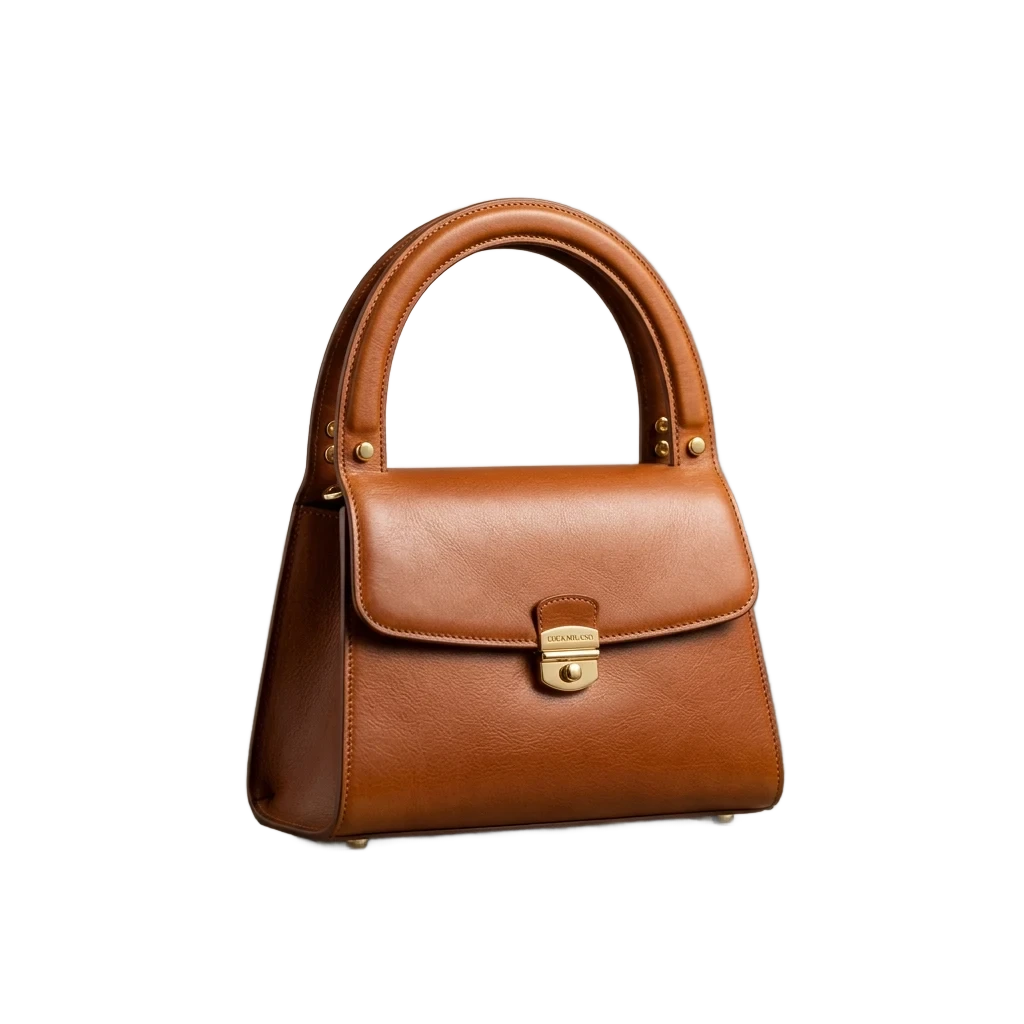
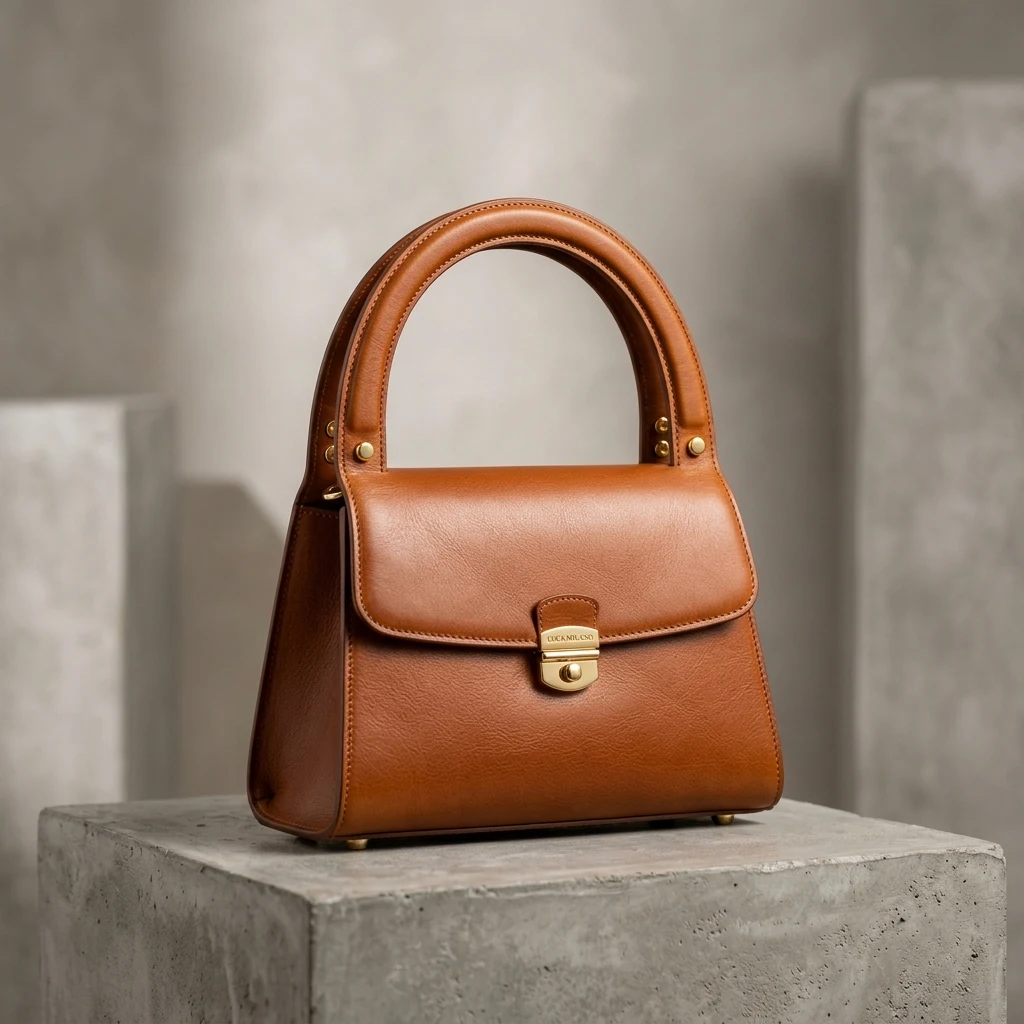
One run each, shown on the transparency grid: no hand clean-up.
Gradient logo
The white square goes and the gradient keeps every shade, right to the tips of the wings.
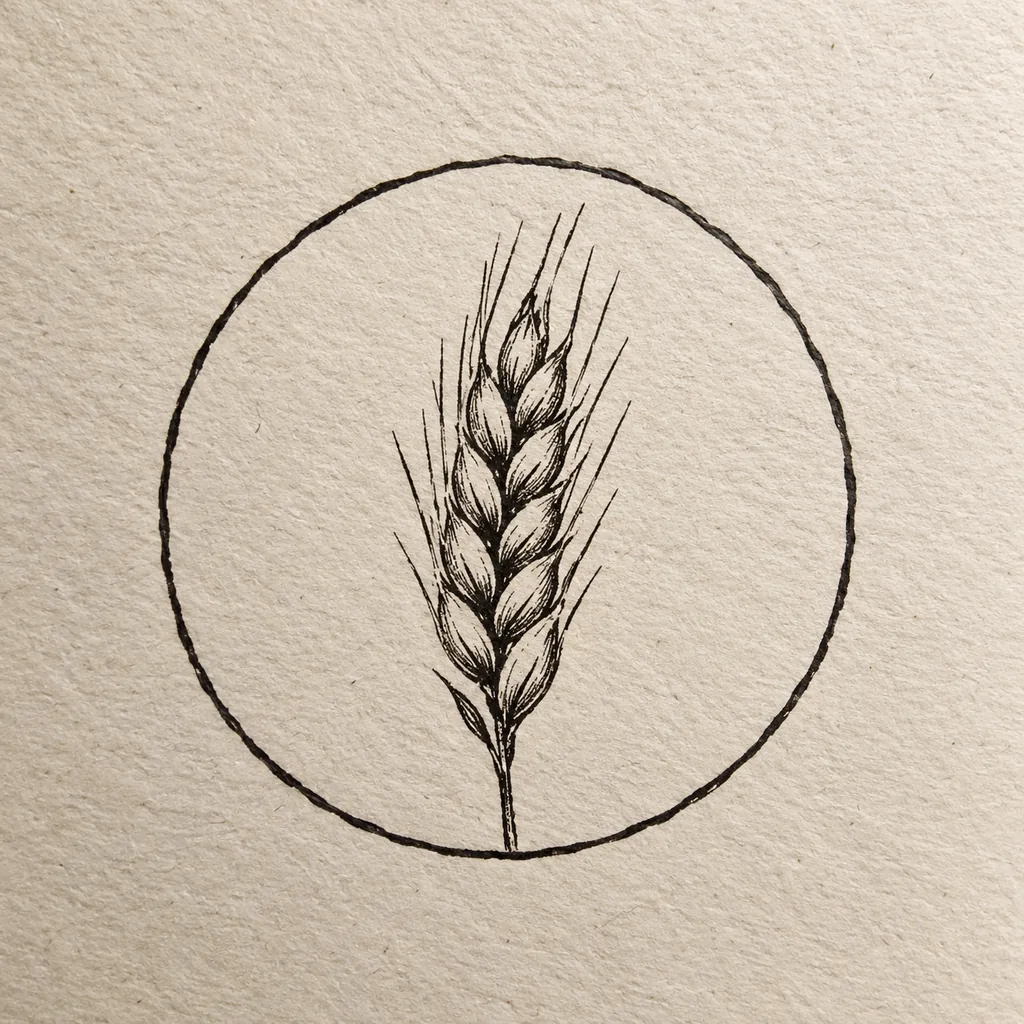
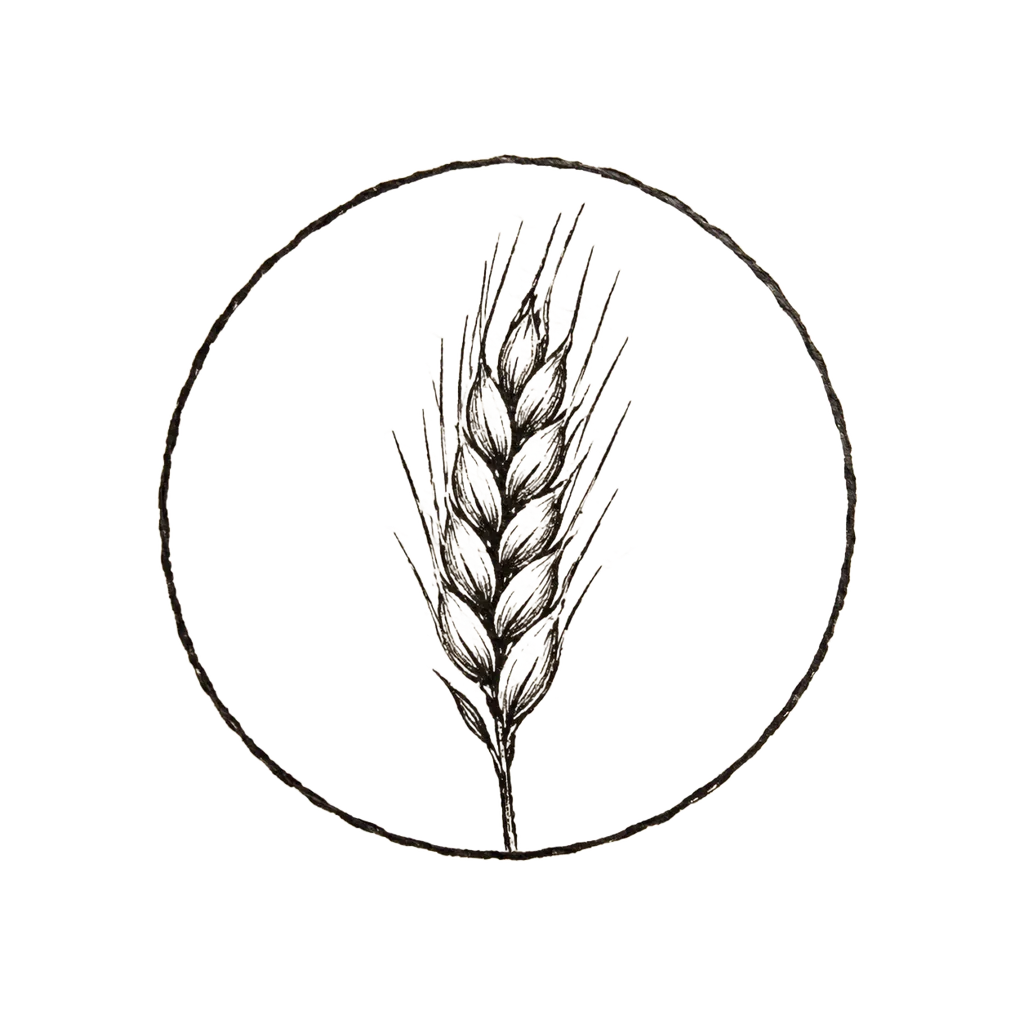
Inked on paper
Paper texture and the shadow of the phone are removed, leaving only the ink.


Grey background
The grey is removed everywhere it shows, the sky inside the hexagon too, and the outline stays crisp.
PNG, JPG or WebP: an exported file, a scan or a phone photo.
The background comes off on its own. If thin letters look faded, paint them back with the Restore brush.
Save it on transparency, or on a colour if you need a JPG.

Black on whiteWhite on dark
Keep going
More in Background Remover
All →Next step
Turn the logo into an SVG