Text Behind Image —
Put text behind any person or object

Upload a photo and the subject is cut out automatically. Type your headline, and it sits between the background and the subject, the look you see on posters, thumbnails and magazine covers.
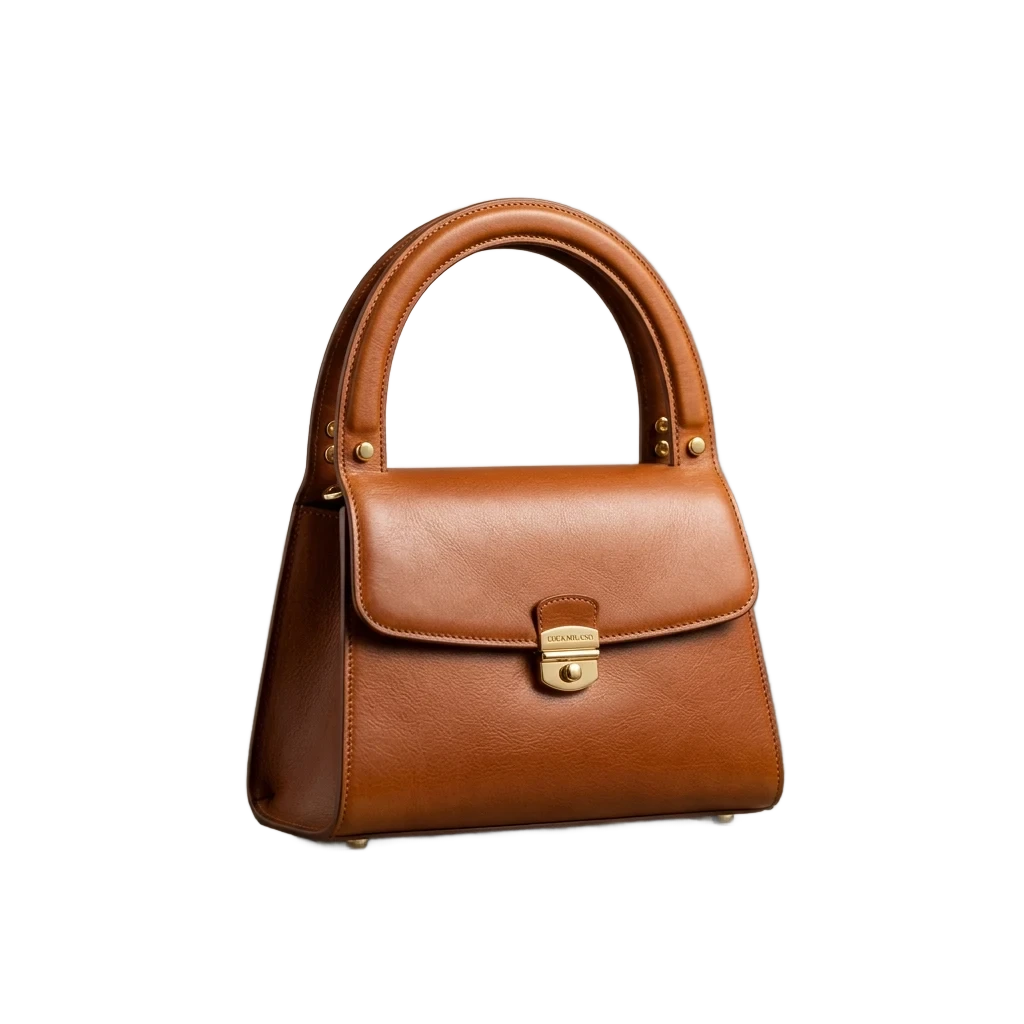
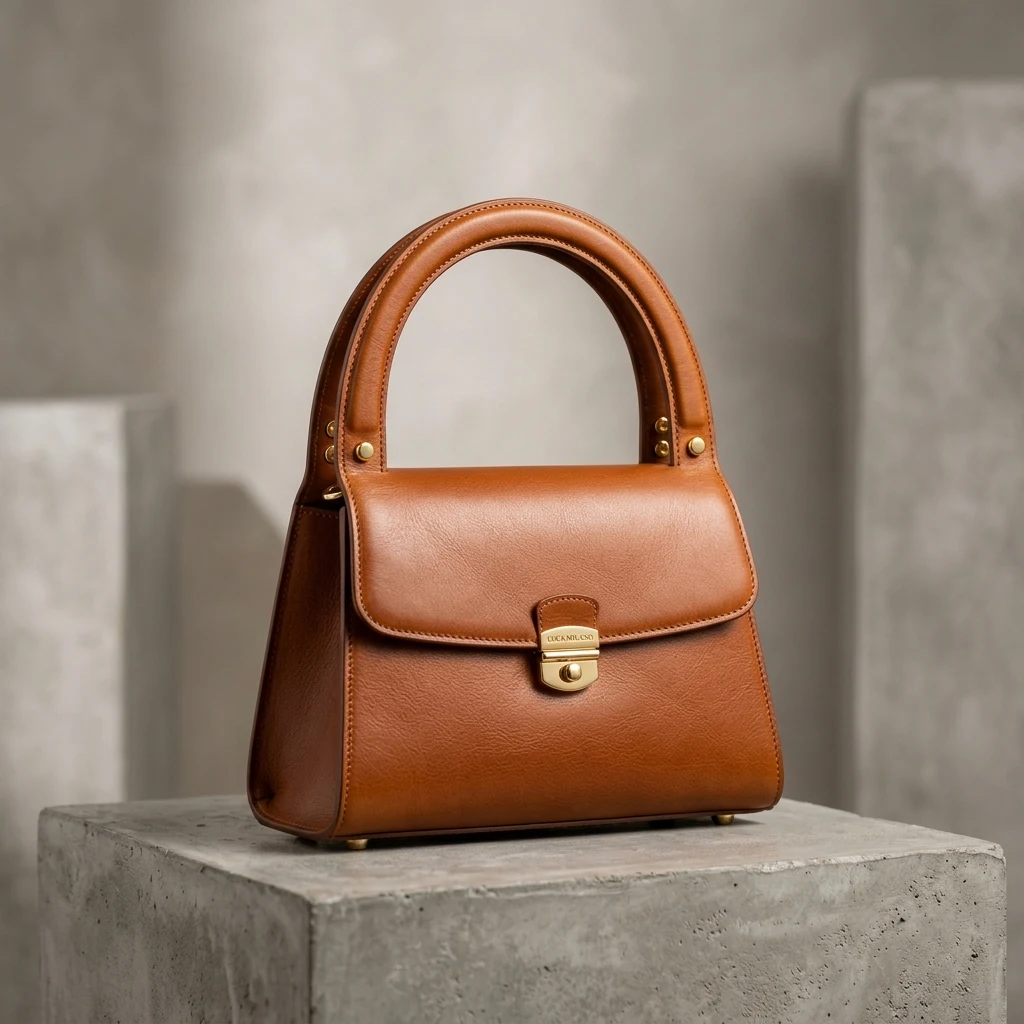
Product cutout with background removed by AI, high-resolution transparent background PNG (After)E-commerce product photo with complex background, ready to remove background (Before)
BeforeAfter
Drop photos here — one or a whole batch
No image?Try one of these:
  • Free to start20 credits on sign-up cover 6 photos; the text is free.
  • No masking by handThe cut-out that makes the effect is done for you.
  • 10 display fontsFrom bold condensed headlines to handwritten scripts.

Text Behind Image Examples

Each photo cut out once; the words were typed in the editor and set behind the subject.

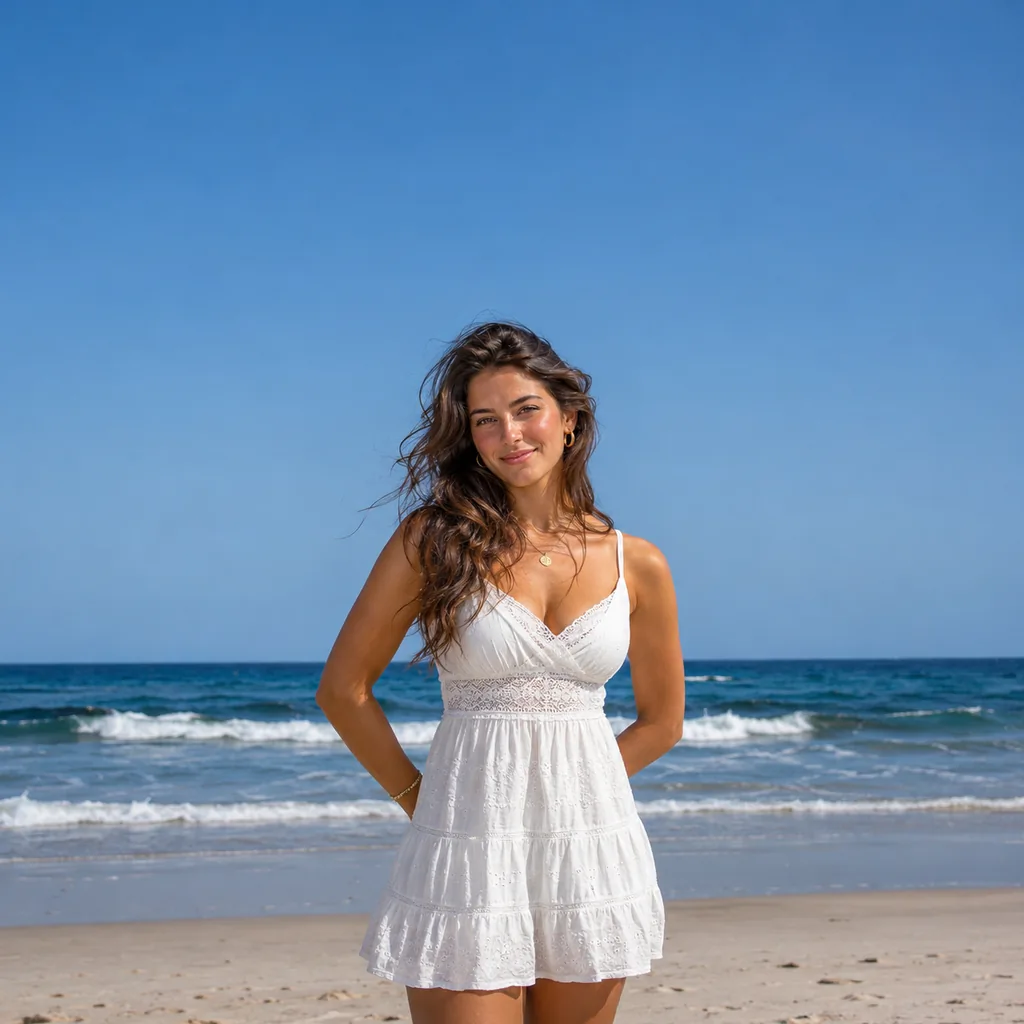
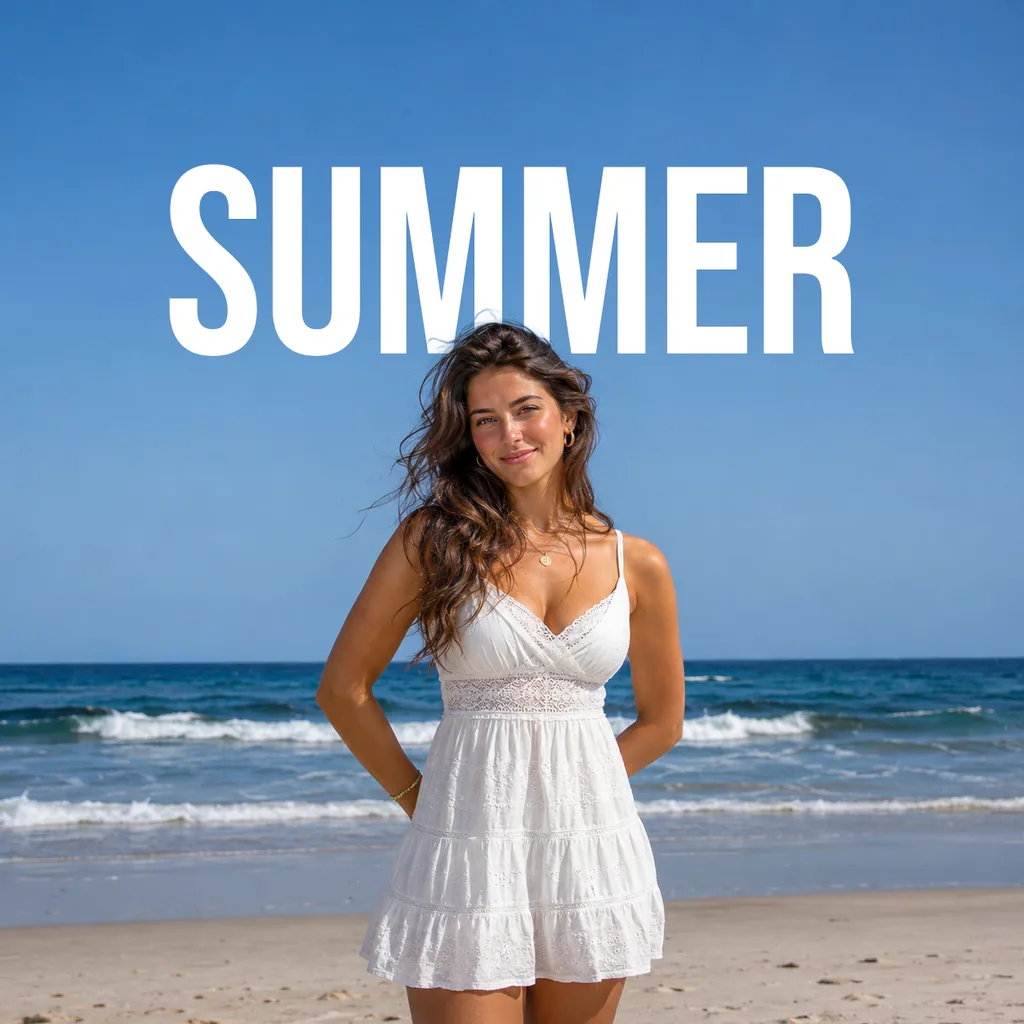
Woman in a white summer dress on a beach with SUMMER behind her head
Before
Woman in a white summer dress on a beach with SUMMER behind her head — After
After

Portrait

SUMMER behind loose hair

Wind-blown hair passes in front of the letters against the open sky, the hardest case for this effect.
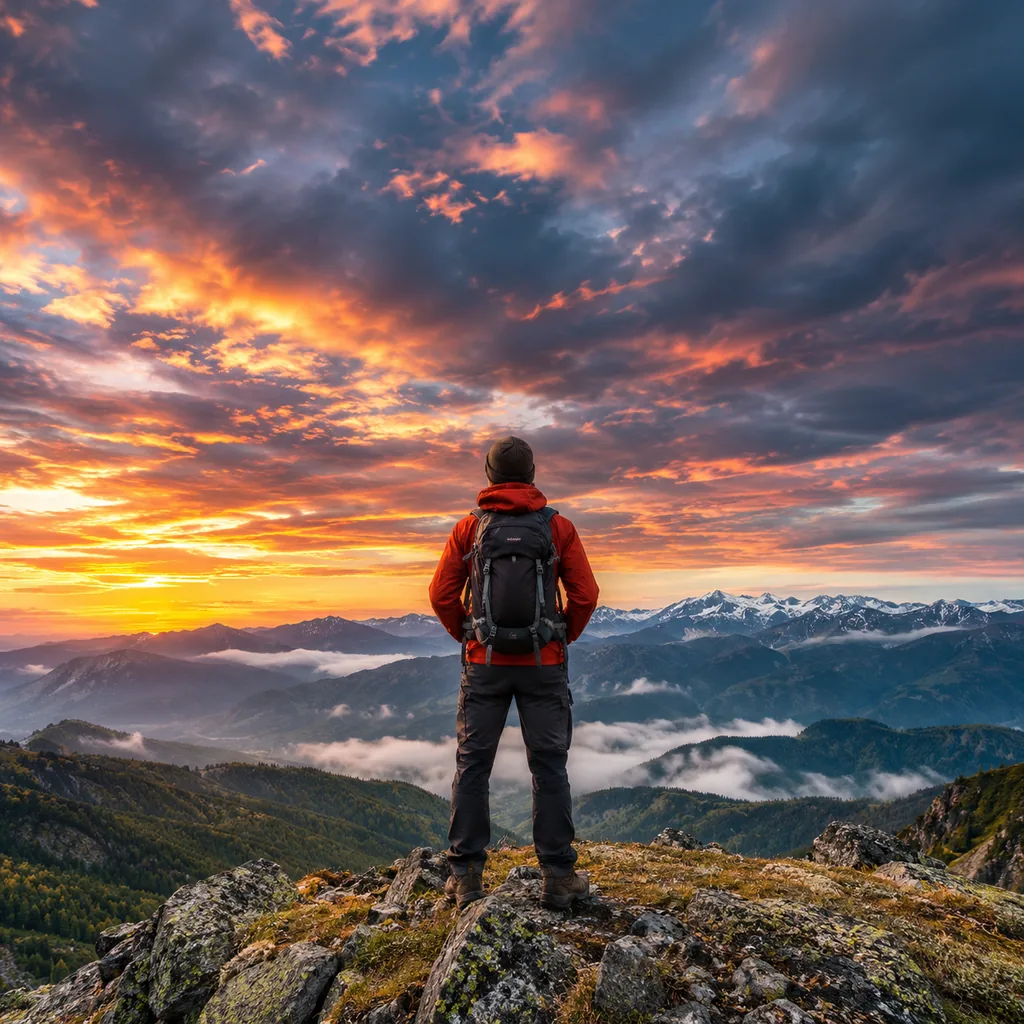

Hiker standing on a mountain ridge with EXPLORE behind his shoulders
Before
Hiker standing on a mountain ridge with EXPLORE behind his shoulders — After
After

Travel cover

EXPLORE on the horizon

Head and backpack overlap the headline while the dramatic sky behind frames the word.
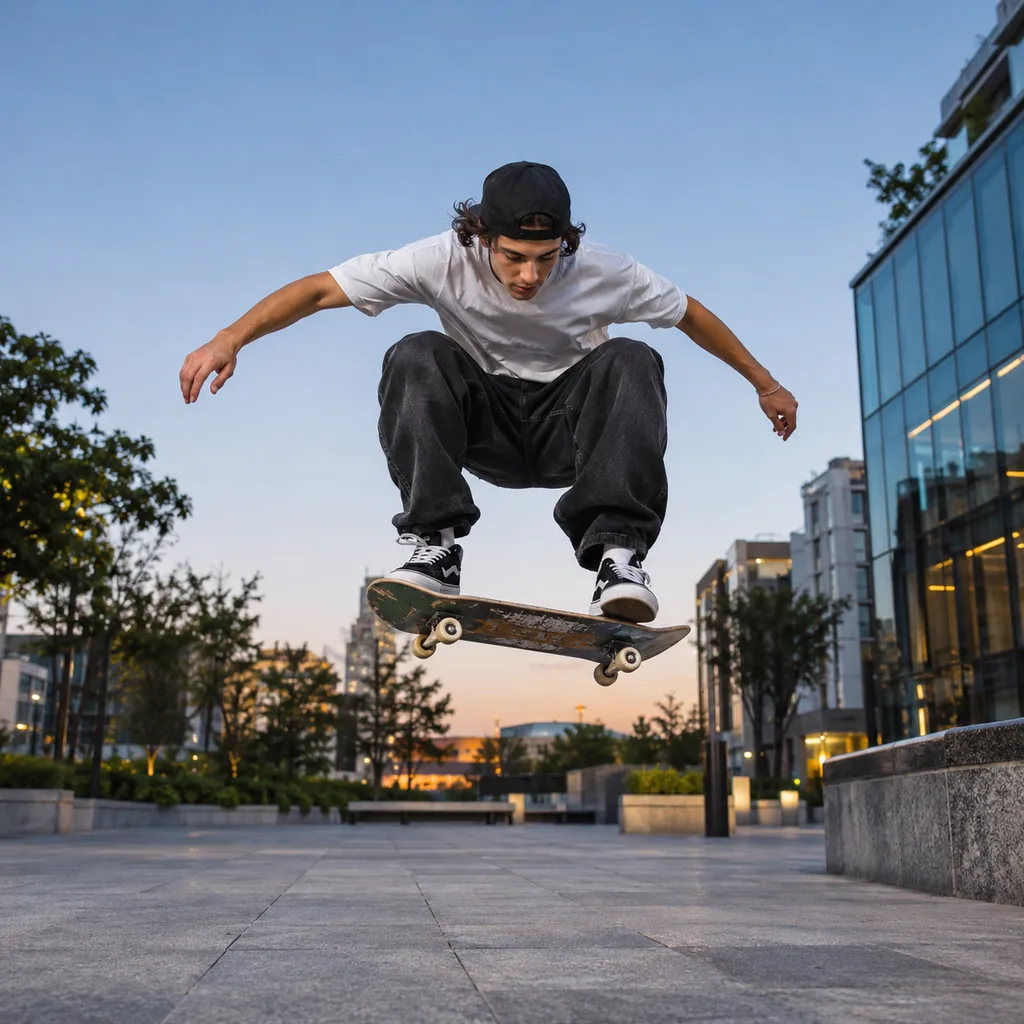
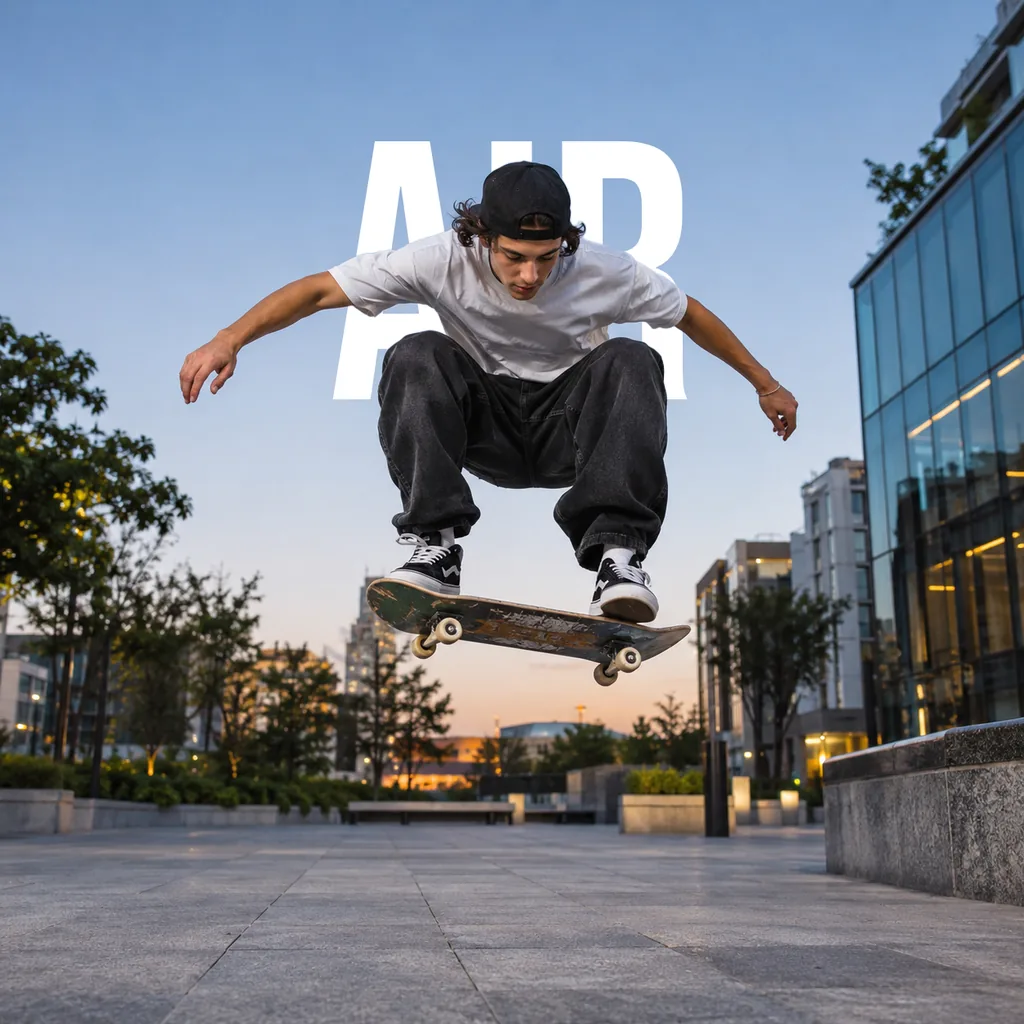
Skateboarder mid-ollie in an urban plaza with AIR behind him
Before
Skateboarder mid-ollie in an urban plaza with AIR behind him — After
After

Action shot

AIR behind a mid-ollie jump

Cap, shoulders and outstretched arms cross in front of the giant letters in mid-air.

How to Put Text Behind an Image

  1. 1

    Upload your photo

    Pick one with some open space above or around the subject.

  2. 2

    Type your text

    A headline is already placed behind the subject. Change the words, font, colour, size and position.

  3. 3

    Download the image

    Save a PNG or JPG at the size of your photo.
Text Behind Object Effects, Without Photoshop

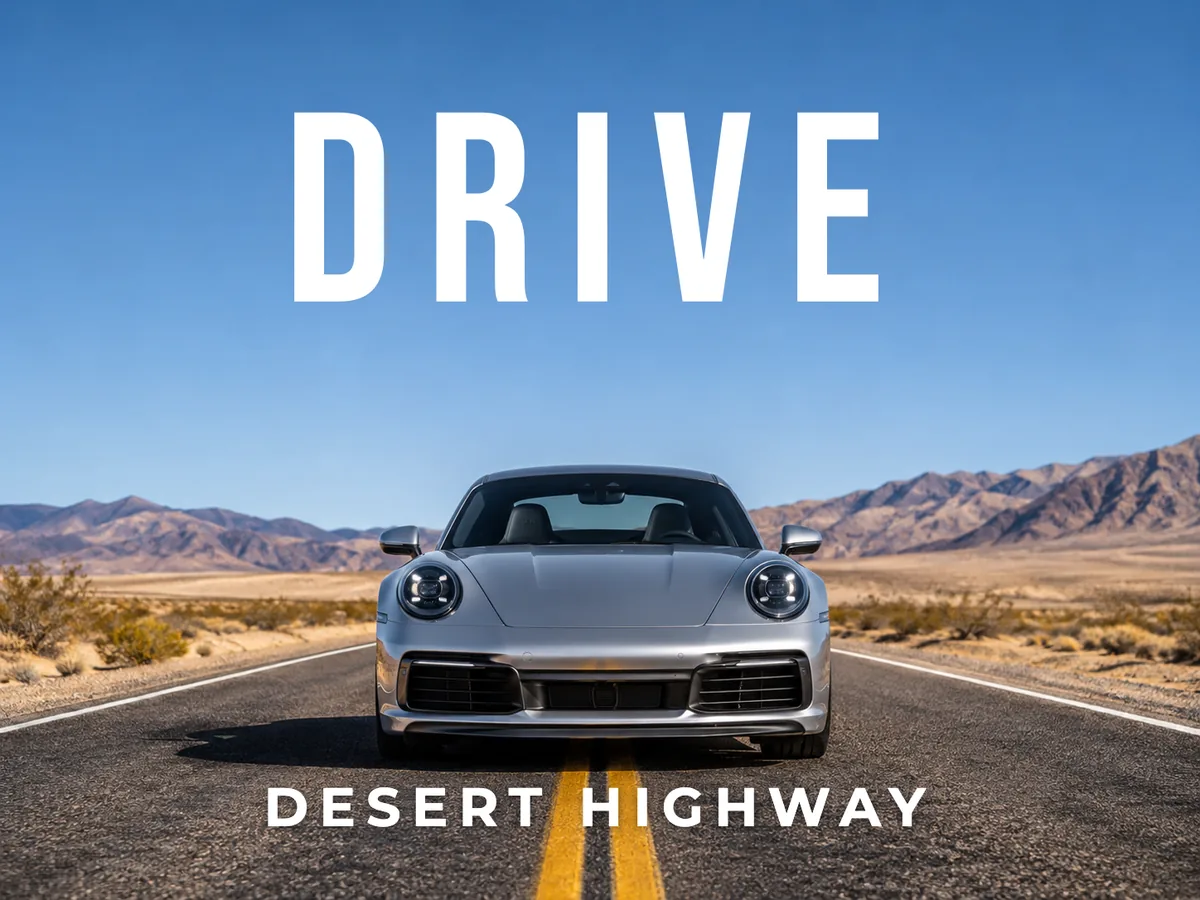
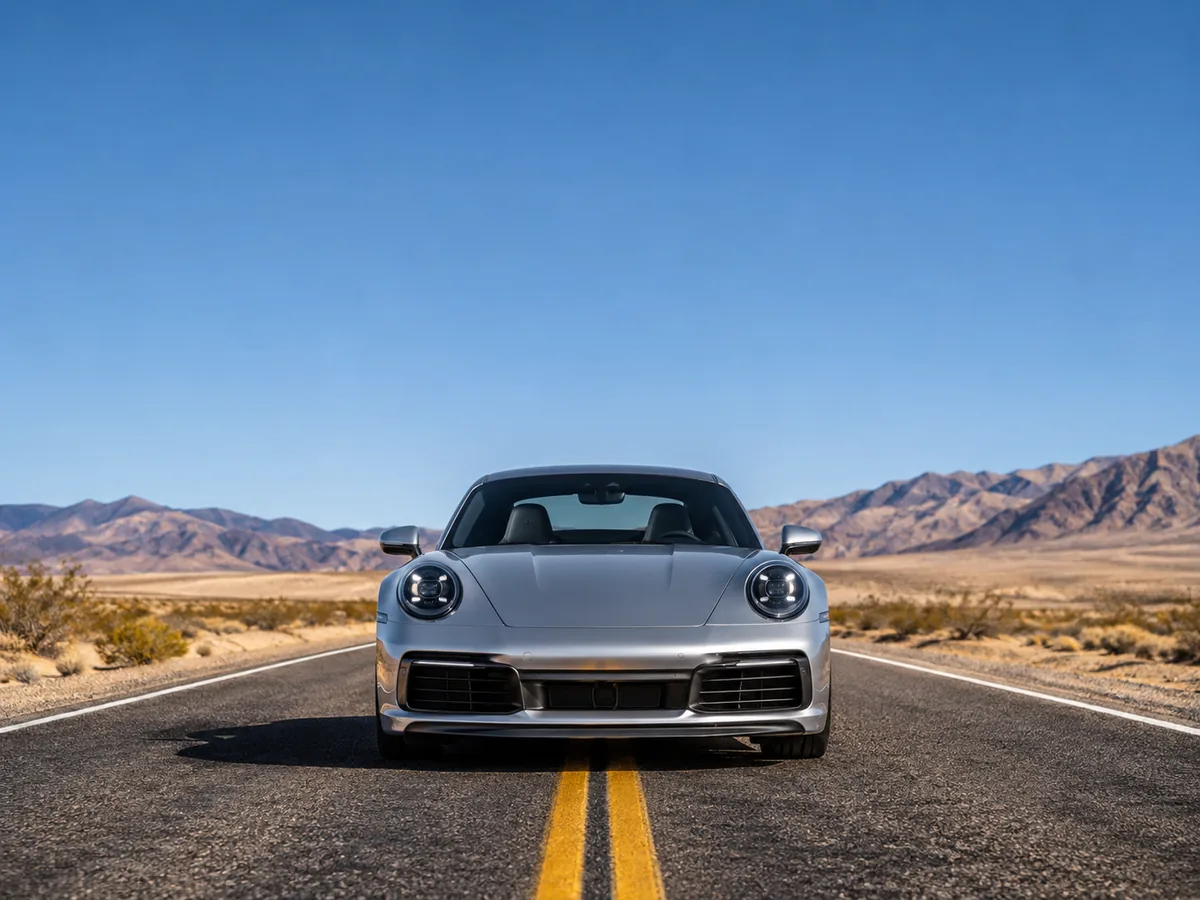
Silver sports car on a desert highway with DRIVE behind the roofline and DESERT HIGHWAY in front
Before
After
Behind and in front

Put Text Behind a Person, and More Text in Front

  • Each text layer has a “Place behind subject” switch.
  • Mix a big word behind with a small line in front, like a travel poster.

Desert highwayTwo text layers

Tall iced coffee glass on a café table with script text chill behind the rim
Before
After
Fonts and colour

Text Behind Image Online, in the Font You Want

  • 10 fonts, any colour, letter spacing, rotation and opacity.
  • A shadow or a highlight box helps the words read on a busy photo.

Café tableScript headline

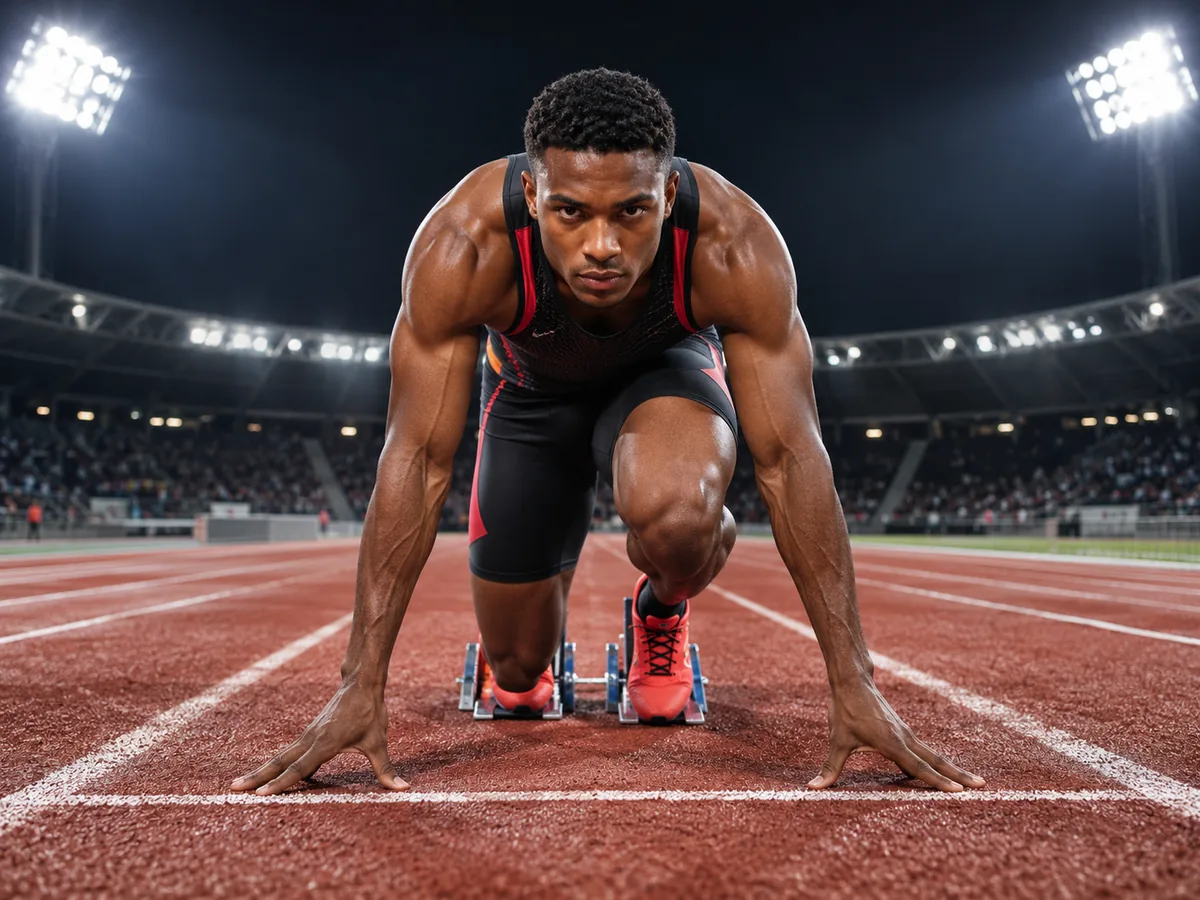
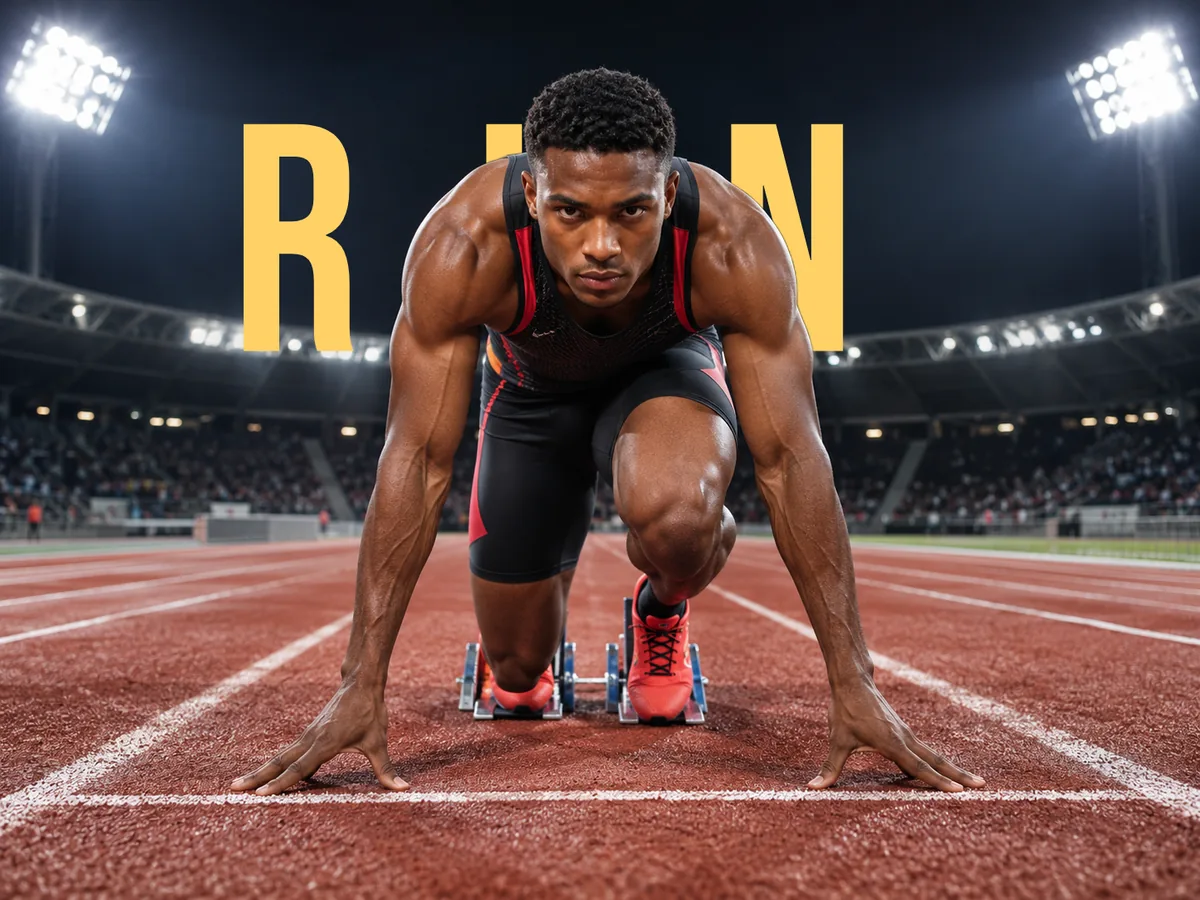
Sprinter at the start line on a stadium track with RUN spaced wide behind her
Before
After
Thumbnails and covers

Text Behind Object for Thumbnails and Ads

  • Wide letter spacing turns a single word into a cover line.
  • Square, portrait, story and landscape canvases are one click each.

Stadium trackCover line

Keep going

More ways to use Background Remover

Text behind image questions

Put Text Behind Your Photo

Try text behind image

20 free creditsNo card needed10 fonts