Printer paper
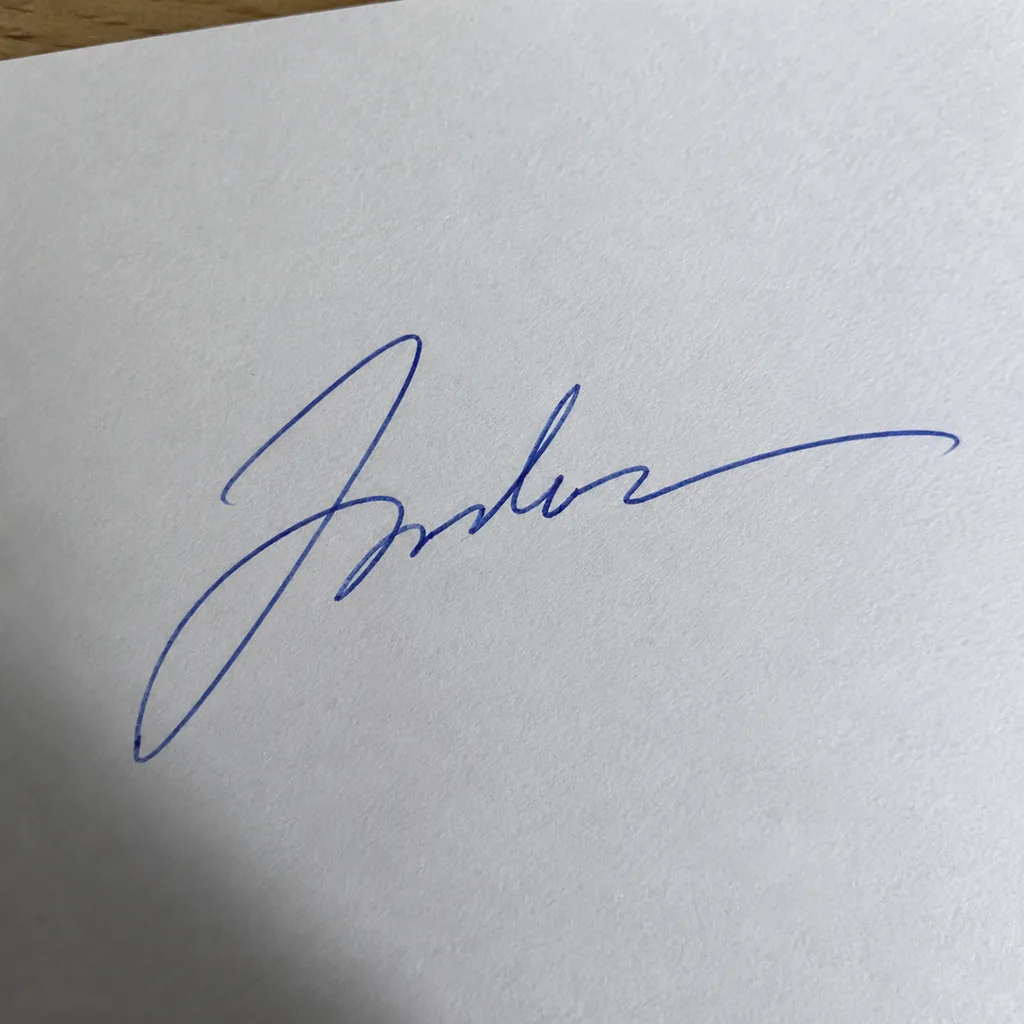
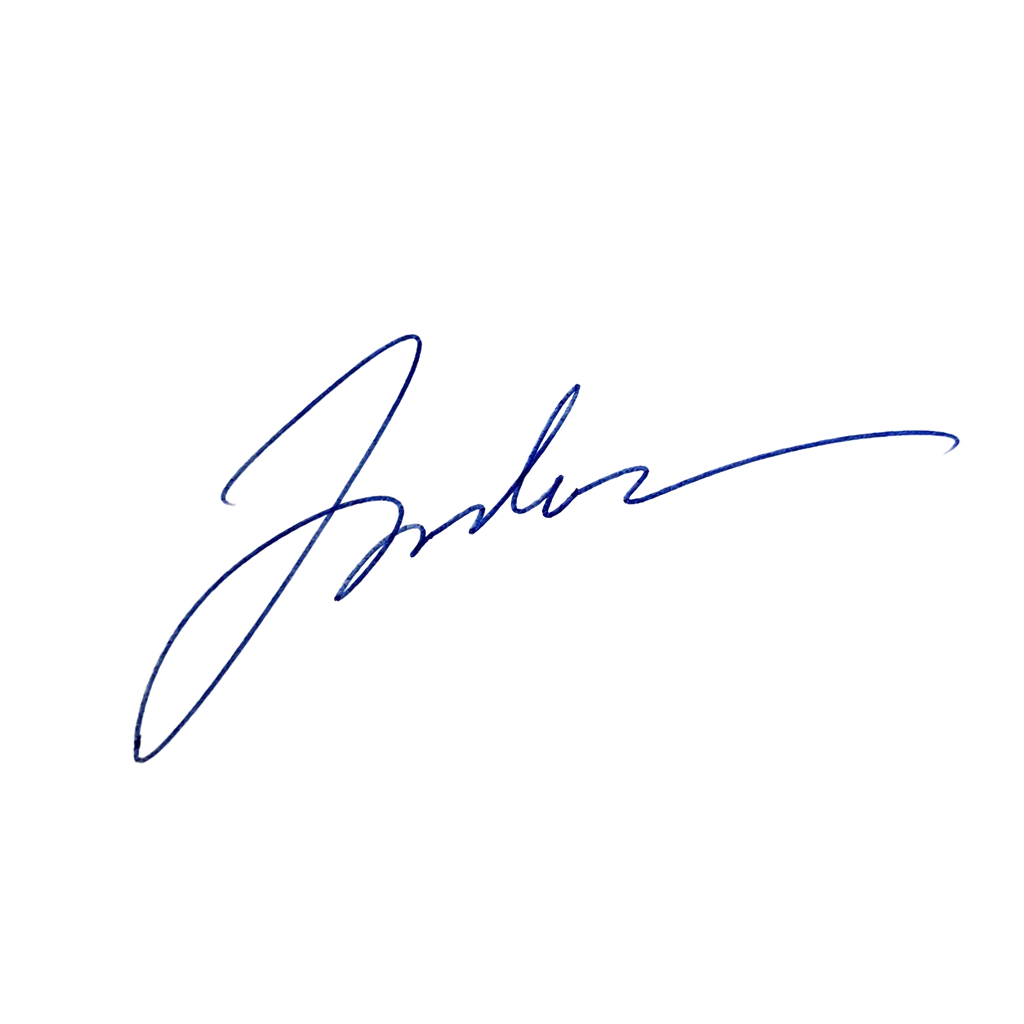
Shadow and paper gone
The dark corner and the grey cast of the paper disappear; the blue stroke keeps its width.
Sign a sheet of paper, take a photo, upload it. The paper, the lines and the shadow are removed, and you get a transparent signature to drop into PDFs, Word documents and email.


Three phone photos, one run each, shown on the transparency grid.
Printer paper
The dark corner and the grey cast of the paper disappear; the blue stroke keeps its width.
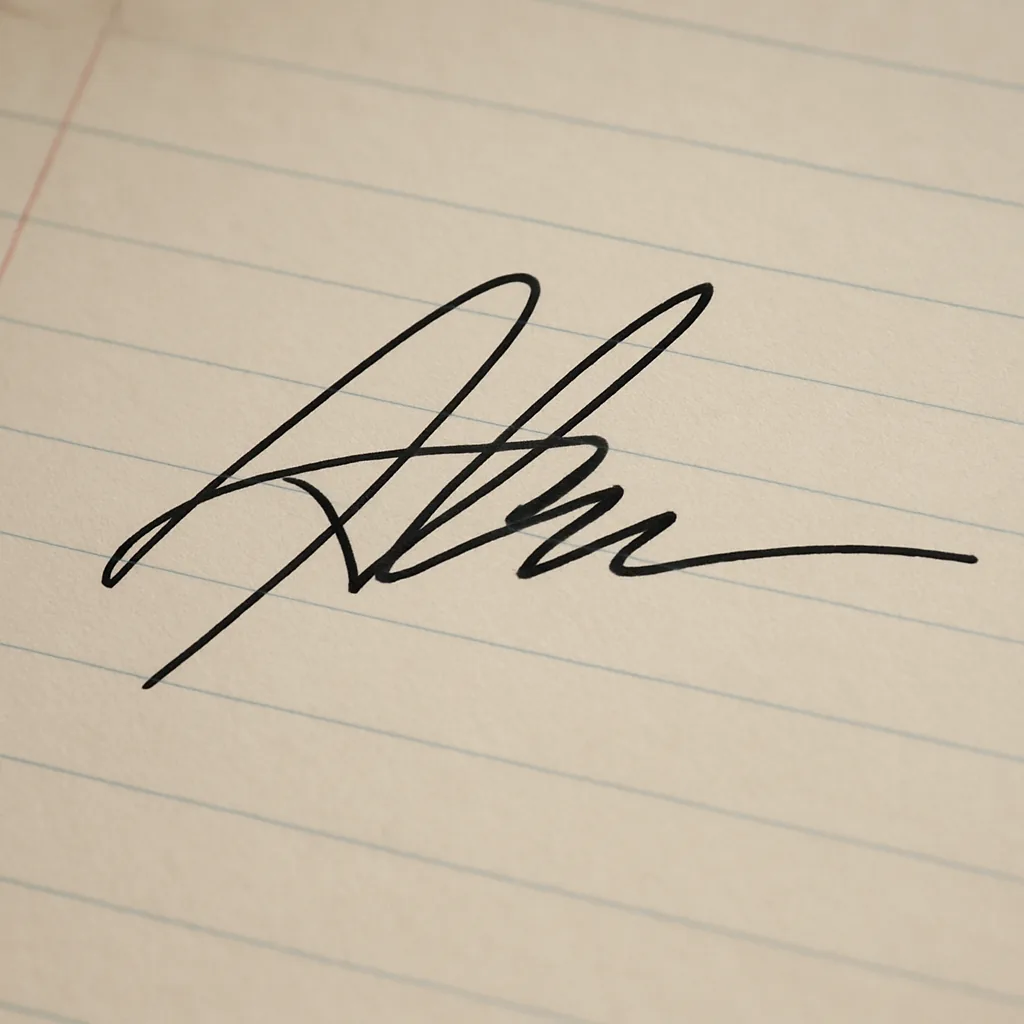
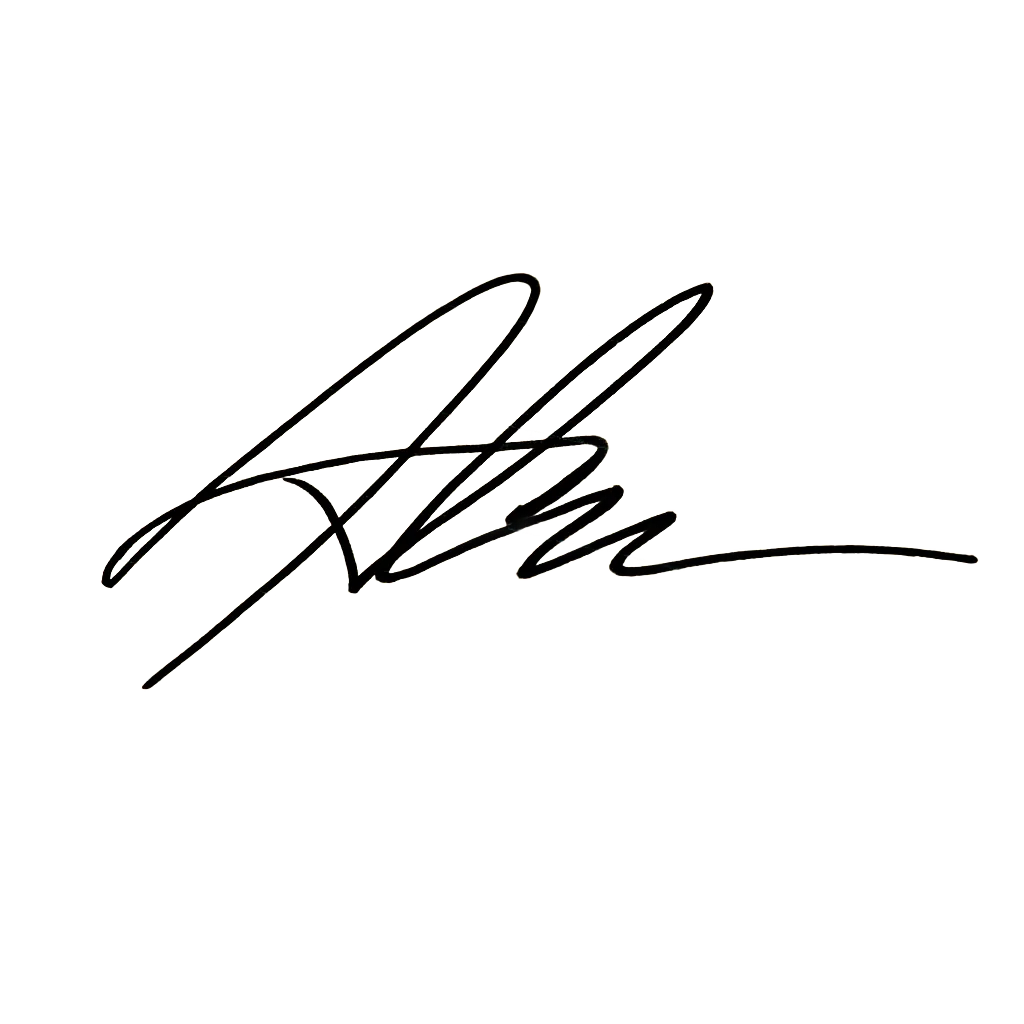
Notebook
The printed ruling of the notebook is removed along with the page.
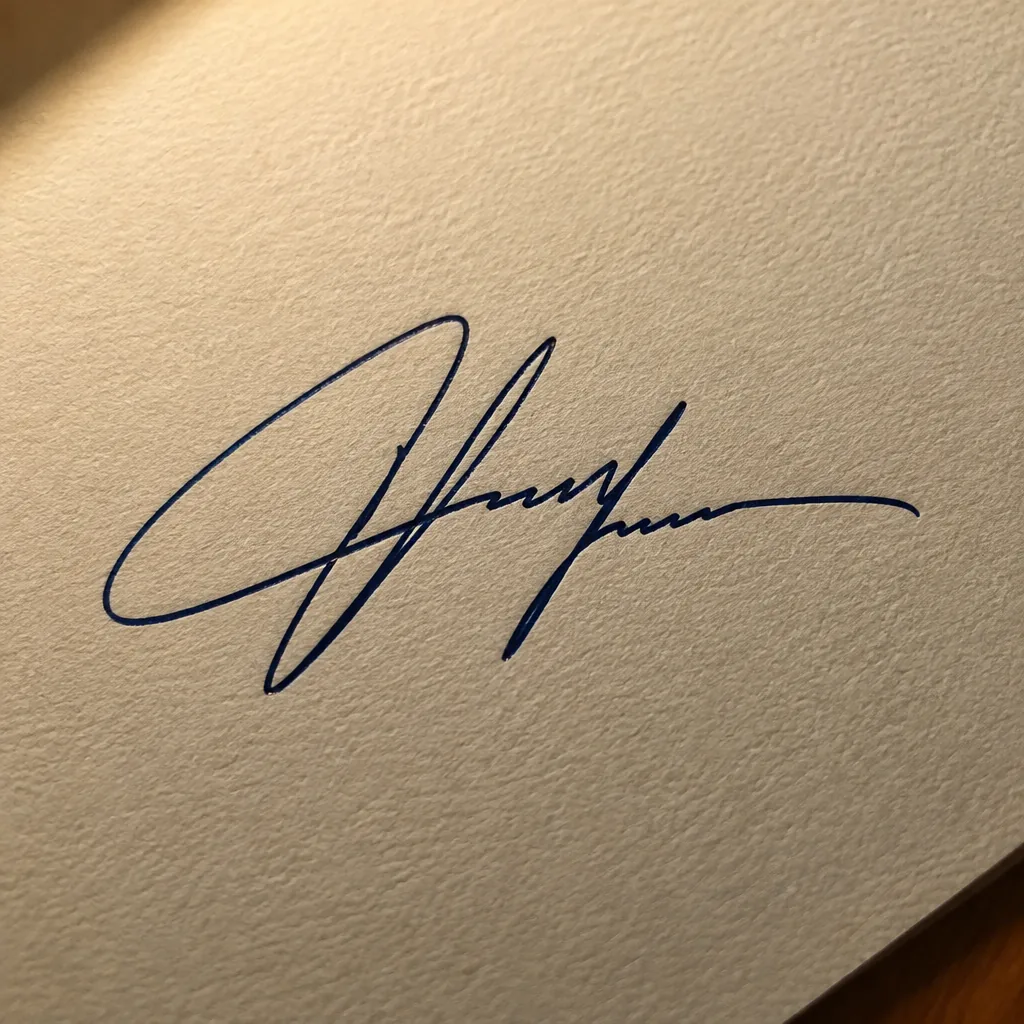
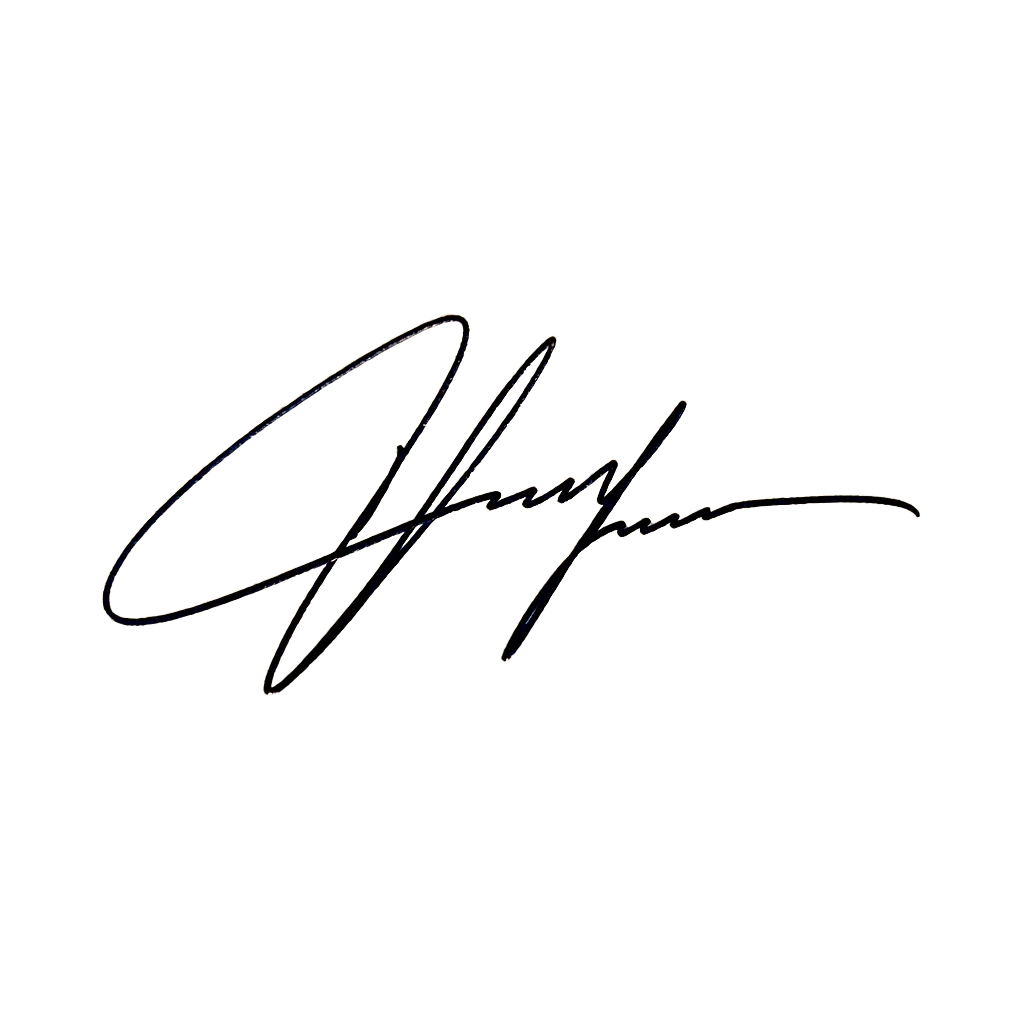
Fountain pen
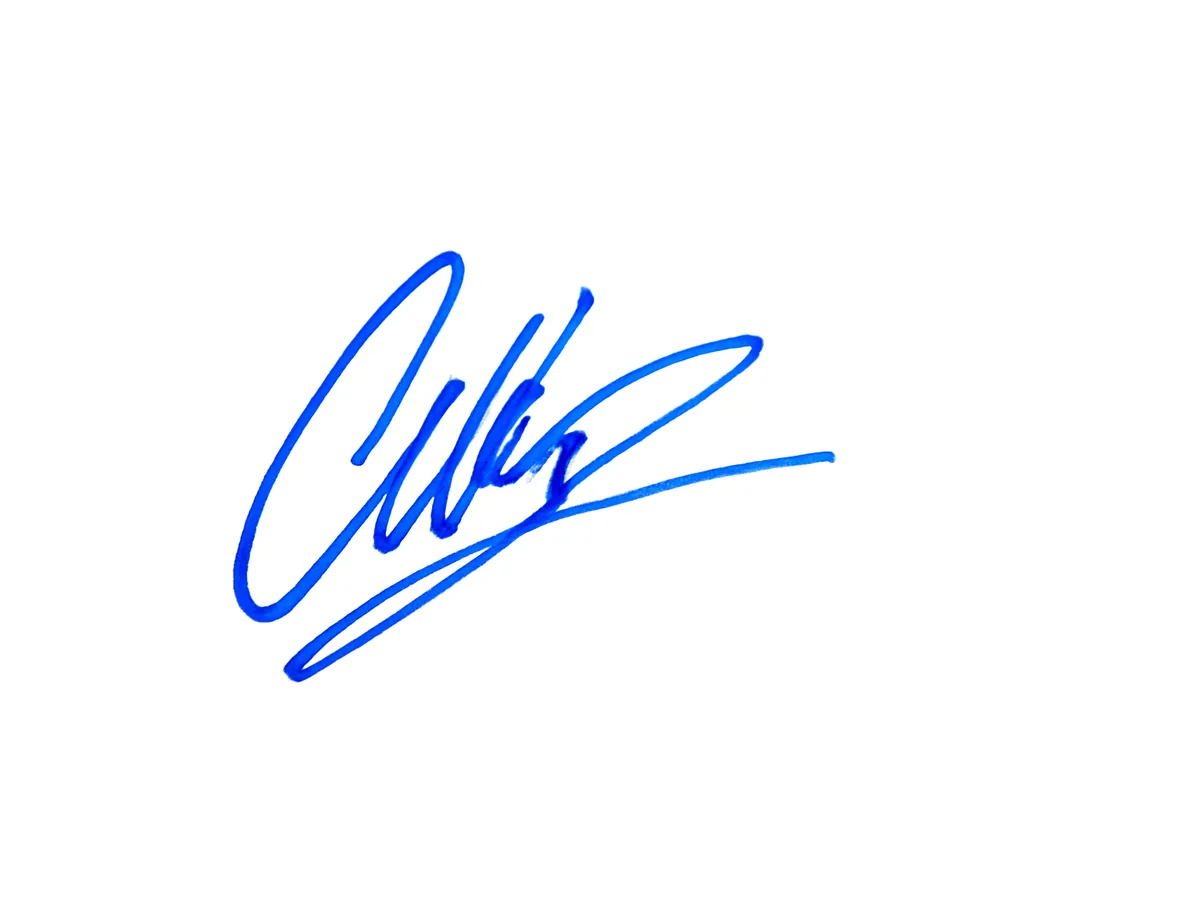
Card texture and warm lamp light are removed; the ink’s thick and thin strokes stay.
Sign on plain or lined paper and take a photo from above. JPG, PNG or WebP all work.
The background is removed and the strokes are sharpened a little so they read clearly.
Save a transparent PNG and place it in your PDF, Word file or email signature.
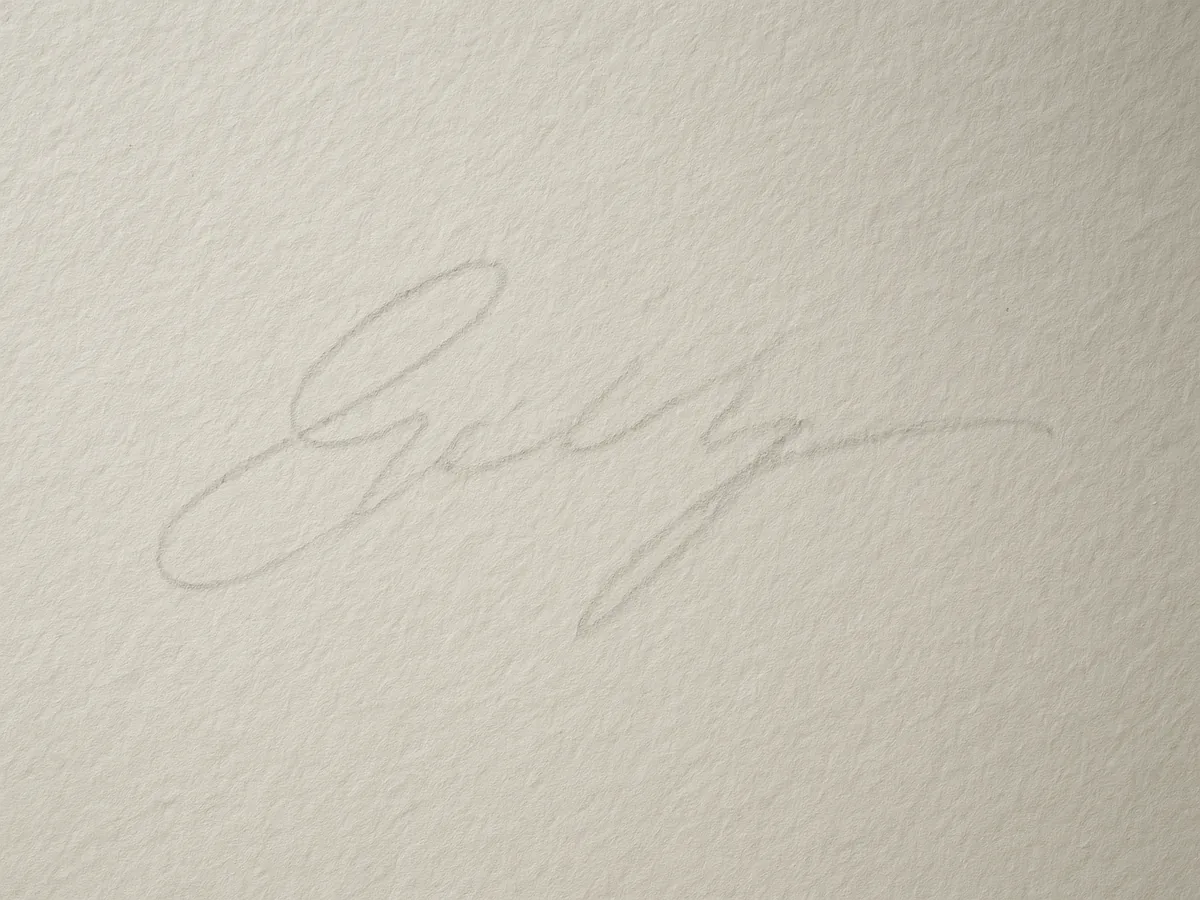
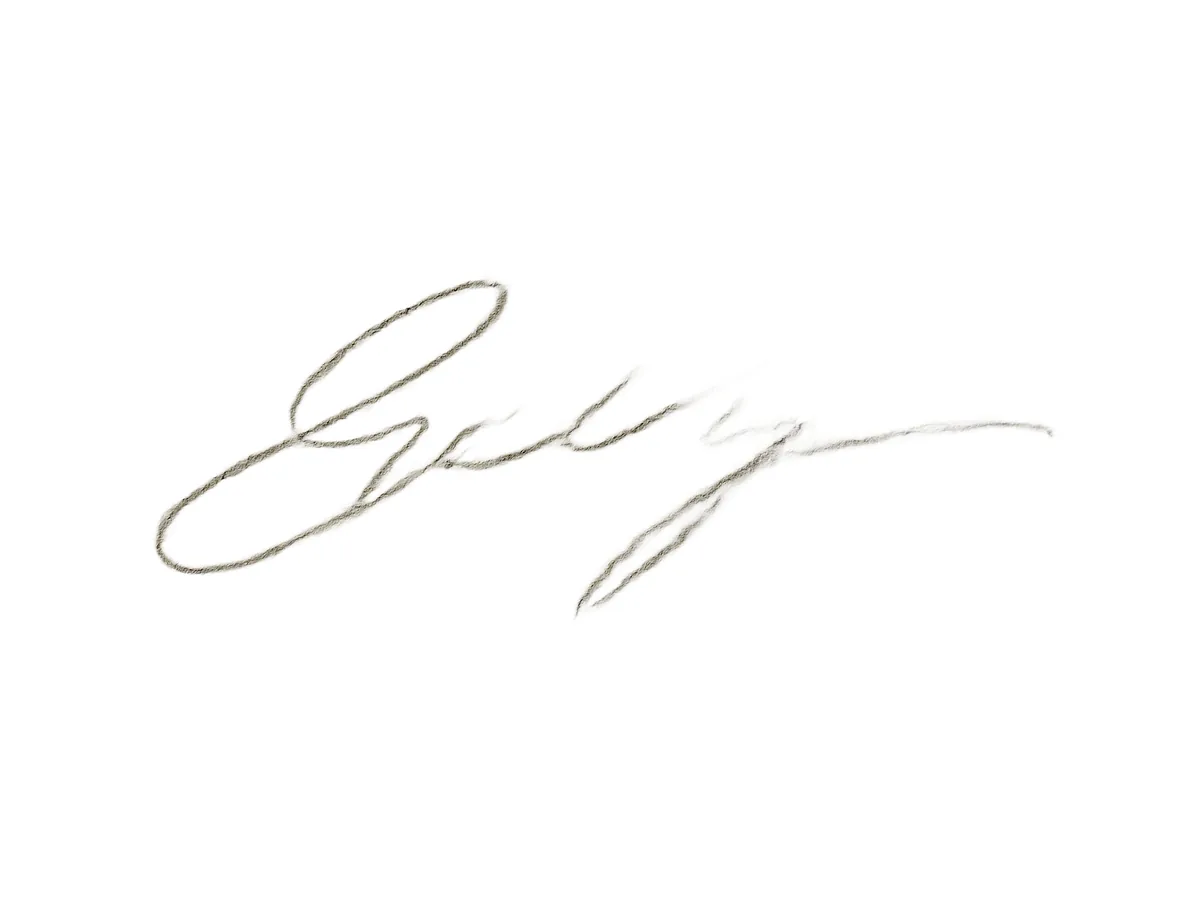
Grey pencilClear strokes
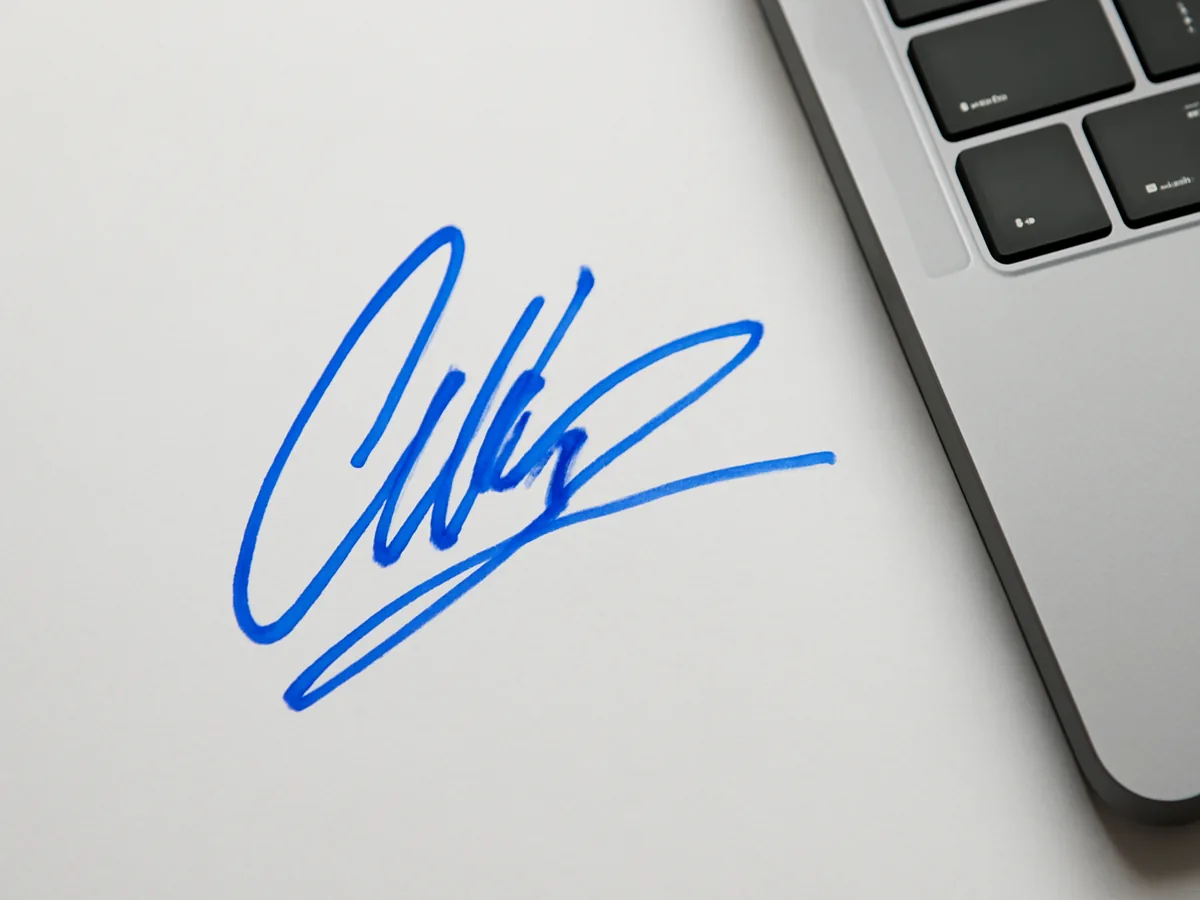
Desk photoClean ink
Keep going
More in Background Remover
All →Next step
Turn the signature into an SVG20 free creditsNo card neededTransparent PNG