Sticker Maker —
Make a sticker from any photo

Upload a photo of your pet, your favourite mug or a toy. It is cut out, given a white border and a soft shadow, and saved as a transparent PNG you can print or send.
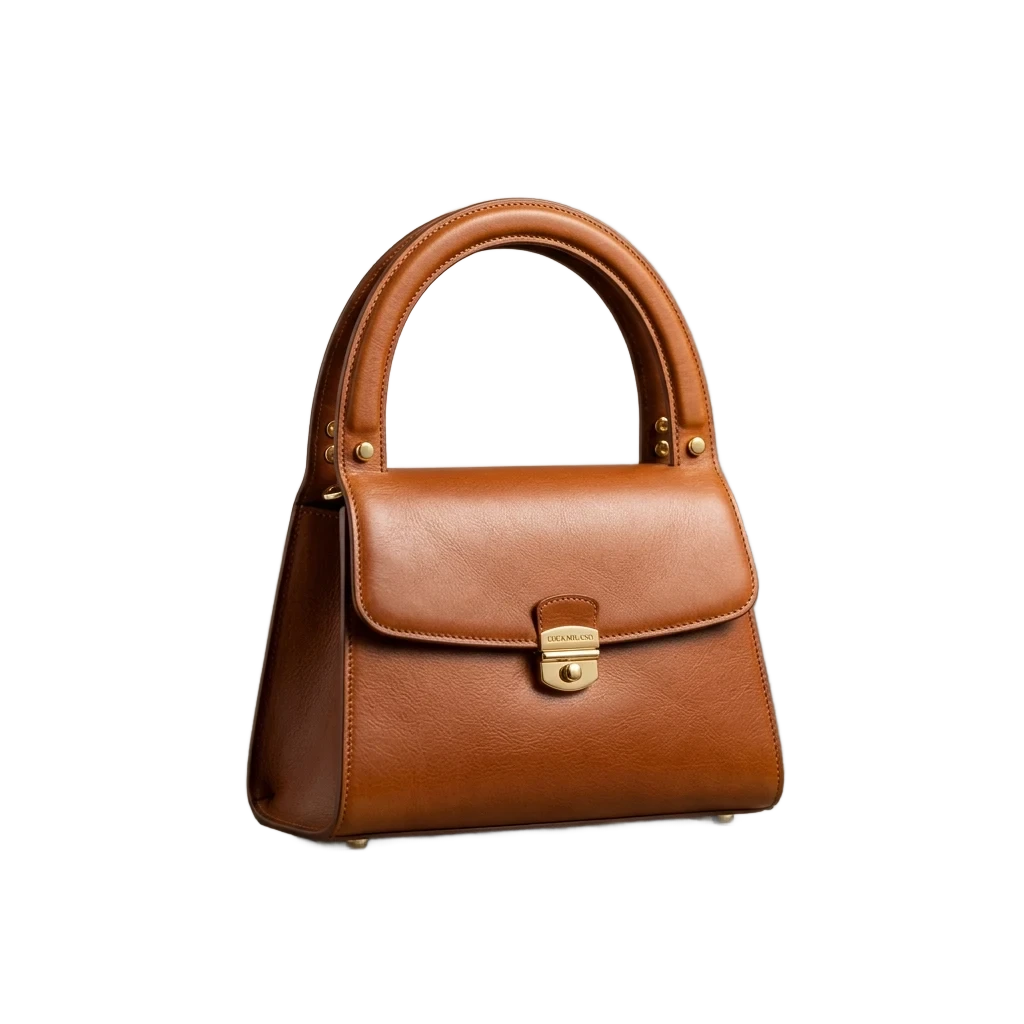
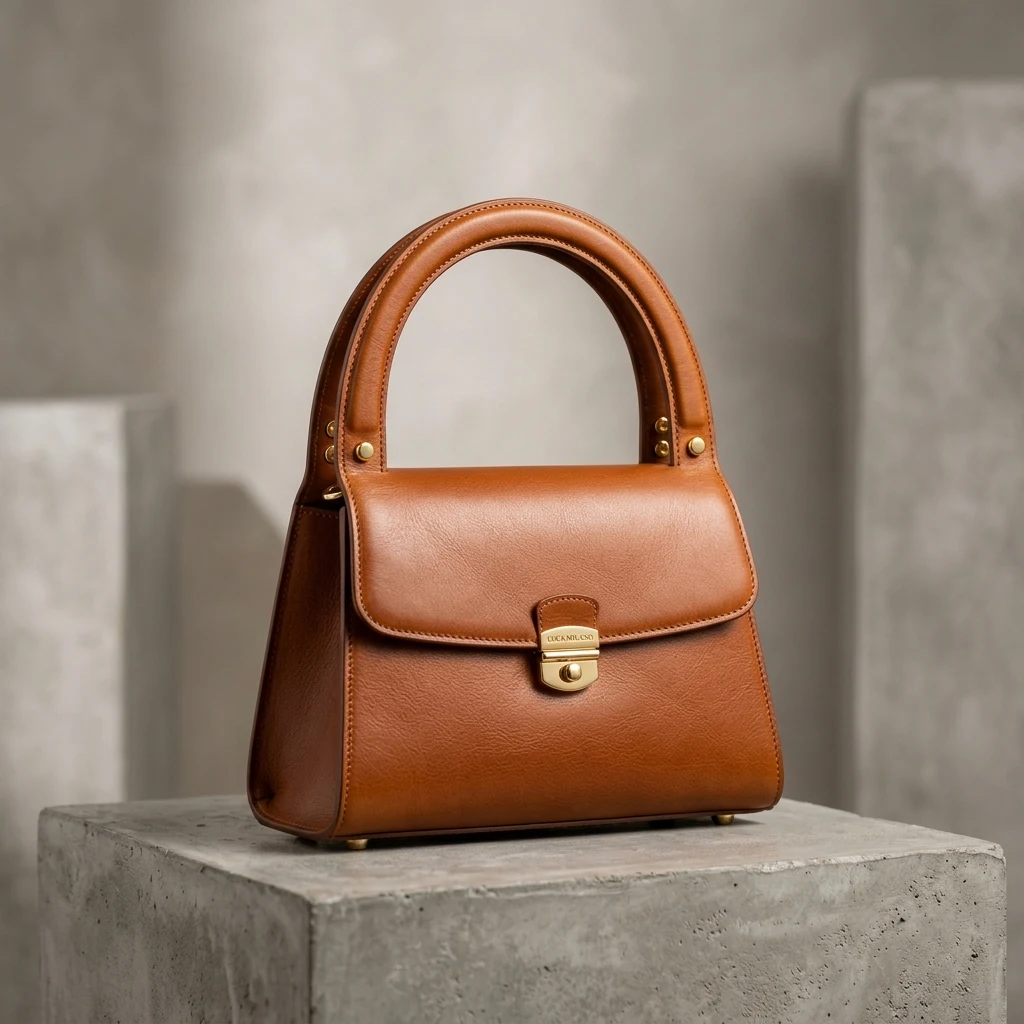
Product cutout with background removed by AI, high-resolution transparent background PNG (After)E-commerce product photo with complex background, ready to remove background (Before)
BeforeAfter
Drop photos here — one or a whole batch
No image?Try one of these:
  • Free to start20 credits on sign-up cover 6 stickers.
  • Border added for youThe white die-cut look is on before you touch anything.
  • Transparent PNGFull size, no watermark, ready for print or chat.

Photo to Sticker Examples

Straight out of the sticker maker: one cut-out each, the default border and shadow.

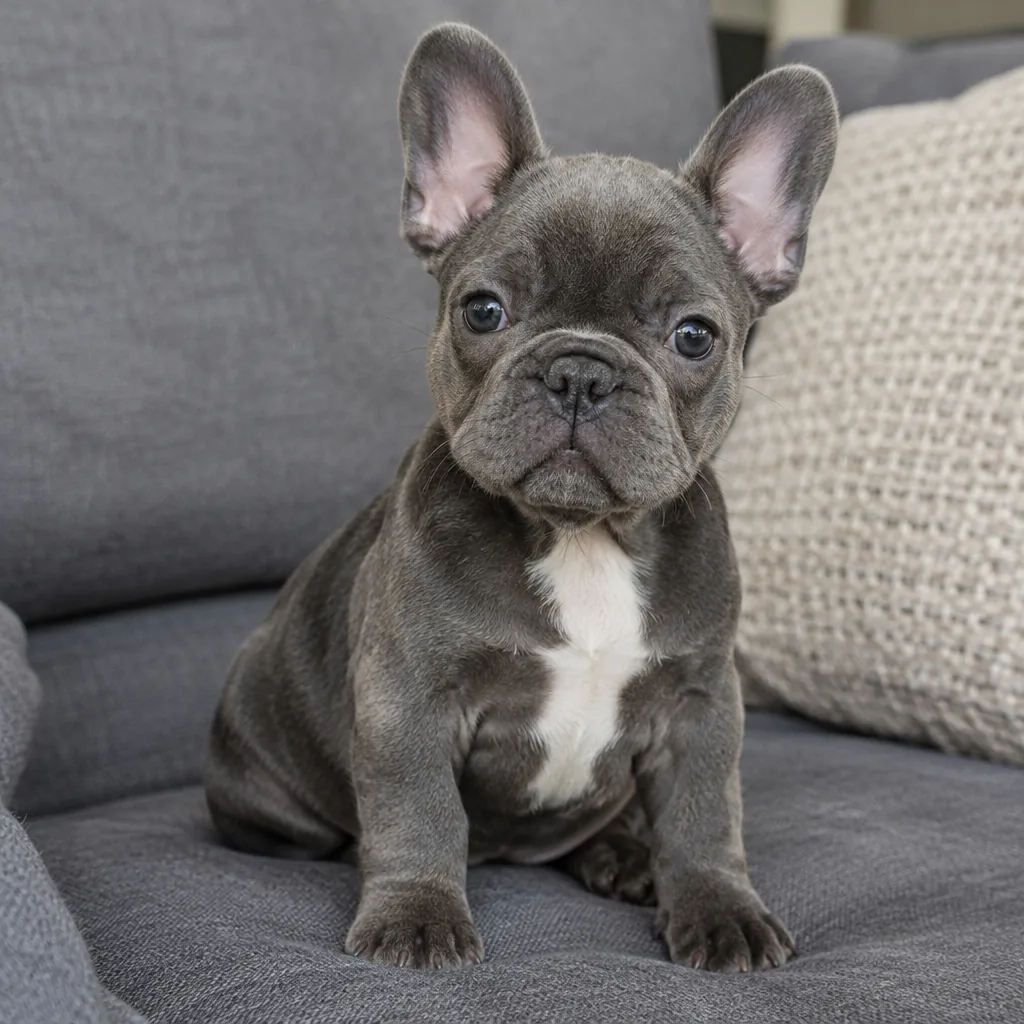
French bulldog puppy on a sofa
Before
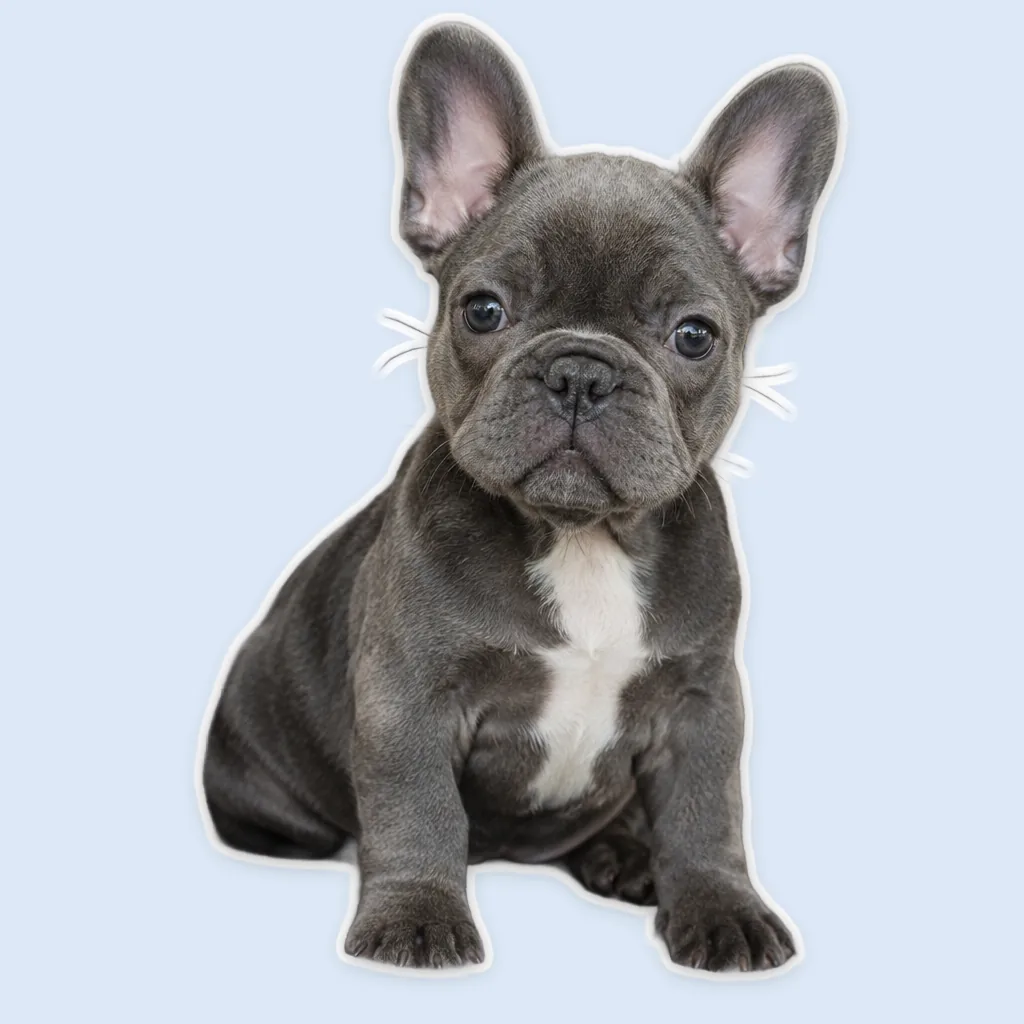
French bulldog puppy on a sofa — After
After

Pets

A puppy sticker

The sofa is gone and the ears get a clean white border that follows every curve.
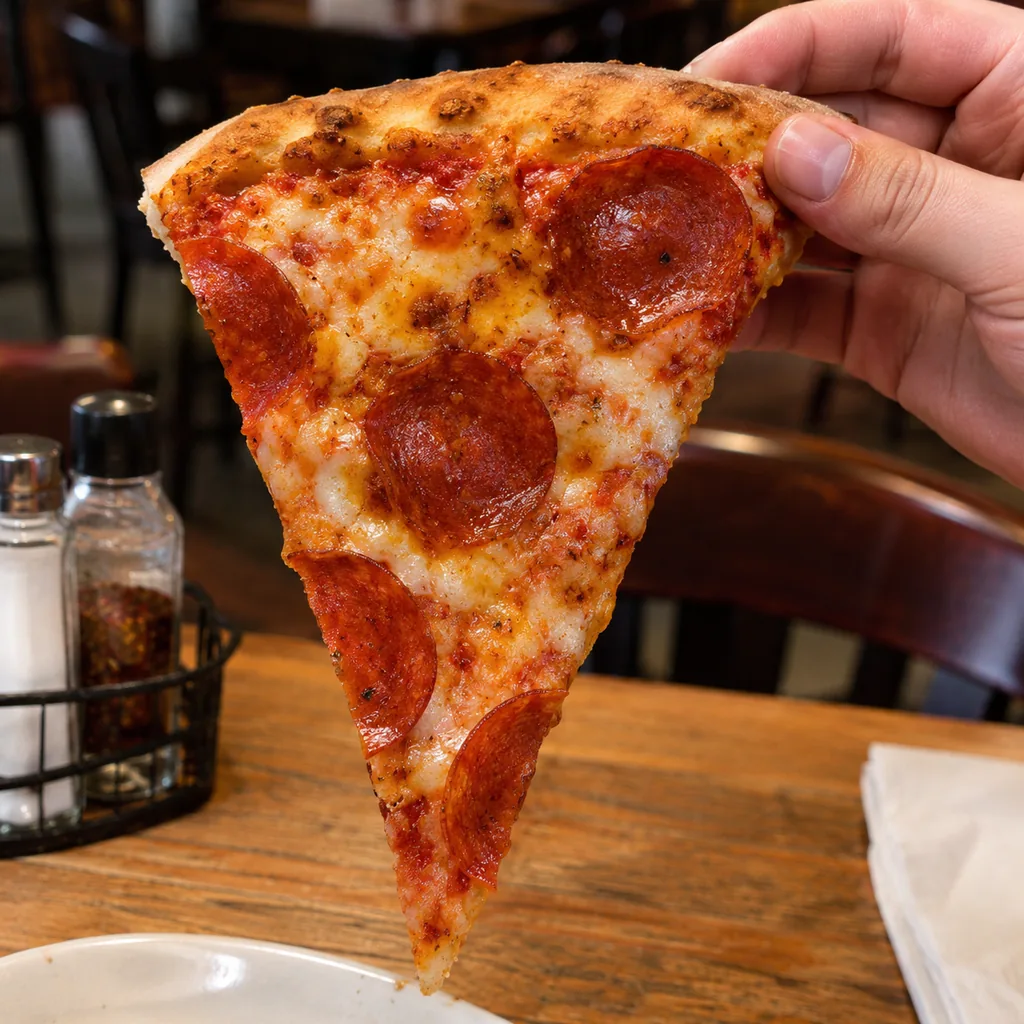
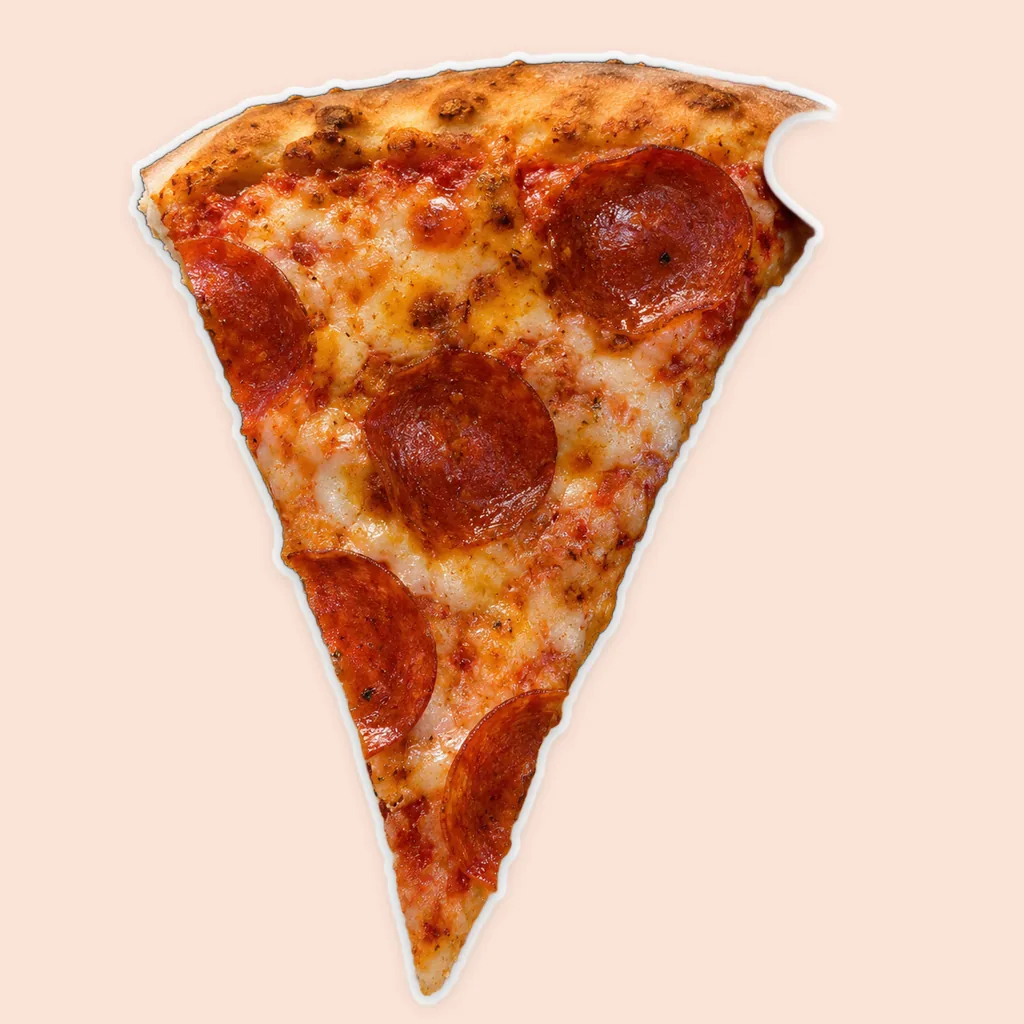
Slice of pepperoni pizza turned into a die-cut sticker
Before
Slice of pepperoni pizza turned into a die-cut sticker — After
After

Food sticker

A pizza slice, die-cut style

The table drops away and the white border wraps smoothly around the crust and melted cheese edge.


Laughing boy in a yellow raincoat jumping in a puddle as a sticker
Before
Laughing boy in a yellow raincoat jumping in a puddle as a sticker — After
After

Family & kids

Full-body action sticker

Hood, boots and outstretched hands get a clean white border ready for WhatsApp, iMessage or a sticker sheet.

How to Make a Sticker from a Photo

  1. 1

    Upload a photo

    Any JPG, PNG or WebP with one clear subject.

  2. 2

    Get the sticker look

    The subject is cut out and the white border and shadow are switched on. Change the thickness, the colour or add a caption.

  3. 3

    Download the PNG

    Save it on transparency to print, or on a square canvas for chat apps.
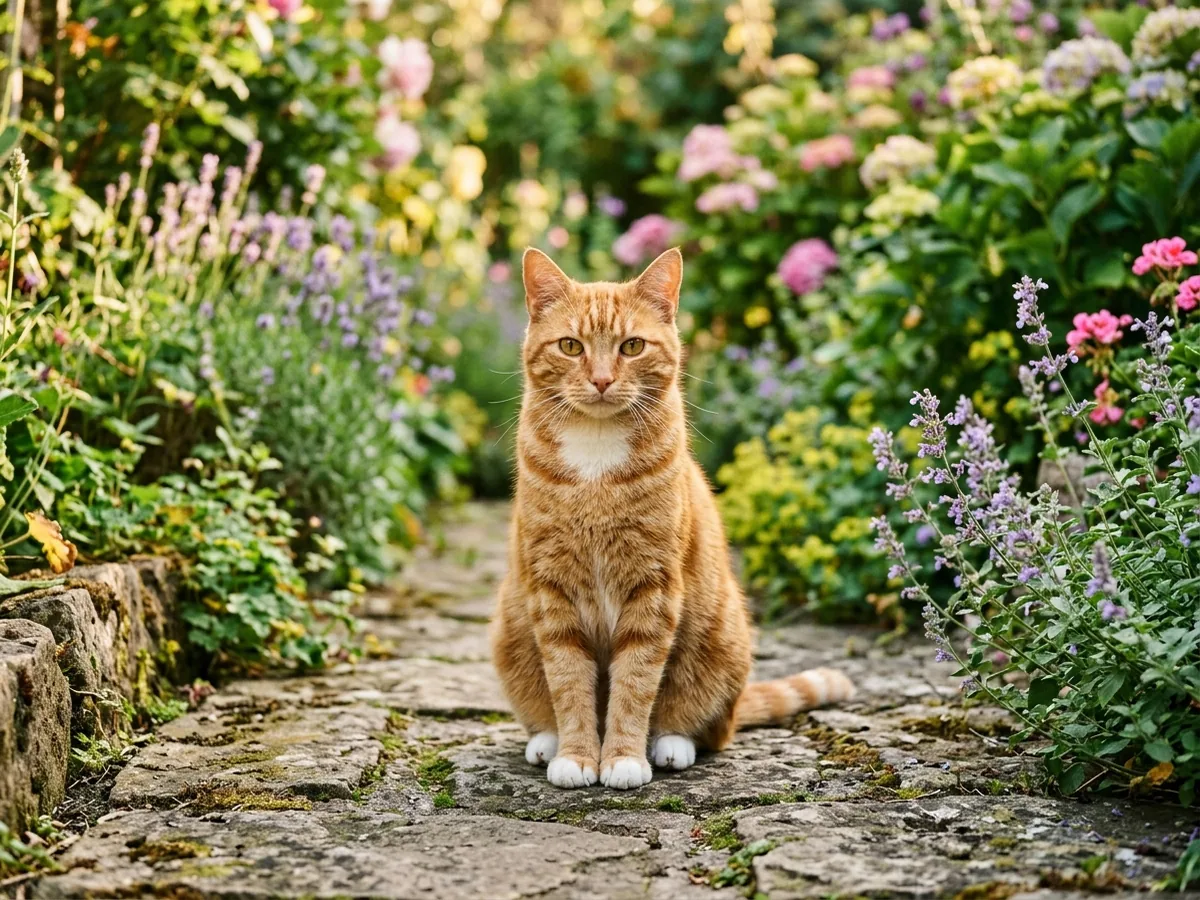
Image to Sticker, Styled Your Way

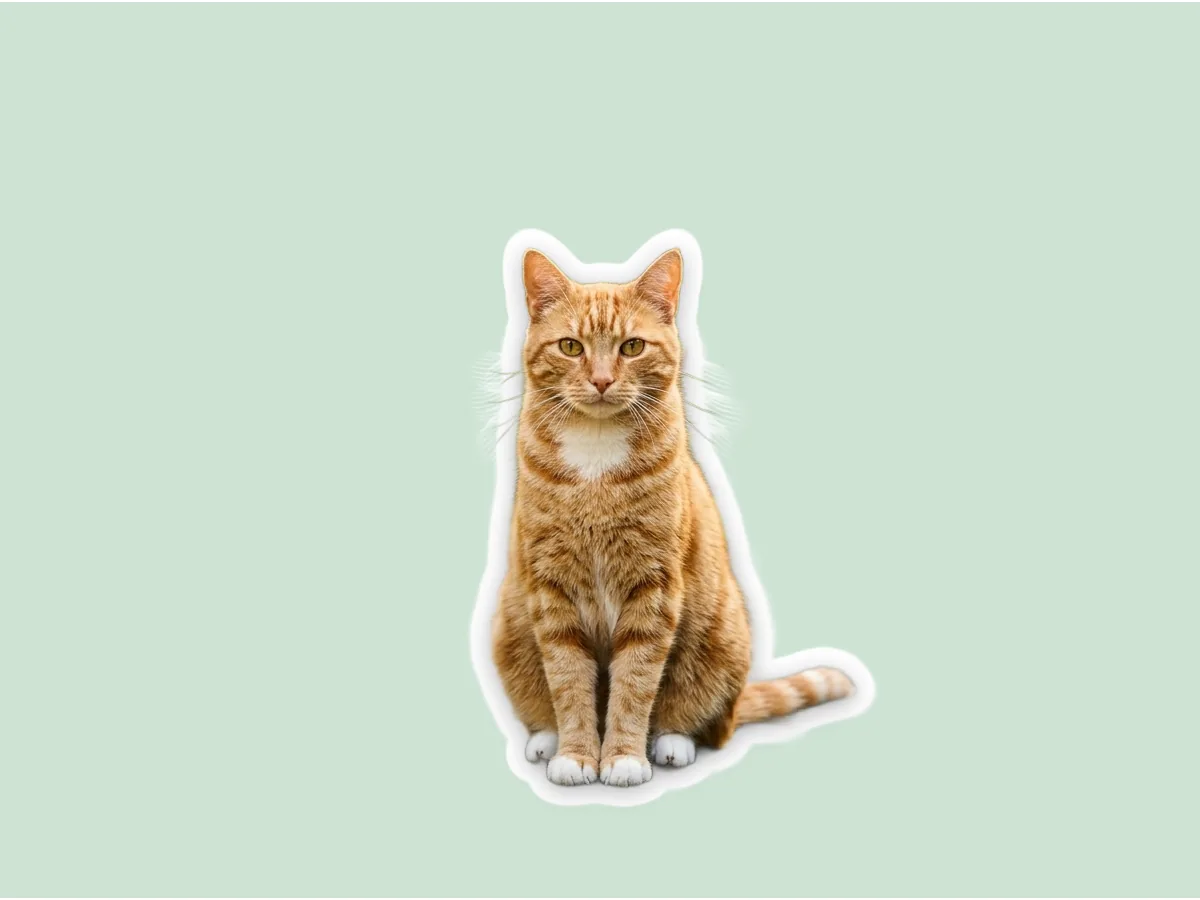
Orange tabby cat sitting on a garden path turned into a sticker with a thick white border
Before
After
Border

Thick or Thin White Border, One Slider

  • Push the border out for a chunky vinyl look or keep it hairline.
  • The border follows the subject’s outline, not a box.

Garden pathThick border

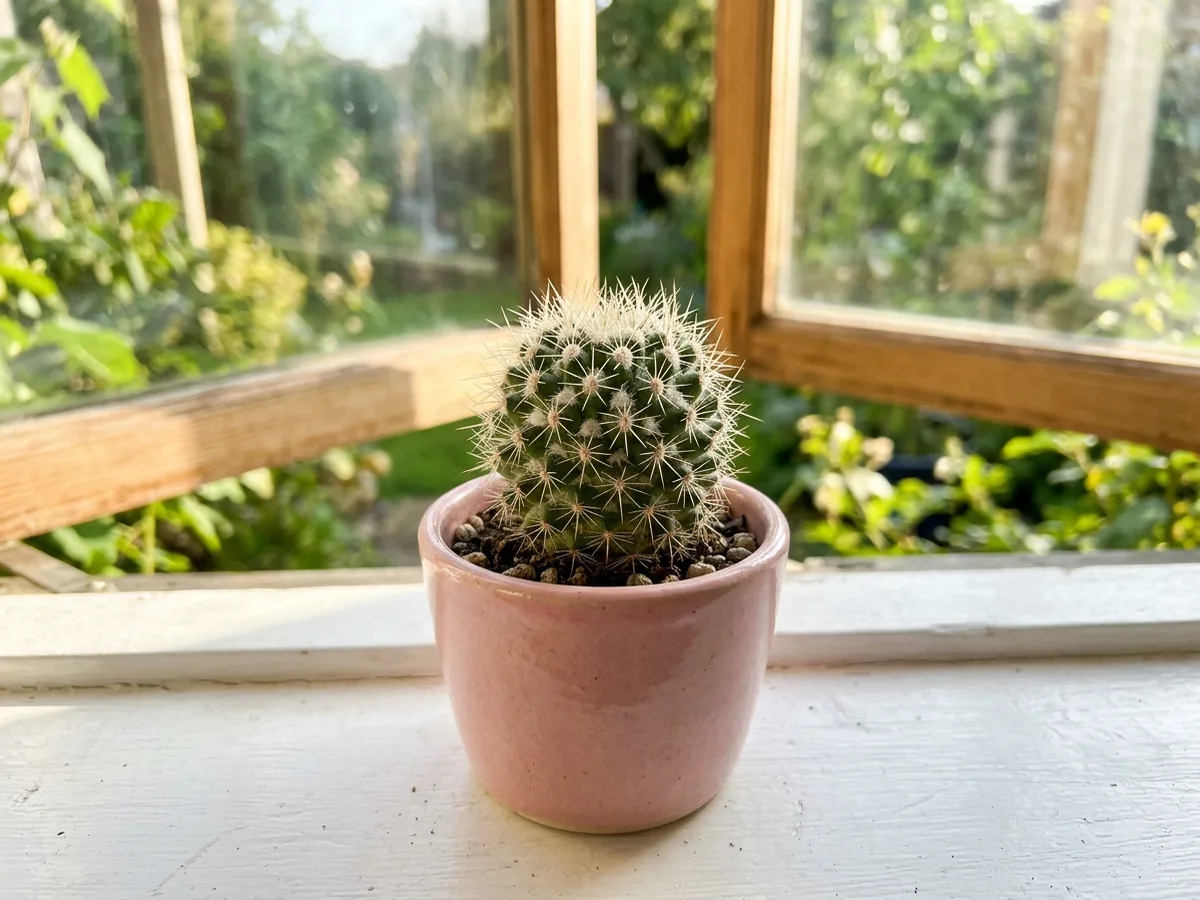
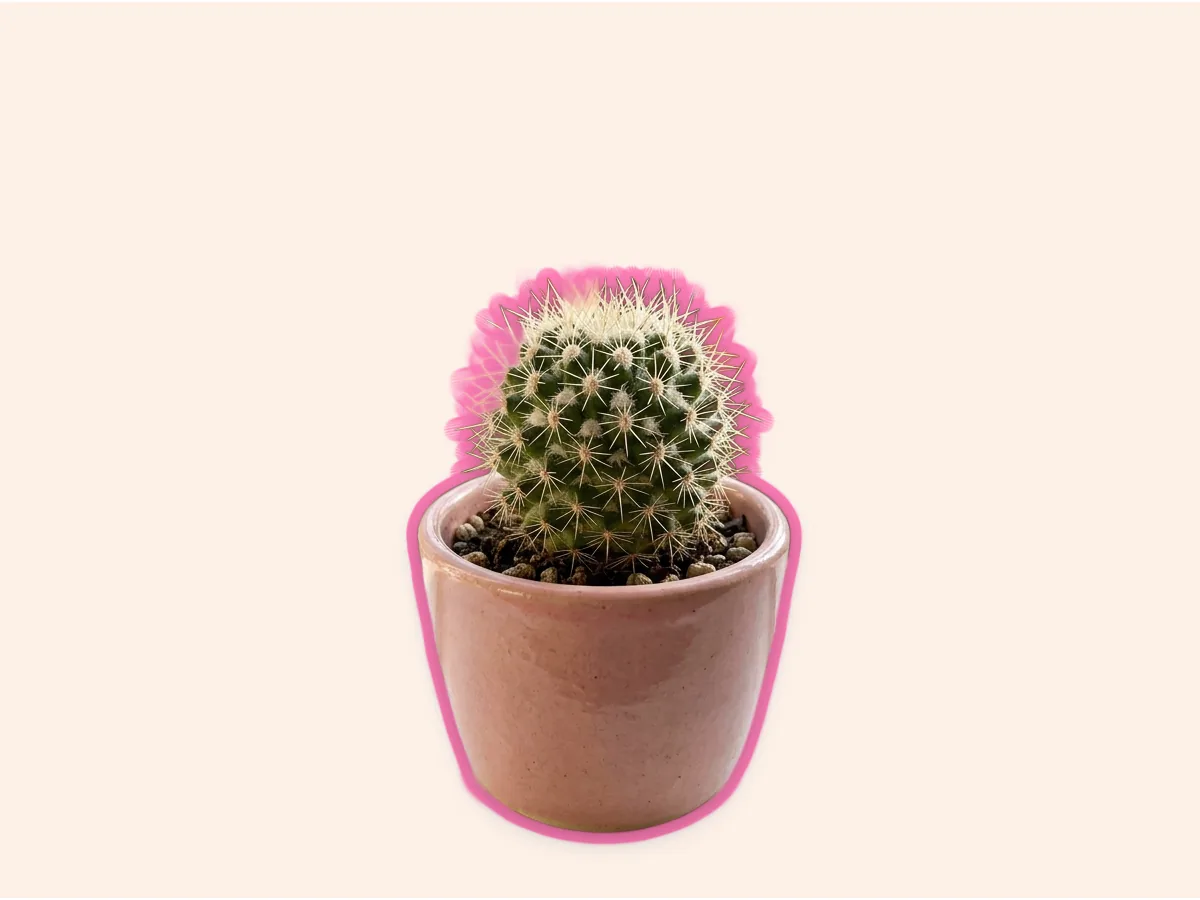
Small cactus in a pink pot on a windowsill made into a sticker with a pink outline
Before
After
Coloured outline

Make a Sticker From a Photo With a Coloured Outline

  • Swap white for any colour to match a theme or a brand.
  • Add a glow for a softer, neon-style edge.

WindowsillPink outline

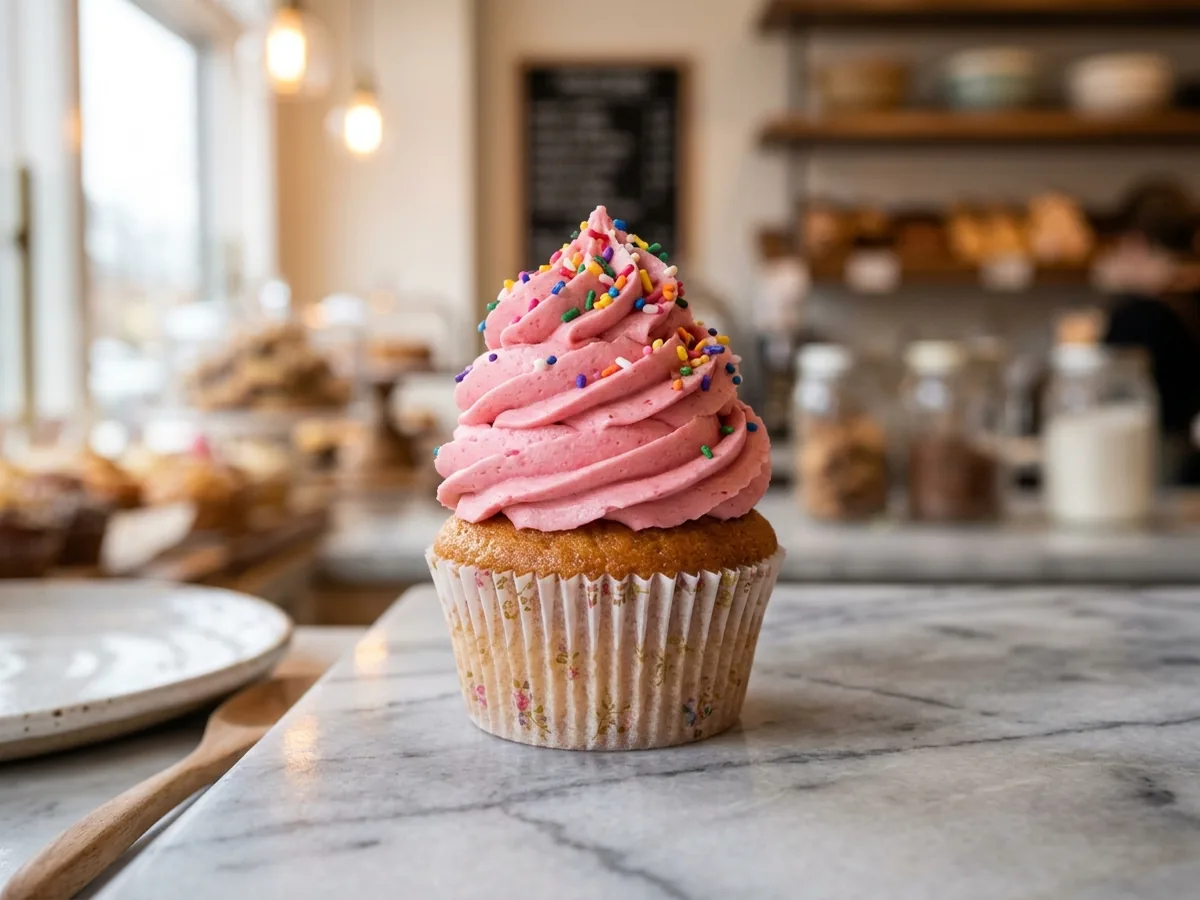
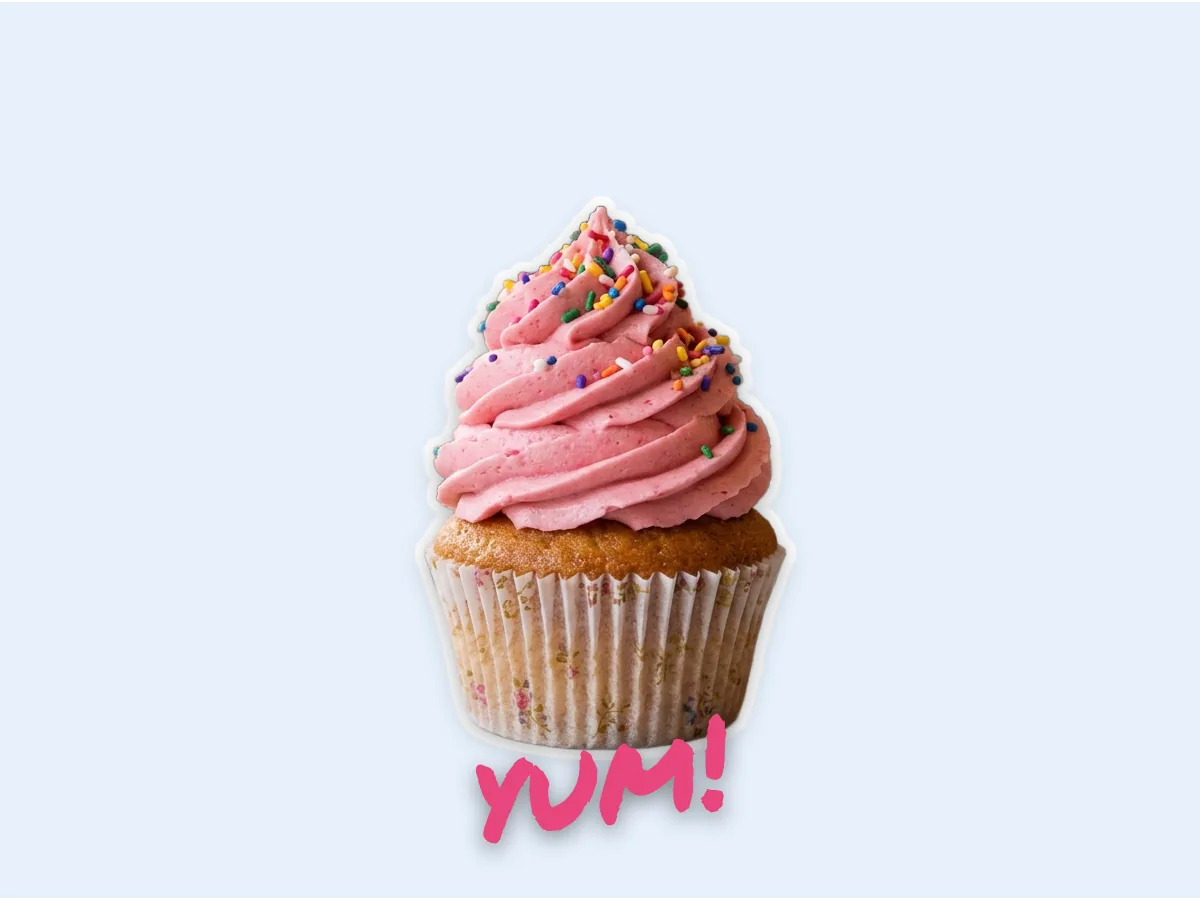
Pink frosted cupcake sticker with a handwritten yum! caption
Before
After
Caption

Sticker Maker Online With Text

  • Type a word on top in a handwritten or bold font.
  • Rotate it, tint it, give it a shadow.

Bakery shotCaptioned sticker

Keep going

More ways to use Background Remover

Sticker maker questions

Make a Sticker From Your Photo

Make a sticker

20 free creditsNo card neededTransparent PNG